The best video editing laptops of 2025: A definitive guide to high-performance creative hardware

The landscape for video editing hardware has shifted significantly in 2025, driven by a new generation of processors capable of handling high-bitrate 4K and 8K footage with unprecedented efficiency. For visual creatives, the choice of a workstation is no longer just about raw clock speed; it is an exercise in balancing thermal management, color accuracy, and mobile longevity. As the industry moves toward more complex workflows—integrating AI-accelerated rendering and multi-layered timeline scrubbing—the hardware requirements have crystallized into three non-negotiable pillars: high-fidelity displays, massive memory bandwidth, and sustained processing throughput.
The Evolution of Creative Hardware in 2025
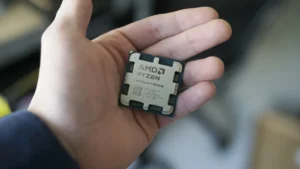
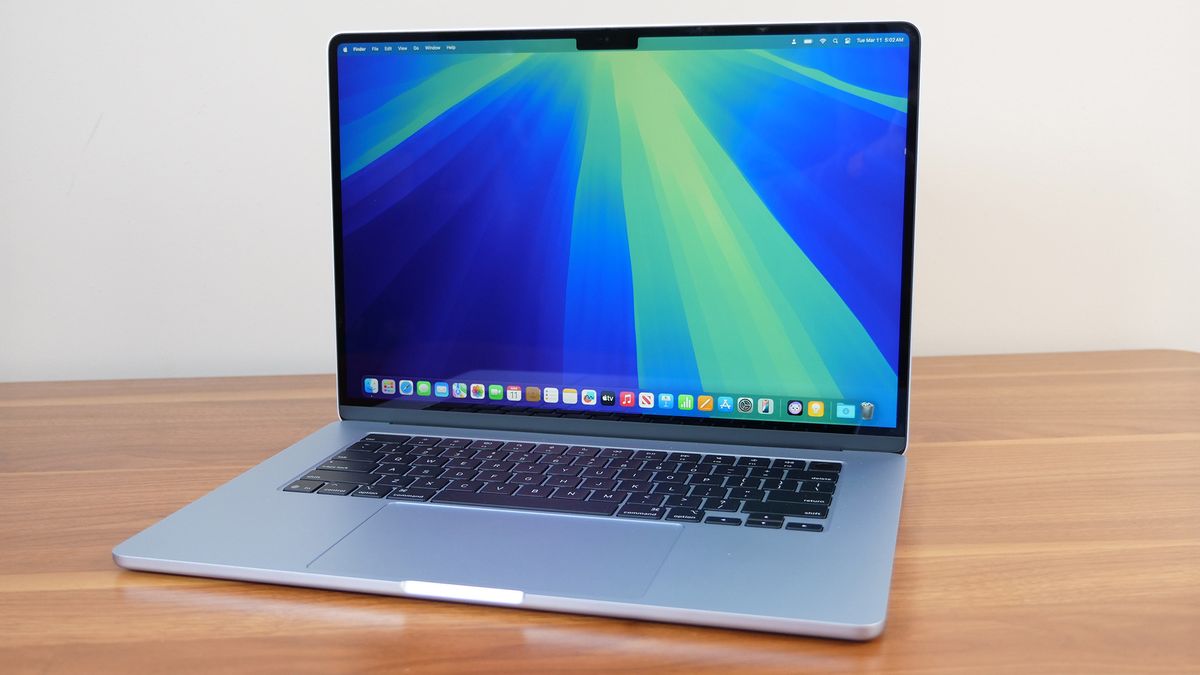
The current market cycle is defined by the maturation of ARM-based architectures and the rapid integration of AI-optimized silicon. Apple’s M4 Pro and Max chipsets have set a high bar for the industry, pushing the boundaries of what a portable machine can achieve without the power-draw limitations traditionally associated with discrete graphics cards. Simultaneously, the Windows ecosystem has responded with highly competitive offerings from manufacturers like Lenovo, HP, and Asus, leveraging the latest Intel Core Ultra and AMD Ryzen AI processors paired with NVIDIA’s 50-series RTX graphics cards.
This shift has created a unique dilemma for professional editors. While the raw power of desktop workstations remains relevant for heavy studio work, the gap between laptop performance and desktop capability has never been narrower. For students entering media-heavy majors and professionals working on location, the 2025 market offers machines that function as legitimate desktop replacements.
Benchmarking the Powerhouses: A Data-Driven Analysis
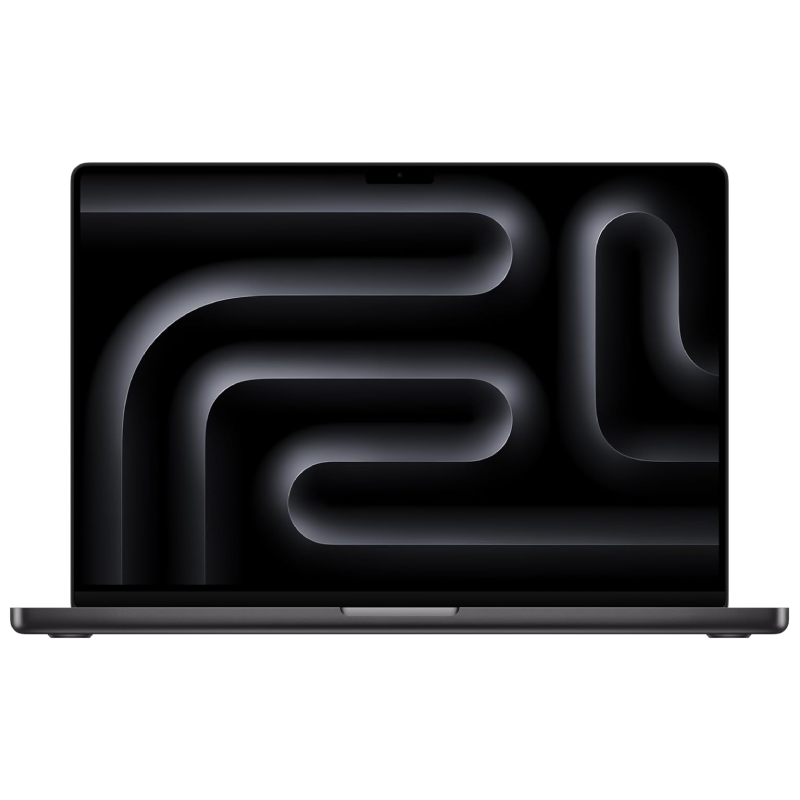
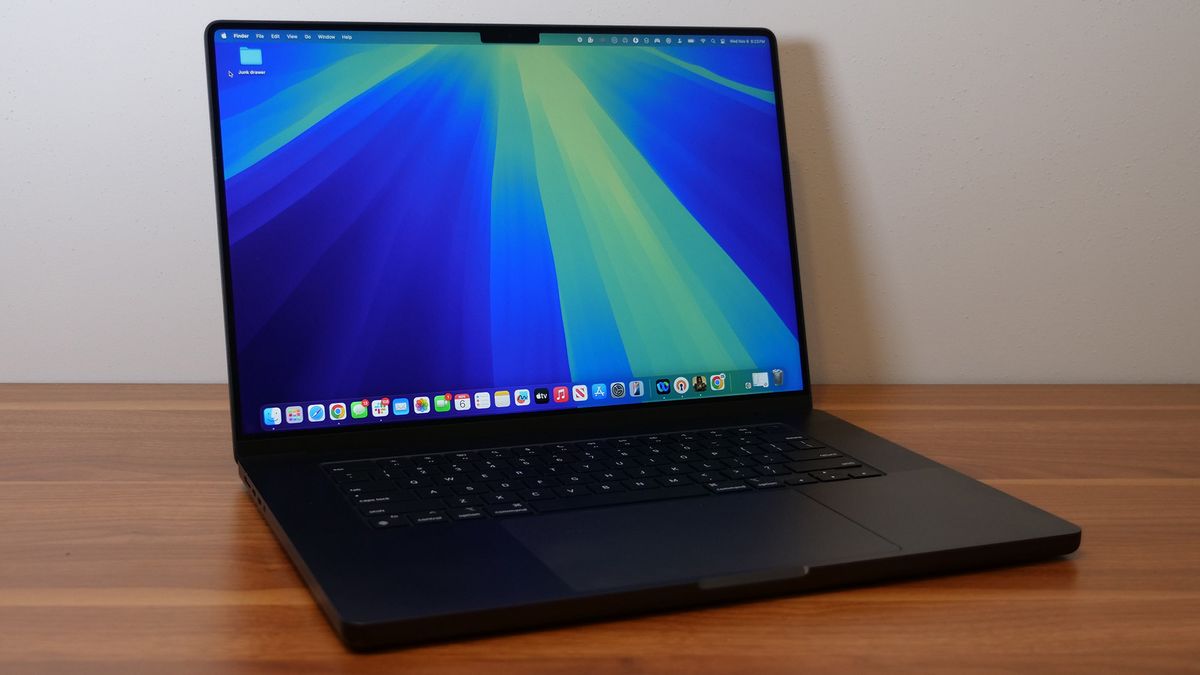
To understand the current hierarchy of performance, one must look at standardized testing. In recent evaluations conducted by Laptop Mag, the Apple MacBook Pro 16 M4 Pro emerged as a leader in multicore efficiency, recording a Geekbench 6 score of 22,822. This figure represents a generational leap, outpacing the average premium laptop by over 100%. More importantly, this performance is sustained through a battery life of nearly 21 hours—a metric that fundamentally changes the mobile editing workflow by removing the "tethered to an outlet" constraint.
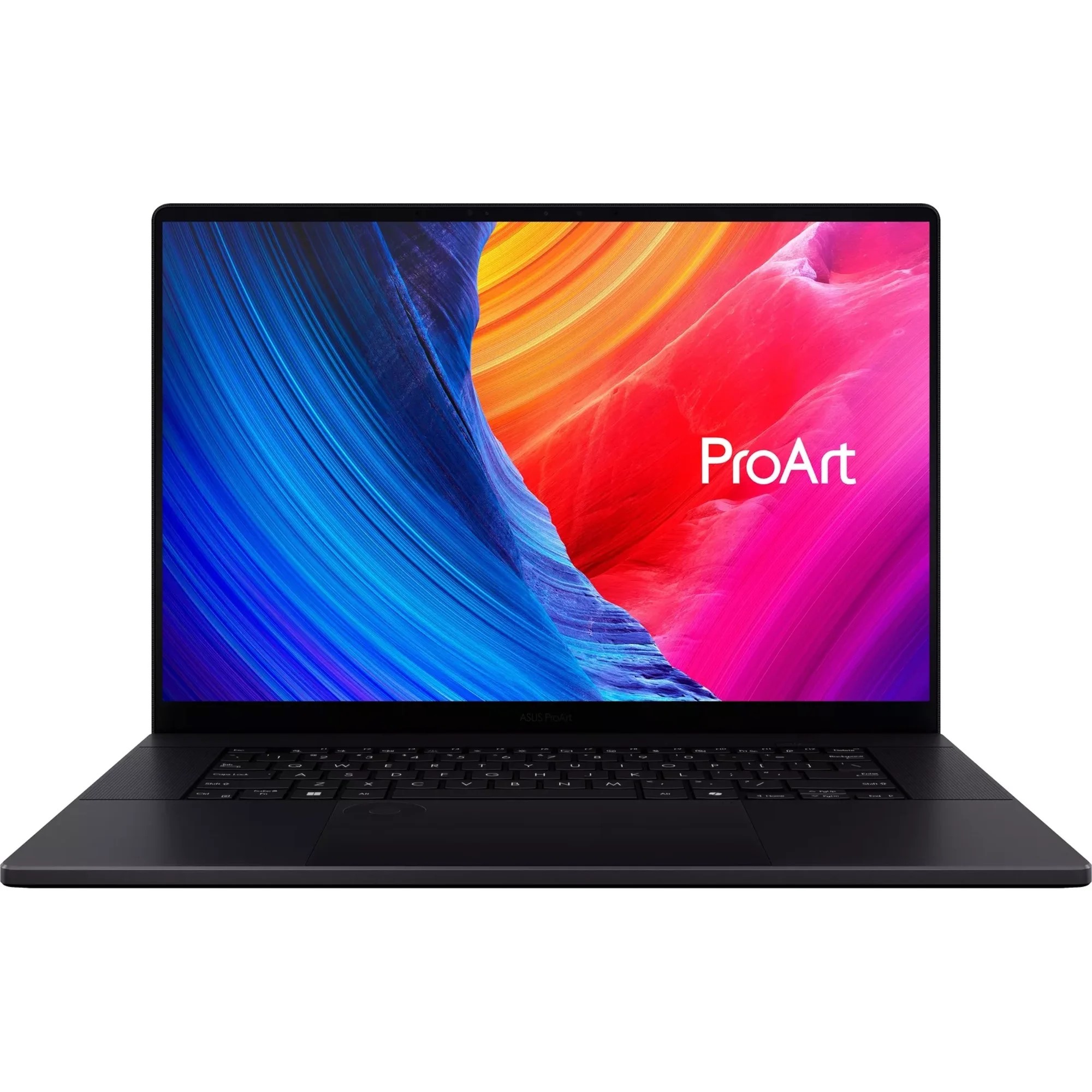
Conversely, for users requiring the specific benefits of an x86 architecture—such as those tied to legacy software or specialized plug-ins—the Asus ProArt P16 has established itself as the premier Windows-based alternative. With a multicore score of 15,286 and the inclusion of an NVIDIA RTX 4070, it provides a stable environment for CUDA-accelerated tasks. While the battery life on the ProArt P16 trails behind the MacBook Pro at approximately 9.5 hours, the ability to utilize native desktop-class GPU drivers remains a decisive factor for industry professionals who rely on specific Adobe or Blackmagic Design workflows.
The Role of Color Accuracy and Display Technology
Performance is hollow without visual fidelity. For the colorist or video editor, the display is the most critical component. Industry standards necessitate a high DCI-P3 color gamut coverage, with 85% serving as the baseline for professional-grade work.
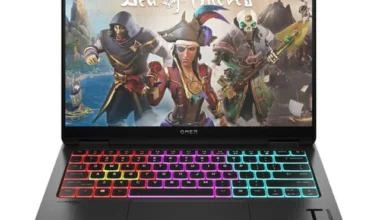
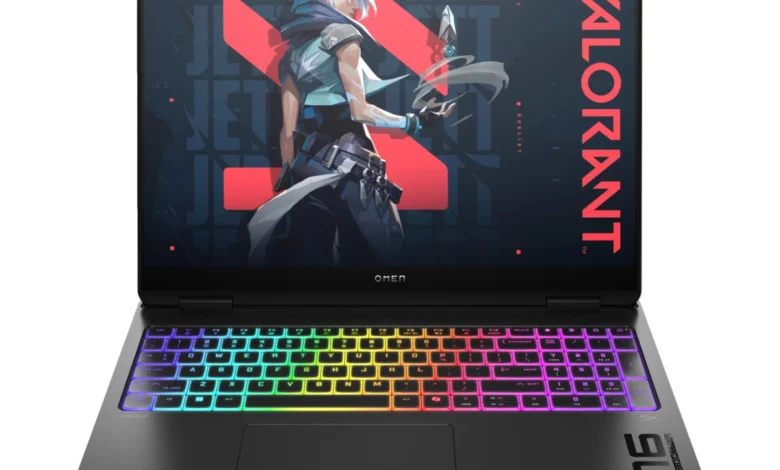
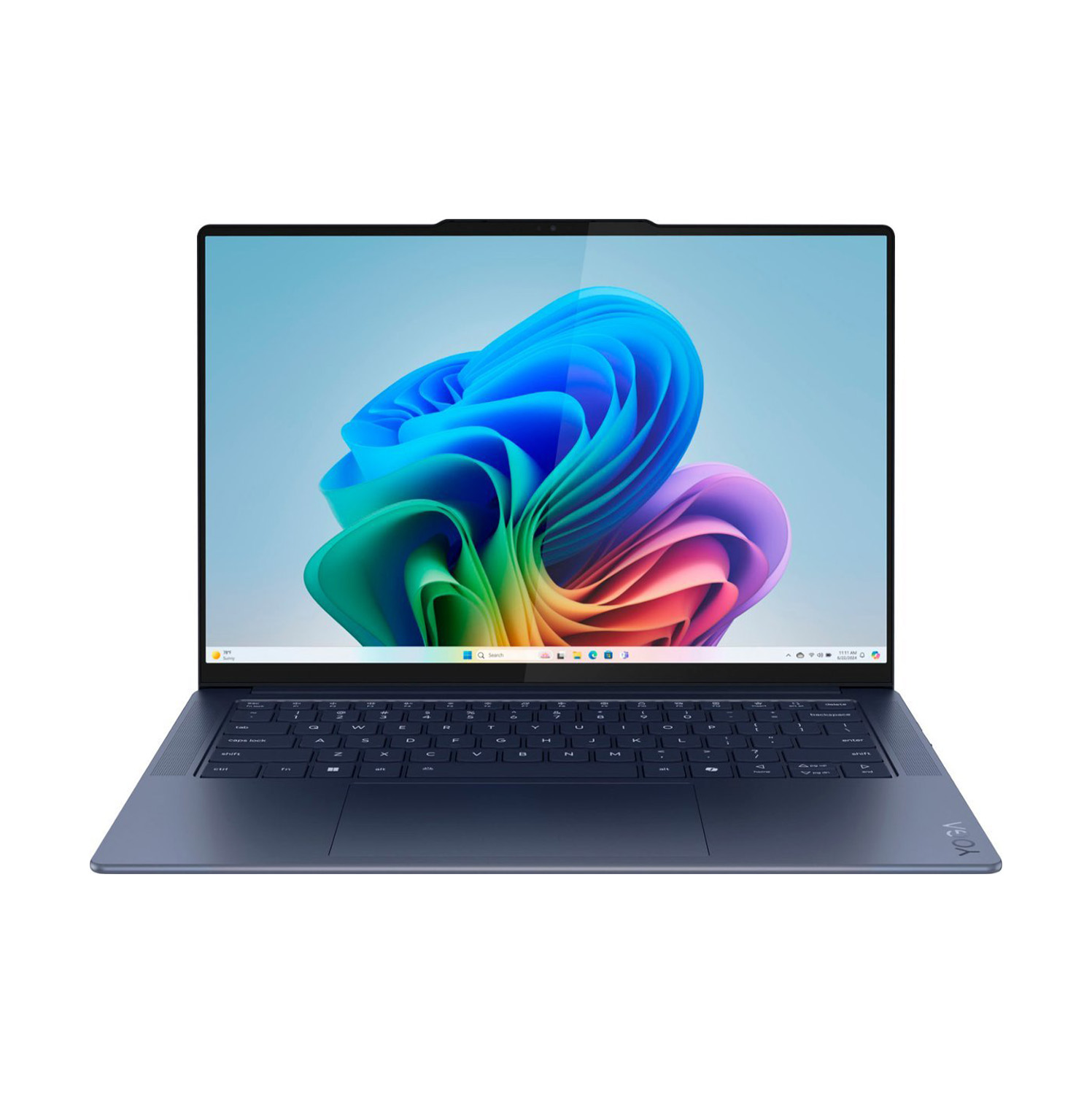
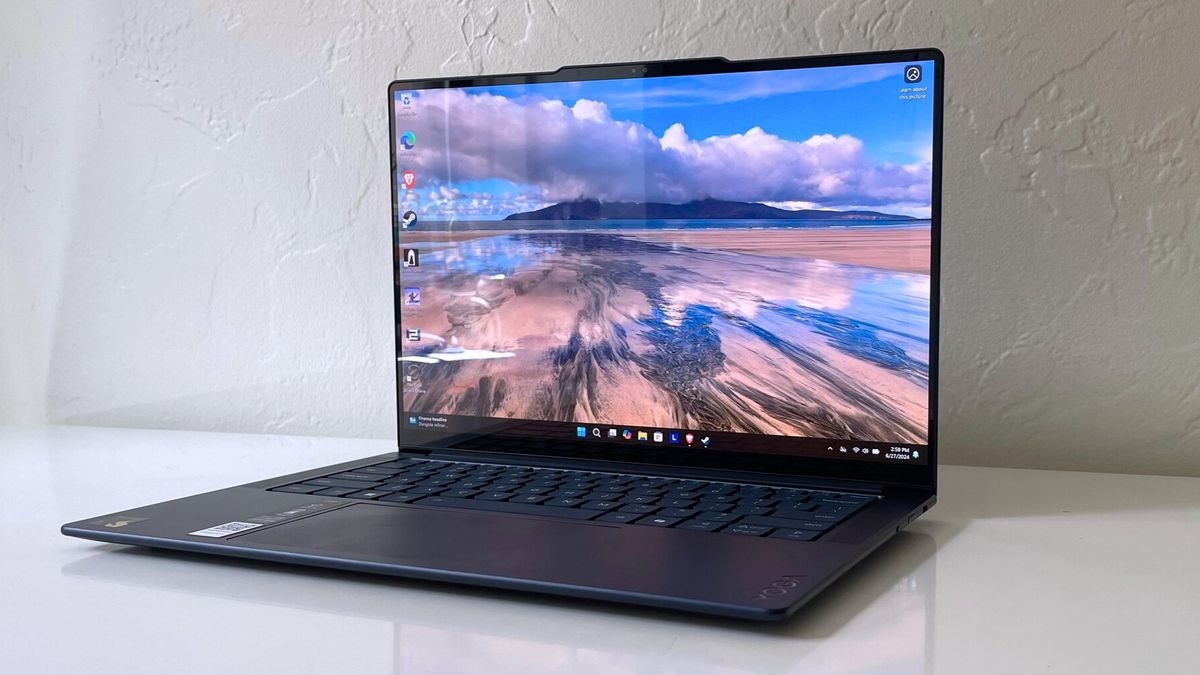
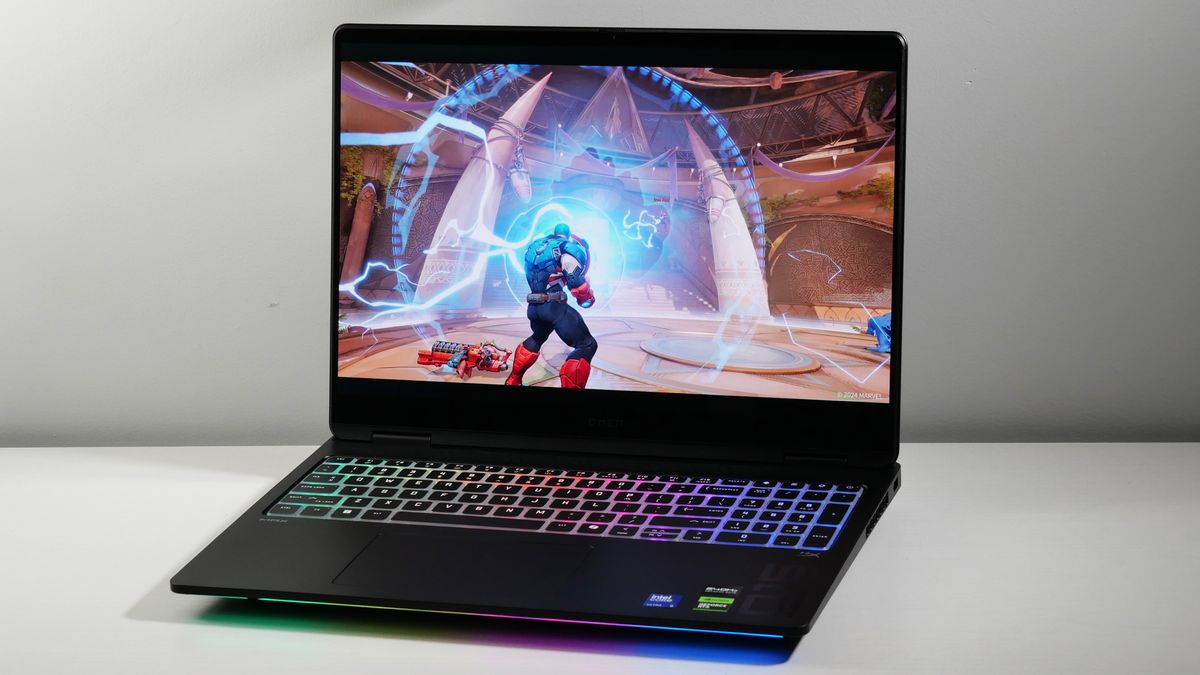
The Lenovo Yoga Slim 7x has surprised many analysts this year by delivering an OLED panel with 155% DCI-P3 coverage. This level of color saturation, combined with the infinite contrast ratios inherent to OLED technology, makes it an exceptional tool for creators. However, the trade-off is the reflective nature of these panels and the potential for "burn-in" over years of static interface use. HP’s Omen Max 16, while positioned as a gaming machine, also utilizes an OLED panel with 141.4% DCI-P3 coverage, proving that the lines between high-performance gaming hardware and professional creative tools are becoming increasingly blurred.

Strategic Considerations for Professional Workflows
When selecting a laptop for professional video editing, the conversation must move beyond the CPU and GPU. RAM and storage configuration represent the most frequent points of failure for modern editors.
- Unified Memory vs. Dedicated VRAM: With the rise of integrated architectures (like Apple Silicon), memory is now shared between the CPU and GPU. Consequently, 16GB of RAM—once considered standard—is now the absolute floor for hobbyists. Professionals should look for a minimum of 32GB to ensure that background processes and pre-rendering tasks do not bottleneck the system.
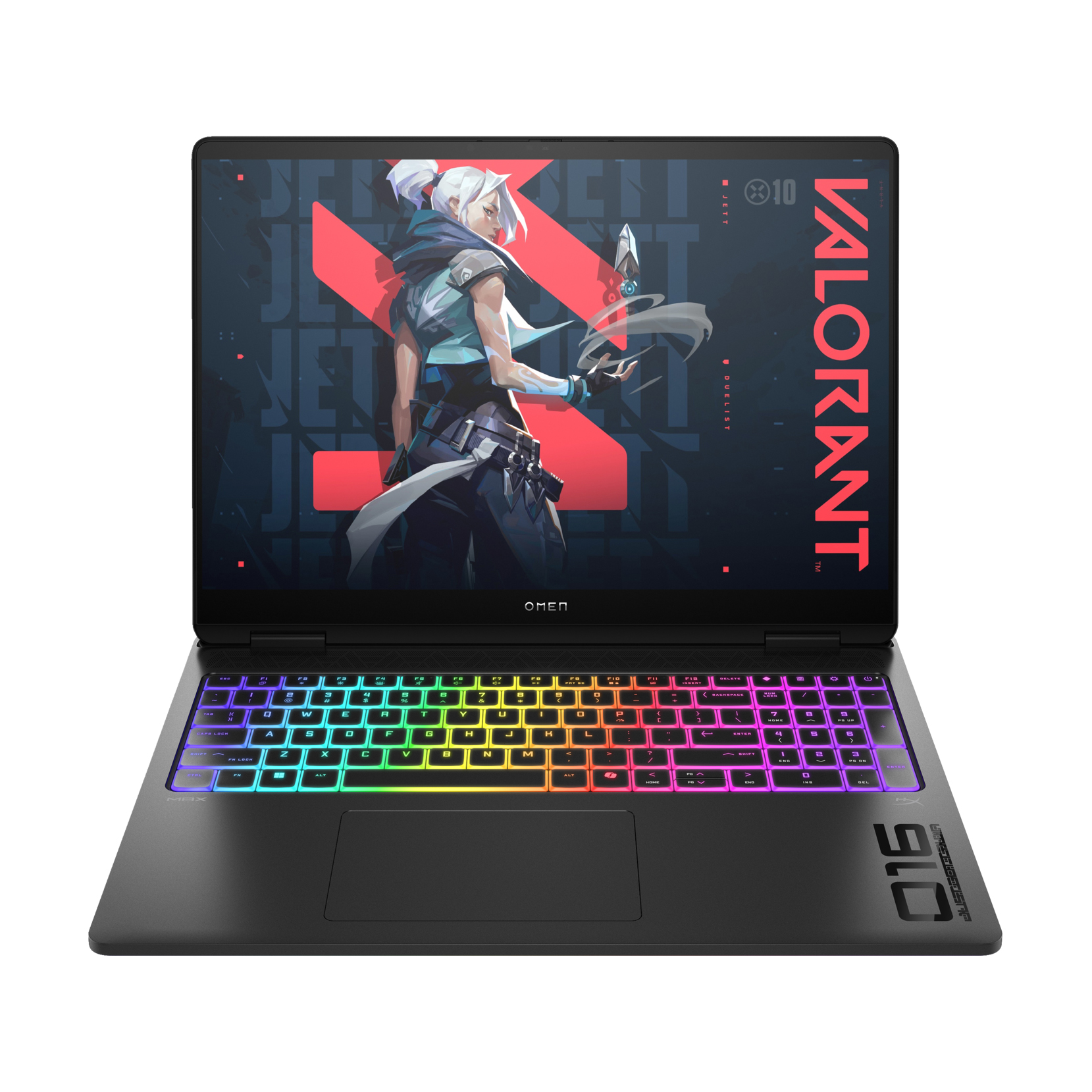
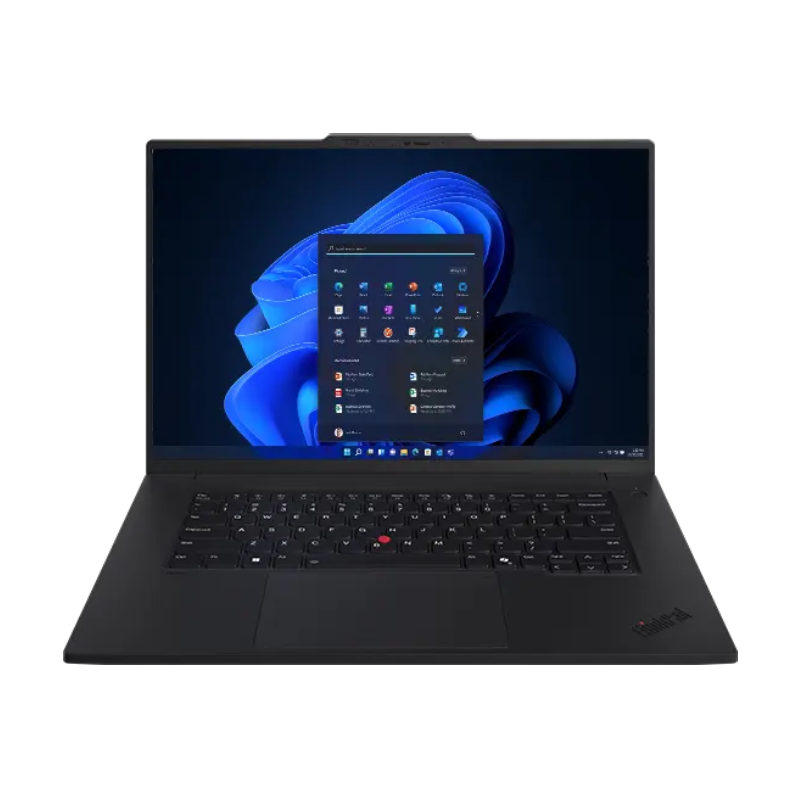
- Thermal Management: Gaming laptops like the HP Omen Max 16 are designed to push hardware to its limit, but this often results in high surface temperatures. Professional workstations, such as the Lenovo ThinkPad P1 Gen 7, prioritize thermal stability and data integrity, offering a more conservative approach that keeps the chassis significantly cooler under sustained load.
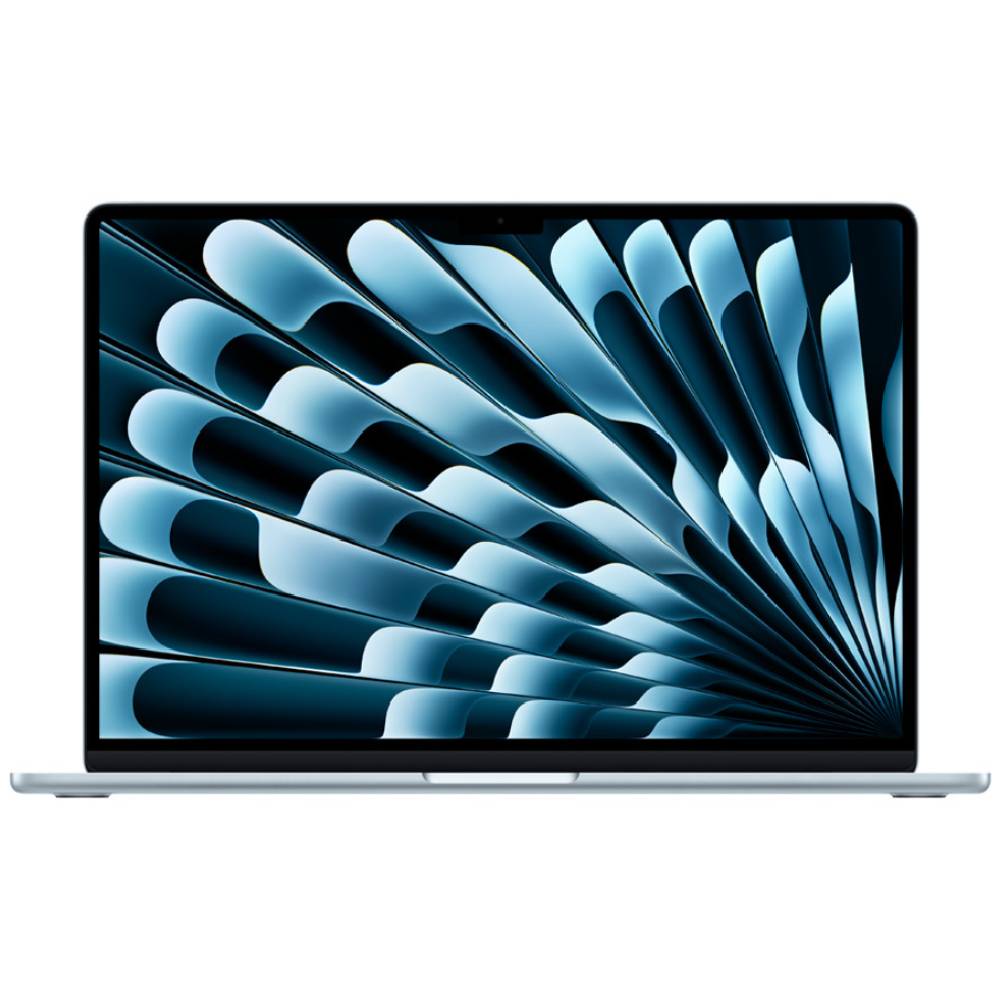
- Portability vs. Power: The industry remains divided between the "ultra-portable" category, represented by the MacBook Air 15 M4, and "desktop replacements," like the Omen Max 16. The former is ideal for editors who need to perform quick cuts and social media exports on the move, while the latter is reserved for those who need to render high-resolution 3D animations or multi-camera 4K sequences while away from the office.
The Impact of Emerging Technologies
The integration of Neural Processing Units (NPUs) and AI-driven acceleration is the next major wave in this sector. Programs like DaVinci Resolve and Adobe Premiere Pro are increasingly offloading tasks such as object removal, color matching, and audio noise reduction to the NPU. This means that benchmark scores in traditional tests like Geekbench are becoming only part of the story. The real-world efficiency of a laptop in 2025 is now heavily dependent on how well its hardware interacts with these AI-driven software suites.
Summary of Market Leaders
For the professional seeking the current gold standard, the Apple MacBook Pro 16 M4 Pro remains the most balanced machine, offering unmatched battery life and performance. For those committed to the Windows environment, the Asus ProArt P16 provides the best balance of graphics power and portability. The Lenovo ThinkPad P1 Gen 7 serves as the premier choice for professionals who prioritize reliability and port connectivity above all else, while the Lenovo Yoga Slim 7x offers the most impressive display for content creators on a moderate budget.
Conclusion: Future-Proofing the Creative Workspace
The 2025 laptop market confirms that the era of the "generic" laptop is over for video editors. Each major manufacturer has pivoted toward specialization. Whether it is the color accuracy of OLED-based Windows machines or the energy-efficient, high-performance architecture of the Apple ecosystem, the current crop of devices allows creators to tailor their hardware to their specific technical needs.
As software continues to become more resource-intensive, the decision to invest in a machine with sufficient RAM and high-quality thermal dissipation is more important than ever. While the initial cost of these high-end workstations is significant—often exceeding $3,000—the return on investment is found in the hours saved during rendering and the professional reliability required for high-stakes media production. As the industry advances, the winners will be those who choose hardware that not only meets the requirements of today’s 4K workflows but remains flexible enough to accommodate the AI-integrated demands of the next three to five years.