Evolution of the Gemini Interface
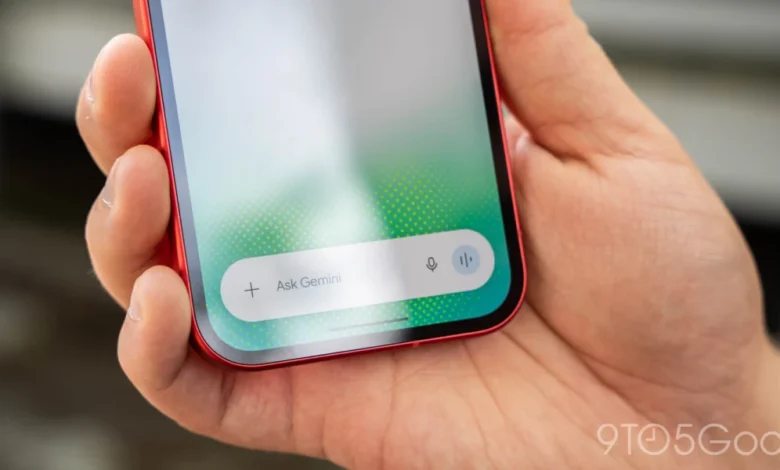
The transition from the old camera interface to the new design marks a departure from traditional "app-within-an-app" structures. Previously, selecting the camera icon from the prompt’s “plus” menu triggered a rudimentary, full-screen camera overlay that felt disconnected from the Gemini chat experience. This old methodology persists only when the camera is triggered via the Gemini overlay, suggesting that Google is phasing out legacy UI components in favor of a more unified design language.
The new implementation features a slick, edge-to-edge design that extends behind the system navigation bar, offering a modern aesthetic that aligns with Android’s Material You design philosophy. Users can now invoke the camera as a bottom sheet that animates smoothly from the prompt box. This sheet can be dragged upwards to fill the majority of the display, providing a clearer viewfinder while maintaining the context of the ongoing conversation. Control refinements include a three-dot overflow menu positioned to the right of the capture button, which houses essential settings such as flash toggles and front-facing camera selection, all of which feature refined animations to ensure a cohesive user experience.
Timeline and Deployment Strategy
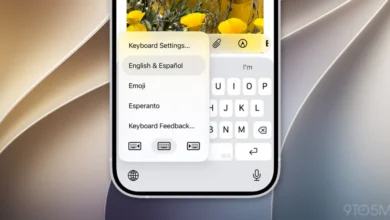
The redesign of the Android camera interface follows a deliberate deployment strategy by Google. Initially, this updated UI debuted on the Gemini for iOS application, where it received positive feedback for its responsiveness and ease of use. By prioritizing the iOS release, Google was able to stress-test the new animation logic and touch-target placement before porting the feature to the more fragmented Android ecosystem.
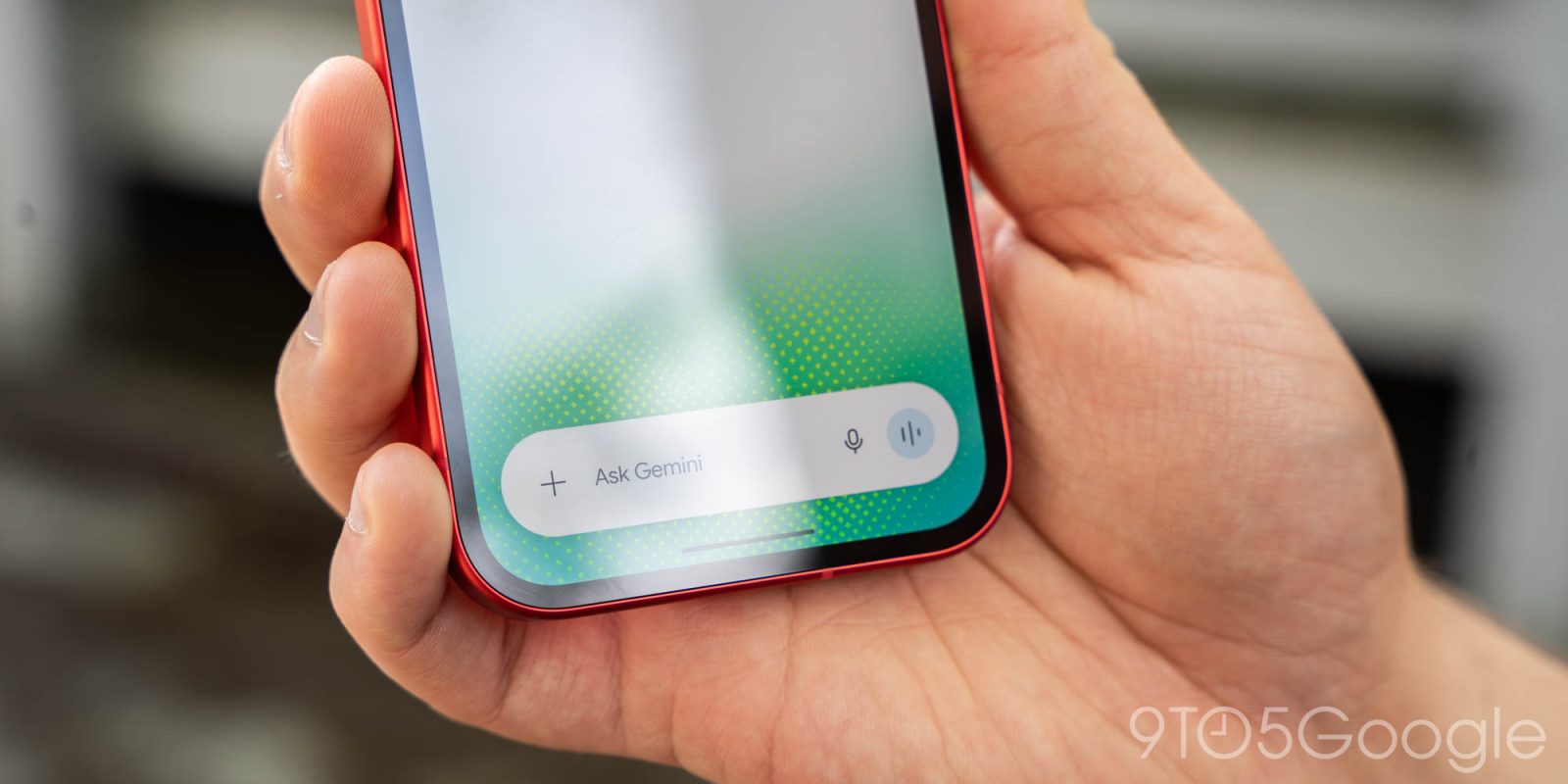
For Android users, the update is being delivered via a server-side push combined with app version requirements. The rollout reached the stable channel with version 17.76. Users who do not see the new UI after updating the Google app are advised to perform a “Force Stop” on the application to refresh the cache and trigger the server-side configuration. This phased approach is typical for Google, allowing the company to monitor for stability and potential bugs across thousands of different device hardware configurations before the update becomes universally accessible.
Integration of Gemini Omni 1.2 Flash
This camera update arrives in tandem with a broader push toward high-speed, multimodal capabilities within the Gemini app. Only one day prior to the camera interface overhaul, Google introduced native GIF creation functionality. This feature is powered by the Gemini Omni 1.2 Flash model, a low-latency, high-efficiency iteration of Google’s flagship AI architecture.
The integration of GIF creation into the chat interface—accessible via the “Format” menu or by specific prompt request—serves as an alternative to searching through static databases. By utilizing generative AI to create custom, looping photo effects or memes, Google is positioning Gemini as an active content creation tool rather than a passive search assistant. The Omni 1.2 Flash model excels here by providing consistent motion quality across frames, ensuring that generated GIFs maintain visual fidelity even in short-loop scenarios.
Data-Driven Context: The Shift Toward Multimodal AI
To understand the significance of these updates, one must look at the broader context of the generative AI market. According to recent market analysis from firms like IDC and Gartner, the next phase of the "AI War" will not be won by LLMs alone, but by "Multimodal Models." Users are increasingly demanding that their AI assistants handle visual and auditory inputs with the same fluency as written text.

In 2024 and 2025, usage statistics for AI applications indicated that while text-based querying remains the primary use case, "image-to-text" querying—where a user uploads a photo to ask a question—has seen a 40% year-over-year growth. By reducing the friction involved in capturing these images, Google is effectively lowering the barrier to entry for a massive subset of its user base. The smoother the camera integration, the more likely a user is to utilize "Lens-style" features within Gemini, thereby increasing the daily active usage (DAU) of the platform.
Implications for the Competitive Landscape
Google’s strategy of refining the UI to facilitate easier image and video input puts direct pressure on competitors like OpenAI’s ChatGPT and Anthropic’s Claude. While ChatGPT has long offered robust multimodal capabilities, Google’s advantage lies in its deep integration with the Android operating system. The ability to pull up an edge-to-edge camera sheet that feels like a native part of the OS gives Gemini a "frictionless" feel that standalone apps often struggle to replicate.
Furthermore, the implementation of Gemini Omni 1.2 Flash suggests that Google is focusing heavily on "inference efficiency." By using a "Flash" model for real-time tasks like GIF creation and camera-based image analysis, Google minimizes the latency—the time it takes for the AI to process a request—which is arguably the most critical metric for mobile-first users. A delay of even half a second can lead to user drop-off in a mobile context.
Official Stance and Future Outlook
While Google has not released a formal press release detailing every technical change to the camera module, the company’s social media presence through the official @GeminiApp handle emphasizes the "creation" aspect of their latest tools. Their messaging highlights a shift away from "searching" (the old Google way) toward "creating" (the new Gemini way).

Industry experts suggest that these UI updates are merely the beginning of a larger project to consolidate the Google Lens and Gemini experiences. Currently, Lens remains a separate tool for visual identification, but as Gemini becomes more proficient at analyzing complex scenes in real-time, the distinction between "searching for an image" and "asking a question about an image" will likely vanish.
Technical Recommendations for Users
For users attempting to leverage these new features, there are several best practices to ensure optimal performance:
- Version Control: Always ensure the Google app is updated to at least version 17.76.
- System Resources: Since the new interface uses more sophisticated animations, users on older hardware may notice slight frame drops. If the interface feels sluggish, closing background apps can free up the necessary RAM to handle the new UI layers.
- Contextual Prompts: When using the new camera interface, the model performs best when the user provides context alongside the image. For instance, instead of just capturing a photo of a document, prefixing the capture with "Summarize the key points of this document" allows the model to prepare its processing pipeline more effectively.
Conclusion: The Road Ahead
The redesign of the Gemini camera interface and the introduction of generative GIF capabilities are clear indicators of Google’s commitment to making Gemini the primary hub for mobile interaction. By blending sophisticated AI models like Omni 1.2 Flash with a refined, user-centric UI, Google is attempting to solve the problem of mobile interaction fatigue. As these features continue to stabilize and reach a global audience, the role of the smartphone camera is shifting from a tool for capturing memories to an active sensor for artificial intelligence. Whether this will lead to a broader adoption of AI assistants remains to be seen, but the infrastructure for such a transition is clearly being laid, frame by frame.