Samsung Galaxy Users Report Severe Battery Drain and Setup Bugs Following One UI 9 Update

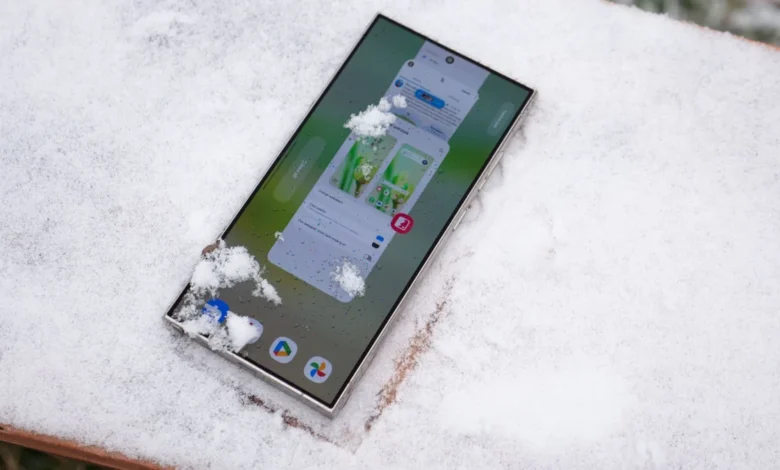
The recent global rollout of Samsung’s One UI 9 software update has encountered a series of user-reported software anomalies, casting a shadow over the otherwise anticipated operating system upgrade. While the latest software iteration aims to deliver enhanced interface fluidity, advanced AI integration, and deeper ecosystem customization options across current and previous-generation hardware, a growing segment of the user base has reported severe performance regressions. Chief among these complaints are critical battery drain issues affecting flagship devices such as the Galaxy S24 Ultra and Galaxy S25 series, alongside isolated yet frustrating setup errors for users migrating to the newest software environment.
As support forums, Reddit communities, and specialized tech publications illuminate these unexpected hurdles, Samsung faces mounting scrutiny over the stability of its latest firmware build. This software transition highlights the perennial challenge consumer electronics manufacturers face when balancing rapid feature deployment with rigorous cross-device optimization.
Timeline of the One UI 9 Rollout and Emerging Issues
The rollout of One UI 9 began earlier this month, systematically targeting Samsung’s elite lineup of smartphones. Historically, major software updates—particularly those bridging generational gaps and introducing substantial underlying architecture changes—frequently experience initial stabilization periods. However, the velocity and severity of complaints surrounding the current update have surpassed typical launch-window grievances.
Shortly after downloading the One UI 9 package, users began populating online forums with detailed metrics illustrating abnormal power consumption. The initial wave of reports originated primarily from owners of the Galaxy S24 Ultra, a device that has otherwise maintained a reputation for robust all-day battery endurance since its commercial release. Simultaneously, scattered reports surfaced regarding the Galaxy S25 series, suggesting that the power management inefficiencies might not be entirely isolated to a single hardware generation.
The anomalies appear to manifest in two distinct ways: accelerated battery depletion during periods of active, heavy utilization, and abnormal power draw while the device rests in an idle state.
Examining the Data: Screen-On Time and Idle Drain Metrics
Consumer reports analyzed across community platforms reveal troubling diagnostic statistics following the One UI 9 installation. In one frequently cited case documented by industry observers, a Galaxy S24 Ultra consumer reported that the device consumed 95% of its total battery capacity in a span of just five hours and twenty minutes. More critically, that depletion accompanied a meager three hours and ten minutes of screen-on time (SoT), a metric that typically signals background processes running amok or excessive hardware wake locks.
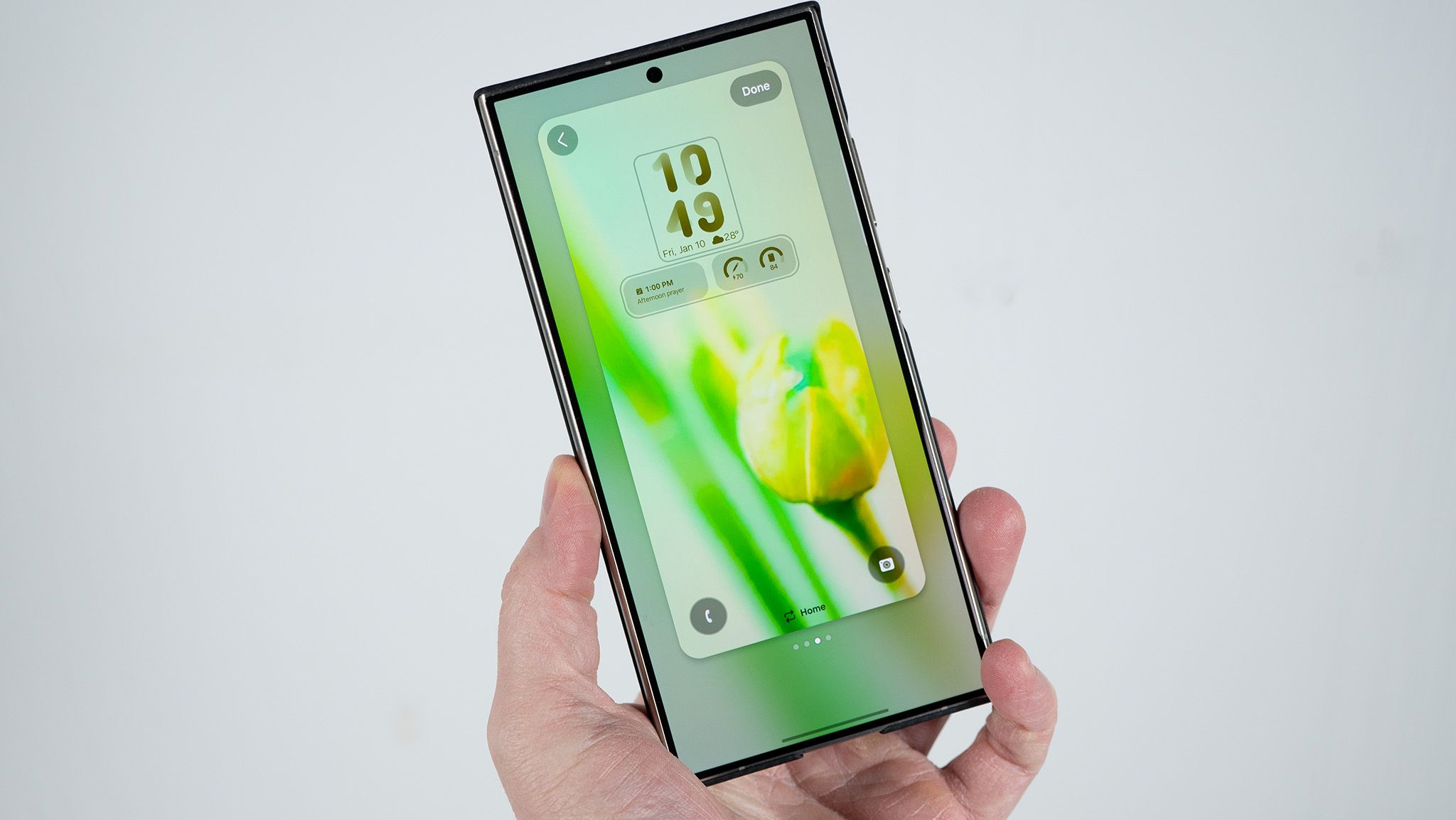
Further compounding these concerns, independent user discussions on Reddit have highlighted extreme idle battery drain. One affected user documented a scenario where an idle Galaxy S24 Ultra shed approximately 40% of its total charge over an 11-hour window while recording only two and a half hours of active screen time. Under normal operating conditions, modern flagship smartphones equipped with advanced adaptive refresh rate displays and efficient power-scaling chipsets should experience minimal battery loss while resting in standby mode.
Despite these vocal complaints, the issue does not appear to be universally experienced. Industry testing laboratories and various device owners report normal or negligible deviations in battery endurance post-update. This dichotomy suggests that the underlying trigger may be tied to specific localized configurations, third-party application conflicts, or cached data anomalies rather than an absolute systemic hardware failure.
Software Friction: Setup Bugs and Error Messages
Beyond power management anomalies, the One UI 9 deployment has also exposed isolated structural bugs within the user onboarding experience. Select users—notably early adopters utilizing high-end variants such as the Galaxy S26 Ultra—have encountered critical roadblocks during the initial setup phase immediately following the Android-based system transition.
Reports indicate that certain users attempting to finalize their device configuration become trapped in a continuous loop at the final step of the setup wizard, rendering them temporarily unable to access their home or lock screens. The interface frequently presents an opaque error message reading "webpage is unavailable," effectively halting the user journey.
Samsung’s customer support channels moved swiftly to address these specific setup grievances. Official troubleshooting guidance issued by the manufacturer instructs affected consumers to verify that their native system web browsers are updated to the latest available version and strongly encourages transitioning to a stable Wi-Fi network before attempting to re-run the configuration script. While these workarounds offer temporary relief for the setup bug, they highlight the complex web of interconnected web-views and cloud-based authentication services modern mobile operating systems rely upon.
Industry Context and the Complexities of Cross-Platform Updates
The deployment of a major operating system update like One UI 9 is a massive logistical and engineering undertaking. Samsung must tailor its proprietary user interface layer to operate seamlessly across a diverse array of system-on-chips (SoCs), camera sensors, modem architectures, and screen technologies spanning multiple product generations.
Historically, operating system upgrades often trigger background re-indexing of files, optimization of application caches, and recalibration of battery health statistics. In many instances, temporary post-update battery drain can be attributed to these automated maintenance routines, which typically resolve themselves within 48 to 72 hours as the device completes its internal optimization cycle. However, when power consumption metrics remain abnormally high weeks after installation, consumers are justified in seeking concrete interventions from the manufacturer.
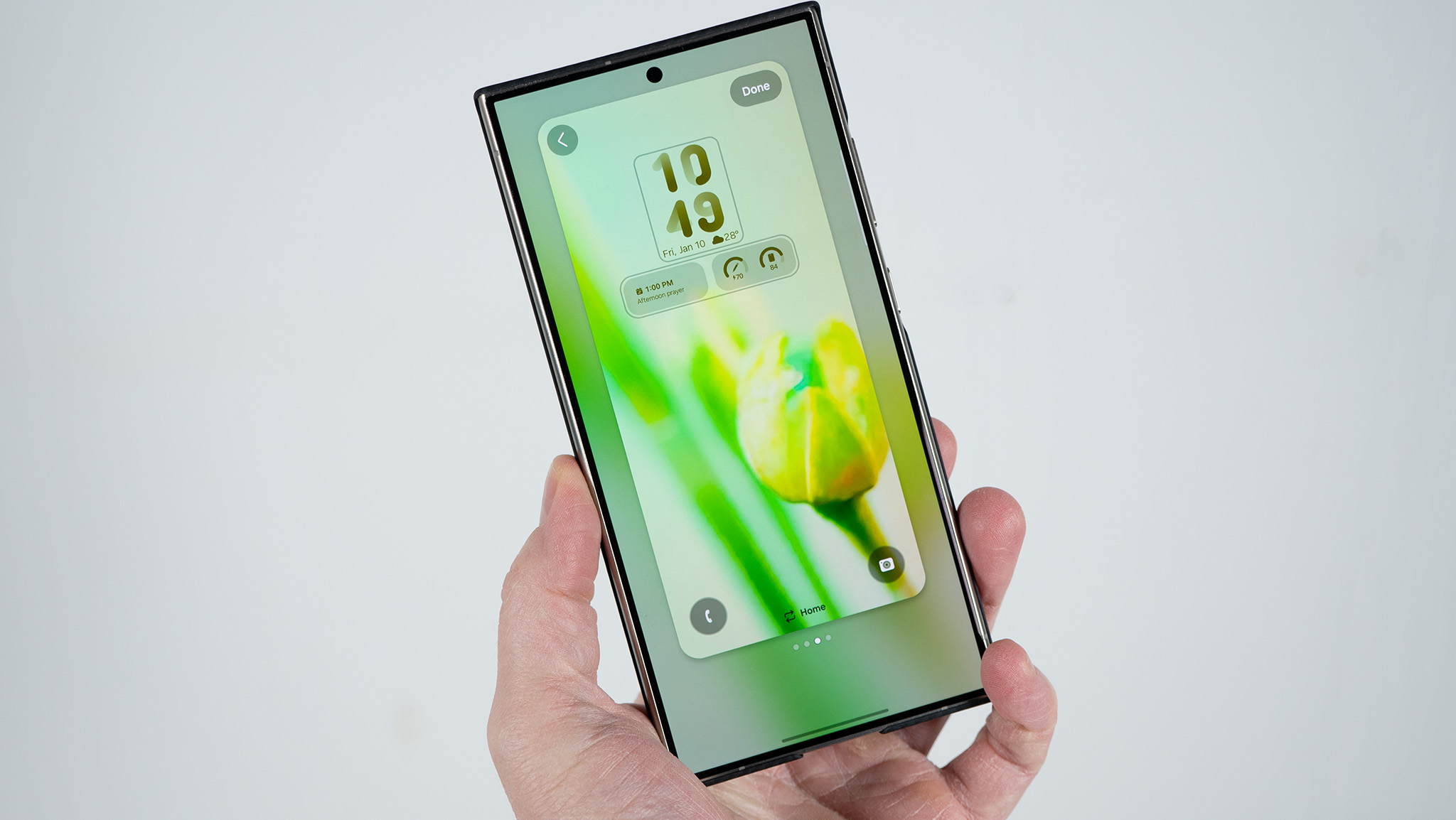
The disparity in user experiences—where one device owner reports flawless performance while another experiences catastrophic battery degradation—presents a difficult diagnostic challenge for engineering teams. Software stability is rarely a monolithic variable; it is heavily influenced by the specific ecosystem of installed third-party applications, background synchronization preferences, and network environmental factors unique to each user.
Broader Implications and Manufacturer Responsibilities
As mobile operating systems evolve to incorporate increasingly sophisticated artificial intelligence features, predictive task management, and deep cloud integrations, the margin for background resource inefficiency narrows. Consumers invest heavily in flagship hardware—such as the Ultra tiers of Samsung’s product lineup—with the explicit expectation of uncompromising reliability, premium longevity, and polished user experiences.
When foundational pillars like battery endurance and basic device accessibility are compromised, even temporarily, consumer confidence can be shaken. The current situation places pressure on Samsung’s software development divisions to deploy targeted patch updates swiftly. Historically, original equipment manufacturers (OEMs) monitor community feedback channels, diagnostic crash logs, and telemetry data closely during major rollout windows to isolate offending kernel modules or power management daemons.
For affected users currently grappling with diminished battery life or setup friction, standard troubleshooting protocols remain the primary recourse. Experts generally recommend clearing the system cache partition via the recovery menu following a major OS update to eliminate corrupted legacy cache files. If performance anomalies persist, a factory reset—though inconvenient—frequently clears out deep-seated software conflicts introduced during the transition phase.
As the One UI 9 rollout continues its global expansion across a wider spectrum of regional variants and carrier-locked models, industry observers will monitor how efficiently Samsung addresses these reported hardware-software friction points. The long-term perception of One UI 9 will depend not only on its headline-grabbing feature set and visual refinements, but equally on the stability, efficiency, and reliability it demonstrates on millions of devices already in the hands of consumers.