Corsair Skiff 100 Review: Affordable Full-Size Gaming Keyboard Strikes a Quiet Balance

The peripheral market is densely populated with mechanical keyboards commanding high price tags, specialized switches, and complex customization software, but Corsair has turned its attention to the entry-level demographic with the launch of the Corsair Skiff 100. Retailing at $59.99 / £49.99 (approximately AU$85), this full-size wired gaming keyboard aims to capture the attention of budget-conscious consumers who refuse to compromise on build quality and essential features. As PC gaming continues to expand globally, hardware manufacturers face the ongoing challenge of delivering reliable, high-performance equipment to users operating on tighter budgets. The Skiff 100 represents Corsair’s latest strategic effort to secure dominance in the accessible peripheral sector, combining membrane switch technology with thoughtful ergonomic additions.
Design, Build Quality, and Ergonomics
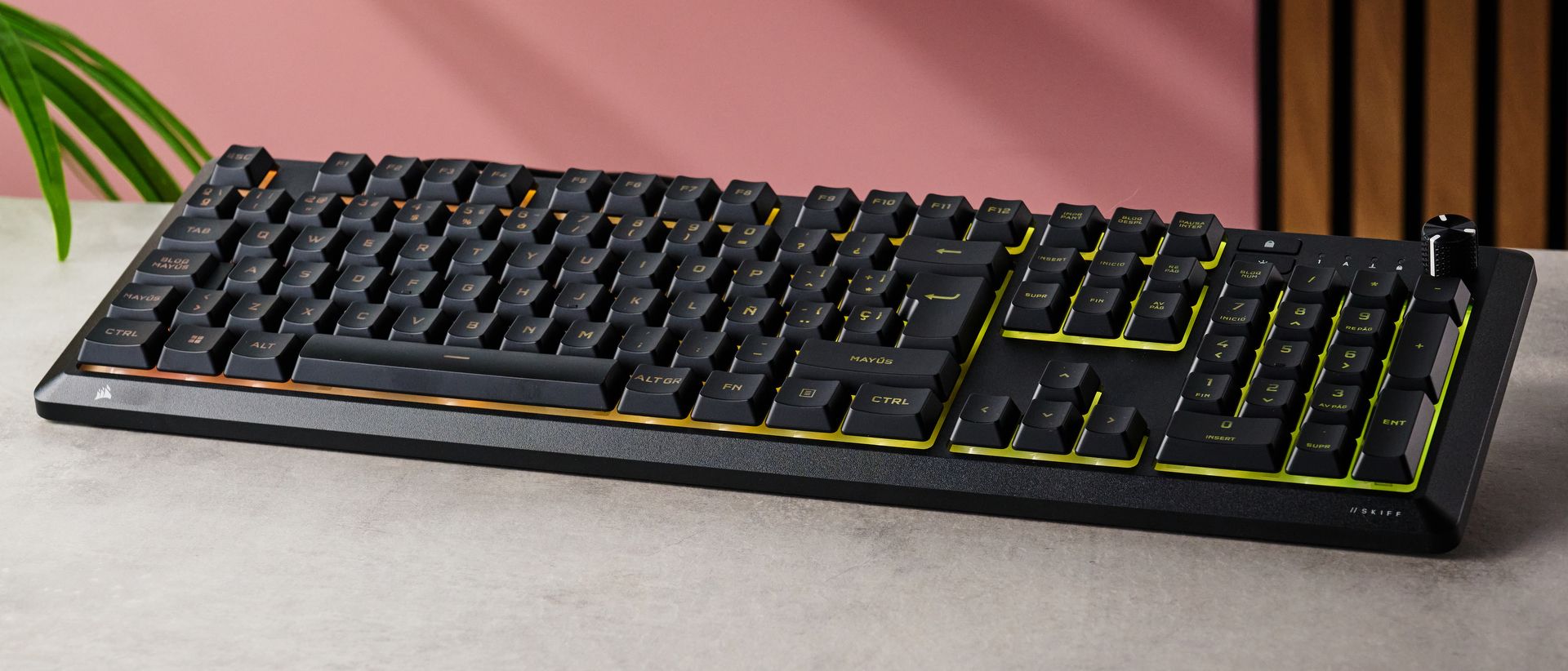
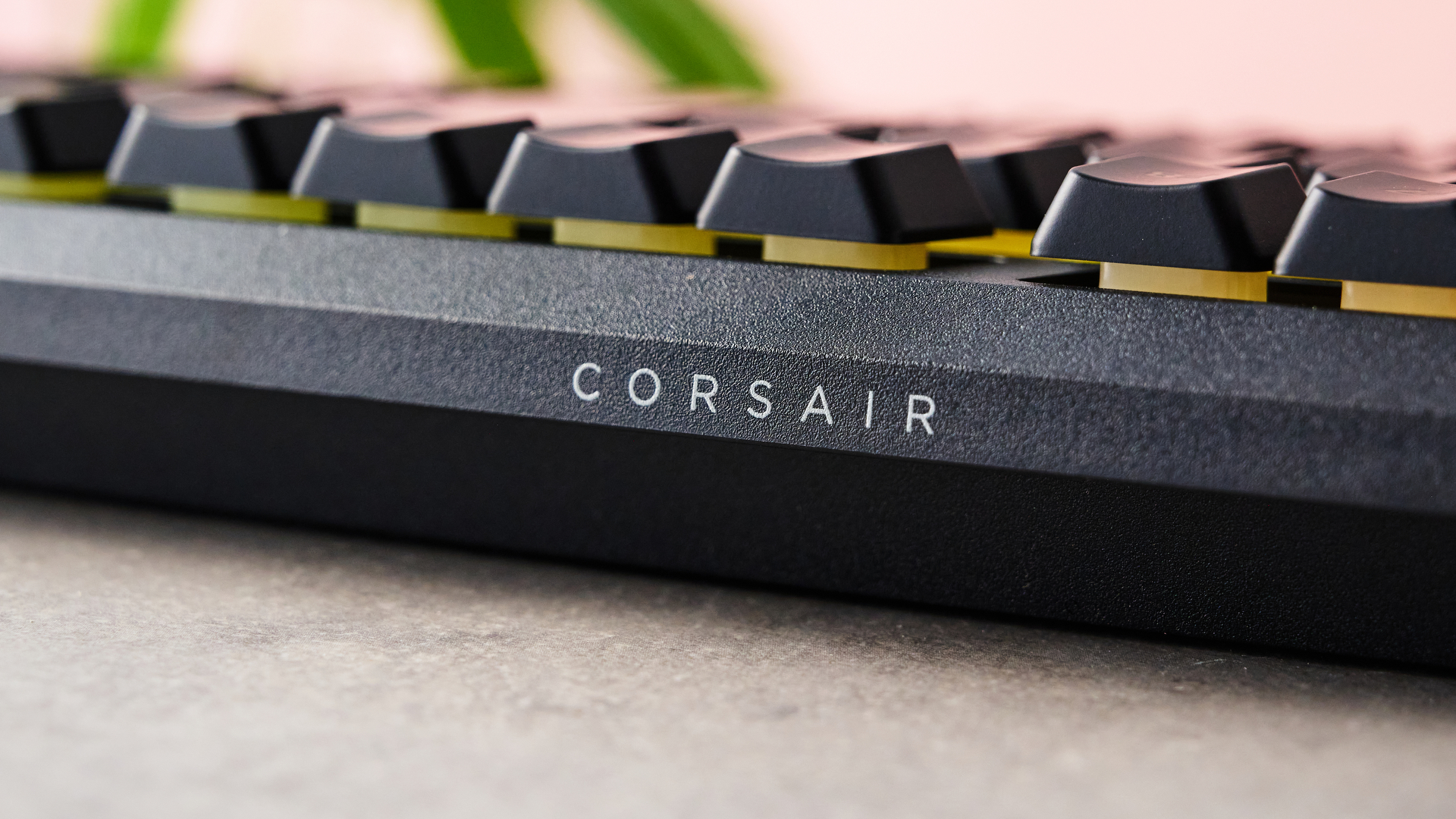
At first glance, the Corsair Skiff 100 presents a smart, understated, and somewhat anonymous appearance. Dominated by a matte black finish, the chassis is entirely constructed from plastic. However, industry analysts and reviewers have noted that the material avoids the cheap, flimsy feel typical of low-cost alternatives. The chassis features a smooth yet subtly grainy texture that imparts a reassuring sense of structural integrity.
One of the standout physical characteristics of the Skiff 100 is its exceptionally light weight. Measuring 18 x 5.6 x 0.8 inches (457 x 142 x 20mm) without its wrist support, the keyboard is remarkably easy to transport and reposition on a desk surface. For gamers who frequently travel or manage cramped workstation setups, this mobility is a notable asset. Furthermore, Corsair has integrated an IP53 spill-resistance rating, providing a layer of protection against accidental liquid exposure—a common hazard in home and office environments.
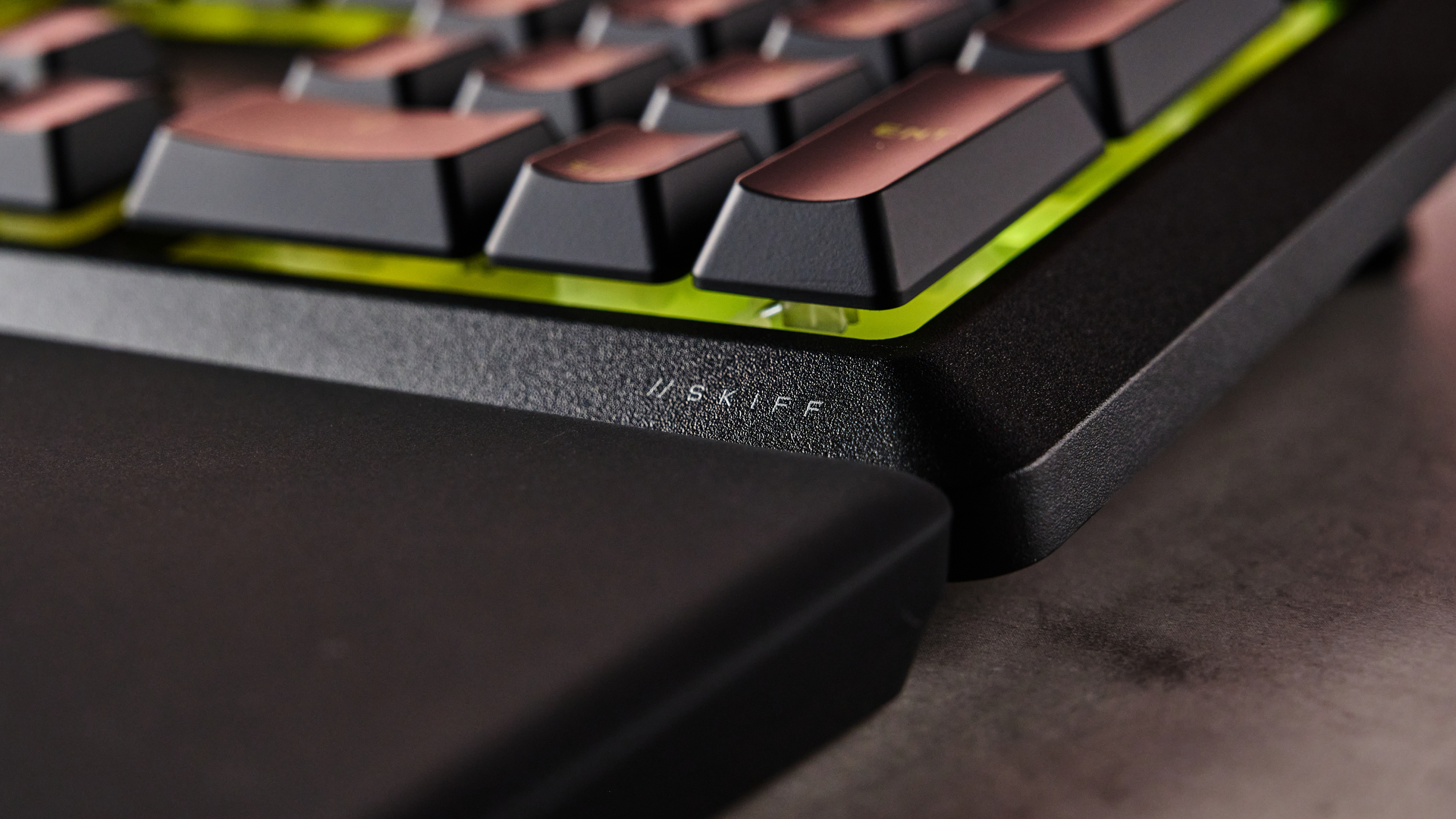
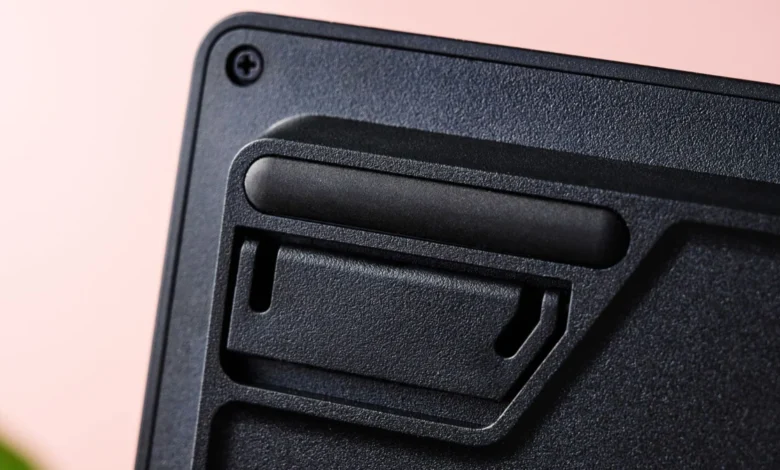
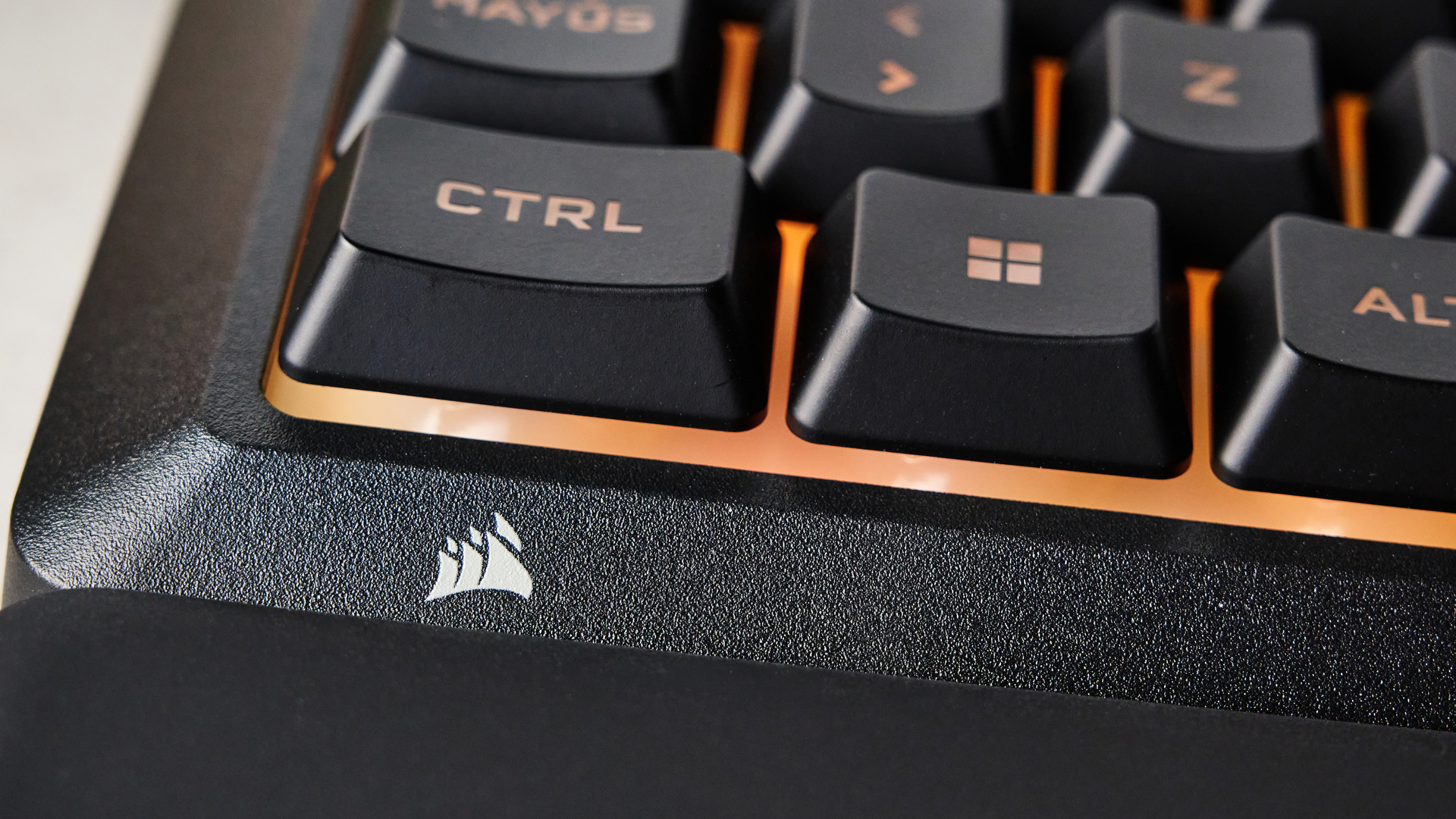
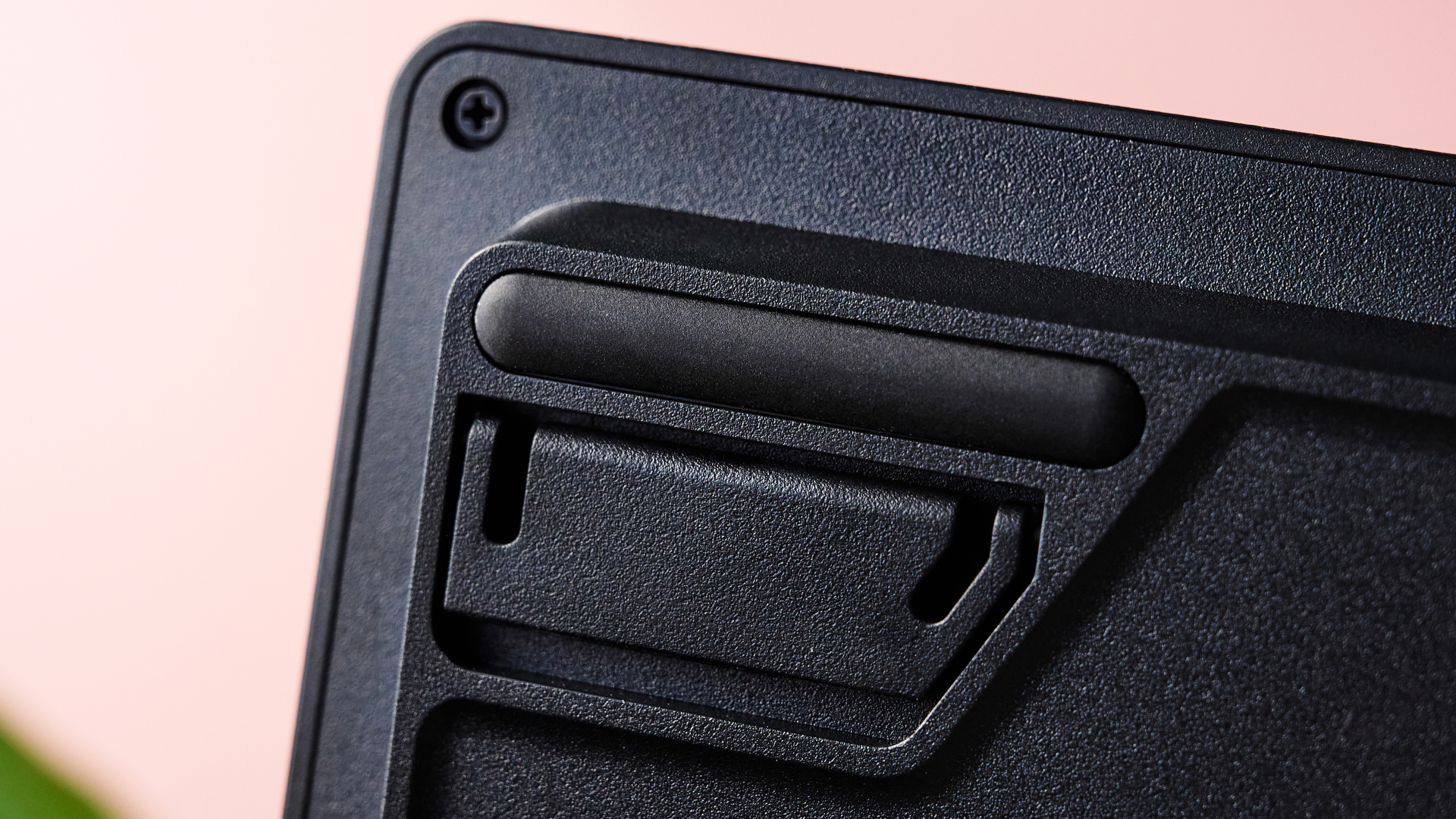
A significant inclusion at this price point is the detachable palm rest. Snapping effortlessly into place at the base of the keyboard via a secure mounting mechanism, the palm rest extends the unit’s dimensions to 18 x 9.1 x 0.8 inches. Supported by six rubber feet, the wrist rest remains stable during intense gaming sessions. While the soft rubberized surface successfully distributes wrist pressure and prevents fatigue, reviewers have observed that it acts as a magnet for dust, pet hair, and particulate debris, requiring frequent cleaning with a lint roller or microfiber cloth.
Membrane Switches and Performance Analysis
While mechanical keyboards dominate enthusiast spaces, the Skiff 100 relies on carefully tuned membrane switches. Historically, membrane switches have faced criticism from the gaming community for lacking tactile feedback and responsiveness. Corsair, however, has engineered these switches to deliver a quiet, well-damped operational profile that remains remarkably snappy.
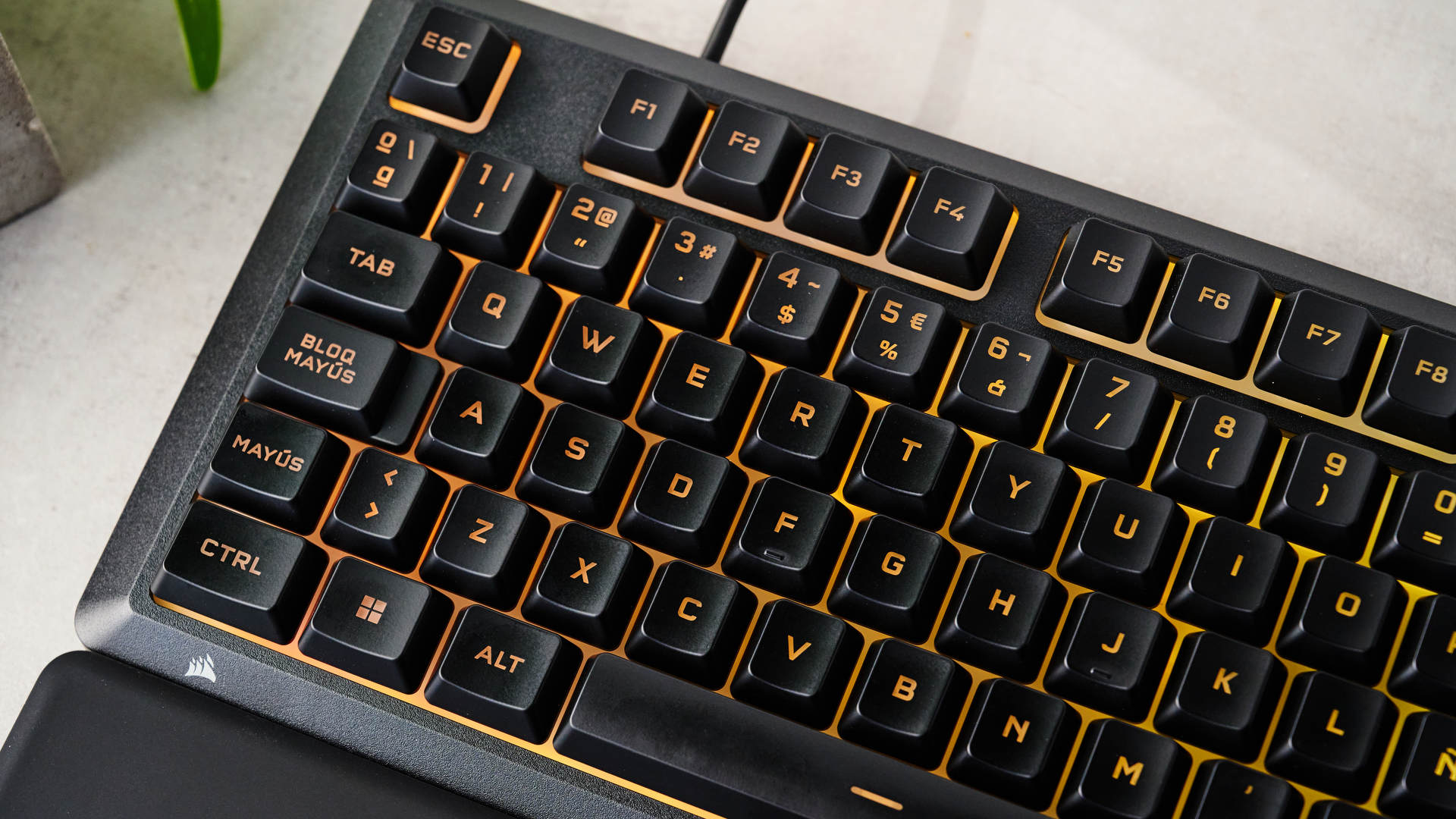
The keys feature a relatively shallow travel distance, which accelerates actuation speeds during fast-paced gaming scenarios. During testing involving reflex-heavy titles such as Counter-Strike 2 and complex role-playing games like S.T.A.L.K.E.R. 2: Heart of Chornobyl, the Skiff 100 proved capable of maintaining high input accuracy. The low-profile keycaps incorporate prominent finger indentations that securely cradle the user’s fingertips, significantly reducing instances of accidental misfires and typographical errors during extended typing sessions.
The acoustic profile of the keyboard is another distinct advantage. Operating significantly quieter than traditional mechanical clicky switches, the Skiff 100 is well-suited for shared living spaces, open-plan offices, and late-night gaming sessions where noise reduction is paramount. However, purists seeking the definitive tactile bump or audible click of mechanical alternatives will find that membrane technology inherently limits top-tier performance ceilings.
Software Integration and Customization
Peripheral ecosystems heavily rely on proprietary software suites, and the Skiff 100 supports both Corsair’s lightweight Web Hub and the comprehensive iCUE application. While the Web Hub provides basic configuration options, utilizing iCUE unlocks the full customization potential of the hardware.
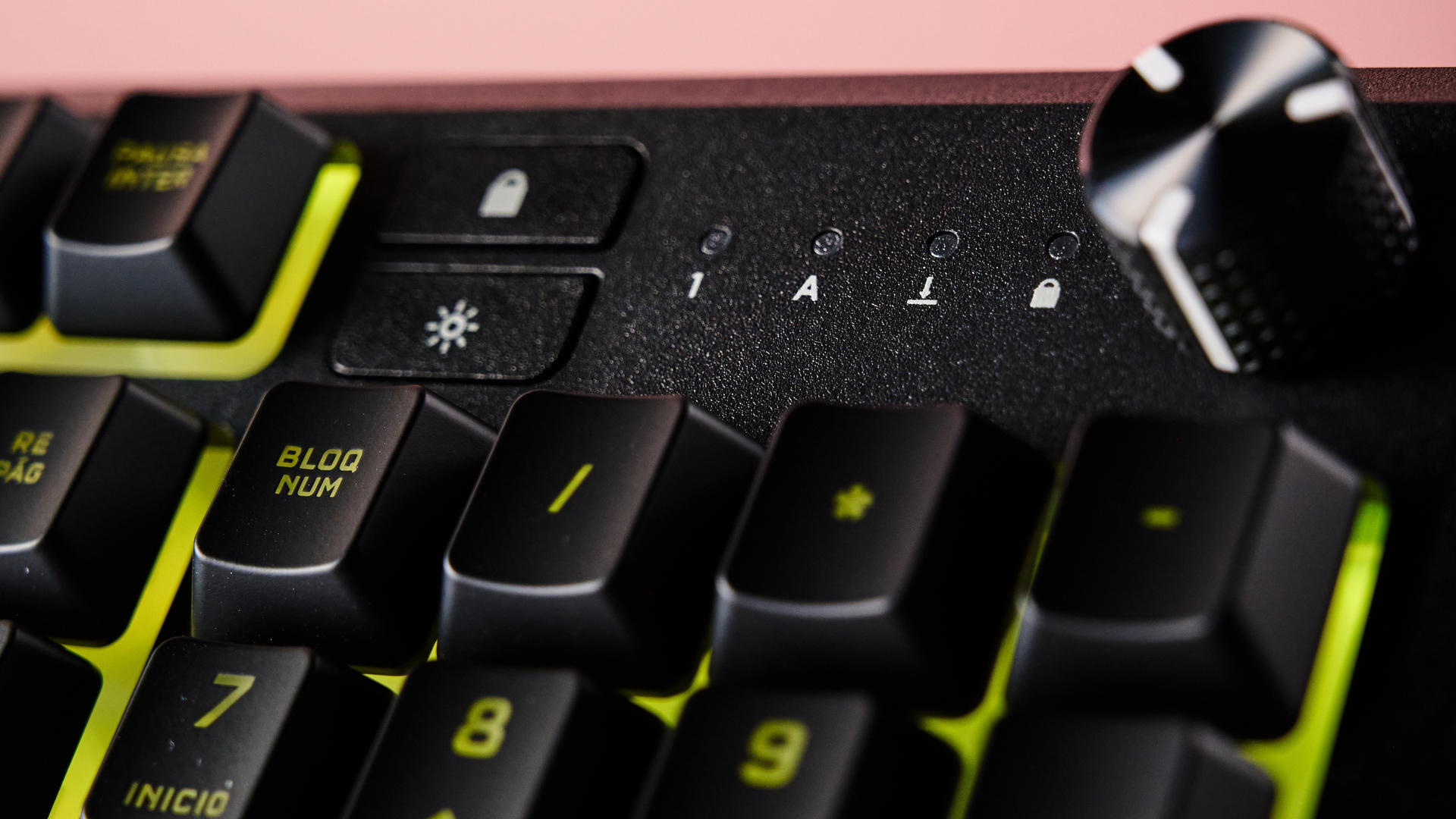
Through iCUE, users can manipulate the keyboard’s vibrant RGB backlighting, adjust the polling rate up to a maximum of 1KHz, and disable redundant keys to prevent accidental interruptions during gameplay. The software also permits extensive key remapping. Users can assign complex macro combinations, program media control shortcuts, bind mouse inputs, and configure application launch sequences. Additionally, Corsair has integrated compatibility with Voicemod, allowing users to assign specific keys to trigger AI voice-modulation effects directly from the board.
Despite these software capabilities, performance-related tuning is minimal, reflecting the device’s budget classification. There are no adjustable actuation points or modular hot-swappable components, cementing the Skiff 100 as a plug-and-play device with modest software enhancements.
Market Position and Competitive Landscape
The entry-level keyboard market is fiercely competitive, forcing manufacturers to carefully balance cost against feature sets. Priced at $59.99 / £49.99, the Corsair Skiff 100 occupies a crowded middle ground populated by alternative form factors and connectivity technologies.
Consumers shopping in this price bracket often weigh the Skiff 100 against rivals such as the Razer Reclusa X Mini 65%. While the Razer model offers hot-swappable mechanical switches favored by competitive esports players, it forces users to adopt a significantly more compact 65% layout, sacrificing the dedicated numpad and navigation cluster found on the full-size Corsair board.
Alternatively, budget-focused wireless options like the MechLands Vibe99 offer multi-mode wireless connectivity and features such as a small TFT display for a comparable financial investment. However, the Vibe99 omits wrist support entirely, a notable ergonomic drawback given its thick chassis base, and relies on notoriously difficult third-party configuration software. By retaining a full-size layout, an included palm rest, and robust brand-backed software support, the Skiff 100 carves out a distinct niche for productivity-focused users and casual gamers alike.
Industry Implications and Consumer Verdict
The introduction of the Corsair Skiff 100 underscores a broader industry shift toward democratizing ergonomic comfort and reliable build quality. As inflation and economic pressures constrain consumer discretionary spending, manufacturers are under increasing pressure to provide compelling value propositions without sacrificing core utility.
For prospective buyers, the decision to purchase the Skiff 100 hinges on individual priorities. Users seeking an affordable, full-size desktop companion equipped with a comfortable wrist rest, quiet acoustics, and reliable spill resistance will find the Skiff 100 to be a generous offering. Conversely, enthusiasts requiring wireless freedom, mechanical switch customizability, or analog performance metrics will need to look toward higher-priced alternatives. Ultimately, the Corsair Skiff 100 proves that membrane keyboards, when executed with precision and care, still hold a valid and competitive place in the modern gaming ecosystem.