Unlocking the Full Potential of Your Apple Watch Series 12 and Ultra 4: Essential Tips and Features

The release of the Apple Watch Series 12 and the Apple Watch Ultra 4 marks another milestone in the Cupertino-based tech giant’s relentless pursuit of health tracking and wearable computing excellence. Packed with upgraded hardware performance, highly anticipated advanced health-sensing capabilities, and the robust foundation of watchOS 27, these new devices promise a significant leap forward. However, for many users upgrading from previous generations, the day-to-day experience can initially feel deceptively familiar. Because the physical form factors and overarching interface paradigms remain largely consistent with their predecessors, unlocking the true value of these next-generation wearables requires diving into the specific software optimizations and newly introduced settings designed exclusively for this hardware.
Maximizing the investment in a Series 12 or Ultra 4 involves more than simply transferring a device backup. Users must navigate a suite of newly introduced complications, automated features, and expanded biometric applications. By adjusting a few key settings, configuring specialized watch faces, and allowing advanced health algorithms the necessary baseline data collection time, owners can bridge the gap between a standard smartwatch upgrade and a genuinely transformative daily health companion.
Leveraging Exclusive New Complications and Watch Face Design
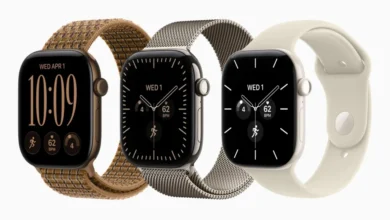
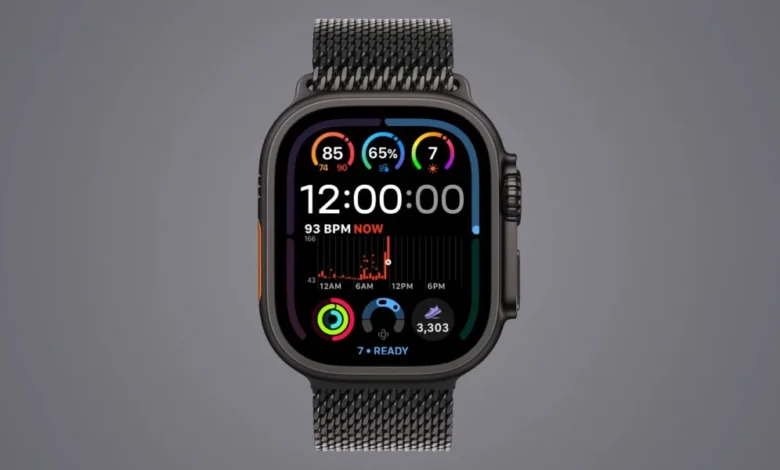
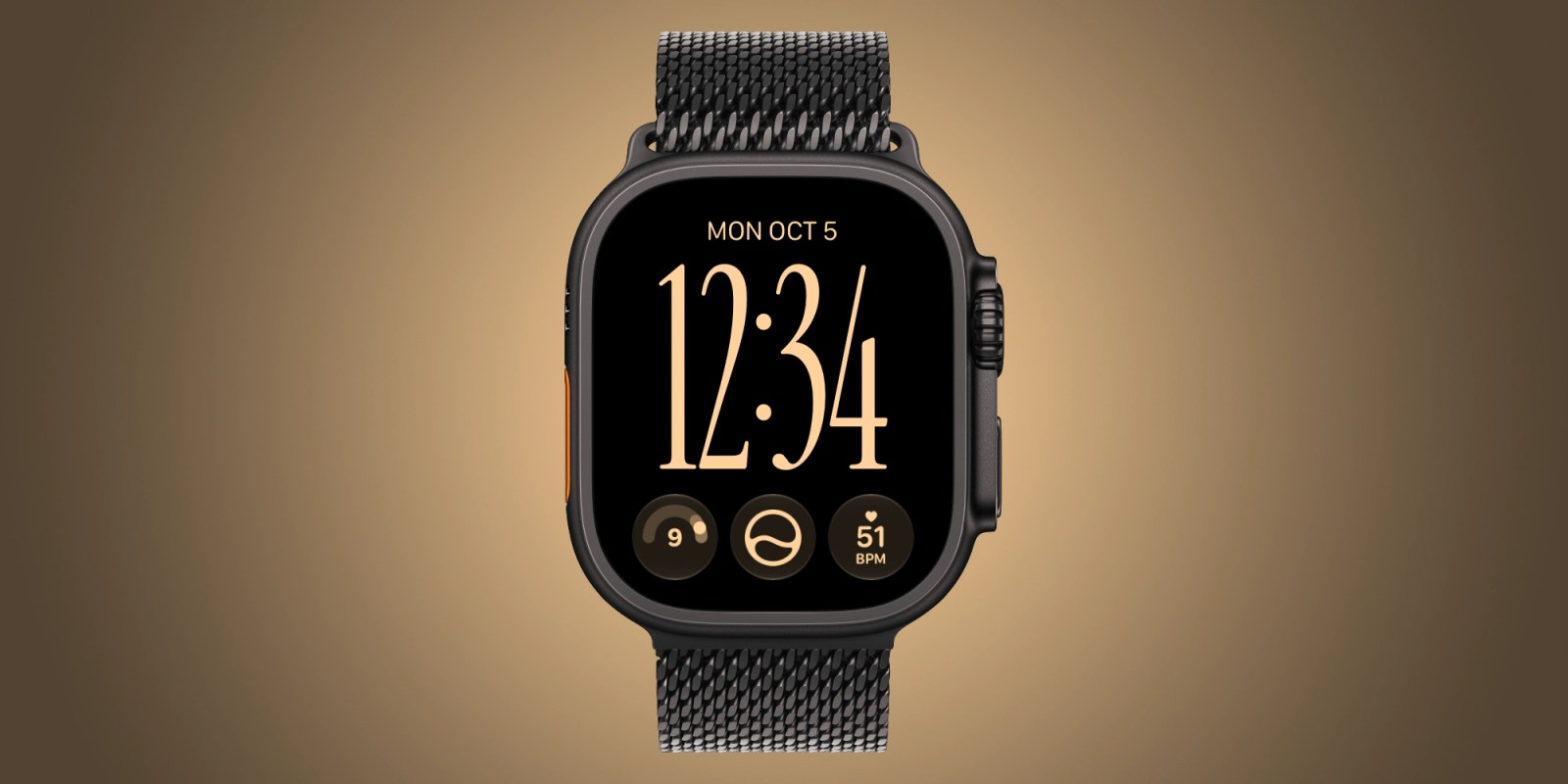
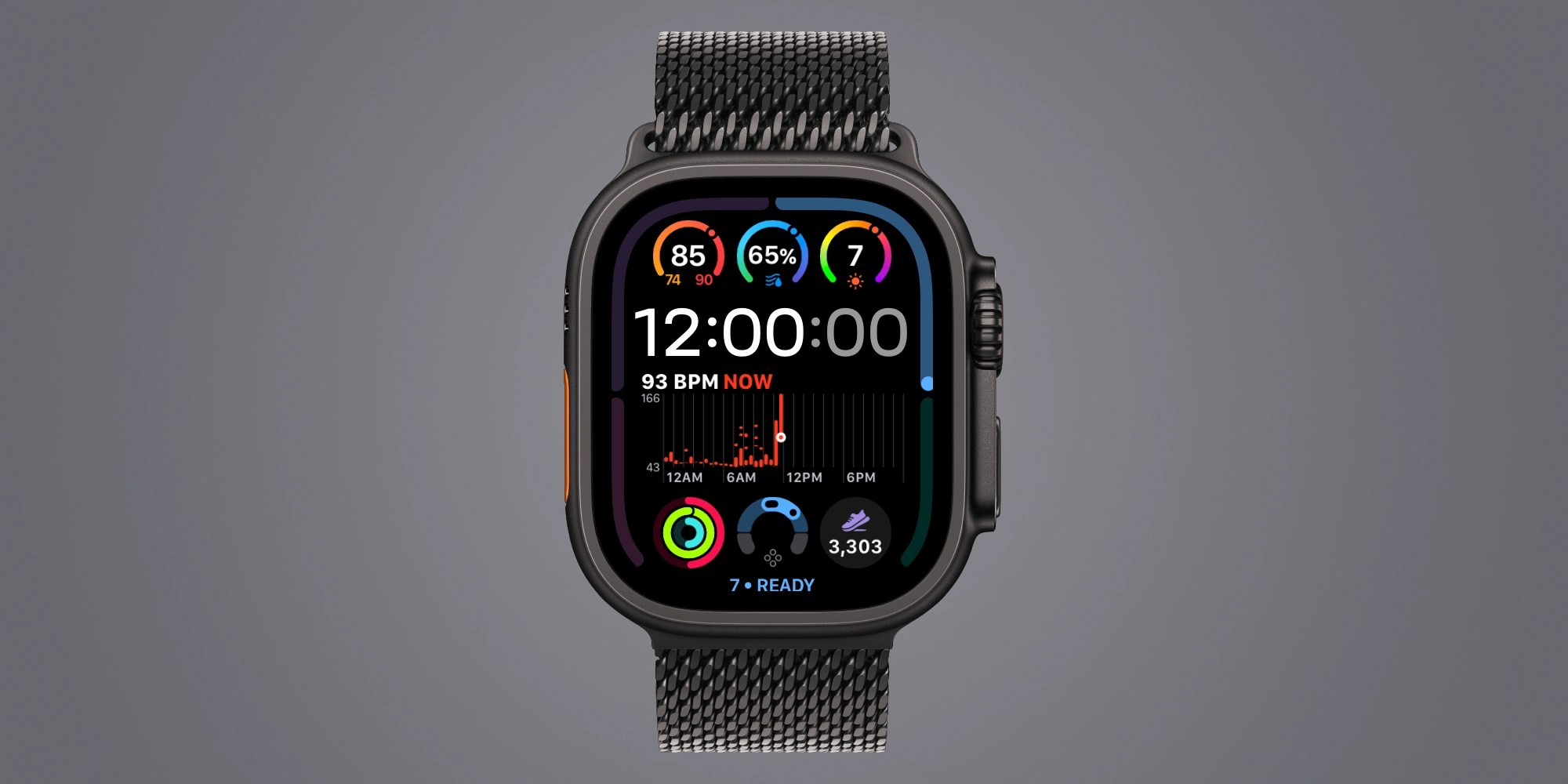
One of the most immediate visual and functional differentiators of the Apple Watch Series 12 and Ultra 4 is the introduction of exclusive, high-density complication options. Previous generations of watchOS often forced users to choose between displaying rich, real-time data or maintaining a clean, minimalist aesthetic. The newest hardware changes this dynamic by supporting live heart rate tracking, an integrated step count, and a dynamic daily readiness score directly on single-slot complications.
For fitness enthusiasts and health-conscious users, the live heart rate complication represents a major design win. Rather than relying on a wider, space-consuming complication that historically offered only delayed or averaged data points, the new single-slot implementation provides immediate, up-to-the-second feedback. Similarly, direct step-count complications have proven to be powerful psychological motivators, encouraging users to log physical activity earlier in the day to meet personal wellness goals.
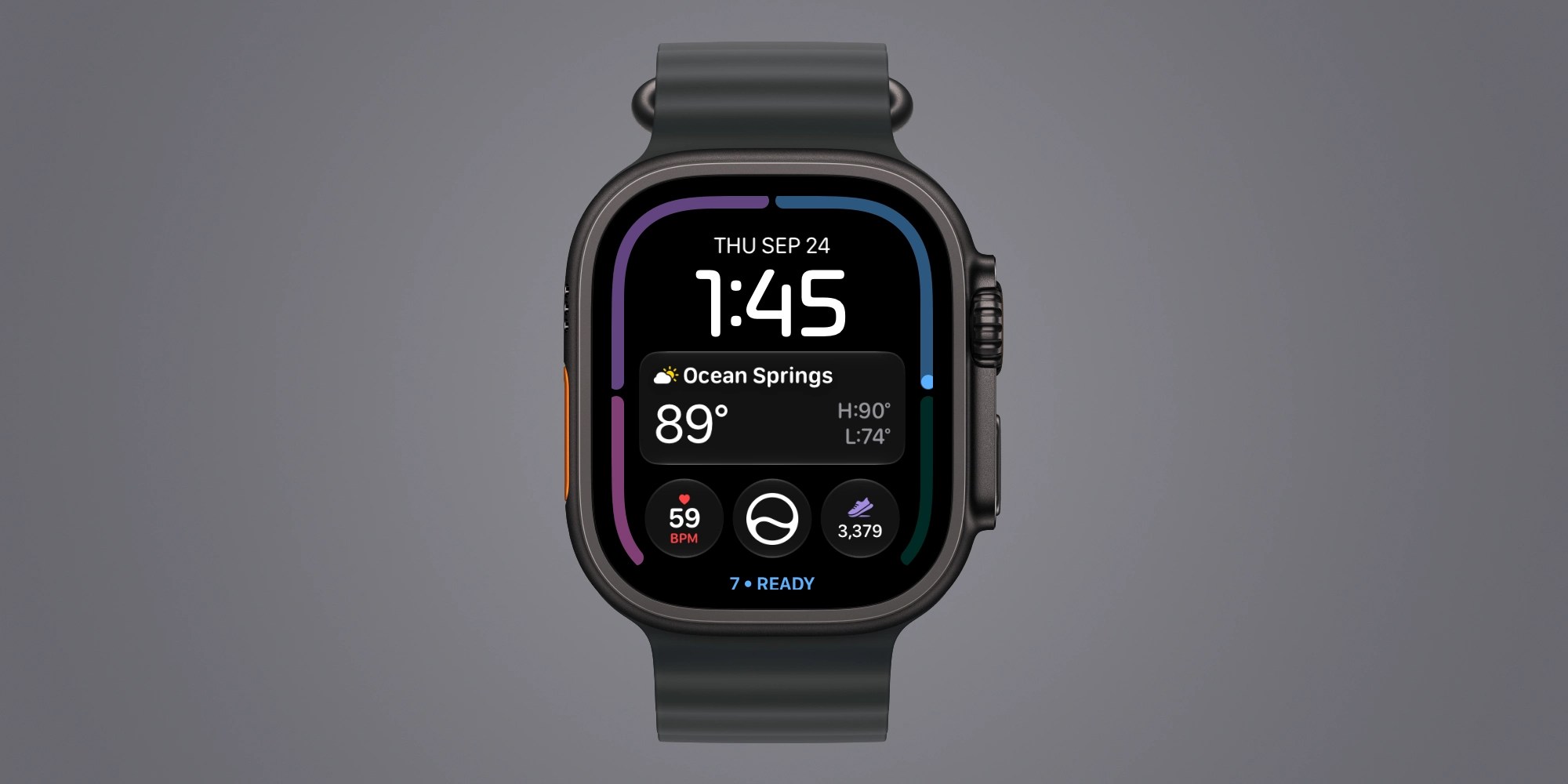
Beyond basic fitness metrics, the inclusion of the new readiness score on the primary watch face transforms how users interact with their physical status. Because a person’s readiness score fluctuates dynamically throughout the day based on shifting vitals and exertion levels, having constant visual access to this metric offers actionable insight into when to push through a workout or when to prioritize rest.
To further enhance navigation, users can enable quick swiping between watch faces—a feature that remains disabled by default. By navigating to Settings, selecting Clock, and toggling on "Swipe to Switch Watch Face," owners can effortlessly transition from a data-heavy fitness layout during a morning run to a sleek, simplified aesthetic for professional environments.
Automated Audio Recognition via Music Detection
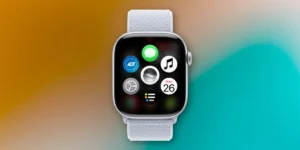
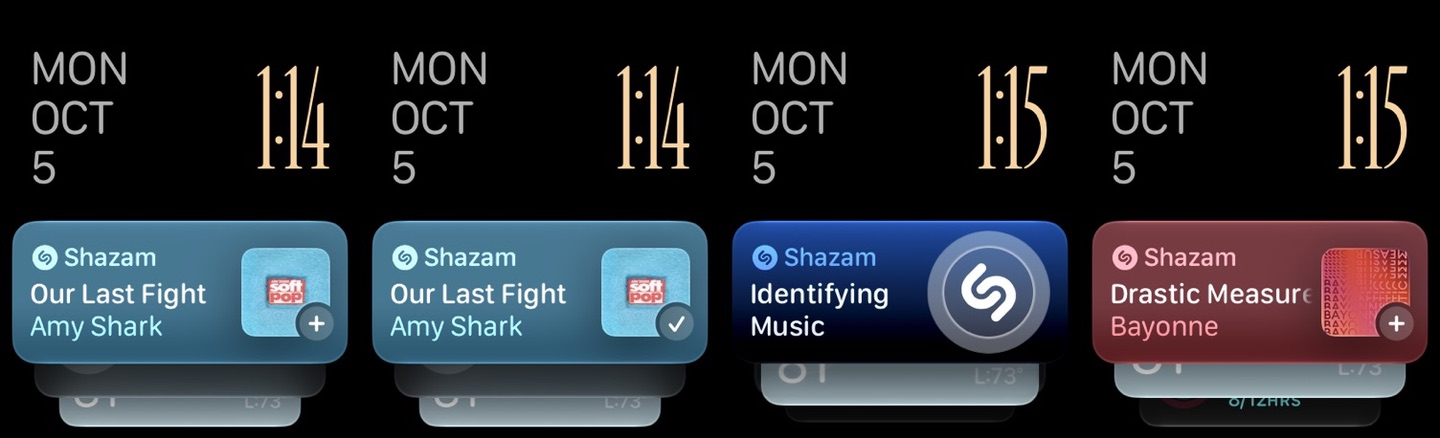
Beyond health and fitness, the Apple Watch Series 12 and Ultra 4 introduce seamless ambient intelligence features designed to reduce friction in everyday life. Among these is the system-level integration of automatic Shazam capabilities, allowing the wearable to identify music playing in the surrounding environment without requiring manual user intervention or explicit voice commands directed at Siri.
To activate this feature, users must navigate to the Smart Stack settings on their Apple Watch and enable Music Recognition. Once configured, the system passively listens for recognizable audio tracks in restaurants, coffee shops, or public spaces, displaying the song title and artist directly within the Smart Stack interface when queried. This automation eliminates the awkward scramble to open a dedicated app or summon a voice assistant while an unfamiliar song is playing, representing a subtle yet highly practical enhancement to the wearable’s utility.
Mastering Siri Modular and Customizable Layouts
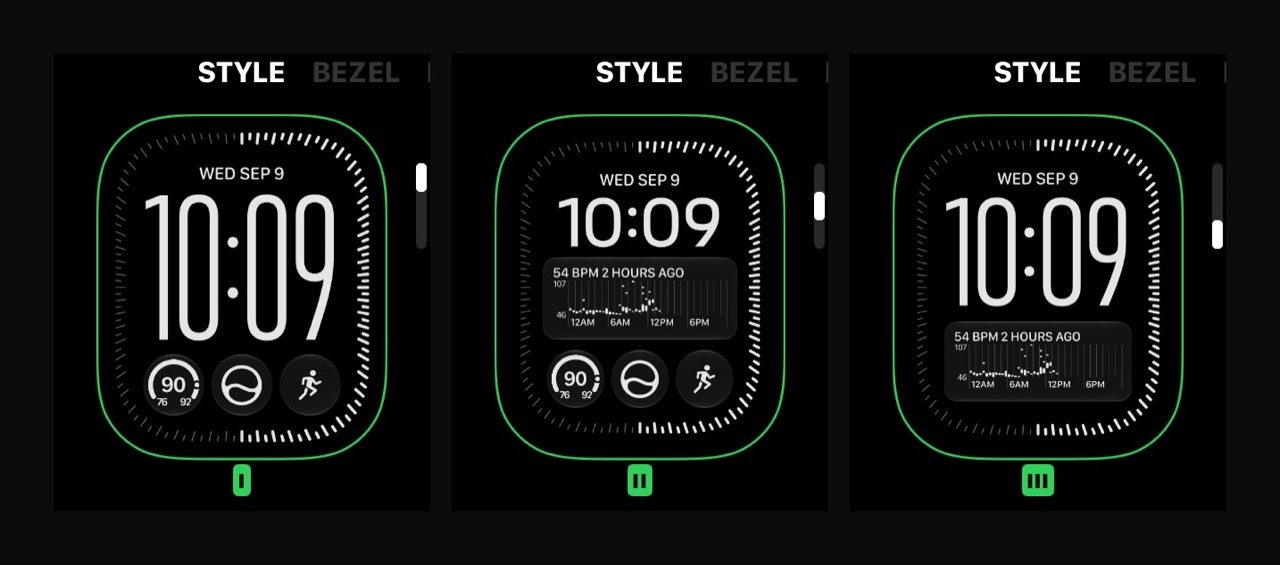
The debut of watchOS 27 brings the Siri Modular watch face to a wide range of legacy devices, but the Series 12 and Ultra 4 fully exploit its expanded processing power and display capabilities to offer unprecedented customization. The Siri Modular face acts as an intelligent hub, dynamically surfacing relevant information based on time, location, and routine.
Users are no longer restricted to a monolithic design layout. The new software allows for deep personalization, enabling owners to create multiple configurations of the Siri Modular face within their daily rotation. By altering color schemes, typographic fonts, layout styles, and complication densities, users can tailor the watch face to radically different contexts—such as a vibrant, high-contrast setup for outdoor exercise and a subdued, monochromatic look for evening wear.
The Importance of Baseline Data Collection for the Readiness App
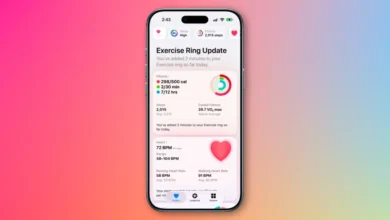
While the new readiness score is among the most heavily marketed features of the Series 12 and Ultra 4, its accuracy relies entirely on a rigorous baseline data collection period. Apple’s health protocols dictate that users must comprehensively fill out their Health Details, establish consistent Activity and overnight vital tracking routines, enable dedicated Sleep schedules, and consistently wear the device during sleep for a minimum of seven consecutive nights. Furthermore, the algorithm requires continuous sleep data from the preceding night to calculate an accurate daily score.
For many users, meeting this requirement necessitates a shift in daily habits, specifically finding an optimal charging window during daytime hours—such as while showering or working at a desk—to ensure the watch remains on the wrist overnight. While the readiness score serves as an intriguing experimental metric for tracking physical strain and recovery, industry analysts note that its true clinical and practical utility only emerges after weeks of uninterrupted data synthesis.
Expanded Biometric Insights Through Daytime Vitals
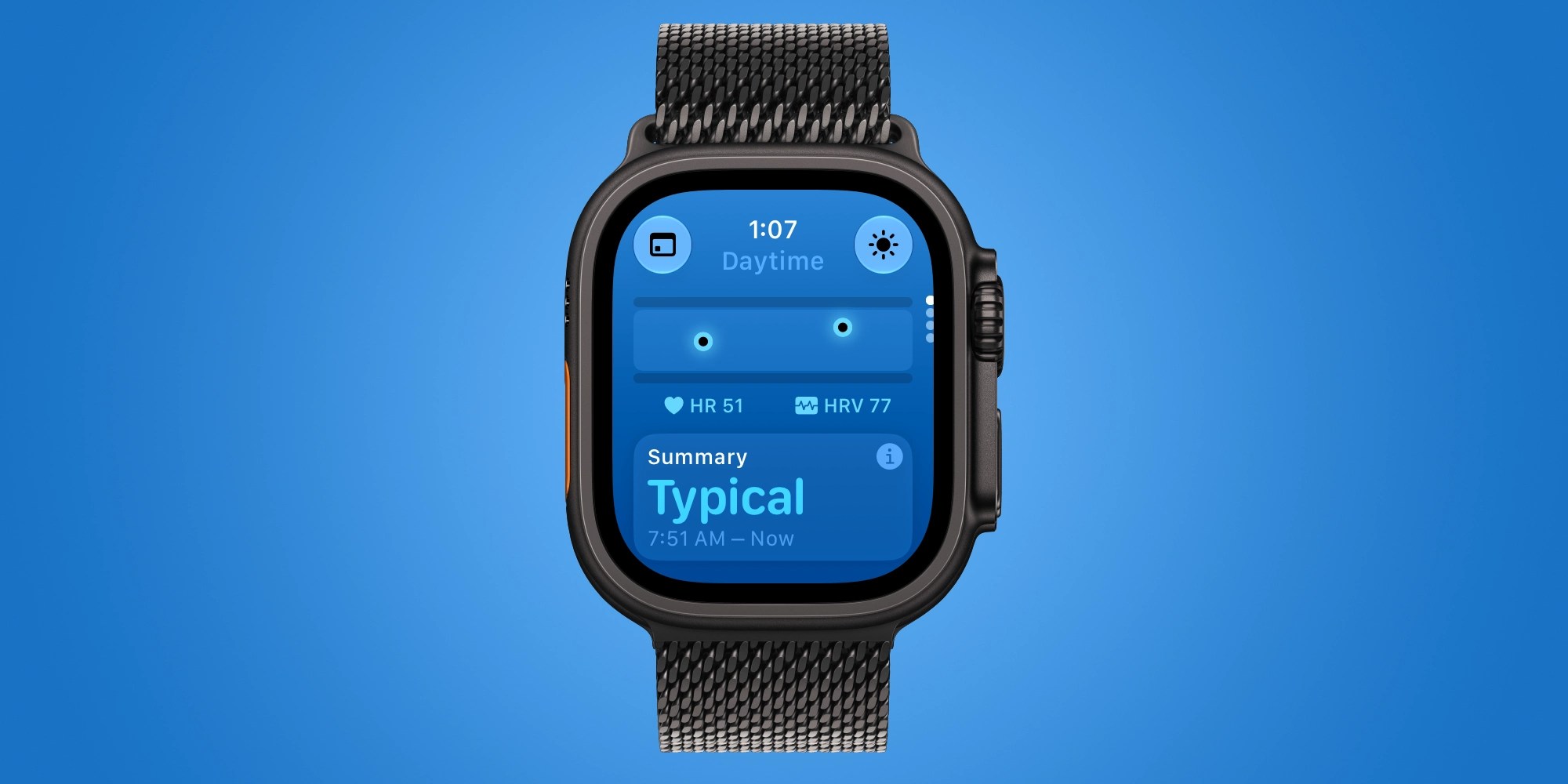
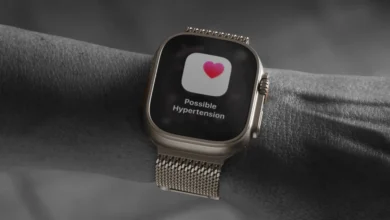
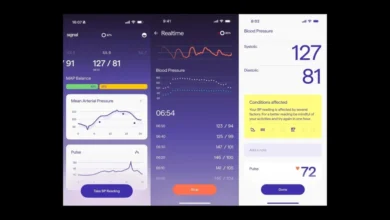
Hardware enhancements in the Series 12 and Ultra 4 have also unlocked significant upgrades to the native Vitals app. While previous Apple Watch models primarily restricted deep vital sign analysis to overnight sleep windows—tracking metrics such as respiratory rate, wrist temperature, and baseline heart rate—the latest hardware introduces continuous daytime vitals monitoring.
The enhanced Vitals app now processes daytime heart rate data and recovery heart rate variability in real-time, providing a more comprehensive view of how the human body responds to acute physical stress, environmental factors, and mental strain throughout the working day. This continuous monitoring bridges the gap between passive nighttime recovery tracking and active daytime exertion, offering a holistic overview of cardiovascular health.
Broader Industry Implications and Future Software Updates

The release of the Apple Watch Series 12 and Ultra 4 underscores Apple’s broader strategic pivot toward preventive healthcare and ambient computing. By embedding advanced biometric sensors and refining software integrations like automatic music recognition and contextual watch faces, the company continues to cement its dominance in the global wearable technology market.
Industry observers note that these hardware iterations are designed to lay the groundwork for upcoming software milestones. Features such as Siri Recap and Live Rewind are slated to roll out to the Series 12 and Ultra 4 in subsequent software updates, promising even deeper integration of generative intelligence and personal data analysis. As smartwatches transition from simple smartphone accessories into sophisticated diagnostic and organizational hubs, optimizing device settings and understanding the underlying data structures will remain crucial for users seeking to extract maximum value from their technology investments.