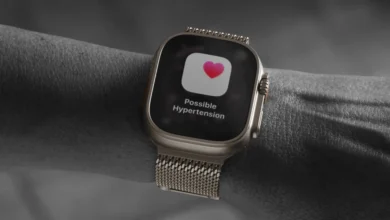
Unlocking the Full Potential of Your Apple Watch Series 12 and Ultra 4: A Comprehensive Guide to New Features and Customization

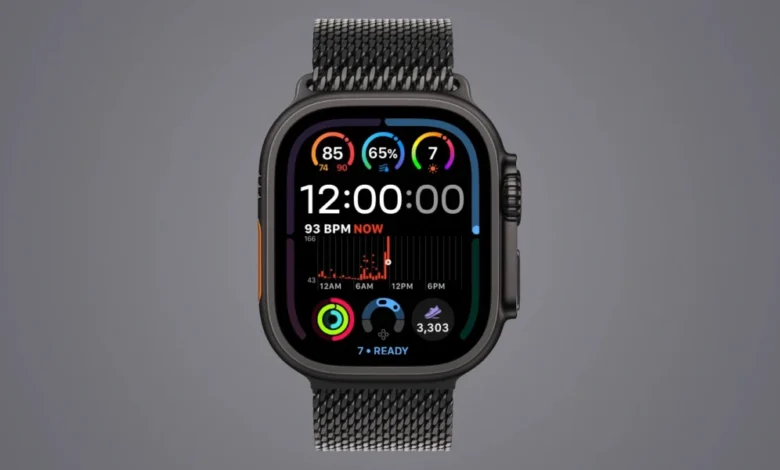
The release of the Apple Watch Series 12 and the Apple Watch Ultra 4 has once again shifted the landscape of wearable technology, introducing powerful hardware upgrades, refined health-sensing capabilities, and deeper software integration through watchOS 27. While these latest-generation devices offer substantial improvements in processing speed, battery efficiency, and sensor accuracy, users transitioning from older models often report that day-to-day interactions can initially feel deceptively familiar. Because the physical design language and core user interface paradigms remain consistent with previous iterations, unlocking the genuine value of these new flagships requires intentional configuration. By exploring exclusive health complications, configuring ambient audio recognition, leveraging advanced wellness metrics, and adapting the customizable Siri Modular watch face, users can bridge the gap between subtle hardware updates and transformative daily utility.
Hardware Evolution and the Challenge of Perceived Continuity
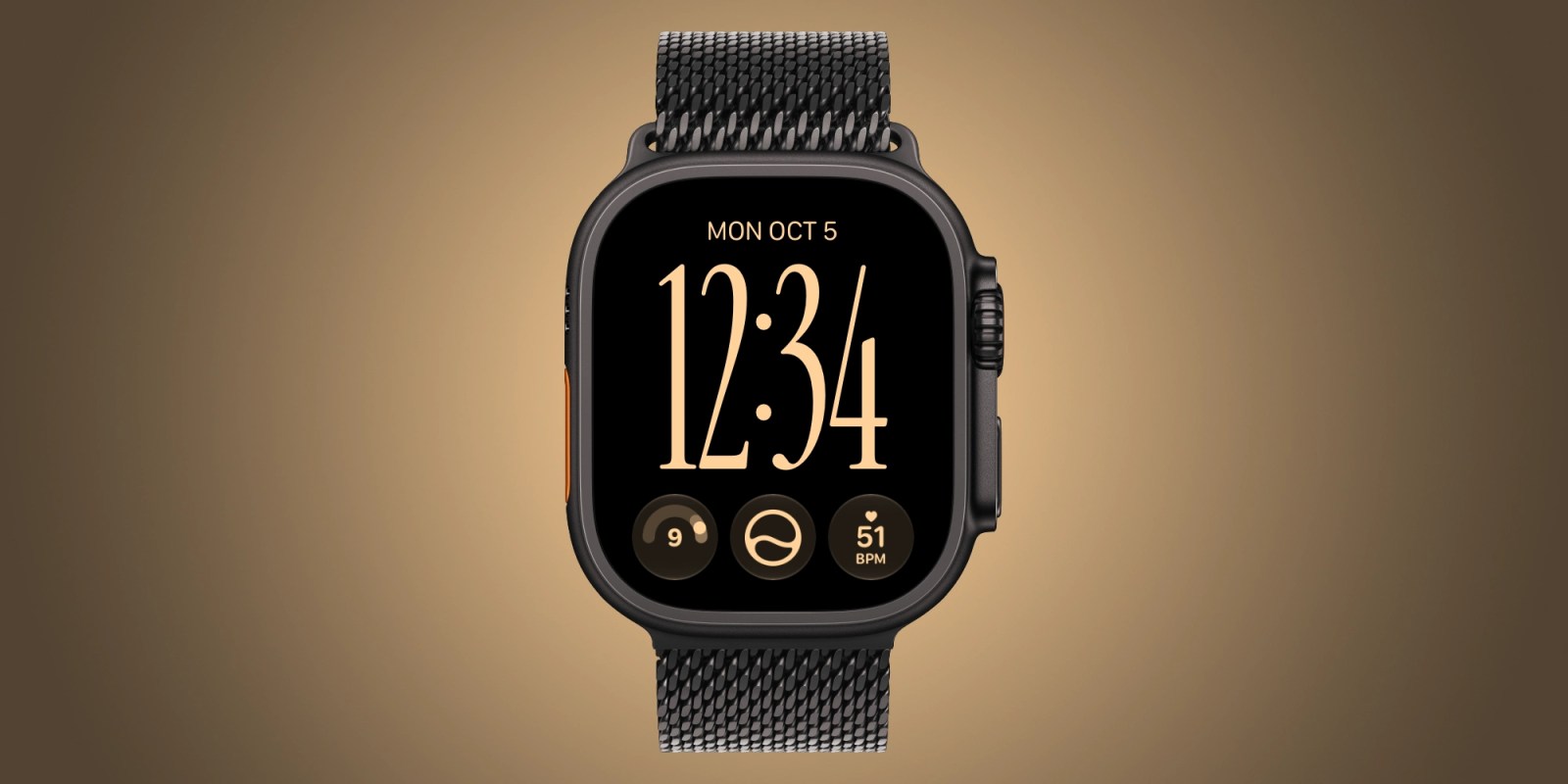
To understand why the Apple Watch Series 12 and Ultra 4 require customized setup to showcase their full capabilities, it is helpful to examine the broader context of smartwatch evolution. Over the past several product cycles, Apple has focused less on radical industrial redesigns and more on deep, architectural enhancements under the hood. The Series 12 introduces a significantly thinner chassis alongside a more power-efficient display driver, while the Ultra 4 builds upon its rugged titanium foundation with enhanced thermal management and extended battery milestones tailored for extreme endurance athletes and outdoor professionals.
However, this focus on internal sophistication means that standard navigation—such as scrolling through the traditional app grid or checking basic notifications—looks and feels largely identical to the Series 10 or Ultra 2. Industry analysts note that iterative hardware improvements often suffer from a psychological plateau among consumers; unless users actively engage with new data streams, the upgrade can feel indistinguishable from its predecessor. Consequently, Apple has embedded targeted software features within watchOS 27 designed specifically to surface high-density data directly onto the user’s primary interface, turning passive wearers into active beneficiaries of advanced sensor suites.
Maximizing Interface Utility Through Enhanced Complications
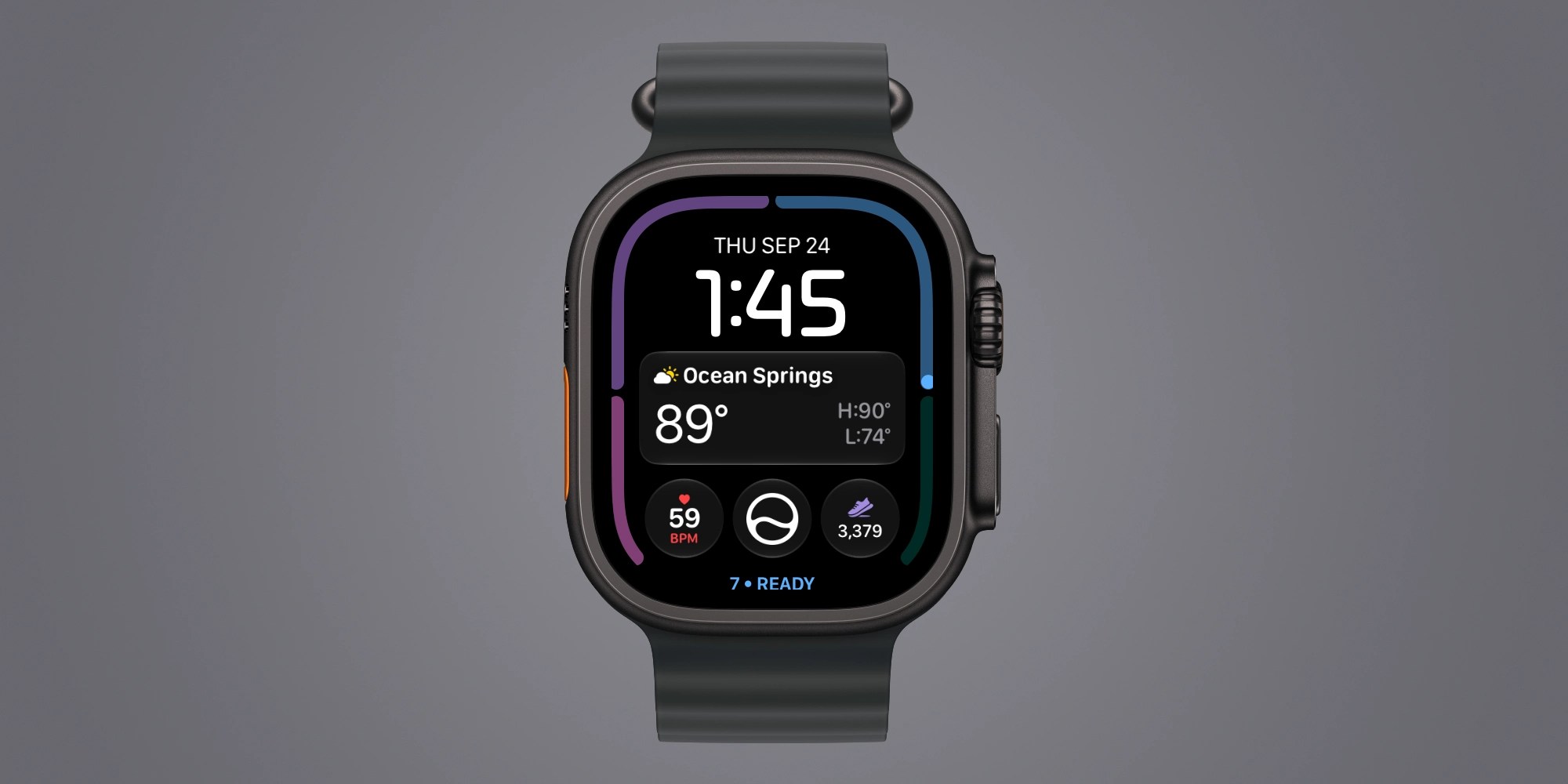
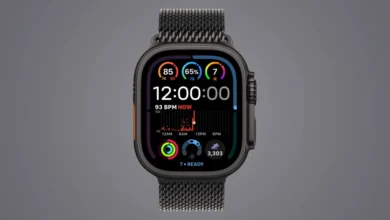
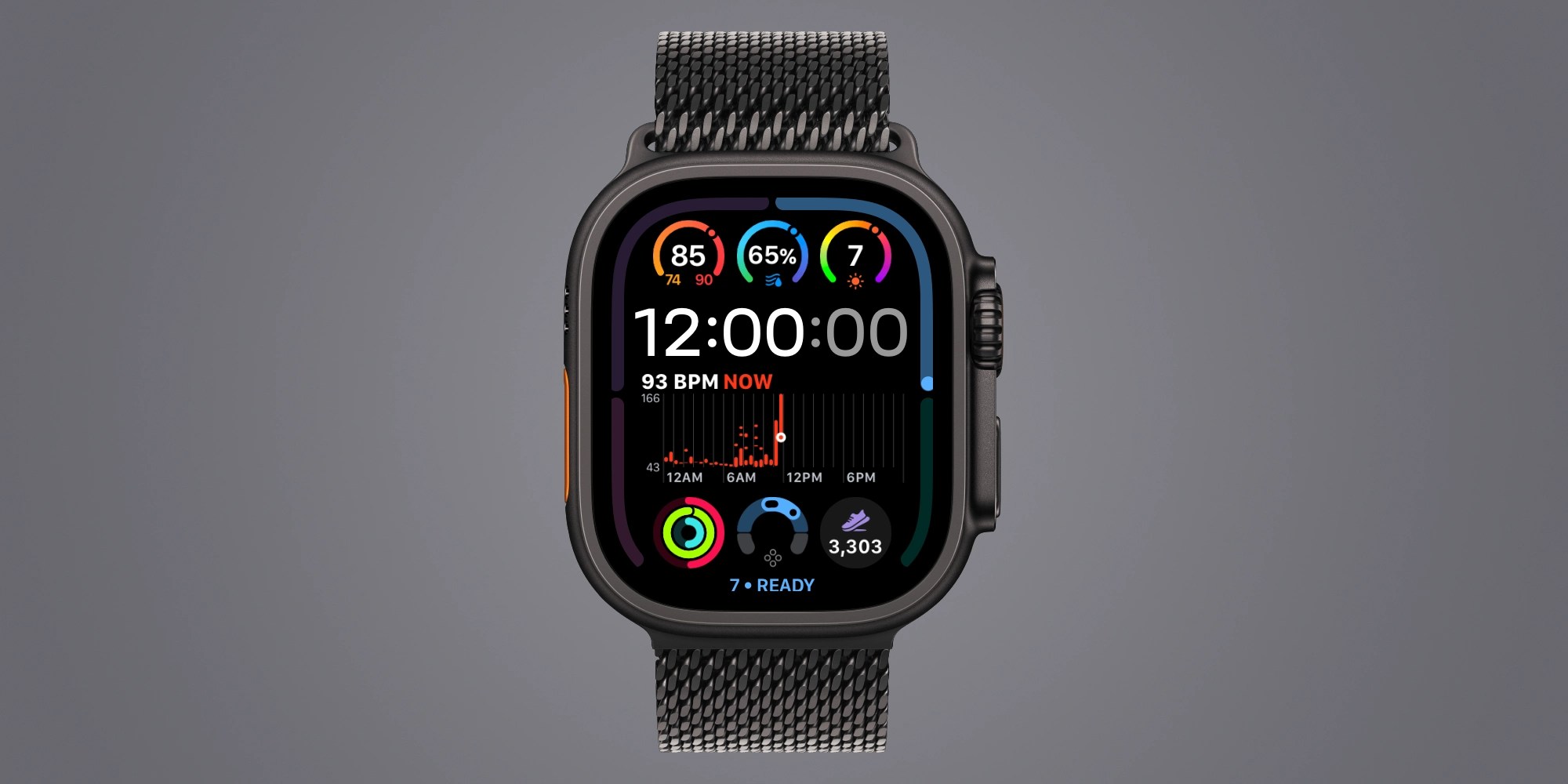
The most immediate method for realizing the performance gains of the Series 12 and Ultra 4 involves a complete overhaul of active watch faces. Previous watch generations often restricted high-frequency biometric data to wide, cumbersome complication slots that sacrificed spatial efficiency for limited real-time updates. The newest hardware generation removes these limitations, enabling users to anchor live heart rate metrics, precise step counts, and dynamic readiness scores directly into compact, single-slot complications.
The inclusion of a live heart rate complication represents a major shift in how continuous biometric monitoring is presented. Rather than displaying an averaged or delayed metric, the updated single slot offers instantaneous feedback that reacts immediately to changes in physical exertion or resting states. Similarly, the integration of prominent step-tracking complications has proven to be a powerful behavioral motivator, encouraging users to close activity rings and achieve movement milestones earlier in the working day.
Furthermore, the introduction of the real-time readiness score—a composite metric evaluating sleep quality, overnight vitals, and recent exertion—transforms the watch face into a holistic wellness dashboard. Because readiness scores fluctuate dynamically throughout the day in response to stress, activity, and recovery phases, displaying this metric front and center provides continuous context for pacing physical and mental workloads. To maximize fluidity, users can enable quick watch face switching by navigating to Settings, selecting Clock, and toggling on the Swipe to Switch Watch Face feature, allowing for seamless transitions between fitness-focused layouts and professional aesthetics.
Ambient Intelligence and Automated Audio Recognition
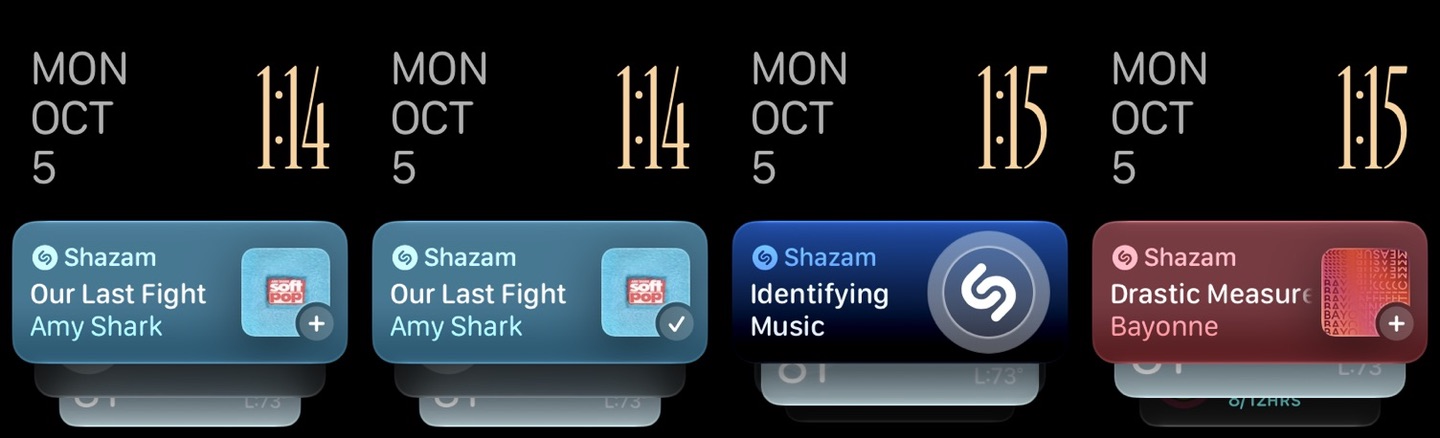
Beyond health and fitness tracking, the Series 12 and Ultra 4 leverage advanced audio processing capabilities to introduce friction-free environment awareness, most notably through automated Shazam integration. In previous watch generations, identifying an ambient song required the user to either summon Siri via voice command or manually locate and tap the Shazam application within the app grid—a process that often took too long in fast-paced social environments.
By configuring the Smart Stack to include Music Recognition, the device operates continuous, privacy-compliant background listening that flags unfamiliar tracks playing in restaurants, coffee shops, or public transit hubs. Users can access Settings, navigate to the Smart Stack menu, and enable Music Detection to ensure that song titles and artist information appear automatically at the top of their widget stack whenever music is detected nearby. This minor adjustment exemplifies a broader industry trend toward ambient computing, where software anticipates user intent without requiring explicit, manual invocation.
Redefining Personalization with Siri Modular
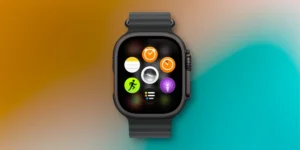
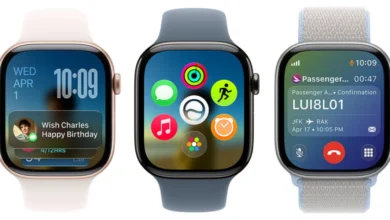
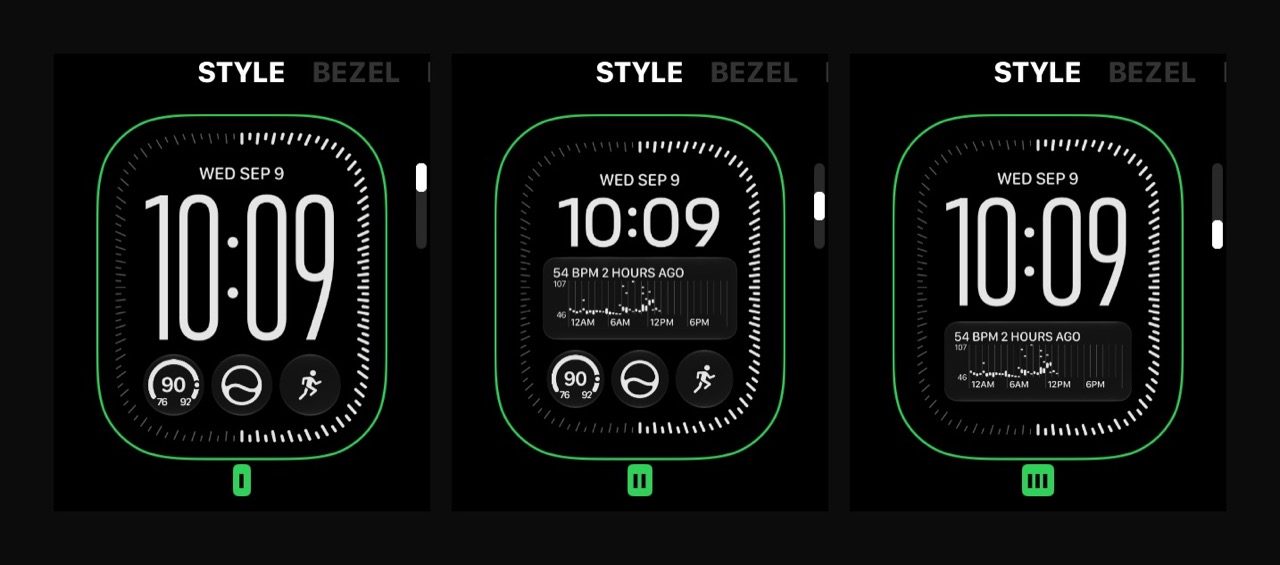
The rollout of watchOS 27 brings the highly anticipated Siri Modular watch face to all supported devices, though the Series 12 and Ultra 4 take full advantage of its expanded layout options and higher-density complication support. The Siri Modular design breaks away from rigid, static grid layouts by dynamically adapting to the user’s contextual needs, surfacing calendar appointments, travel updates, and smart home controls precisely when they are relevant.
Customization is central to the appeal of Siri Modular. Users are no longer restricted to a singular aesthetic configuration; instead, they can curate multiple instances of the face within their rotation, each tailored with distinct color palettes, typography styles, and specialized complication arrays. For instance, a user might configure a high-contrast, minimalist layout for outdoor running, transition to a data-dense productivity layout during working hours, and shift to a subdued, low-light configuration for evening wear. This level of granular personalization ensures that the device adapts to the user’s lifestyle rather than forcing the user to adapt to a fixed software interface.
Establishing Baselines for Advanced Wellness Metrics
While displaying a readiness score or a vitals complication provides immediate visual feedback, the underlying analytics require a structured data collection period before they can deliver reliable, personalized insights. Apple’s health architecture relies on comprehensive baseline profiling, necessitating adherence to specific operational guidelines during the initial weeks of ownership.
To achieve optimal functionality, users must complete their comprehensive Health Details within the companion app on their paired iPhone, configure routine activity targets, enable comprehensive sleep tracking schedules, and consistently wear the device during sleep for a minimum of seven consecutive nights. Additionally, generating accurate readiness and recovery scores depends on receiving continuous sleep data from the preceding night, which requires users to strategically integrate daytime charging windows into their daily routines.
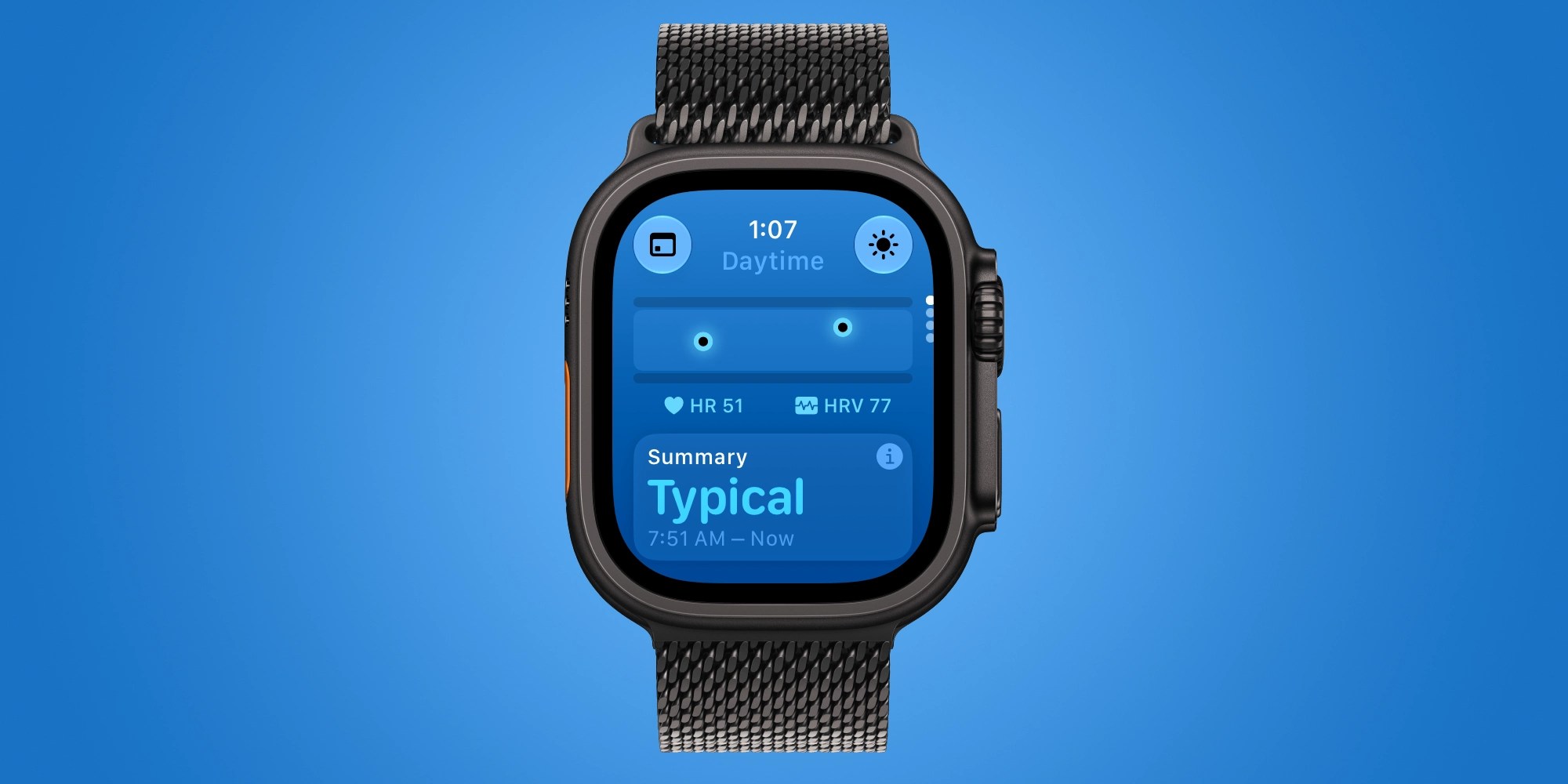
Health specialists emphasize that while early metric readings offer an intriguing glimpse into autonomic nervous system recovery, users should view the initial two weeks as a calibration phase rather than a definitive diagnostic assessment. Establishing a stable physiological baseline allows the device’s algorithms to account for individual variance, minimizing false positives regarding fatigue or strain.
Expanding Health Horizons with Daytime Vitals Monitoring
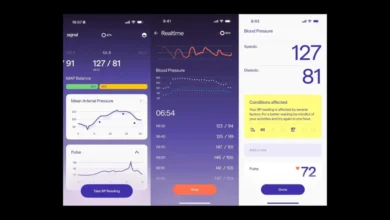
The hardware architecture of the Series 12 and Ultra 4 also enhances the scope of the native Vitals application, expanding tracking parameters beyond the traditional overnight window. While previous iterations primarily focused on nocturnal metrics—such as resting heart rate, respiratory rate, and wrist temperature—the latest models incorporate continuous daytime vitals analysis.

By evaluating real-time heart rate data alongside recovery heart rate variability during waking hours, the Vitals app can detect subtle physiological responses to acute stress, caffeine intake, or early-stage immune challenges during the middle of the workday. This continuous monitoring bridges the gap between nocturnal recovery tracking and active daytime performance management, giving users a more comprehensive view of their overall physical resilience.
Industry analysts anticipate that the value proposition of the Series 12 and Ultra 4 will continue to expand in the near future, with upcoming software deployments slated to introduce advanced capabilities such as Siri Recap and Live Rewind. As these features roll out, users who invest time in properly configuring their devices, establishing robust health baselines, and tailoring their interface layouts will be best positioned to experience the full generational leap offered by Apple’s latest wearable flagships.