For creative professionals, engineers, and data scientists, the hardware required to sustain high-intensity workflows—such as 4K video editing, complex 3D rendering, and large-scale simulation—demands more than standard consumer-grade performance. As the 2025 professional landscape shifts toward increasingly demanding AI-integrated software and resource-heavy creative suites, the selection of a reliable mobile workstation has become a critical strategic decision. A true workstation is defined by its ability to maintain consistent, thermal-regulated performance under sustained loads, paired with high-fidelity color-accurate displays and specialized graphics acceleration.
The current market landscape is defined by the convergence of high-performance mobile silicon from Apple, Intel, and AMD. While many creative professionals historically relied on desktop towers, the modern iteration of the "mobile workstation" has achieved a level of parity with stationary systems that was previously unattainable. However, this power comes with distinct trade-offs in thermal management, battery life, and financial investment.
Market Dynamics and the Evolution of Professional Computing
The evolution of professional laptops has followed a trajectory of increasing density. Ten years ago, a laptop capable of rendering a 3D scene in real-time was often an unwieldy, thick chassis weighing upwards of eight pounds. Today, manufacturers have leveraged advancements in sub-5nm chip architecture and vapor-chamber cooling technology to house enterprise-grade power in chassis thinner than 0.7 inches.
The primary shift in 2025 is the integration of AI-specific hardware acceleration. Modern workflows in applications like Adobe Premiere Pro and DaVinci Resolve now rely heavily on Neural Processing Units (NPUs) to handle tasks like object tracking, background removal, and color grading. This has created a new standard: a workstation is no longer just a high-clock-speed CPU and a dedicated GPU; it is a holistic system optimized for heterogeneous computing.
The Top-Tier Contenders: A Comparative Overview
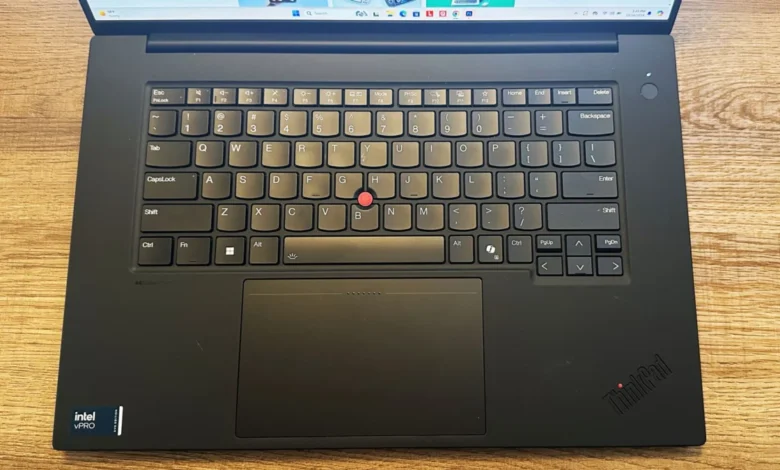
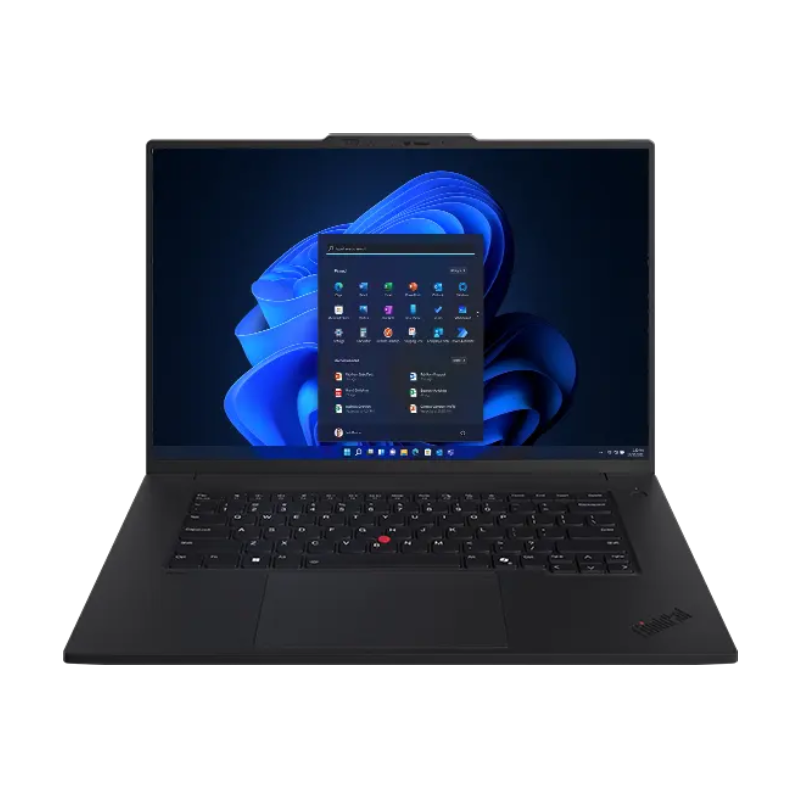
When evaluating the market, the Lenovo ThinkPad P1 Gen 7 has emerged as a leader for its balance of enterprise-grade reliability and portable performance. Equipped with the Intel Core Ultra 7 165H and the Nvidia RTX 1000 Ada Generation GPU, it serves as the benchmark for a balanced professional tool. Unlike many of its competitors, the P1 Gen 7 excels in battery longevity, providing over 17 hours of operation in standard web-browsing tasks—a rarity for a machine with such significant processing headroom.
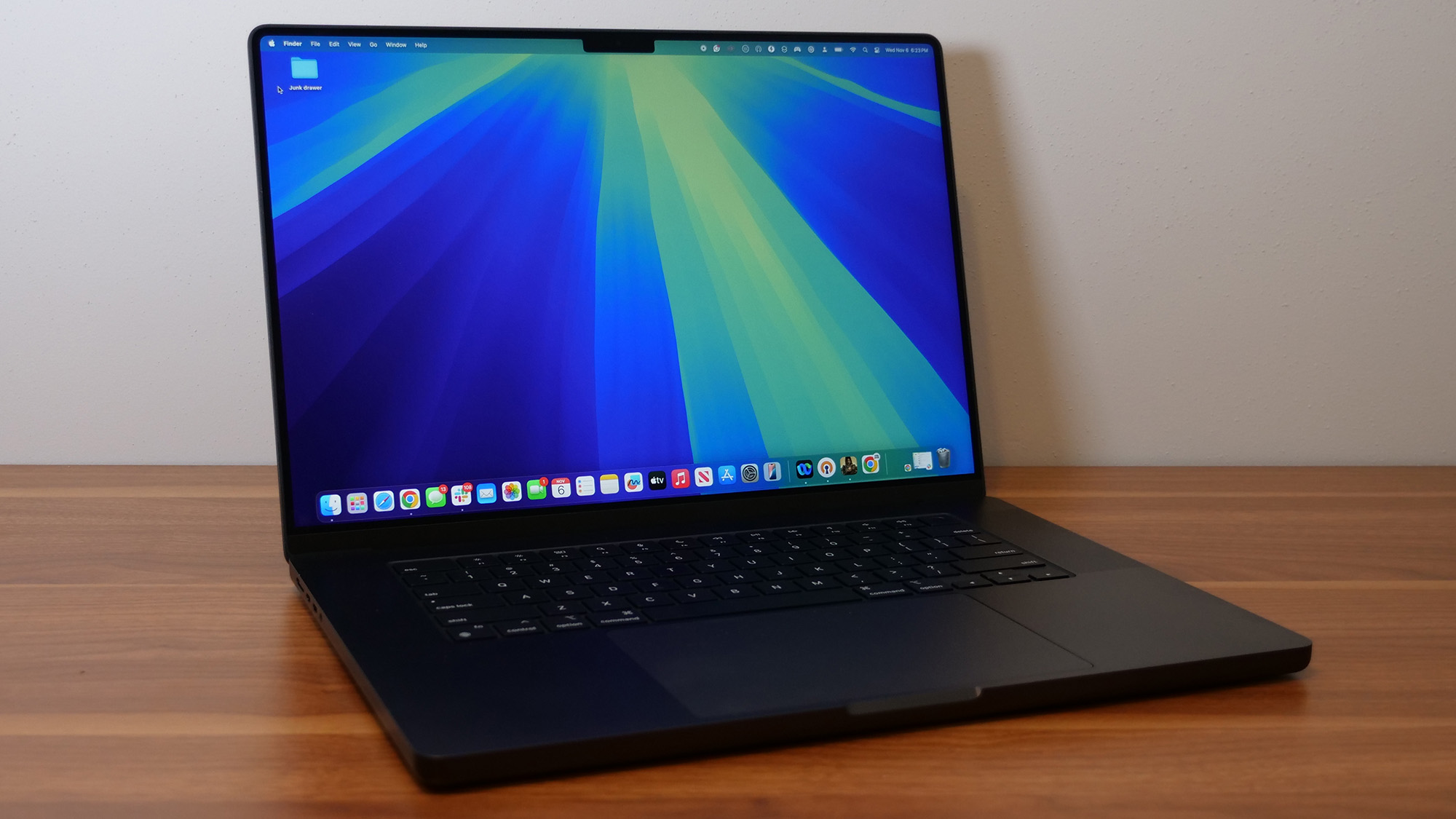
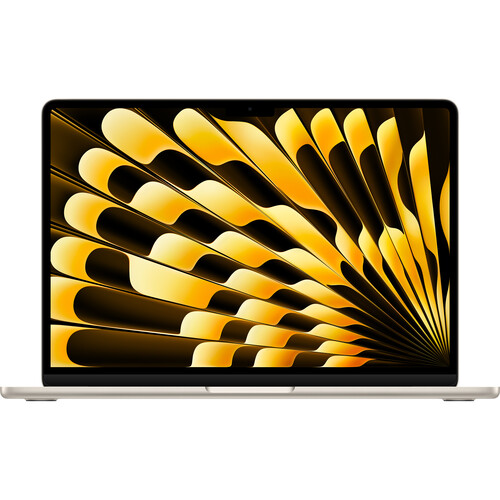
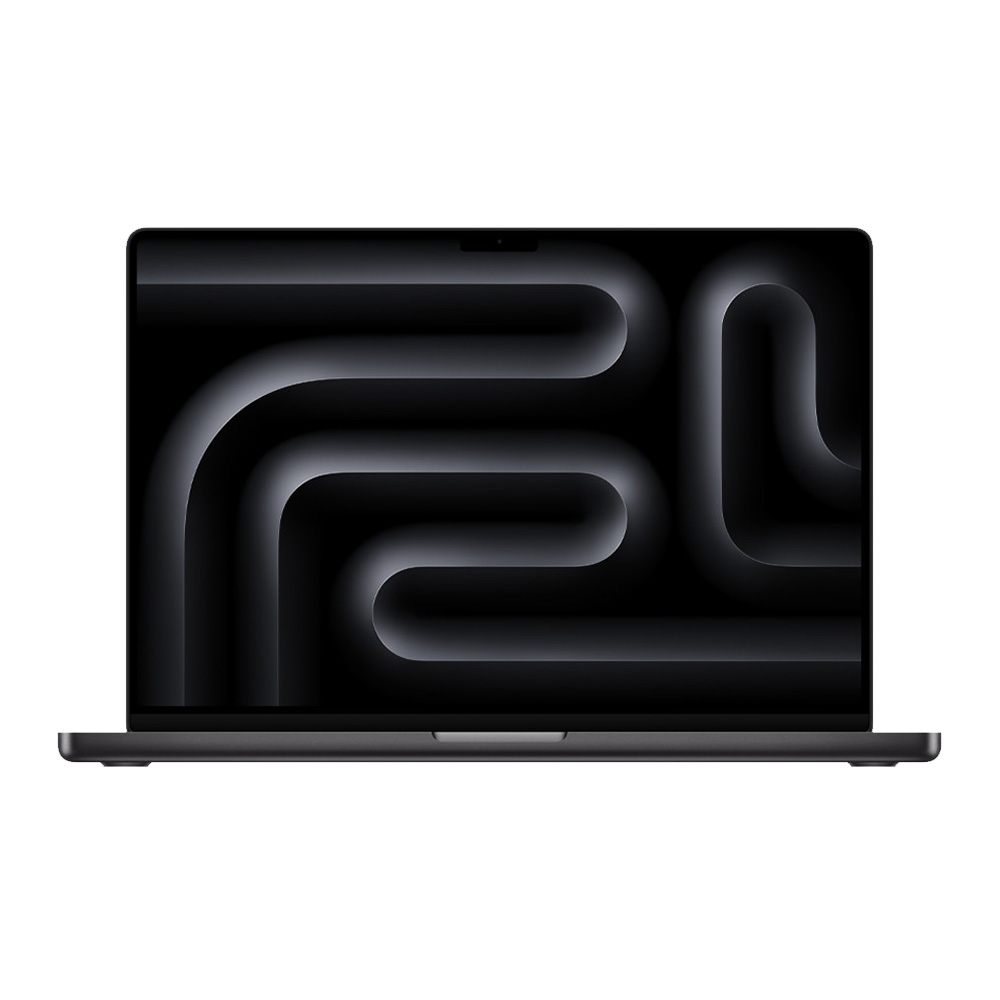
Conversely, the Apple ecosystem remains the dominant force for creative media production. The 2024 iteration of the MacBook Pro 16-inch, powered by the M4 Pro chip, has set a new industry record for performance-per-watt. With a 14-core CPU and 20-core GPU, it handles multicore-intensive tasks with an efficiency that Windows-based systems struggle to match in mobile form factors. Benchmark data indicates a Geekbench 6 multicore score of 22,822, placing it significantly ahead of the field.
Performance Benchmarks and Technical Analysis
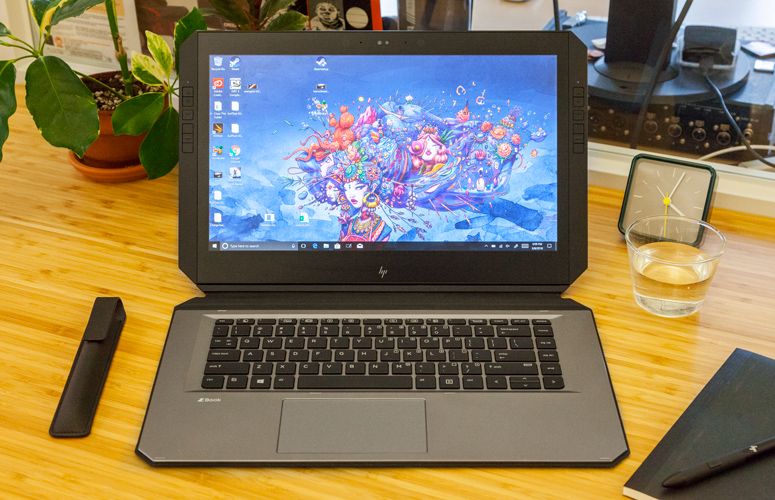
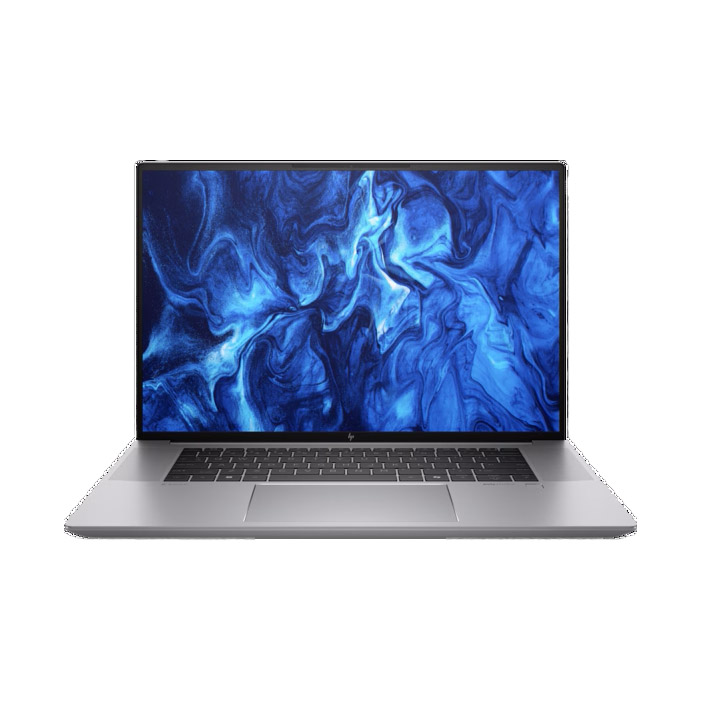
Technical testing conducted in controlled laboratory environments reveals the divergence between these platforms. While the HP ZBook Studio 16 G11 is undeniably the "performance" king, with an Intel Core Ultra 9 185H and 64GB of RAM, its power draw is significant. The ZBook is designed for users who treat their laptop as a portable desktop, often prioritizing raw, sustained compute cycles over battery efficiency. Its DreamColor display, covering 113.6% of the DCI-P3 color gamut, makes it the preferred choice for color-critical work where the display is the primary asset.
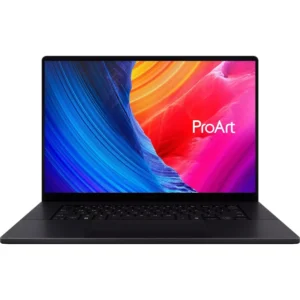
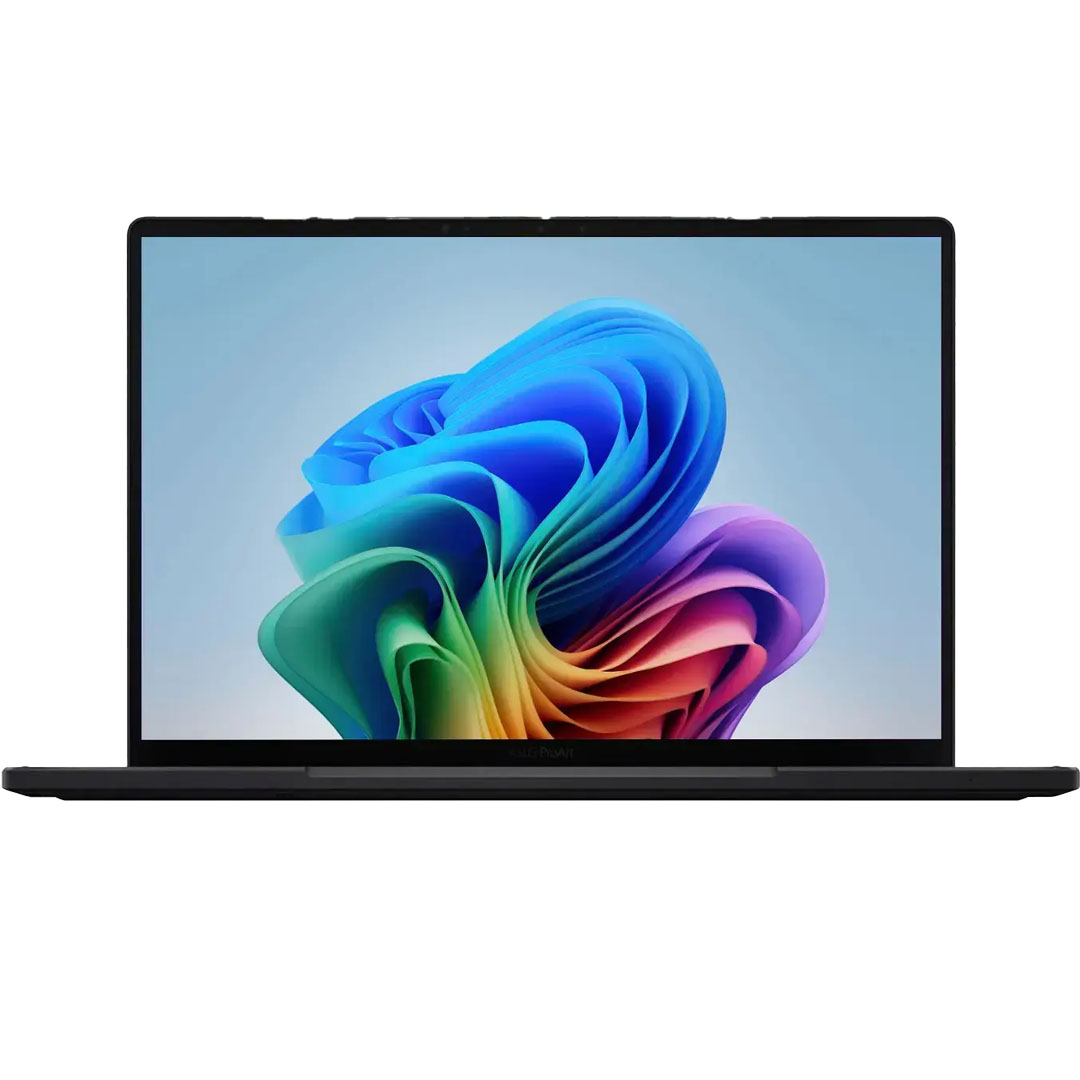
In contrast, the Asus ProArt PX13 represents the emerging "AI PC" class. By utilizing the AMD Ryzen AI 9 HX 370 processor, it offers a compelling alternative for Windows users who need a 2-in-1 form factor without sacrificing discrete graphics performance. Its ability to complete 4K-to-1080p video encoding in just 3 minutes and 36 seconds demonstrates that the gap between traditional workstations and creator-focused laptops is closing rapidly.
The Trade-offs: Portability vs. Sustained Power
One of the most critical factors for professional buyers is the thermal management of these devices. Under sustained load, a workstation’s performance is capped by its ability to dissipate heat. Our testing shows that while the HP ZBook Studio 16 G11 provides elite processing power, it reaches external temperatures as high as 107.9 degrees Fahrenheit under heavy load. Users must weigh this thermal output against the portability of the device.
Battery life remains the most significant differentiator. The MacBook Pro 16 (M4 Pro) achieved 20 hours and 46 minutes in continuous web-surfing tests, while the ZBook Studio 16 G11 lasted only 4 hours and 43 minutes. For field professionals—such as on-set digital imaging technicians or location photographers—the MacBook Pro offers a distinct operational advantage that no amount of raw Windows-based compute power can currently replicate.
Strategic Selection: How to Choose for Your Workflow
The process of selecting a workstation should be dictated by the specific software stack utilized by the organization or individual.
- CPU Requirements: If the workflow is dominated by single-threaded tasks or legacy codebases, high-clock-speed Intel or AMD silicon is typically preferred. For heavy compilation and multitasking, the high core counts of the Apple M4 Pro/Max architecture provide a smoother experience.
- GPU Optimization: It is a common misconception that gaming GPUs (like the RTX 40-series) can always replace professional workstation GPUs (RTX Ada series). While they share similar architecture, workstation drivers are optimized for stability in CAD (Computer-Aided Design) and professional rendering software. If your workflow involves SOLIDWORKS or AutoCAD, an Nvidia RTX Ada Generation GPU is non-negotiable.
- RAM and Future-Proofing: Memory is the most common point of failure for workstation longevity. Professionals should consider 64GB the new baseline. Because many modern, thin-and-light workstations use soldered memory to achieve their slim profiles, upgrading after purchase is often impossible.
Broader Industry Implications
The stagnation of the Qualcomm Snapdragon X Elite platform in the professional workstation category is a noteworthy development. While ARM-based Windows laptops are making strides in general-purpose productivity, the lack of support for discrete GPUs and the reliance on emulation for many legacy professional creative applications (such as older versions of Adobe Premiere Pro) limits their viability in high-stakes professional environments. Until native application support for ARM-based Windows reaches parity with x86, the professional workstation market will remain firmly rooted in traditional silicon architecture.
The increased focus on "AI PC" branding by companies like ASUS and HP suggests a transition toward on-device AI processing. This shift implies that the workstations of the near future will need to allocate an increasing percentage of their power budget to NPUs, potentially changing the way we measure performance. We are moving toward a period where "performance" is measured not just by frames per second or render time, but by the latency of local large language models (LLMs) and local AI image generation tools.
Conclusion
The current landscape for workstation laptops is the most competitive it has been in a decade. Whether the priority is the unmatched battery efficiency and display quality of the MacBook Pro, the enterprise-grade reliability of the Lenovo ThinkPad P1, or the raw, unadulterated performance of the HP ZBook Studio, there is a specialized tool for every workflow.
The decision-making process should be grounded in the realization that there is no "perfect" laptop. Each machine represents a specific set of engineering compromises. For the user, success lies in identifying the specific bottleneck of their current workflow—whether it be thermal throttling, insufficient memory, or poor color accuracy—and selecting the device that explicitly addresses that limitation. As we look toward the remainder of 2025, the trend toward mobile, high-performance computing shows no signs of slowing, ensuring that the next generation of creative work will be tethered only by the imagination of the user, not the limitations of their hardware.