Google Messages homepage redesign: Pinned chat avatars, bottom search, corner Gemini

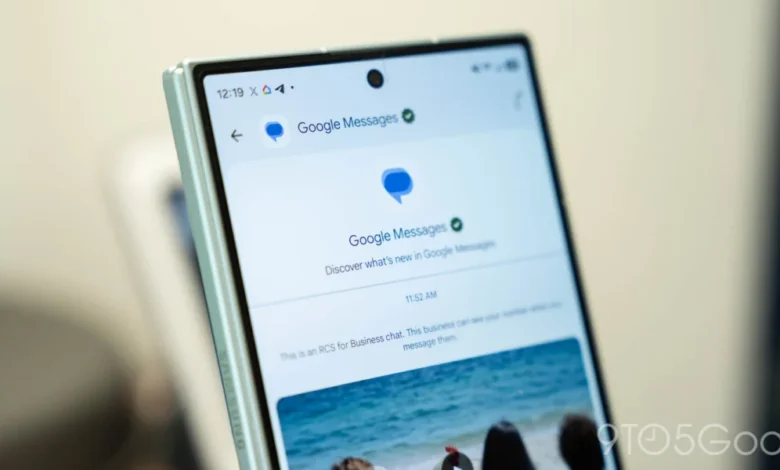
The Evolution of the Google Messages Interface
The redesign, currently surfacing for select users within the Google Messages beta program, is being deployed in a staggered, piecemeal fashion. By modifying the core architecture of the app’s landing page, Google is attempting to solve long-standing usability challenges associated with managing high-volume communication. The update focuses on three primary pillars: a reconfigured pinning system, a dynamic bottom-anchored search interface, and a relocated entry point for the Gemini AI service.
Historically, Google Messages has maintained a relatively static list-based interface. Conversations were sorted by the most recent timestamp, with pinned chats occupying the top of the list in a compact format. This design was functional but often felt cluttered as the number of active conversations grew. The new iteration, however, elevates pinned contacts to a dedicated, high-visibility area. By utilizing the existing background layer that previously served as a static header for the app’s branding and search bar, Google has created a dedicated "pinned row" that functions independently of the main message feed.
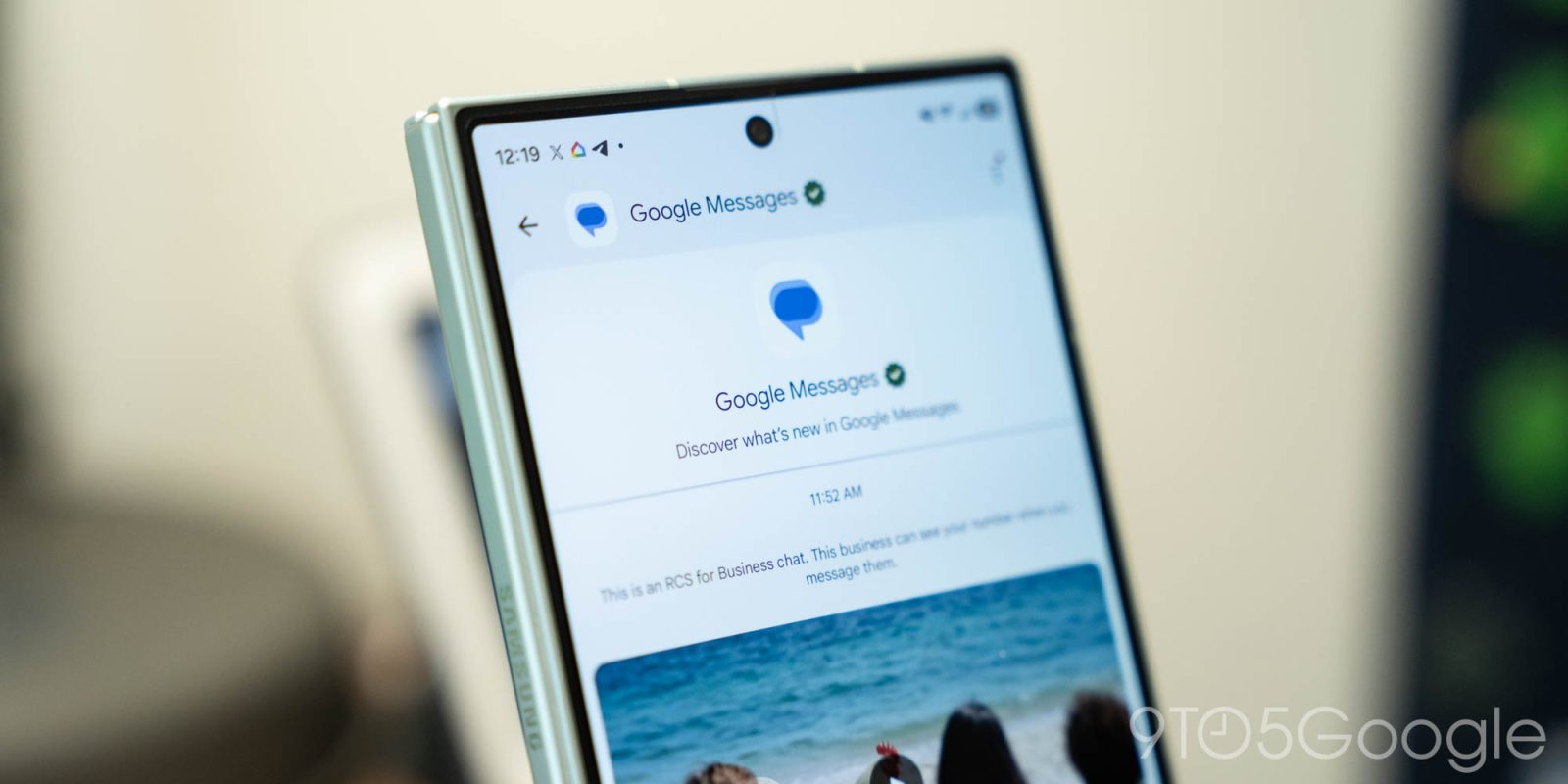
This approach draws a clear parallel to the design philosophy observed in iOS, where pinned conversations are represented by prominent contact avatars rather than standard text-heavy list entries. While this change improves visual recognition, it introduces a functional trade-off: users no longer see the latest message snippet or the timestamp of the last communication for these pinned contacts. This shift prioritizes quick access over immediate context, suggesting that Google is targeting power users who maintain frequent, dedicated lines of communication with specific individuals or groups.
Rethinking Search and Navigation
Beyond the reorganization of contacts, Google is experimenting with a significant shift in how users locate information within the app. The search function, previously confined to a static bar at the top of the screen, is being transformed into a dynamic, context-aware component. In the new test build, the search feature is integrated into a floating action button (FAB) that lives alongside the "Start chat" button at the bottom of the interface.
This implementation enhances one-handed usability, a critical design consideration for modern smartphones with increasingly large display footprints. When the user is at the top of their message list, the button displays a full "Search" and "Start chat" label. As the user scrolls through their threads, the button intelligently transitions into a minimized state, displaying a circular magnifying glass icon to reclaim screen real estate. This dynamic animation not only provides a cleaner look but also ensures that core navigational tools are always within thumb’s reach.

The transition to a bottom-anchored navigation system aligns with contemporary mobile design trends, where interactive elements are increasingly moved to the lower third of the screen to accommodate ergonomic usage. By centralizing these controls, Google is reducing the physical distance a user must travel across the screen to switch between searching for old messages and initiating a new conversation.
Integration of Gemini AI
The final component of this redesign is the repositioning of the Gemini AI shortcut. Previously, Gemini was often accessed through a standalone floating button, which could potentially interfere with other UI elements or clutter the screen. In the latest test, Google has moved the Gemini entry point to the top-right corner of the screen, placing it in immediate proximity to the user’s profile avatar.
This strategic placement serves two purposes. First, it declutters the lower half of the screen, allowing the new search and "Start chat" buttons to exist without overcrowding. Second, it creates a consistent UI pattern with other Google applications, such as Gmail, Google Drive, and Google Docs, which utilize the top-right quadrant for account-based and assistant-based services. By standardizing this placement across its ecosystem, Google is reinforcing a "unified identity" for its AI tools, making it easier for users to transition between apps without relearning where the AI assistant resides.

Chronology of Recent Google Messages Updates
The current redesign is the latest in a rapid series of updates aimed at modernizing the platform. Throughout 2026, Google has aggressively pushed to improve the parity between Android’s default messaging app and its competitors.
- September 2026: Google introduces a redesigned application icon, signaling a broader visual refresh for the brand.
- October 2026: Initial reports emerge regarding a "cleaner" layout for the conversation list, with testers noting a shift toward larger, rounded elements.
- Early November 2026: The beta channel receives the current "three-pillar" update, introducing the elevated pinned chats and the dynamic bottom search bar.
- November 7, 2026: Documentation and user reports confirm that the pinned chat redesign is being pushed to a wider segment of the beta testing pool, marking the first major functional shift in the interface.
Contextual Impact and User Implications
The implications of these changes are twofold: they improve individual productivity while simultaneously increasing the "premium" feel of the application. For a long time, Google Messages was viewed as a basic utility. By introducing sophisticated, iOS-style pinned bubbles and fluid UI animations, Google is positioning the app as a sophisticated communication hub.
However, the change is not without potential friction. By hiding message previews for pinned contacts, Google risks alienating users who rely on "at-a-glance" information to decide which messages require an immediate response. Furthermore, the move to a floating, dynamic search bar may require a period of adjustment for users who have developed muscle memory around the top-aligned search field that has been a staple of Android app design for over a decade.

From a development perspective, the piecemeal rollout suggests that Google is carefully monitoring user engagement metrics. By testing different aspects of the redesign on different subsets of the beta population, the company can isolate which features provide the most value—such as whether the pinned bubbles actually increase interaction frequency or simply serve as visual decoration.
Industry Analysis and Broader Trends
This redesign arrives at a time when the messaging landscape is more competitive than ever. With the adoption of RCS (Rich Communication Services) as a global standard, Google has successfully closed the functional gap with Apple’s iMessage. Now that the underlying protocol is stable and widely compatible, the focus has shifted entirely to the user interface and user experience.
The integration of Gemini into the core of the messaging experience is perhaps the most significant strategic move. By treating AI as a first-class citizen within the communication app, Google is attempting to change how users interact with their messages—moving from a model where users simply read and reply to one where the AI can help summarize, draft, and organize communications in real-time. The move to the top-right corner suggests that Google views Gemini as an "always-on" companion that should be as accessible as one’s account settings.

Conclusion
While Google has not provided an official timeline for a public release, the depth of the current beta testing suggests that these changes are well-advanced. The redesign of Google Messages represents a mature, refined approach to mobile communication, focusing on ergonomic efficiency, visual consistency with the broader Google ecosystem, and the normalization of AI tools within everyday workflows. Whether these changes will be embraced by the broader user base remains to be seen, but the intent is clear: Google is determined to make its messaging platform as polished and capable as any other tool in its digital suite. As the company continues to iterate on these features, the focus will likely remain on balancing the power of AI with the simplicity required for daily, rapid-fire communication.