Google Finally Brings "Notify When Left Behind" Proximity Alerts to Android’s Find Hub Network

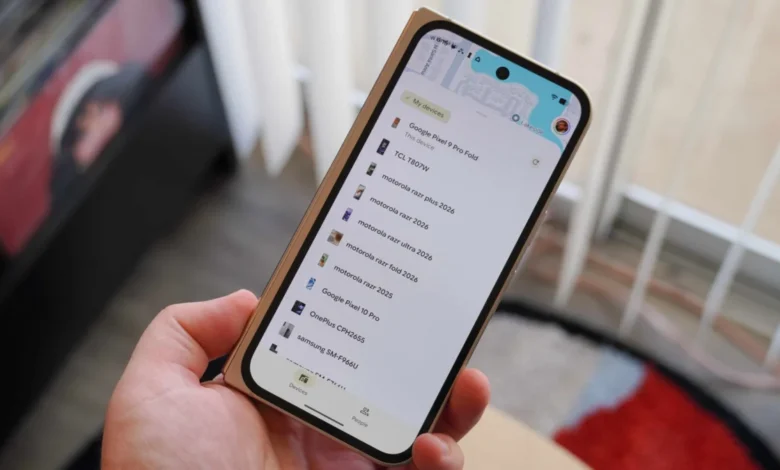
Google is rolling out a long-awaited proximity alert feature for Android’s Find Hub network, addressing a major functional gap that has persisted since the platform’s major overhaul. The new capability, officially designated as "Notify when left behind," is designed to alert users immediately when they move away from personal items secured with compatible Bluetooth tracking devices, such as smart tags, card trackers, and luggage tags.
While rival ecosystems like Apple’s Find My network have offered proximity separation alerts for years, the deployment on Android marks a significant milestone for Google’s unified tracking infrastructure. The update is currently making its way to users worldwide through a server-side rollout, bringing Android’s tracking capabilities closer to parity with its competitors.
Evolution of Android’s Finding Infrastructure
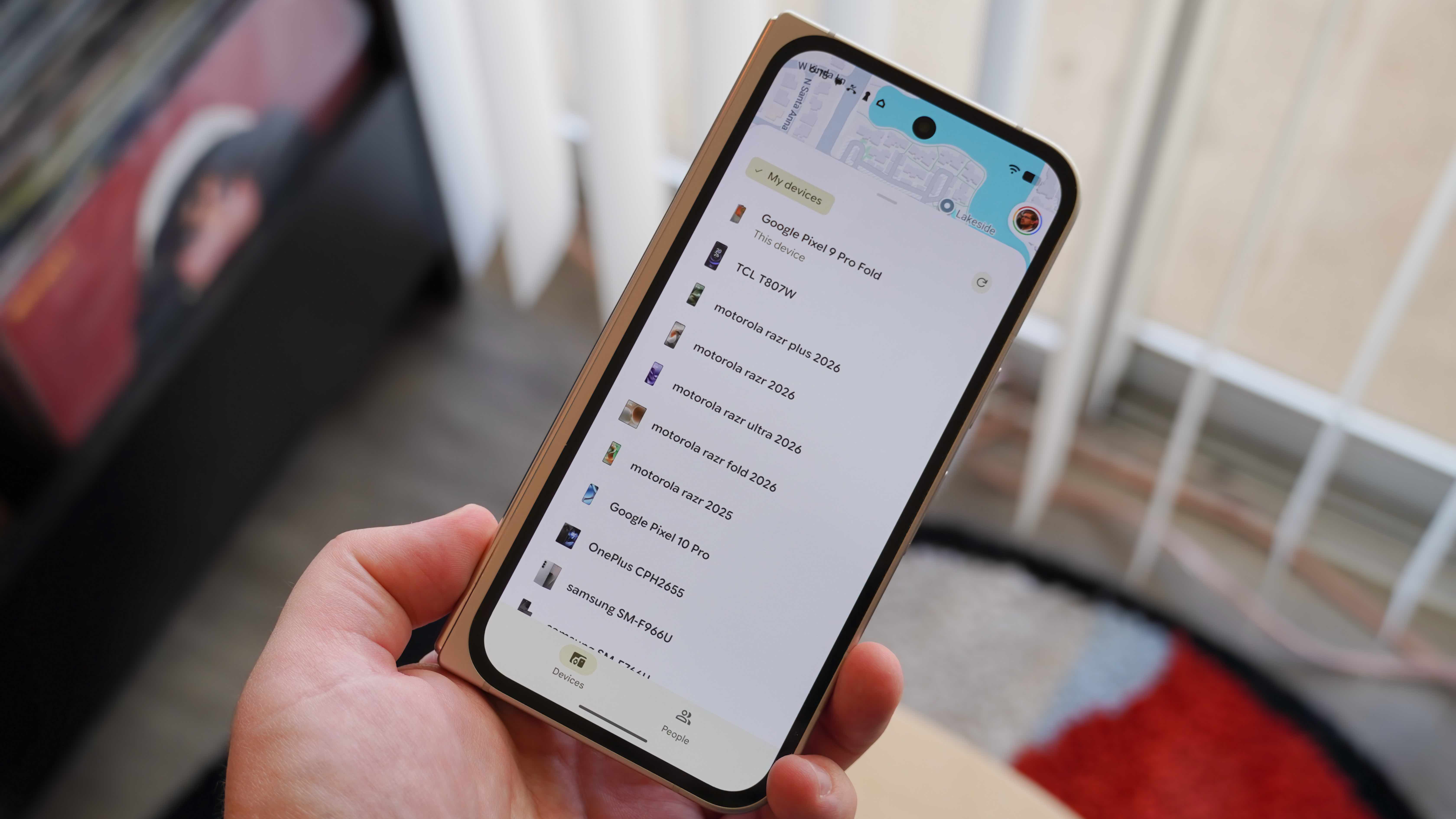
The introduction of the separation alert arrives nearly two years after Google completely restructured its device-locating services. Following years of fragmented solutions, Google introduced Find Hub to serve as a centralized hub capable of locating missing smartphones, tablets, smartwatches, earbuds, personal Bluetooth trackers, and even individuals sharing their location data.
To power this ecosystem, Google collaborated closely with prominent hardware manufacturers to introduce a new generation of Bluetooth trackers designed specifically for the Android network. Devices such as the Motorola Moto Tag, alongside dedicated tracker cards from brands like Chipolo and Pebblebee, hit the market with ultra-wideband (UWB) and standard Bluetooth low energy (BLE) support.
Despite the expansion of compatible hardware and a modernized interface, users noted a glaring omission: the lack of automated notifications when walking away from an item. Unlike Apple’s AirTags, which prompt an instant iPhone notification the moment a user leaves a tagged item behind in a coffee shop or rides away without a backpack, Android users previously relied entirely on manual checks within the Find Hub application. The rollout of "Notify when left behind" directly rectifies this limitation.
How the New Feature Operates
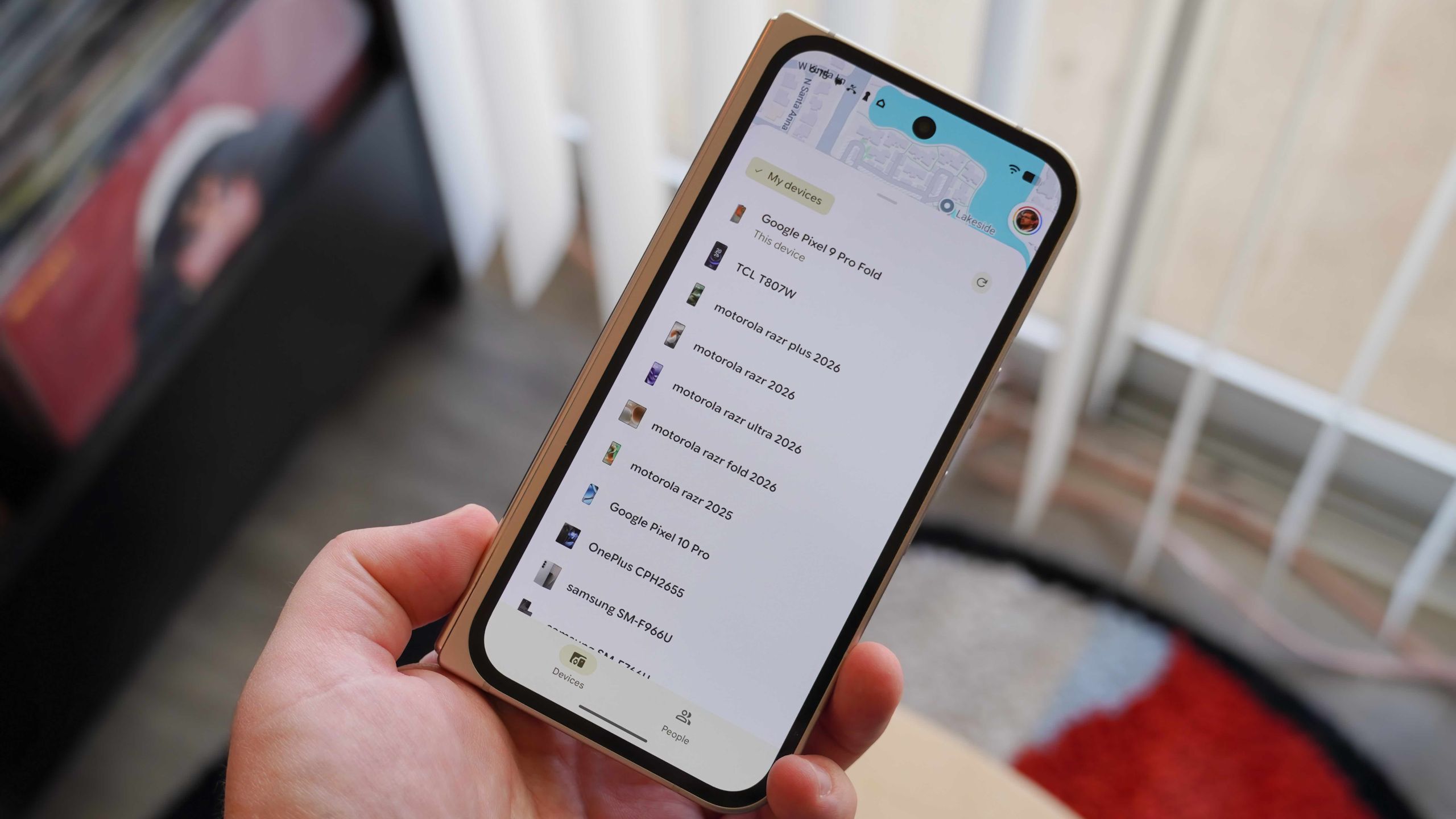
The "Notify when left behind" tool functions by monitoring the Bluetooth signal strength and distance connection between a user’s Android smartphone and registered tracking tags. Once a user moves outside of the established Bluetooth range—and the smartphone disconnects from the tracker—Find Hub evaluates the current geographic location to ensure the user is not simply leaving the item in a secure, trusted environment like a home or office.
If the disconnection occurs outside of a designated safe zone, the system triggers a push notification on the user’s Android device, alerting them that an item may have been misplaced.
To activate the functionality, users must navigate through a straightforward setup process within the application:
- Open the Find Hub application on a compatible Android smartphone or tablet.
- Select the specific Bluetooth tracker or tagged accessory from the registered device list.
- Access the settings menu associated with that particular accessory.
- Locate and toggle on the "Notify when left behind" option.
At launch, the functionality is strictly confined to dedicated third-party Bluetooth trackers integrated into the Find Hub network. Other hardware categories, such as wireless earbuds, smartwatches, and connected smartphones, do not currently support this specific proximity notification mode, though industry analysts suggest Google may broaden device categorization in future software iterations.
Industry Context and Competitive Landscape
The rollout underscores the intense competition within the personal asset-tracking sector. Apple established a dominant benchmark with the release of its AirTag ecosystem and integrated Find My network, heavily emphasizing proactive security features such as separation alerts and anti-stalking measures.
When Google initially conceptualized its next-generation tracking network, privacy and safety implementations took center stage. In collaboration with Apple, Google developed an industry-wide specification for unwanted tracking detection, ensuring that both iOS and Android devices could automatically alert users if an unknown tracking tag was traveling with them. This collaborative anti-stalking standard delayed the rollout of Android’s network by several months to ensure robust security foundations were established before commercial scaling.
With the security infrastructure firmly in place and third-party hardware manufacturers producing a steady stream of compatible accessories, Google is now focusing on user convenience and feature parity. Proximity alerts represent one of the final major consumer-facing requests for the platform.
Market Implications and Future Outlook
The addition of separation alerts significantly enhances the practical utility of Android-compatible tracking tags. Items frequently prone to misplacement—such as physical keys, wallets, passports, and travel luggage—benefit immensely from immediate warning systems rather than retroactive tracking after the loss has already occurred.
For consumers heavily invested in the Android ecosystem, the update eliminates a primary friction point that previously drove some users toward proprietary single-brand solutions. Furthermore, it validates the multi-manufacturer strategy employed by Google, proving that an open ecosystem can successfully coordinate complex background monitoring across diverse hardware partners.
As the "Notify when left behind" feature continues its phased global deployment, industry observers anticipate further refinements to Find Hub. As Google gathers performance telemetry and user feedback, additional device categories may absorb proximity alert capabilities, solidifying Find Hub as an essential utility for modern mobile device management and personal asset security.