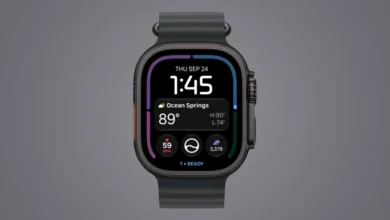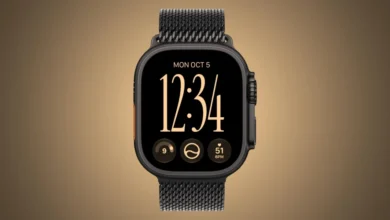
Apple Watch Daylight Saving Time Bug Causes Always-On Display Mismatch For Users Worldwide

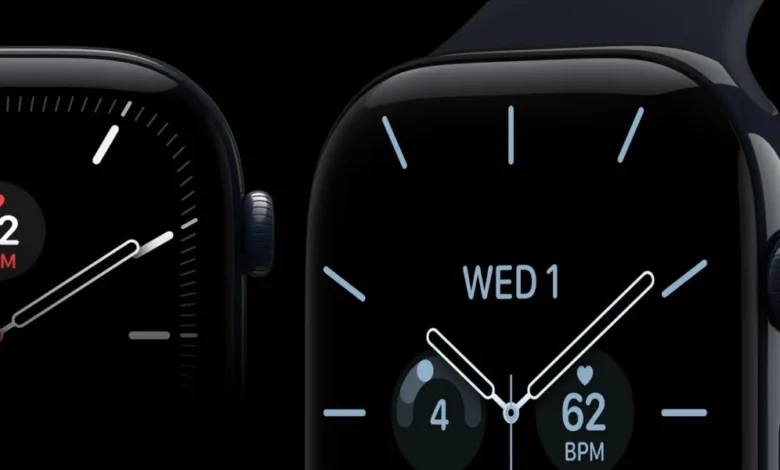
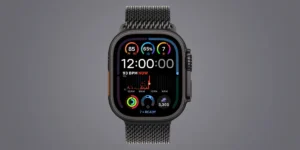
The transition into and out of Daylight Saving Time (DST) has historically presented logistical and software challenges for major technology companies, and Apple is once again grappling with seasonal software anomalies. Following the recent autumnal clock changes, a distinct software glitch has emerged, affecting select Apple Watch models. While the primary system time on the wearable devices updates correctly to reflect the rollback, the Always-On display frequently lags behind, continuing to show the pre-transition time until the device is actively engaged by the user.
This unexpected behavioral discrepancy has frustrated users across multiple regions, prompting discussions on online forums and social media platforms. Although Apple has previously deployed targeted updates to resolve timekeeping instabilities tied to seasonal transitions, the recurring nature of these bugs highlights the complex underlying mechanics required to sync low-power standby modes with dynamic system time zones.
A Familiar Seasonal Glitch: Historical Context of Apple Watch DST Bugs
Software complications surrounding biannual clock adjustments are not entirely new to the Apple ecosystem. The intersection of hardware, firmware, and time zone databases has historically triggered anomalous behavior across various generations of iOS and watchOS devices.
The most prominent historical precedent occurred in October 2018, shortly after the release of the Apple Watch Series 4. During the European transition from Daylight Saving Time, a severe software bug plunged certain Apple Watch units into a continuous reboot loop. The glitch overwhelmed the device’s operating system as it attempted to process the overlapping hour created by the time change, rendering the affected smartwatches temporarily unusable until Apple issued a rapid software mitigation.
Subsequent years have brought less catastrophic, yet persistent, time-synchronization errors. In November 2021, a separate bug impacted numerous iPhone and Apple Watch owners—particularly in regions like Canada—causing calendars, alarms, and system clocks to fall out of sync. These recurring incidents underscore the architectural difficulties developers face when programming localized time transitions into globally distributed consumer electronics, where regional variances in government-mandated clock changes create fragmented software environments.

The Anatomy of the Current Bug: How the Mismatch Manifests
The latest iteration of the Daylight Saving Time bug presents in a very specific manner. Because European nations typically adjust their clocks one to two weeks prior to the United States, the issue first manifested widely overseas before surfacing domestically.
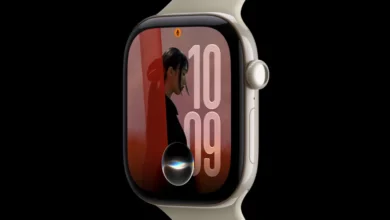
Users took to community platforms such as Reddit and X (formerly Twitter) to document the anomaly. According to user reports and shared video evidence, the core operating system of the Apple Watch successfully registers the official time change, updating the home screen and active complications accordingly. However, when the watch transitions into its low-power "Rest Mode" or Always-On state, the screen stubbornly displays the incorrect, pre-adjusted time.
As one affected user aptly described online, the system appears to bifurcate its time-rendering logic between active and idle states: "When the watch is in rest mode it shows the old time and when it becomes active it shows the correct time." This visual contradiction creates significant confusion for wearers who rely on a quick glance at their wrist to check the time without fully waking the display.
Technical Implications and the Challenge of Low-Power States
To understand why this specific bug occurs, one must examine how modern smartwatches manage power consumption. To preserve battery life, the Apple Watch utilizes distinct operational tiers. When a user actively interacts with the device, the primary CPU and graphics pipeline operate at full capacity, rendering precise, real-time system data.
Conversely, when the watch enters its Always-On or rest state, the device shifts to a heavily restricted low-power display profile designed to refresh minimally—often dropping the refresh rate down to 1Hz or lower. During this state, the watch relies on cached or pre-rendered layout data to minimize computational overhead.
The bug suggests that the watchOS firmware governing the Always-On display cache fails to receive or properly execute the dynamic time-zone update signal during seasonal transitions. Consequently, while the master clock updates correctly, the static snapshot utilized by the low-power display driver remains tethered to the pre-shift hour until a physical raise-to-wake gesture or screen touch forces the system to redraw the interface from the primary clock source.

Broad Industry Impact on Timekeeping Software
While Apple’s ecosystem is currently bearing the brunt of these specific user complaints, the broader consumer technology industry frequently battles the complexities of time synchronization. Operating systems rely on complex Internet Assigned Numbers Authority (IANA) time zone databases to dictate when and how local clocks should shift.
Governments worldwide frequently alter or debate the abolition of Daylight Saving Time, creating a moving target for software engineers. When regional rules change—such as individual states or entire countries opting out of biannual shifts—operating systems must be patched globally. The persistence of localized display glitches like the current watchOS issue demonstrates that maintaining absolute synchronization across primary processors, co-processors, and low-power display controllers remains an intricate engineering hurdle.
Mitigation and Steps Forward
Fortunately, unlike the critical crash loops of past years, the current Always-On display discrepancy does not compromise the core functionality or security of the Apple Watch. The primary time remains accurate, ensuring that alarms, calendar events, and notifications trigger at the correct moments.
For users experiencing this visual lag, standard troubleshooting protocols typically clear out the rendering cache. While Apple’s official support documentation outlines standard device restarts and synchronization resets as primary resolutions, many users find that the issue naturally resolves itself once the device completes a full power cycle or receives a subsequent background configuration update.
As consumer reliance on wearable technology deepens, the expectation for seamless, invisible background maintenance grows. Incidents like the recent DST display mismatch serve as a reminder of the delicate balance engineers must maintain between aggressive power-saving optimizations and real-time data accuracy in modern smart devices.