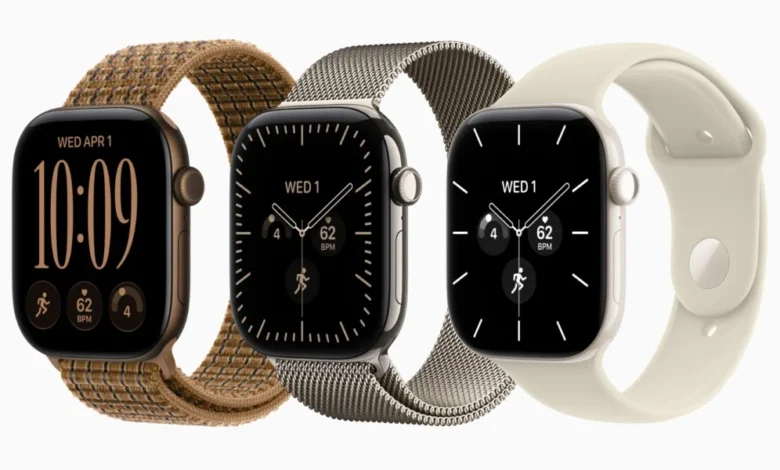
The release of watchOS 27 has introduced a significant shift in how users interact with their Apple Watch, bringing both advanced hardware capabilities and unexpected software compromises. Among the most notable and debated changes in the new operating system is the elimination of a long-standing multitasking shortcut: the ability to double-click the Digital Crown to instantly switch between the active application and the previously used one. While the software update has stripped this feature away from legacy devices—including the Apple Watch Series 11, Ultra 3, and SE 3—recent hardware announcements have finally shed light on the engineering motivations behind the removal.
The Disappearance of a Muscle-Memory Shortcut
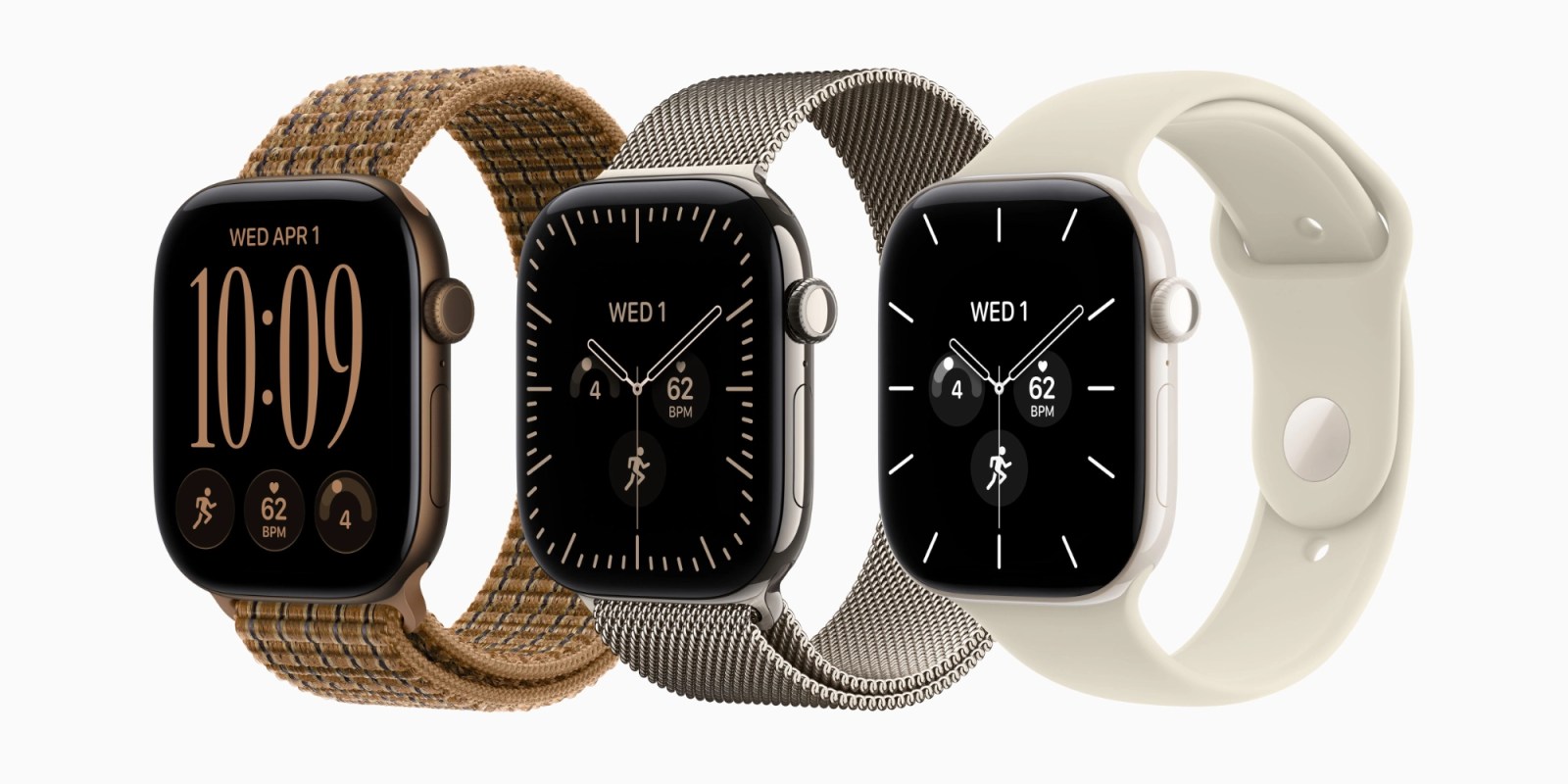
For years, the double-click gesture on the Digital Crown served as a cornerstone of efficient watchOS navigation. Users relied on the physical shortcut to toggle seamlessly between active applications, or to jump instantly from a custom watch face back to the last viewed program without requiring precise screen taps. This tactile mechanism allowed for rapid context switching driven entirely by muscle memory, minimizing the need to interact directly with the smaller display panels typical of wrist-worn devices.
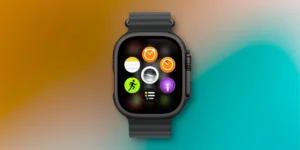
However, beta testing cycles for watchOS 27 revealed that Apple had quietly deprecated the functionality. Following the official rollout of the operating system update, users of older and current-generation watches discovered that the double-click action no longer performed its traditional multitasking function. On devices ineligible for the newest hardware upgrades, pressing the Digital Crown twice now merely summons the dynamic app grid, functioning identically to a single click. This redundancy has left many loyal users frustrated, as a dependable navigation shortcut was sacrificed without a direct replacement on existing hardware.
Hardware-Driven Shifts: The Arrival of Live Rewind
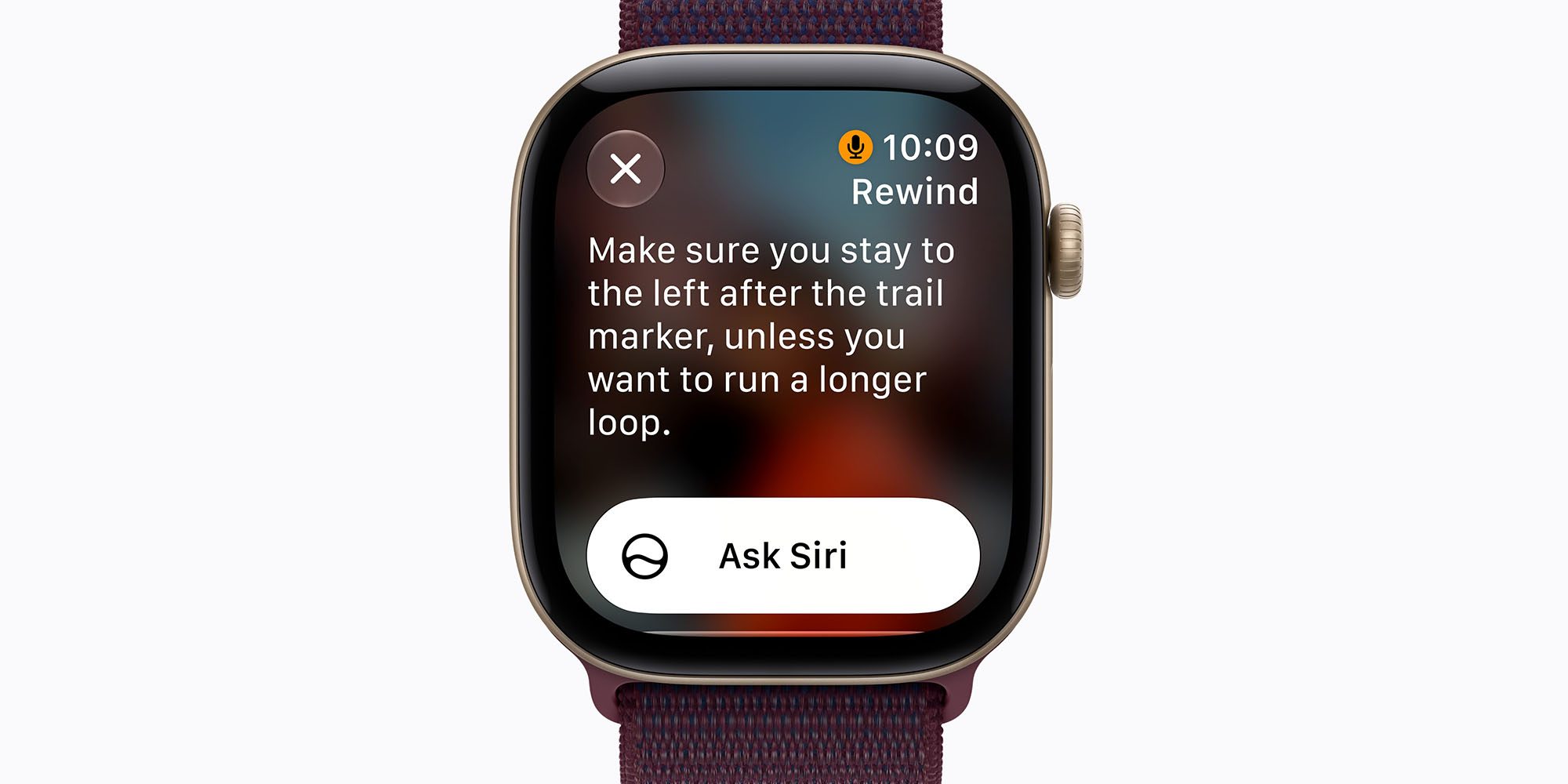
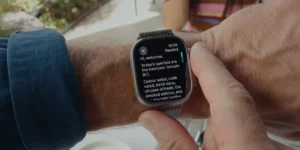
The primary catalyst for this interface overhaul is the introduction of a new suite of audio intelligence capabilities arriving exclusively on the Apple Watch Series 12 and the Apple Watch Ultra 4. Apple confirmed that these next-generation flagship devices will support Live Rewind, a system-level feature that continuously records and provides a 15-second searchable transcript of spoken audio in the user’s immediate environment. Bundled alongside other advanced AI tooling like Siri Recap, Live Rewind is designed to be invoked rapidly in dynamic situations.
To achieve this immediacy, Apple assigned the physical double-click gesture on the Digital Crown as the dedicated trigger for Live Rewind. Because the feature relies heavily on the upgraded processing architecture and neural engines built into the Series 12 and Ultra 4, older models lack the technical prerequisites to run the audio intelligence framework. Consequently, while the shortcut was retired globally across the watchOS ecosystem to maintain interface consistency for the new flagships, legacy hardware is left with a functional void rather than a new capability.
User Frustration and the Software Dilemma

The decision to repurpose a universal navigation gesture for a localized, hardware-specific feature has sparked considerable debate within the Apple Watch user community. Industry analysts and consumers alike have pointed out the inherent awkwardness of the current transition. Users who choose not to utilize Live Rewind, or those operating on devices that do not support it, receive no functional benefit from the loss of the traditional app-switching shortcut.
Furthermore, because Apple has integrated the gesture deeply into the new hardware architecture, the likelihood of the legacy multitasking shortcut returning via a point update appears slim. For now, users navigating watchOS 27 on older hardware must adapt to alternative workflows, depending more heavily on the dynamic app grid and AI-driven app suggestions curated around Siri to surface relevant programs efficiently. This reliance on predictive interfaces represents a broader strategic shift by Apple toward contextual computing, prioritizing automated suggestions over manual, user-defined shortcuts.
Implications for the Broader Wearables Market

The unfolding situation surrounding watchOS 27 highlights the complex challenges hardware manufacturers face when unifying software experiences across a fragmented device ecosystem. As on-device artificial intelligence and ambient audio processing become central pillars of modern smartwatches, the hardware requirements for new software features are diverging more sharply between generations.
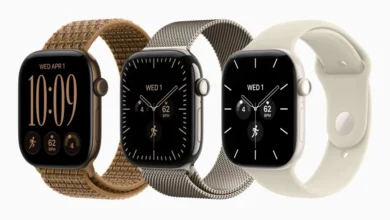
By tying a fundamental navigational input to an advanced intelligence feature, Apple is signaling a transition away from traditional UI paradigms toward AI-first interactions. While this approach paves the way for sophisticated tools like Live Rewind and Siri Recap on the Apple Watch Series 12 (starting at $399) and the Apple Watch Ultra 4 (starting at $799), it also sets a precedent where software updates on legacy hardware may occasionally result in the loss of familiar conveniences. As these new models officially launch following their pre-order period, consumer reception of Live Rewind will ultimately determine whether the sacrifice of the classic multitasking gesture was a justified trade-off for the next evolution of wearable intelligence.
Related posts: