I love a sharp laptop display, I found the 6 best 4K laptops based on our testing and reviews

The Evolution of Mobile Display Standards
The shift toward 4K as a standard for high-end laptops began in earnest as content creation moved from specialized desktop workstations to mobile environments. Modern 4K displays are not merely about pixel counts; they represent a significant advancement in panel technology, particularly with the widespread adoption of OLED and Mini-LED backlighting. These technologies address the historical trade-offs between brightness and contrast, offering users the ability to achieve deep, inky blacks and vibrant, accurate color reproduction that meets the rigorous demands of the DCI-P3 color gamut—the professional standard used in digital cinema.
In our current testing cycle, we have determined that for a display to be considered top-tier for professional creative work, it should cover at least 85% of the DCI-P3 color gamut. This threshold ensures that the color variations captured in raw footage or digital art are rendered with high fidelity, preventing the "muted" look often associated with lower-quality sRGB panels.
2025 Performance Leaders: A Market Overview
The 2025 landscape is dominated by a few key players that balance raw processing power with display excellence. The following models have been identified through rigorous benchmarking as the current market leaders:
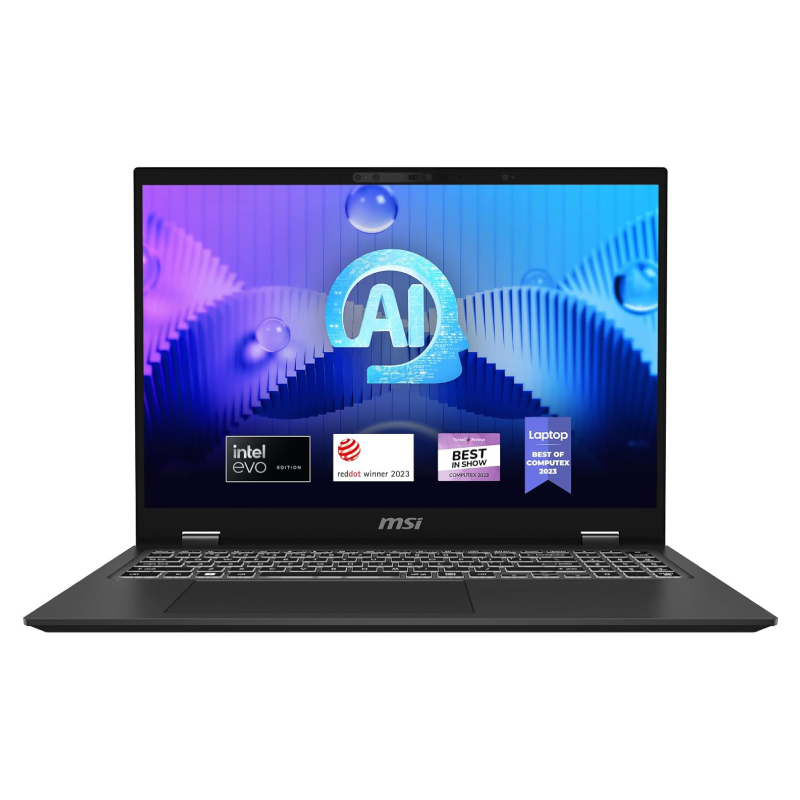
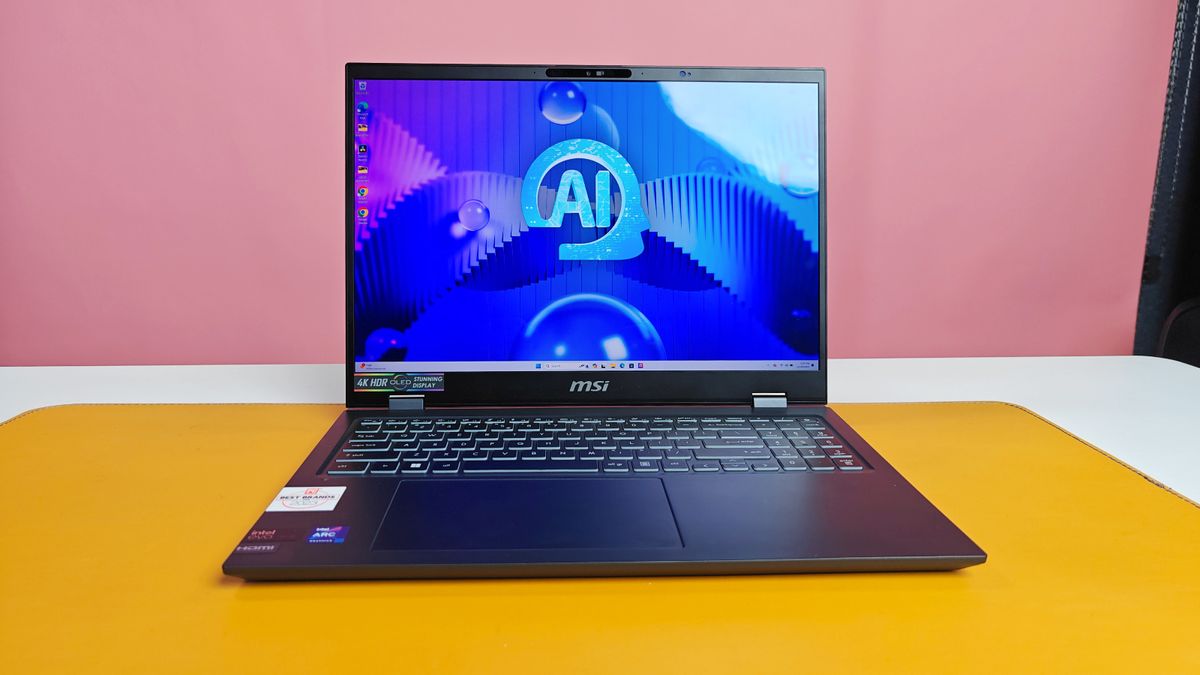
- MSI Prestige 16 AI Evo: Currently the best overall 4K laptop. It features a 16-inch 4K OLED display, an Intel Core Ultra 7 155H processor, and 32GB of RAM. Its ability to maintain over 13 hours of battery life while providing a 137.9% DCI-P3 coverage sets a new benchmark for thin-and-light creative machines.
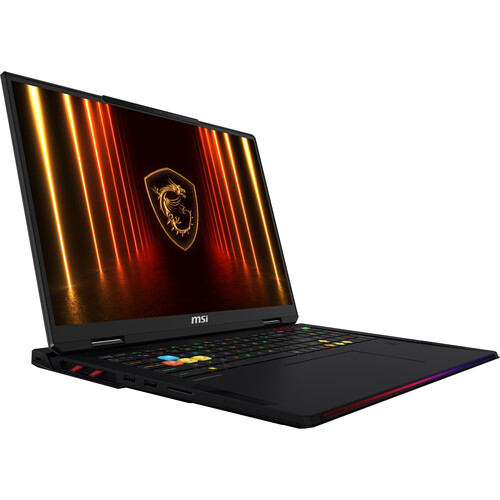
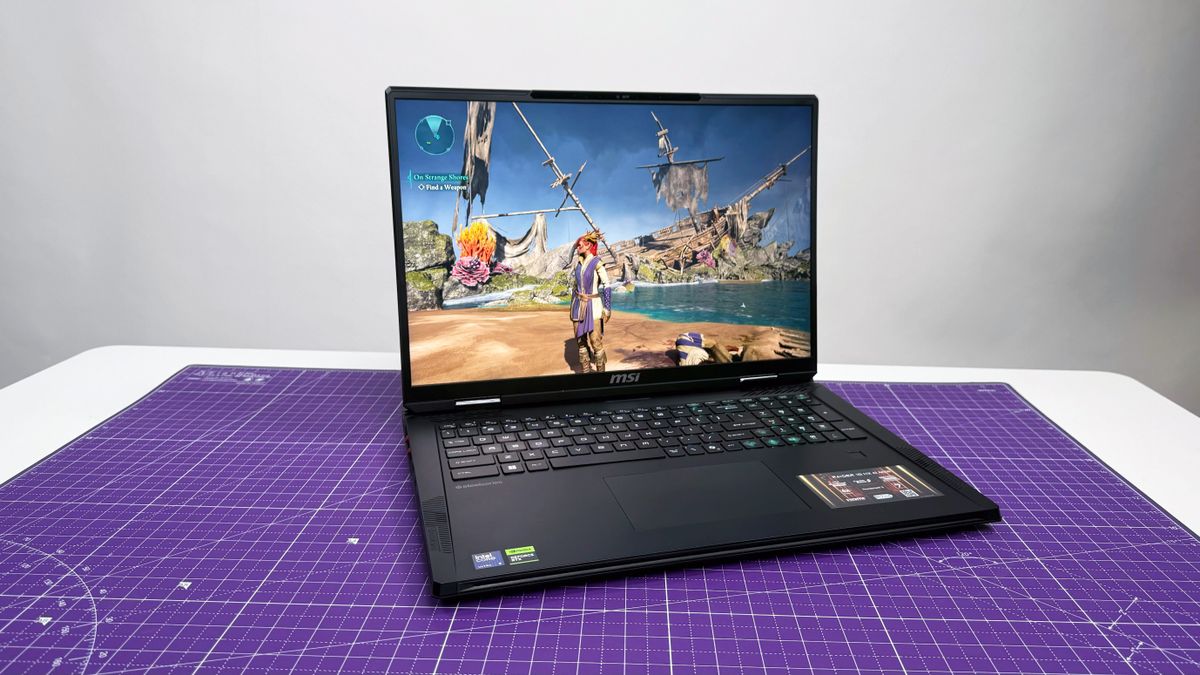
- MSI Raider 18 HX AI: The premier choice for gaming and high-demand compute tasks. Equipped with the Nvidia RTX 5080 and a 120Hz Mini-LED 4K panel, it is designed for those who require desktop-class performance in a portable chassis.
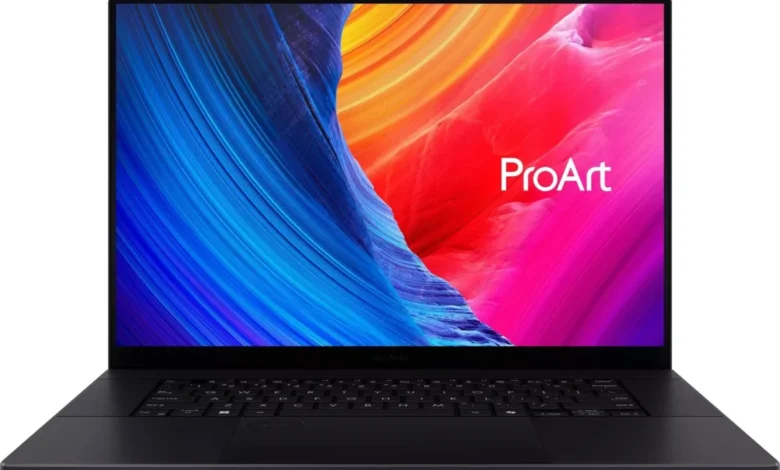
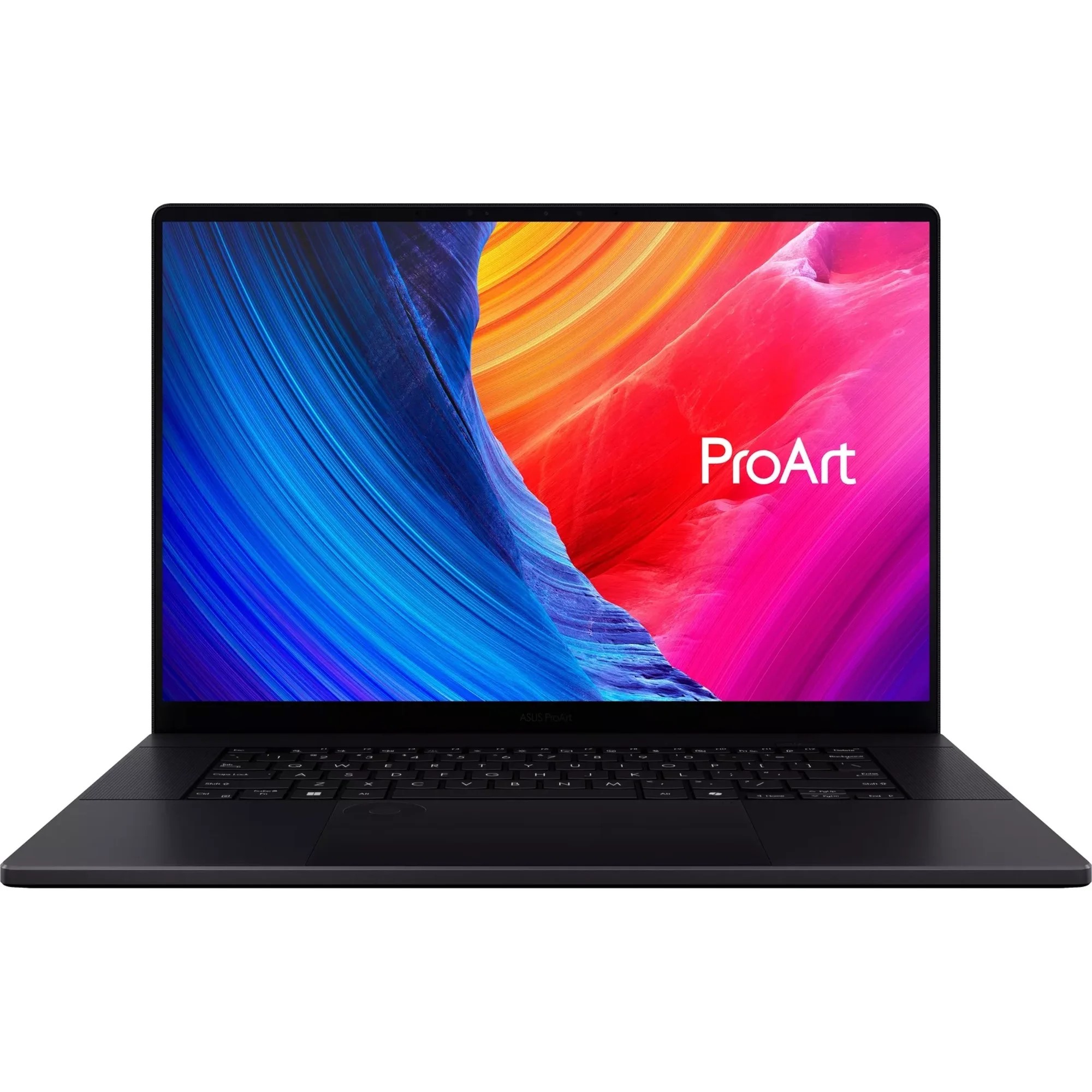
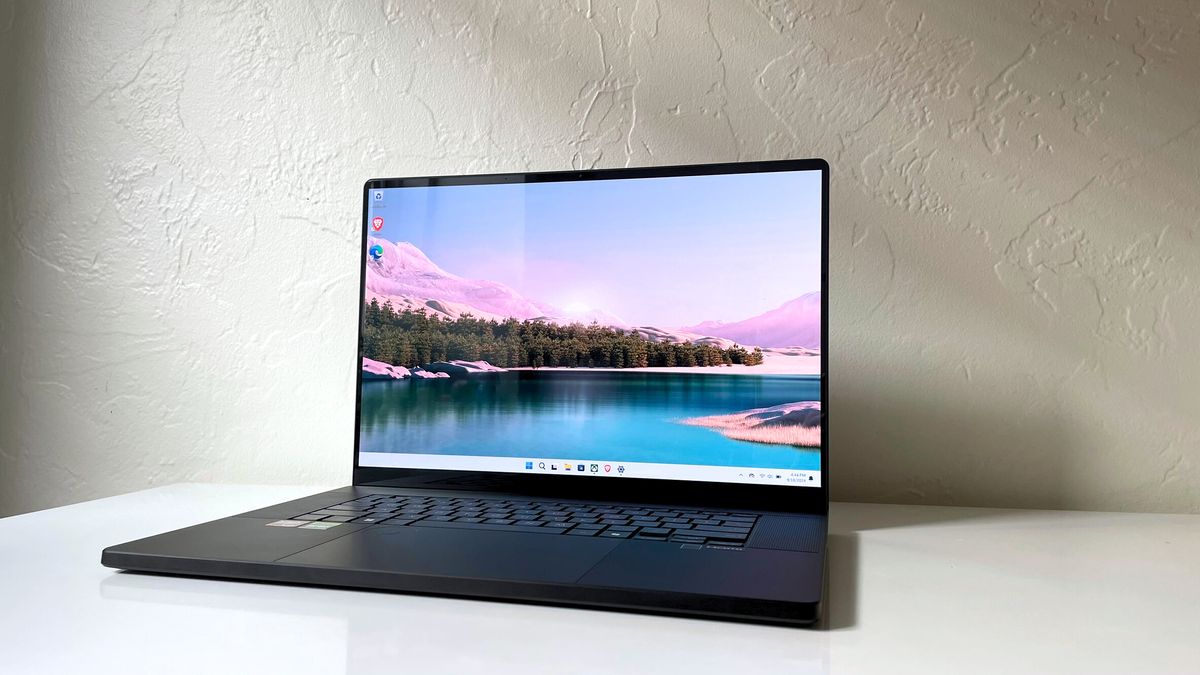
- Asus ProArt P16: Positioned as the primary competitor to the MacBook Pro for Windows users, it leverages the AMD Ryzen AI 9 HX 370 processor to provide a balance of power and cost-efficiency for creators.
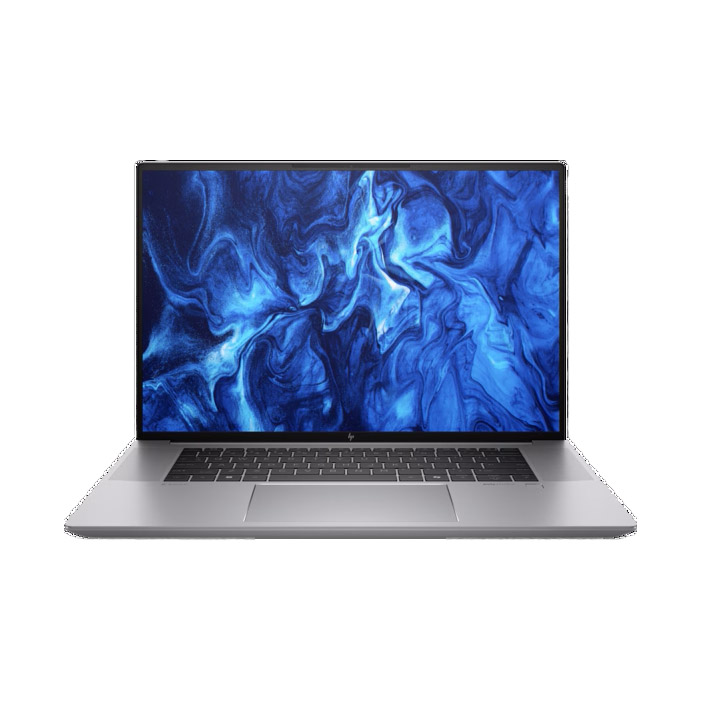
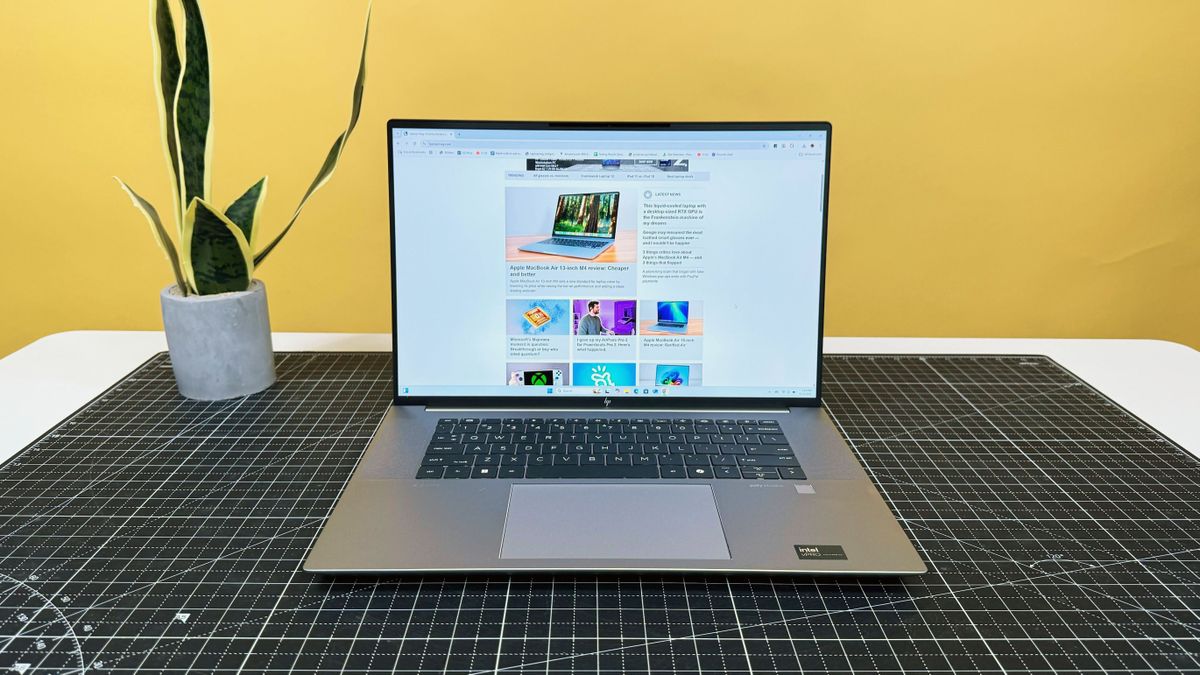
- HP ZBook Studio 16 G11: A specialized workstation featuring the Nvidia RTX 3000 Ada Generation graphics card. It is optimized for stability in CAD, 3D modeling, and data analytics workflows.
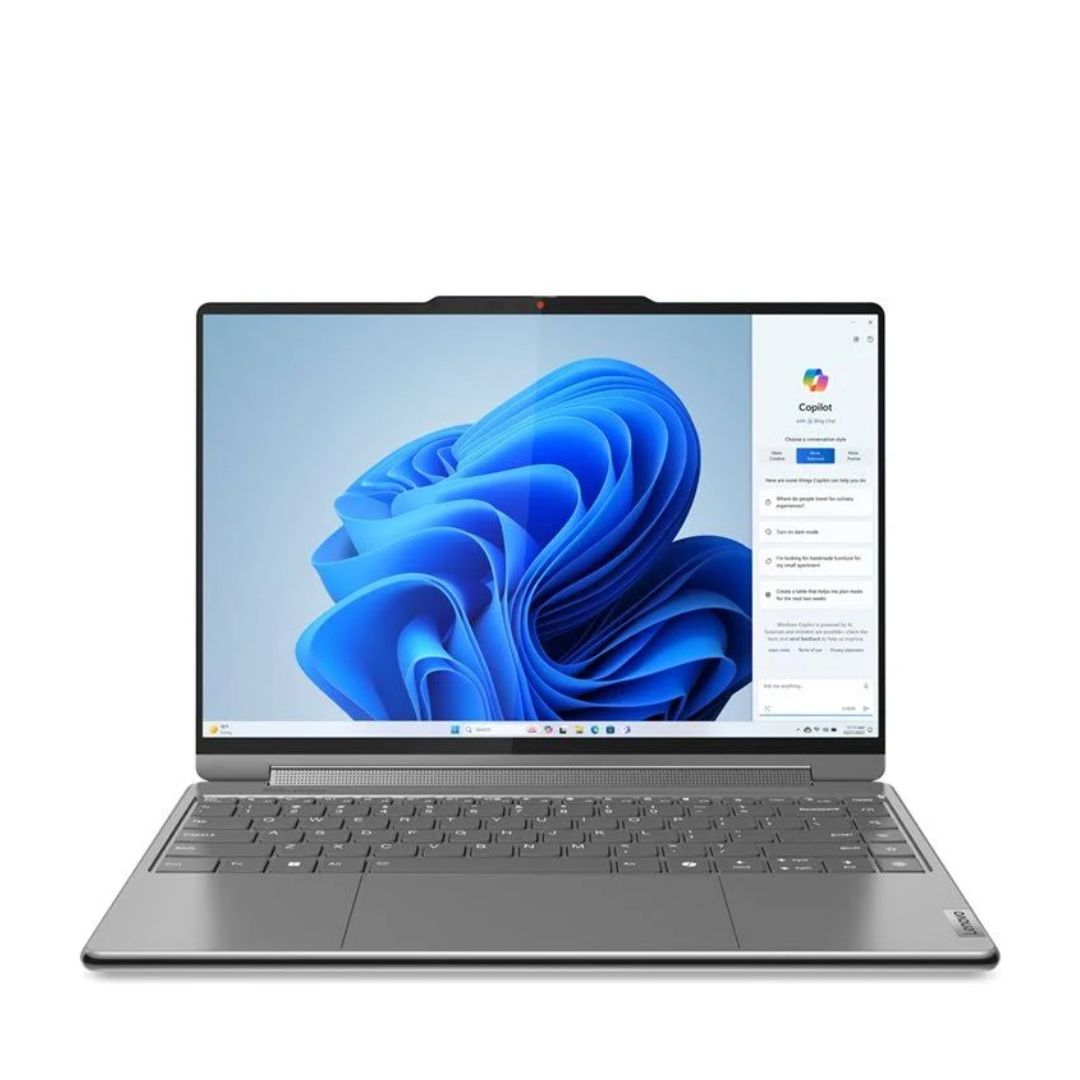
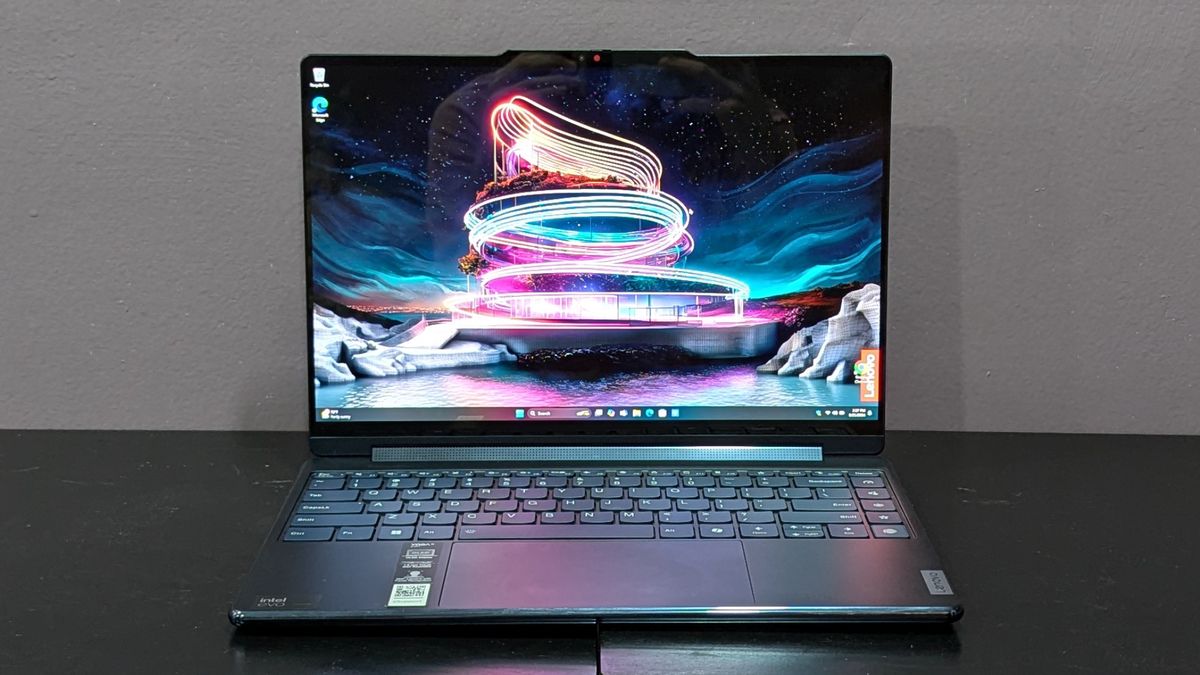
- Lenovo Yoga 9i 2-in-1: The best 14-inch option for artists who require a hybrid device that can function as both a laptop and a drawing tablet.
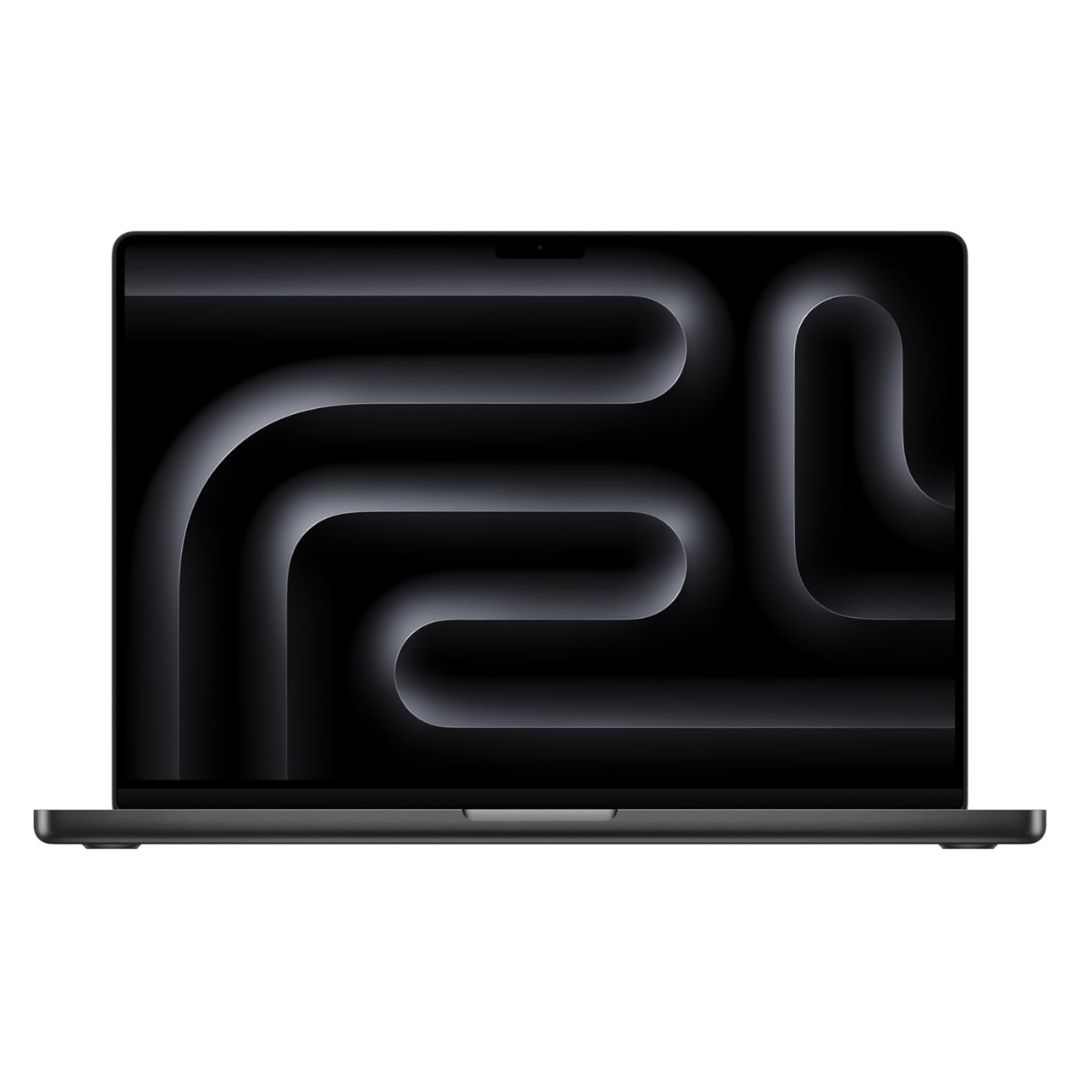
- Apple MacBook Pro 16 M4 Pro: While not strictly 4K (utilizing a 3456 x 2234 resolution), its Liquid Retina XDR display and class-leading battery life of nearly 21 hours make it the gold standard for "almost 4K" performance.
Comparative Benchmark Analysis
The technical performance of these devices reveals a widening gap between general-purpose ultrabooks and dedicated workstations. According to Geekbench 6 multicore testing, the Apple MacBook Pro 16 M4 Pro leads the category with a score of 22,822, followed closely by the MSI Raider 18 HX AI at 21,851. These scores indicate that for tasks like video transcoding and complex 3D rendering, the hardware architecture has reached a point where mobile chips are effectively rivaling traditional desktop workstations.
However, a critical finding from our 2025 testing is the inverse relationship between peak performance and battery longevity. The MSI Raider 18 HX AI, while offering industry-leading graphical throughput, averaged only 2 hours and 33 minutes on our web-browsing battery test. Conversely, the MacBook Pro 16 M4 Pro achieved over 20 hours, illustrating the efficiency gap between ARM-based silicon and x86-based gaming architectures.
The Impact of Display Panel Technology
The choice between OLED and Mini-LED is no longer just a preference but a functional decision for professionals. OLED technology excels in environments requiring absolute contrast; by illuminating individual pixels, it eliminates the "halo" effect found in backlit panels. However, OLED panels often struggle with peak brightness compared to Mini-LED, which can reach higher nits for outdoor or brightly lit indoor use.
As of June 2025, we have observed that manufacturers are increasingly tuning their displays to hit specific color accuracy targets, with many models achieving Delta-E scores below 0.3, indicating professional-grade color precision that is virtually indistinguishable from reference monitors.

Implications for Future Hardware Trends
The current market trend points toward an integration of AI-driven processing and high-resolution displays. The inclusion of NPUs (Neural Processing Units) in chips like the AMD Ryzen AI 9 HX 370 and Intel Core Ultra series is designed to offload routine background tasks, allowing the GPU to focus entirely on rendering high-resolution content. This synergy is essential for maintaining the frame rates required for 4K video editing while simultaneously running resource-heavy creative suites.
Furthermore, the industry is seeing a move toward the 16:10 aspect ratio. By providing more vertical pixels compared to the traditional 16:9 widescreen format, laptops are becoming better suited for professional workflows where timeline management, multi-tab browsing, and document editing are standard.
Guidance for Choosing the Right Hardware
When selecting a 4K-capable laptop, professionals should prioritize their specific workload over raw specs. A graphic designer may benefit more from the infinite contrast ratio of an OLED panel, whereas a field engineer or data analyst working in varied lighting conditions may require the higher peak brightness of a Mini-LED display.
Key considerations for the consumer include:
- Color Space Coverage: Always verify DCI-P3 coverage. Avoid anything below 85% if professional color grading is a requirement.
- Thermal Management: Powerful 4K laptops often generate significant heat. Check reviews for thermal performance to ensure the device does not throttle under sustained loads.
- Portability vs. Power: Recognize the compromise. A 7.8-pound gaming laptop will provide significantly more power than a 2.9-pound 14-inch convertible, but at the cost of mobility.
Methodological Rigor in Testing
Our evaluation process at Laptop Mag remains consistent across every device. We utilize the Klein K10 colorimeter to measure color gamut and brightness, ensuring that manufacturer claims are verified in a controlled, independent environment. Our performance gauntlet—which includes real-world video transcoding and 3DMark benchmarks—simulates the actual stress a professional would place on their system. By combining these lab-based metrics with long-term hands-on usage, we ensure that our recommendations reflect the actual experience of a user rather than theoretical peak performance.
The 2025 lineup demonstrates that while the definition of a "4K laptop" is expanding to include high-resolution variants like the MacBook Pro’s Liquid Retina XDR, the core requirement remains the same: the need for an uncompromising visual experience. As hardware continues to evolve, the distinction between portable devices and stationary workstations will continue to blur, providing creators with unprecedented flexibility to work from anywhere without sacrificing the quality of their output. Whether you are a student of digital art or a professional video editor, the current market offers a mature selection of hardware capable of meeting the most demanding creative challenges of the year.
Related posts: