Gemini Notebook introduces integrated audio recording to streamline mobile productivity and research workflows

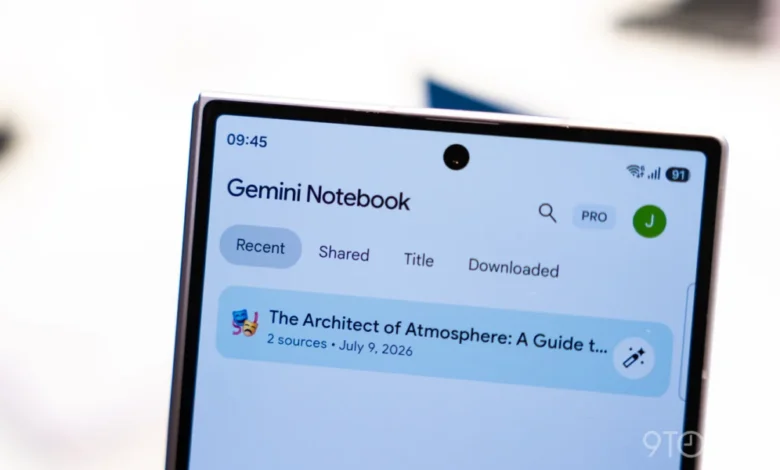
Google’s Gemini Notebook platform has officially expanded its mobile utility with the rollout of a native audio recording feature, available now on both Android and iOS. This update, which follows a series of rapid-fire enhancements to the service, allows users to capture lectures, meetings, and spontaneous ideas directly within the application. By bridging the gap between raw audio capture and AI-driven analysis, Google is positioning Gemini Notebook as a comprehensive workspace that minimizes the friction between information gathering and knowledge synthesis.
The integration manifests as a new microphone icon located within the bottom navigation bar, nestled between the camera tool and the “Create New” floating action button. This strategic placement ensures that users can transition from an idea to a structured note with minimal interaction. Once triggered, the recorder captures high-fidelity audio, which the platform then processes into a searchable format that integrates seamlessly with the user’s existing notebooks.
Chronology of the Gemini Notebook Expansion
The introduction of the audio recorder is the latest milestone in an aggressive development cycle for the platform. Following the initial announcement of the tool in September, Google has moved quickly to integrate it into the core mobile experience. This rollout comes on the heels of the platform’s "Connected App" integration, launched just last week, which allows Gemini to pull information from various Google workspace services to provide context-aware responses.
The timeline of Gemini Notebook’s growth reflects Google’s broader strategy of pivoting its AI tools from simple chatbots into dedicated research and productivity environments. Key developments include:
- September 2026: Initial announcement of the audio recording feature, promising to bridge offline capture with AI processing.
- October 2026: Launch of "Connected App" integration, allowing users to cross-reference personal documents and data within their notebooks.
- Late October 2026: Introduction of the "Live" button, enabling real-time, fluid conversations with the AI regarding the content stored within a user’s notebook.
- Current Date: Global rollout of the integrated audio recorder for iOS and Android, accompanied by UI refinements to the "Create New" workflow.
This consistent cadence of updates suggests that Google is prioritizing the user feedback loop, refining the interface to prioritize speed and accessibility as the platform’s feature set grows in complexity.
Technical Capabilities and User Interface
The design of the new recording interface reflects a commitment to simplicity. When a user taps the microphone icon, a minimalist overlay appears, featuring a live-updating waveform and an elapsed time counter. The recorder is designed for versatility; it supports background execution, meaning users can lock their devices or navigate to other applications without interrupting the recording process.
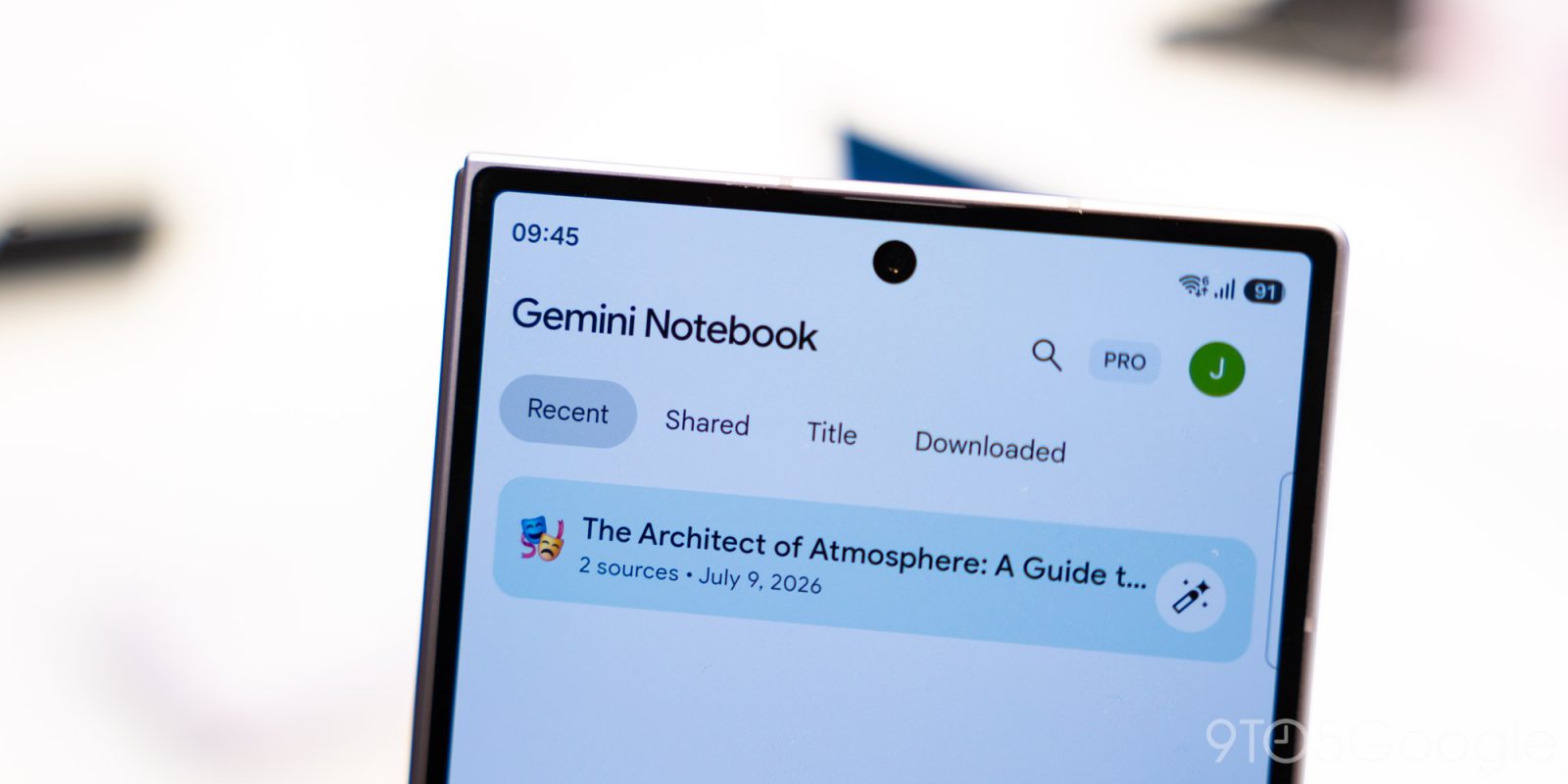
Functionally, the system imposes a one-hour capture limit per recording session. Once the recording concludes, the user is presented with a simple interface to confirm the upload. Depending on the entry point of the recording, the system behaves differently: if initiated from the application’s homepage, the audio file automatically spawns a new notebook. If initiated from within the "Sources" tab of an existing project, the file is appended directly to that specific notebook, maintaining thematic continuity.
This design ensures that research remains organized. As Google notes, the resulting notes live directly alongside the user’s sources, enabling the AI to chat, cite, and expand upon the content while the user maintains editorial control. This allows for an iterative process where an audio lecture can be immediately summarized, analyzed, and synthesized into a document that the user can refine in real-time.
Refinements to the User Experience
In addition to the recorder, Google has implemented a subtle but significant change to the "Create New" floating action button (FAB). Previously, tapping this button would trigger a slide-up panel prompting the user to "Add a source." Following the most recent update, the action now defaults to initiating a brand-new notebook.
While seemingly minor, this adjustment reflects a fundamental shift in how Google expects users to interact with the service. By prioritizing the creation of a blank canvas over the importation of external files, the interface now better accommodates users who wish to use the app as a primary note-taking tool, rather than solely as a repository for existing research materials.
Broader Implications for AI-Driven Productivity
The integration of audio recording into an AI workspace represents a significant step forward in the democratization of knowledge management. Historically, the process of transcribing audio, analyzing its contents, and manually inputting that data into a research tool was a time-intensive, multi-step process. By collapsing these steps into a single, mobile-first experience, Google is lowering the barrier to entry for users who rely on oral information—such as students, journalists, and corporate researchers—to populate their databases.
The implications for this technology are vast. As AI models become more adept at identifying key takeaways, sentiment, and action items from raw audio, the "notebook" of the future will likely serve as a dynamic knowledge base that updates itself in real-time. The ability to converse with these sources via the "Live" chat feature further enhances the utility of this data, allowing users to "interrogate" their own recorded notes as if they were speaking with a subject matter expert.
However, the rapid expansion of these features also raises questions regarding data privacy and the limitations of on-device versus cloud-based processing. As users record more sensitive information, the security of these files and the transparency of how the AI processes private recordings will remain a central point of interest for the tech industry and security researchers alike.

Market Context and Competitive Positioning
The push into integrated audio recording puts Gemini Notebook in direct competition with specialized note-taking apps like Otter.ai, Notion, and Obsidian. While these platforms have long offered recording and transcription services, Gemini’s competitive advantage lies in its deep integration with the Google ecosystem.
By leveraging its proprietary LLMs (Large Language Models), Google is attempting to offer a "closed-loop" experience. If a user records a lecture, they can leverage the "Connected App" feature to pull in related emails, calendar events, or documents that provide additional context to the audio. This creates a "network effect" within the Google workspace that is difficult for standalone note-taking applications to replicate without significant third-party API support.
Furthermore, the recent addition of a "Live" conversation mode suggests that Google is not merely trying to organize information, but to facilitate a more natural, conversational form of data interaction. By treating audio as a first-class citizen in the notebook environment, Google is signaling that the future of note-taking is not just text-based, but multimodal.
Official Guidance and Troubleshooting
Google has advised users to ensure their applications are updated to the latest version to access the new recording tools. For those who find the feature missing after a standard update, a force-stop of the application is recommended. This action clears the application cache and forces the system to re-poll the server for the latest feature flags, which is often necessary when rolling out updates to a large, global user base.
As Gemini Notebook continues to evolve, the focus will likely remain on enhancing the AI’s ability to synthesize these multi-source inputs. Whether this will include automatic transcription indexing, keyword searching within audio files, or advanced multi-speaker identification remains to be seen. What is clear is that the integration of an audio recorder is not an end-point, but a foundational component of a larger vision for an AI-assisted research and synthesis engine.
By prioritizing mobility, speed, and cross-platform integration, Google is betting that the most effective AI assistant is the one that is already open when the user has an idea. The success of this strategy will ultimately depend on the accuracy of the underlying processing and the user’s trust in the platform’s ability to handle their most critical, and often ephemeral, information.