WatchOS 27 Brings 13 New Color Options and Advanced Complications to the Iconic Apple Watch Modular Face

Apple’s iconic Modular watch face, long celebrated by users for its high information density and deep customizability, is receiving a major aesthetic and functional expansion with the rollout of watchOS 27. The latest software update introduces 13 brand-new color options alongside powerful new health tracking complications that leverage the advanced hardware capabilities of the newly released Apple Watch Series 12 and Apple Watch Ultra 4.
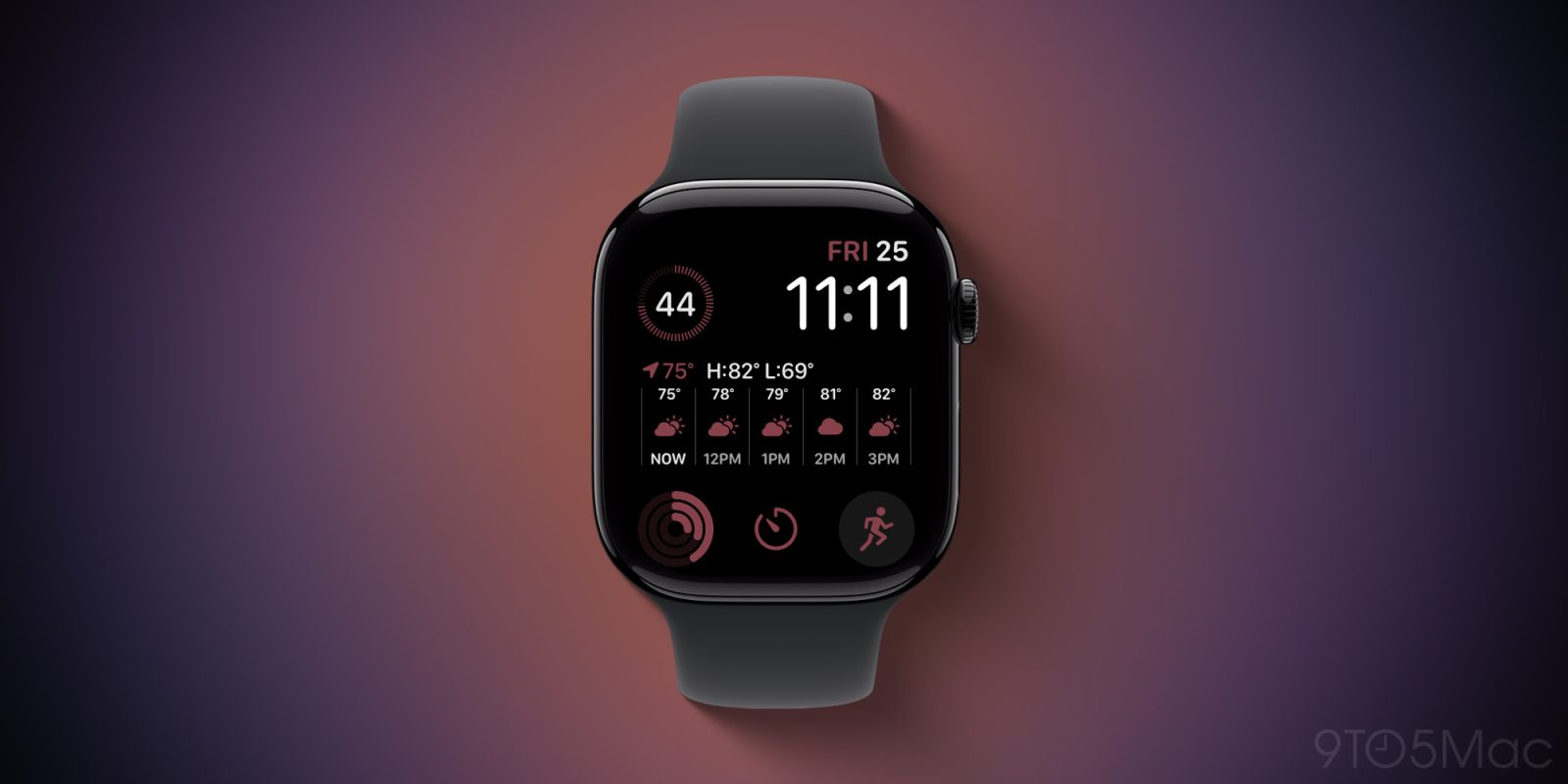
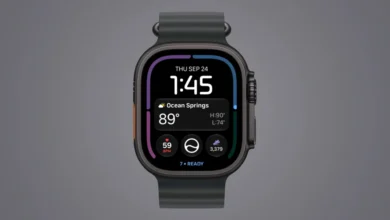
Since its inception, the Modular face has served as a cornerstone of the watchOS interface ecosystem. Its grid-based layout allows users to view a digital time display alongside multiple complex data points—ranging from upcoming calendar events to live weather conditions—simultaneously. Over the years, the enduring popularity of the original design has prompted Apple to develop several specialized iterations, including the space-efficient Modular Compact, the rugged Modular Ultra, and the newly unveiled Siri Modular, which dynamically surfaces contextual information using machine learning. Despite the arrival of these specialized spinoffs, the classic Modular face remains a favorite for millions of daily wearers, making the introduction of fresh personalization features in watchOS 27 a significant update for the user base.
Expanded Aesthetic Customization with 13 New Colors
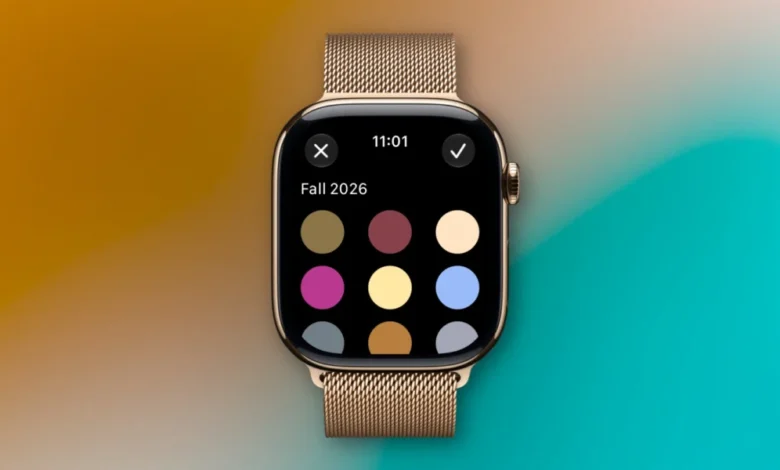
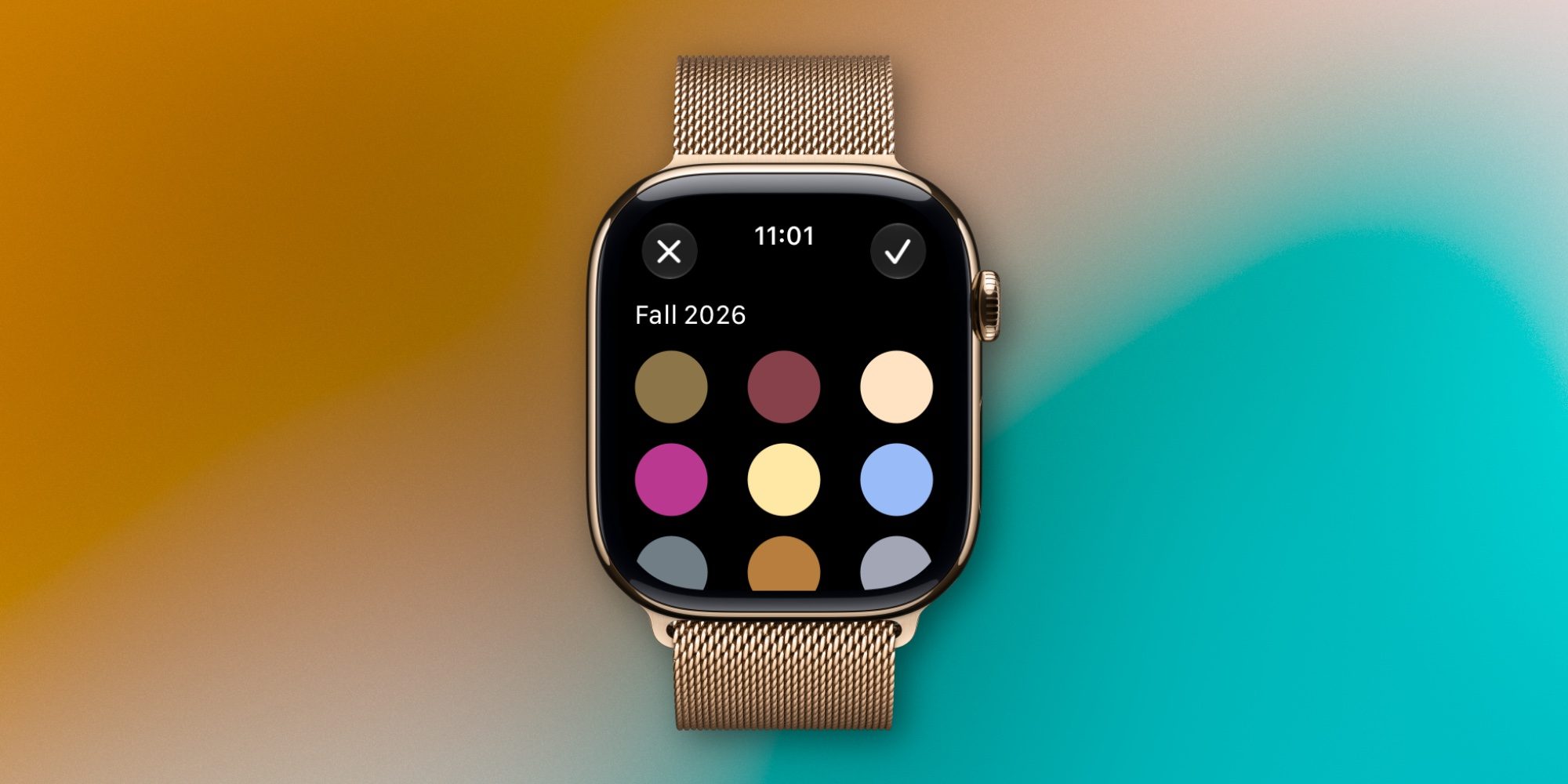
With watchOS 27, Apple is addressing user demand for greater personalization by injecting 13 new color profiles directly into the Modular face color picker. This expansion gives wearers unprecedented control over the look of their devices, allowing them to better match their watch bands, outfits, or personal moods.
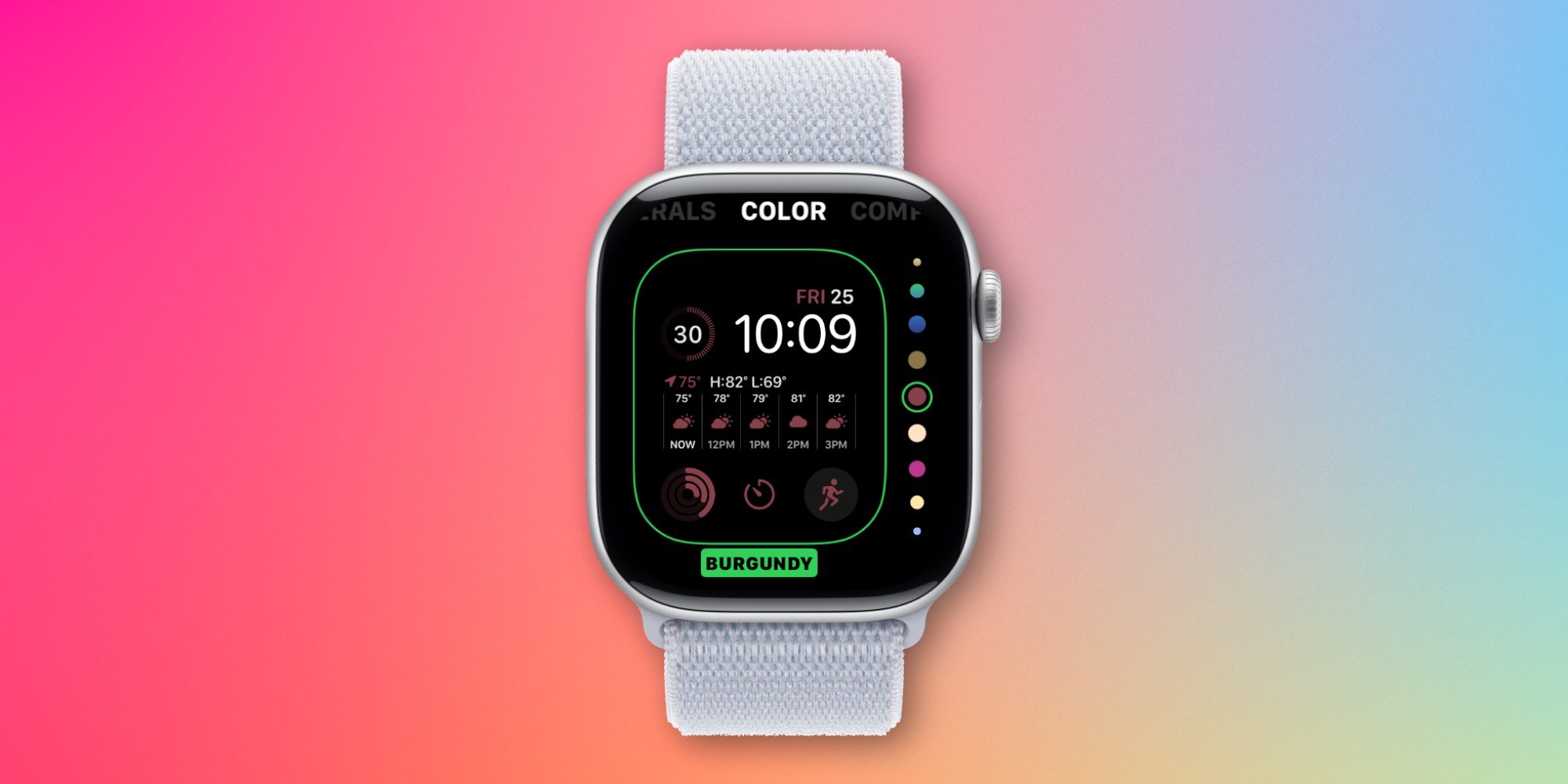
Navigating to the updated color selection menu reveals the fresh palette immediately. Furthermore, Apple has ensured that backward compatibility is maintained for minimal friction: users who prefer legacy aesthetics do not lose access to older palettes. By scrolling to the bottom of the color selection interface and tapping the "+" button labeled "Tap to add more colors," users can effortlessly browse, download, and apply previous color iterations that were standard in past iterations of watchOS. This thoughtful UI addition bridges the gap between past design languages and the newly minted 2026 palette.
Advanced Complications Exclusive to Series 12 and Ultra 4
Beyond aesthetic enhancements, watchOS 27 introduces significant functional upgrades to the Modular face, specifically tailored for the cutting-edge internal sensors housed within the Apple Watch Series 12 and the Apple Watch Ultra 4.
The update brings highly requested health and wellness metrics directly to the forefront of the wrist via new multi-size complications. Wearers can now integrate dedicated modules for:
- Daily Steps: Providing real-time progress toward daily movement goals without requiring users to open the dedicated Fitness application.
- Heart Rate: Offering continuous, at-a-glance pulse monitoring directly on the primary display grid.
- Readiness: Integrating advanced recovery analytics that synthesize sleep quality, previous exertion levels, and biometrics to determine how prepared the user’s body is for physical strain.
These complications are available in various modular sizes, granting users the flexibility to design a dashboard tailored precisely to their daily fitness routines. However, industry analysts note that tying these advanced metrics exclusively to the Series 12 and Ultra 4 hardware highlights Apple’s ongoing strategy of utilizing software updates to incentivize hardware upgrades among its long-term user base, as older generations of the smartwatch lack the baseline sensor precision or processing architecture required to smoothly render these intensive new data streams.

Evolution of the watchOS Ecosystem and Strategic Implications
The release of watchOS 27 and its specific enhancements to the Modular face arrive at a crucial juncture for Apple’s wearable division. As competition in the smart wearable market intensifies from both traditional watchmakers and specialized fitness brands, Apple continues to lean heavily into software-driven differentiation.
Historically, watch faces have served as powerful marketing tools for new hardware generations. By updating foundational elements like the Modular face, Apple maintains user engagement and refreshes the perceived value of existing devices while simultaneously driving sales toward premium flagships like the Apple Watch Ultra 4. Industry observers point out that minor updates to software interfaces—when deployed at scale—significantly reduce churn by keeping the user experience feeling modern and dynamic without requiring a complete redesign of the core operating system architecture.

Availability and Ecosystem Integration
watchOS 27 is currently rolling out globally as a free over-the-air software update for compatible Apple Watch models, paired with the release of corresponding iOS updates for paired iPhones. Users seeking to maximize the utility of the new Modular face colors and complications must ensure their devices are running the latest firmware versions.
As the wearable market continues to mature, Apple’s careful balance of aesthetic customization and deep health integration ensures that the Modular face will remain a benchmark for smartwatch interface design for years to come. Whether utilized by casual users tracking daily steps or elite athletes monitoring physiological readiness on an Apple Watch Ultra 4, watchOS 27 reinforces the platform’s position as the industry standard in wearable computing.