
Affected Models and Technical Scope
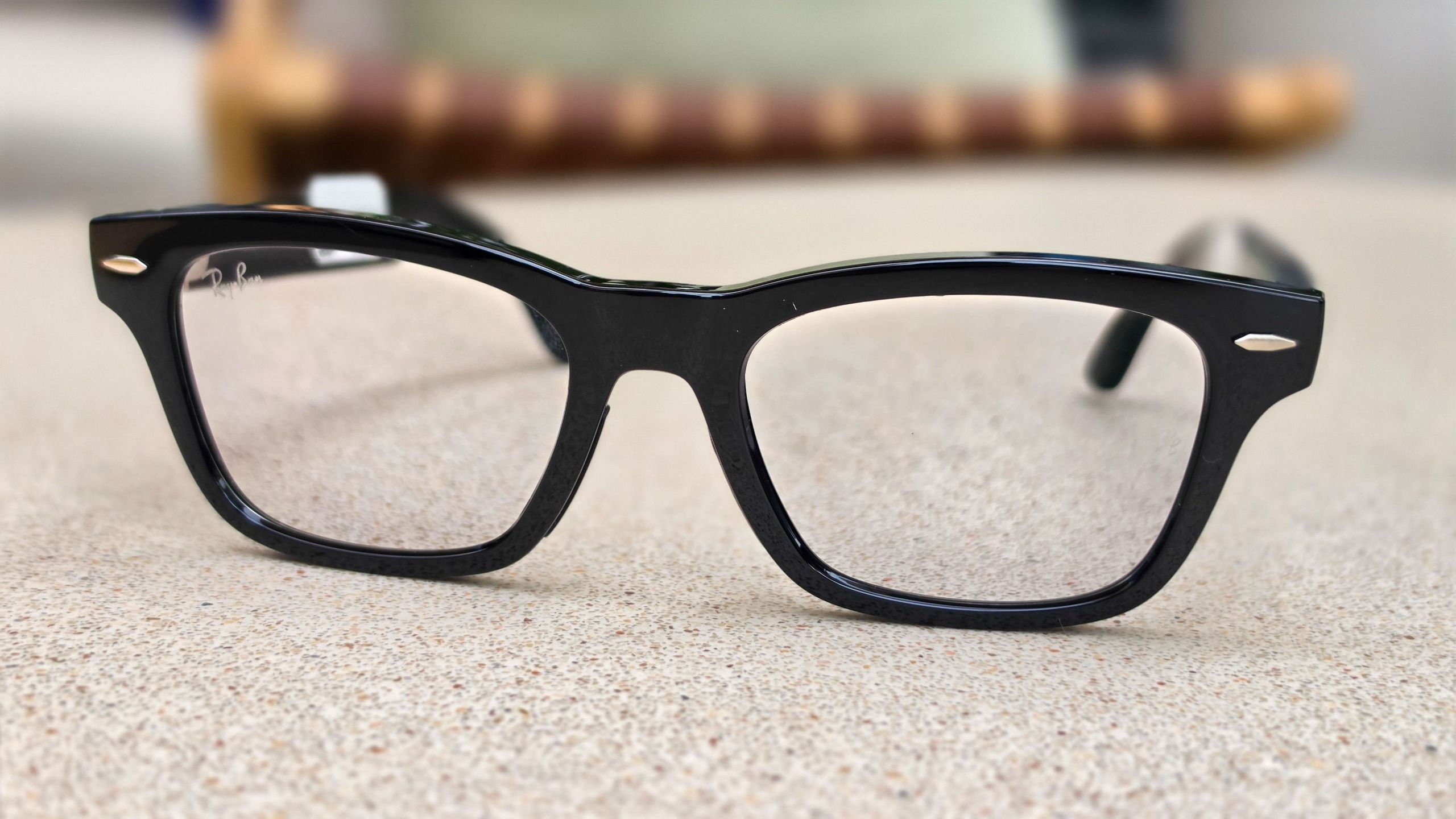
The technical oversight primarily affects five specific frame styles within the Meta lineup: the Adventurer, Fury, Starfire, Nova, and Capri. It is important for consumers to distinguish between these specific units and other popular hardware in the Meta ecosystem. According to official disclosures, the Ray-Ban Meta collection and the performance-oriented Oakley Meta variants remain unaffected by this particular software flaw.
The issue stems from a failure in the power-regulation software when the device’s internal sensors detect moisture ingress. In affected units, the interaction between environmental humidity or sweat and the internal circuitry can cause the system to misinterpret input signals, leading to an unnecessary ramp-up in power consumption. This elevated power draw results in a noticeable increase in surface temperature, which, if left unaddressed, could potentially lead to hardware degradation or user discomfort during extended wear.
The Evolution of Smart Wearable Safety
The rise of smart eyewear has placed unprecedented demands on miniaturized hardware. Unlike standard optical frames, Meta’s smart glasses integrate high-density lithium-ion batteries, sophisticated image signal processors, and low-latency wireless communication modules into a compact chassis. Managing thermal output in such a small form factor is a core engineering challenge.
When devices like these are subjected to the rigors of daily life—ranging from humid climates to intense physical activity—environmental sealing becomes paramount. While Meta’s glasses are designed to handle incidental moisture, the interaction between physical moisture and software-level power gating is a complex intersection. This incident highlights the growing pains of the wearable technology sector, where software updates are increasingly relied upon to serve as "virtual patches" for physical hardware vulnerabilities.
Chronology of the Discovery
The identification of this thermal flaw did not happen overnight. In the weeks preceding the release of version 130, users began to document anecdotal evidence of performance anomalies on platforms like Reddit and various tech-centric forums. Early reports indicated that users participating in outdoor activities—such as hiking or running—noticed the frames becoming unusually warm near the temple areas where the battery and processing units are housed.
While early community concern initially focused on the Ray-Ban Meta line, Meta’s internal diagnostics team launched an extensive investigation into the broader product architecture. By mid-month, internal testing confirmed that while the Ray-Ban and Oakley lines possessed more robust moisture-sealing protocols and different thermal management firmware, the Adventurer, Fury, Starfire, Nova, and Capri lines required a more precise algorithmic adjustment to prevent the thermal spikes. Version 130 was fast-tracked through the development pipeline to address this specific logic error.
Step-by-Step Update Procedure
To safeguard your hardware, users should ensure their devices are updated to version 130 immediately. The update process is designed to be user-friendly but requires a stable connection to the Meta AI mobile application.
- Charge the Device: Before initiating the update, ensure your smart glasses are placed in their charging case with a sufficient battery level. Firmware updates require uninterrupted power to prevent data corruption.
- Connectivity: Ensure your glasses are paired with your smartphone and that the Meta AI app is updated to the latest version via your device’s app store.
- Navigation: Within the Meta AI app, navigate to the "Devices" or "Glasses" section.
- Targeting: If you own multiple pairs of smart glasses, swipe through the interface to select the specific pair you wish to update.
- Settings: Select "Device Settings." From this menu, you can manually trigger the update process.
- Automation: Once the update is complete, it is highly recommended to toggle on "Automatic Updates." This ensures that future security patches and performance optimizations are installed without manual intervention, significantly reducing the risk of operating on outdated, potentially vulnerable firmware.
Implications for the Wearable Industry
This incident serves as a significant case study in the intersection of hardware reliability and software agility. As smart glasses transition from niche enthusiast gadgets to mainstream consumer electronics, the expectation for "zero-failure" hardware increases. Unlike a traditional smartphone, where a thermal issue might result in a throttled processor, a thermal issue in eyewear poses a more direct concern to the user’s physical well-being.
Industry analysts suggest that this event will likely influence future iterations of wearable hardware. We can expect to see stricter IP (Ingress Protection) ratings and more conservative thermal-throttling profiles in future firmware releases across the entire wearable category. Meta’s proactive, albeit reactive, stance in releasing version 130 demonstrates a commitment to brand reputation and consumer safety, a necessary step for maintaining trust in a market where privacy and physical safety are top-of-mind for potential adopters.

Broader Context and Future Outlook
The Meta glasses project represents a cornerstone of the company’s pivot toward the "spatial computing" era. By integrating AI-driven visual analysis with audio and optical hardware, Meta is attempting to redefine the relationship between humans and digital information. However, the complexity of these systems necessitates a robust support infrastructure.
Looking forward, the success of these products will hinge on Meta’s ability to maintain high levels of hardware performance while managing the inevitable complexities of edge computing. The rapid identification and resolution of the thermal issue suggest that the company’s internal telemetry and user feedback loops are functioning effectively. Nevertheless, the reliance on firmware to fix a hardware-related thermal sensitivity underscores the inherent limitations of current wearable engineering.
For the average consumer, the takeaway is clear: as wearable technology becomes more sophisticated, the distinction between "software" and "hardware" issues continues to blur. Staying current with firmware updates is no longer just about gaining new features or minor UI tweaks; it is a fundamental aspect of device maintenance and safety. Owners of the affected styles should prioritize this update to ensure that their equipment continues to function within safe operational parameters.
As the industry moves toward augmented reality and more immersive wearable experiences, the lessons learned from this update will likely be incorporated into the design of future hardware, potentially leading to more resilient thermal management systems and more durable materials. For now, the prompt deployment of version 130 provides a necessary correction, reinforcing the importance of a vigilant and responsive software ecosystem in the fast-evolving world of smart accessories.