Laptop Mag Unveils 2025’s Premier Video Editing Laptops Amidst Surging Creative Demands

The digital content creation landscape continues its rapid expansion, making high-performance video editing laptops more critical than ever for professionals, aspiring filmmakers, and media students alike. In its latest comprehensive analysis for 2025, Laptop Mag has released its updated guide to the best video editing laptops, emphasizing a crucial trifecta of features: unparalleled performance, enduring battery life, and a vibrant, color-accurate display. These attributes, vital for any top-tier laptop, become absolutely indispensable for visual creatives where every frame and pixel matters.
The publication’s annual assessment, which saw its most recent update on May 23, 2025, including a new top pick for gaming laptops for video editing, the HP Omen Max 16, reflects ongoing advancements in mobile computing. This year’s selections underscore a dynamic market where Apple’s M-series chips continue to set benchmarks, while Windows-based machines, particularly those leveraging advanced AMD, Intel, and Qualcomm processors paired with discrete GPUs, offer formidable competition.
The Foundational Pillars of Video Editing Excellence

At the core of any superior video editing laptop lies its ability to handle demanding computational tasks with speed and precision. Performance is paramount; delays in transcoding video files or rendering complex 3D animations directly impact productivity and creative flow. While integrated graphics have seen significant improvements, particularly in Apple’s M-series and Qualcomm’s Snapdragon X Elite, laptops equipped with discrete graphics cards typically offer a substantial advantage for resource-intensive tasks, offloading much of the processing burden from the main CPU. This specialization accelerates workflows, making the difference between minutes and hours in project completion.
Memory, or RAM, also plays a critical role. Insufficient RAM can quickly lead to program freezes and system slowdowns, especially when dealing with multiple high-resolution video streams, complex effects, or background pre-rendering tasks. Laptop Mag strongly advises a minimum of 16GB for hobbyists, with professionals ideally targeting 24GB or, preferably, 32GB or more. The concept of unified memory, as seen in Apple’s M-series chips, further complicates this, as RAM is shared between the CPU and integrated graphics. In such architectures, a higher baseline RAM configuration is even more crucial to ensure adequate resources for both processing and graphics.
Equally non-negotiable for video editors is display quality. Accurate color representation is essential for grading, color correction, and ensuring the final output matches the creative vision. Laptop Mag meticulously measures DCI-P3 gamut coverage, a color space specifically designed for professional digital cinema that captures approximately 25% more color variations than the standard sRGB. A general guideline established by the publication suggests that the best video editing laptops should cover at least 85% of the DCI-P3 color gamut, ensuring faithful reproduction of cinematic colors. Brightness, measured in nits, is also critical for visibility in various lighting conditions and for HDR content creation.
Laptop Mag’s 2025 Top Picks: A Detailed Analysis
The 2025 recommendations highlight a diverse range of laptops, each excelling in specific categories while collectively pushing the boundaries of mobile video editing.
The Undisputed Overall Champion: Apple MacBook Pro 16 M4 Pro (2024)
Laptop Mag has crowned the Apple MacBook Pro 16 M4 Pro as the best overall video editing laptop, an upgrade from its M3 Max predecessor. This machine is lauded for its "unmatched performance," "ridiculously good battery life," and "vibrant and bright display," cementing its position as the go-to for professional editors. Managing editor Sean Riley encapsulates its prowess, noting it’s "almost simultaneously the most powerful premium laptop we’ve reviewed while also offering the second-longest battery of any laptop we’ve tested."
The M4 Pro processor delivers staggering performance, scoring 22,822 in the Geekbench 6 multicore benchmark. This represents a 47% increase over the Lenovo Yoga Pro 9i 16 Gen 9 (12,141) and a 32% lead over the Asus ProArt PX16 (15,286), significantly outpacing the average premium laptop (10,492). For those upgrading from an M3 Max, the M4 Pro offers an 8% speed bump, while M2 Max users will experience a dramatic 45% performance leap. Such gains translate directly into faster rendering and transcoding times, making complex projects more manageable. The MacBook Pro 16 M4 Pro boasts an incredible 20 hours and 46 minutes of battery life, surpassing the average premium laptop by seven hours and outlasting its M3 Max counterpart by nearly three hours. Its 16.2-inch Liquid Retina XDR display, with 565 nits of brightness and 81.4% DCI-P3 coverage, ensures visual fidelity, while its robust stereo sound and crystal-clear webcam enhance the overall creative experience. While expensive, particularly with upgrades, its integrated architecture effectively delivers discrete GPU-level performance without the typical noise and heat associated with dedicated graphics cards.
Budget-Friendly Powerhouse: Apple MacBook Air 15 M4
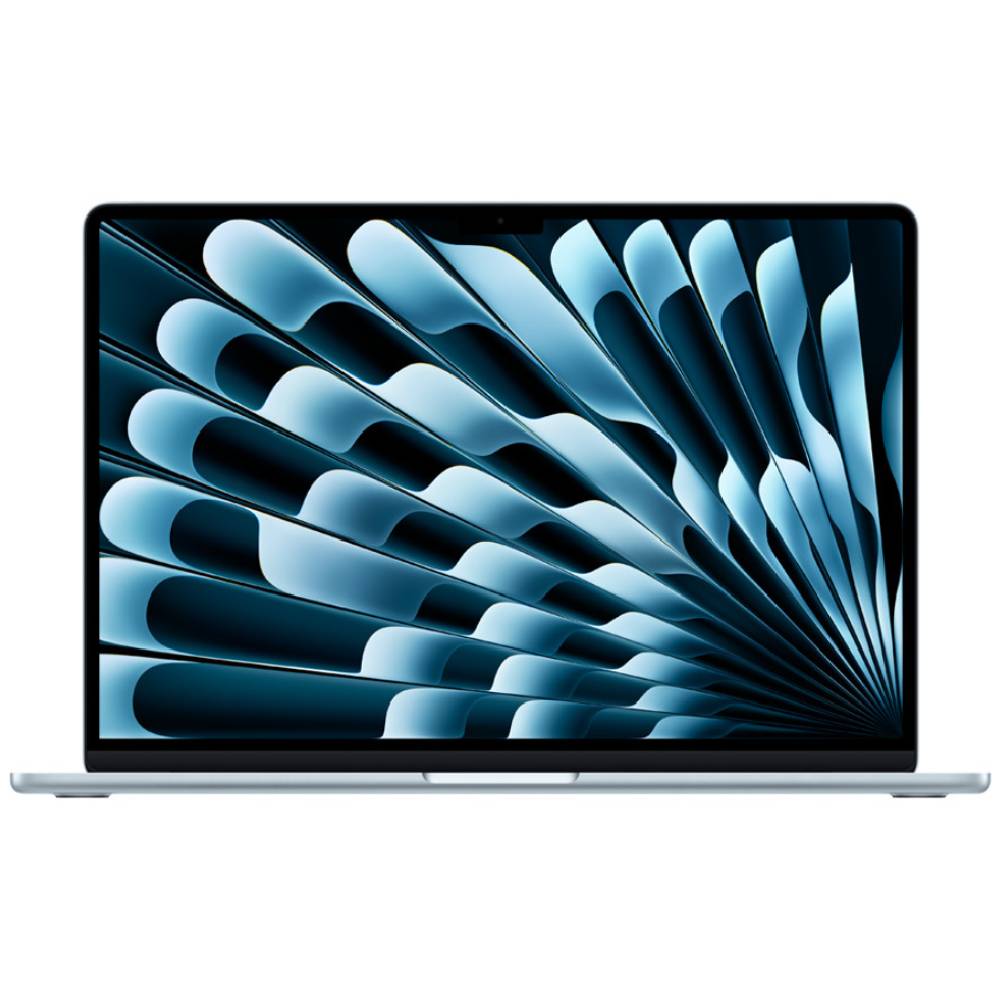
For video editors operating within budget constraints, the Apple MacBook Air 15 M4 emerges as the "best budget" option. Despite its more accessible price point (now $100 cheaper than its predecessor), it offers a compelling blend of strong performance, exceptional battery life, and portability. Sean Riley’s review notes that the 15-inch Air M4 "deserves to be in the conversation" for serious users.
Powered by an Apple M4 (10-core) chip, it demonstrated nearly 38% faster CPU multicore performance than the 15-inch Air M3 in Laptop Mag’s tests. Its real-world video transcoding test, converting a 4K video to 1080p, was completed in just under 5 minutes, two minutes faster than the Air M3. The 15.3-inch Liquid Retina display, while not as vibrant as the Pro, offers improved DCI-P3 coverage (83.5% vs. 77.8% for the M3), making it a viable option for color-sensitive work within its price class. With over 15 hours of battery life and a mere 3.3-pound, 0.45-inch thick chassis, it provides excellent mobility. The primary trade-off remains Apple’s expensive upgrades for RAM and storage, and a limited port selection.
Touchscreen Innovation for Creatives: Lenovo Yoga Slim 7x (Gen 9)
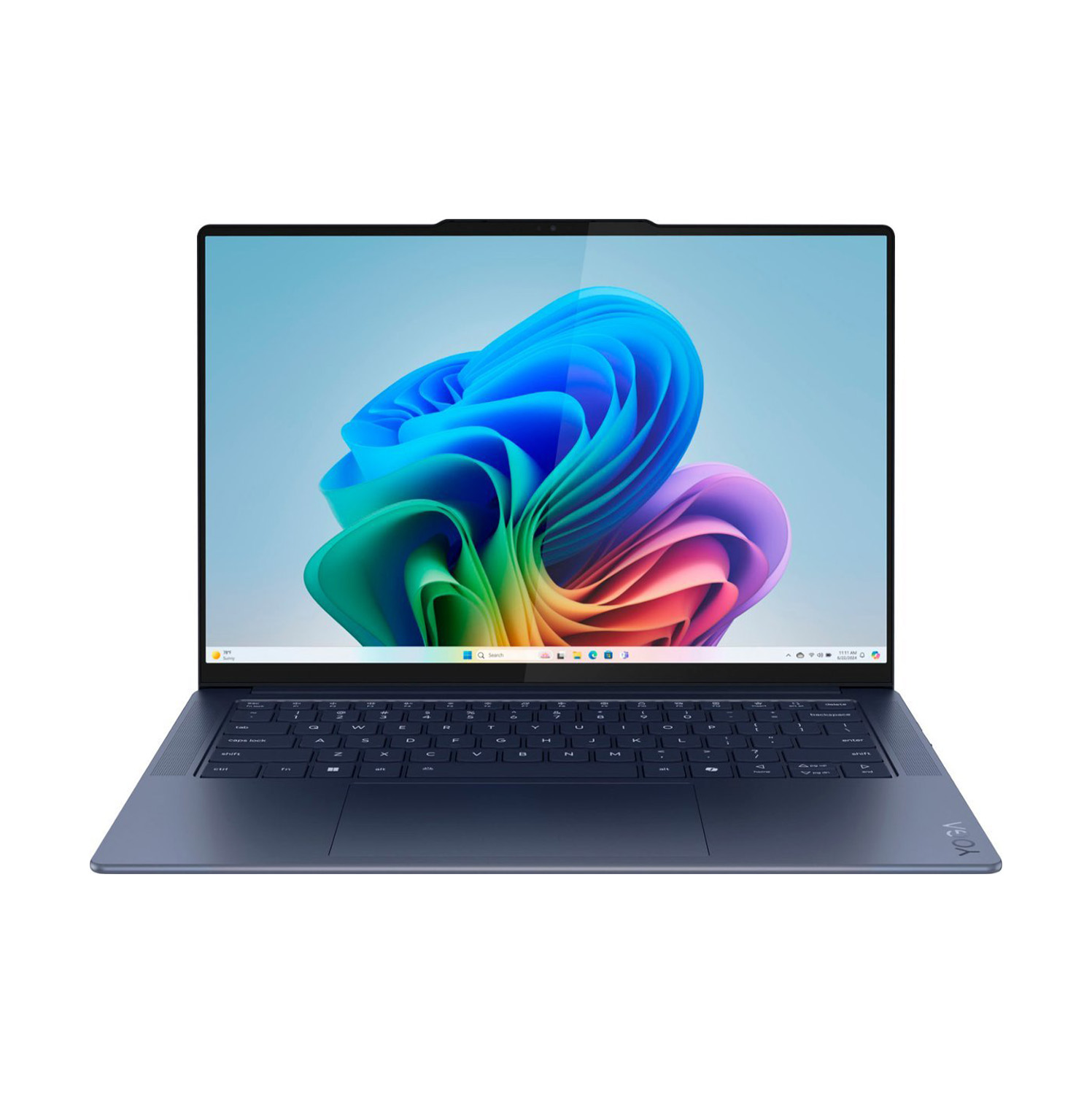
The Lenovo Yoga Slim 7x stands out as the premier touchscreen option, merging versatility with high performance. Reviewer Stevie Bonifield highlights its ability to "balance price and performance with a stylish design and strong battery life," all complemented by a sharp OLED display.
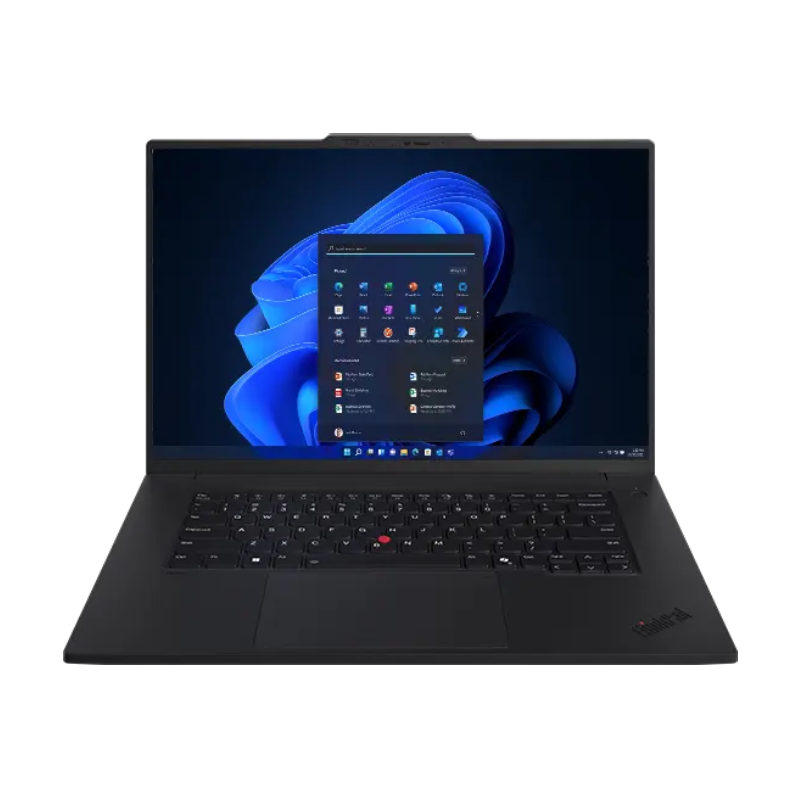
Its 14.5-inch OLED touch display is a major draw, boasting an astonishing 155% DCI-P3 color gamut coverage – one of the widest Laptop Mag has ever recorded. It also achieves 464 nits in SDR and 785 nits in HDR, ensuring vivid colors and deep blacks. Driven by a Qualcomm Snapdragon X Elite X1E-78-100 processor, the Yoga Slim 7x achieved a Geekbench 6 multicore score of 13,750, outperforming many similarly priced Intel Core Ultra 7 155H laptops. It transcoded a 4K video to 1080p in just over 5 minutes. Its impressive battery life of 14 hours and 14 minutes further enhances its appeal. Potential considerations include ensuring app compatibility with Windows on ARM architecture, though major editing suites like Premiere Pro and DaVinci Resolve now support it, and the display’s reflectivity in bright environments.
The Gaming and Editing Hybrid: HP Omen Max 16
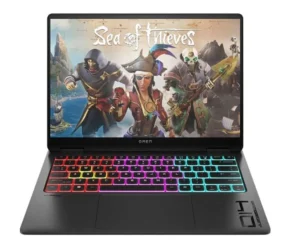
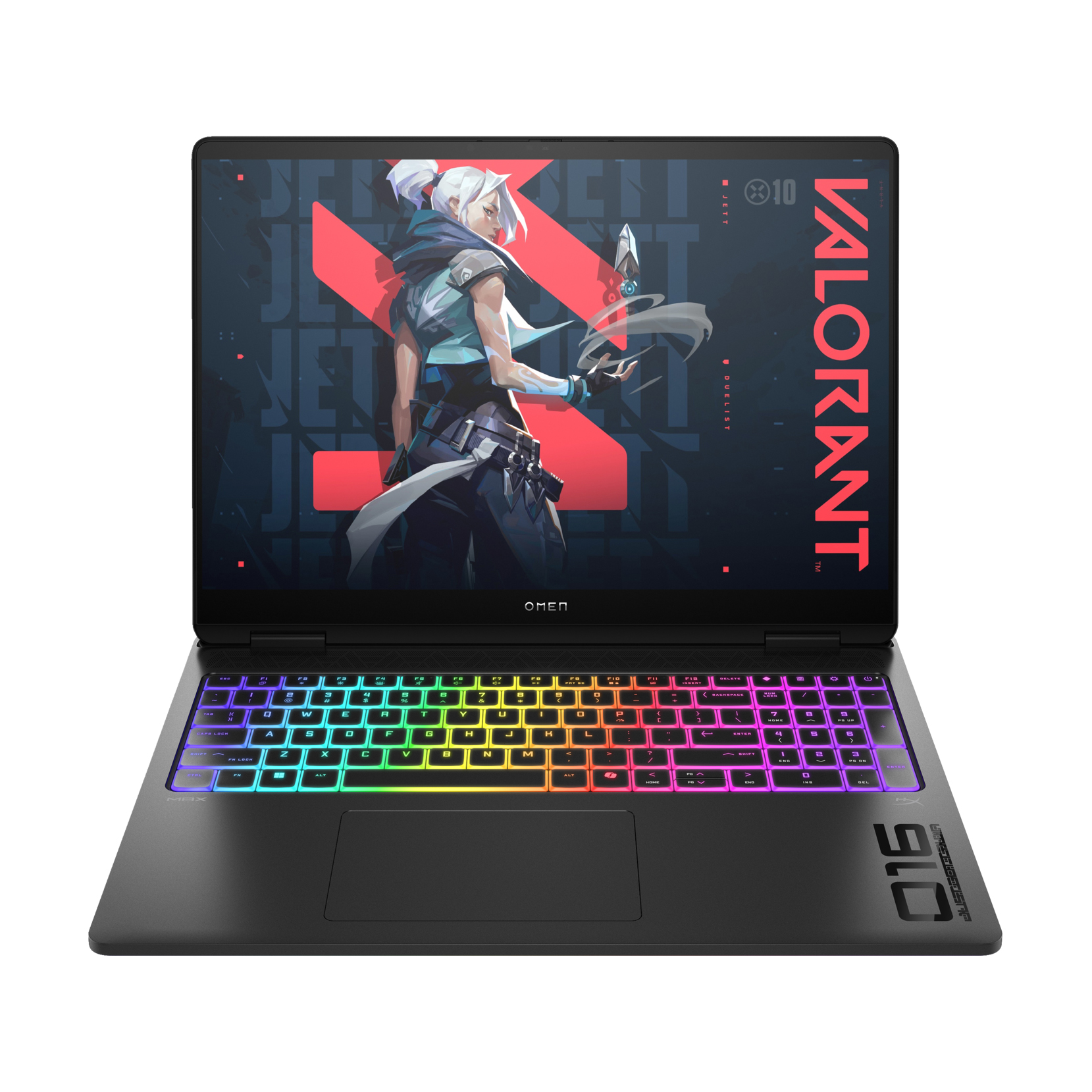
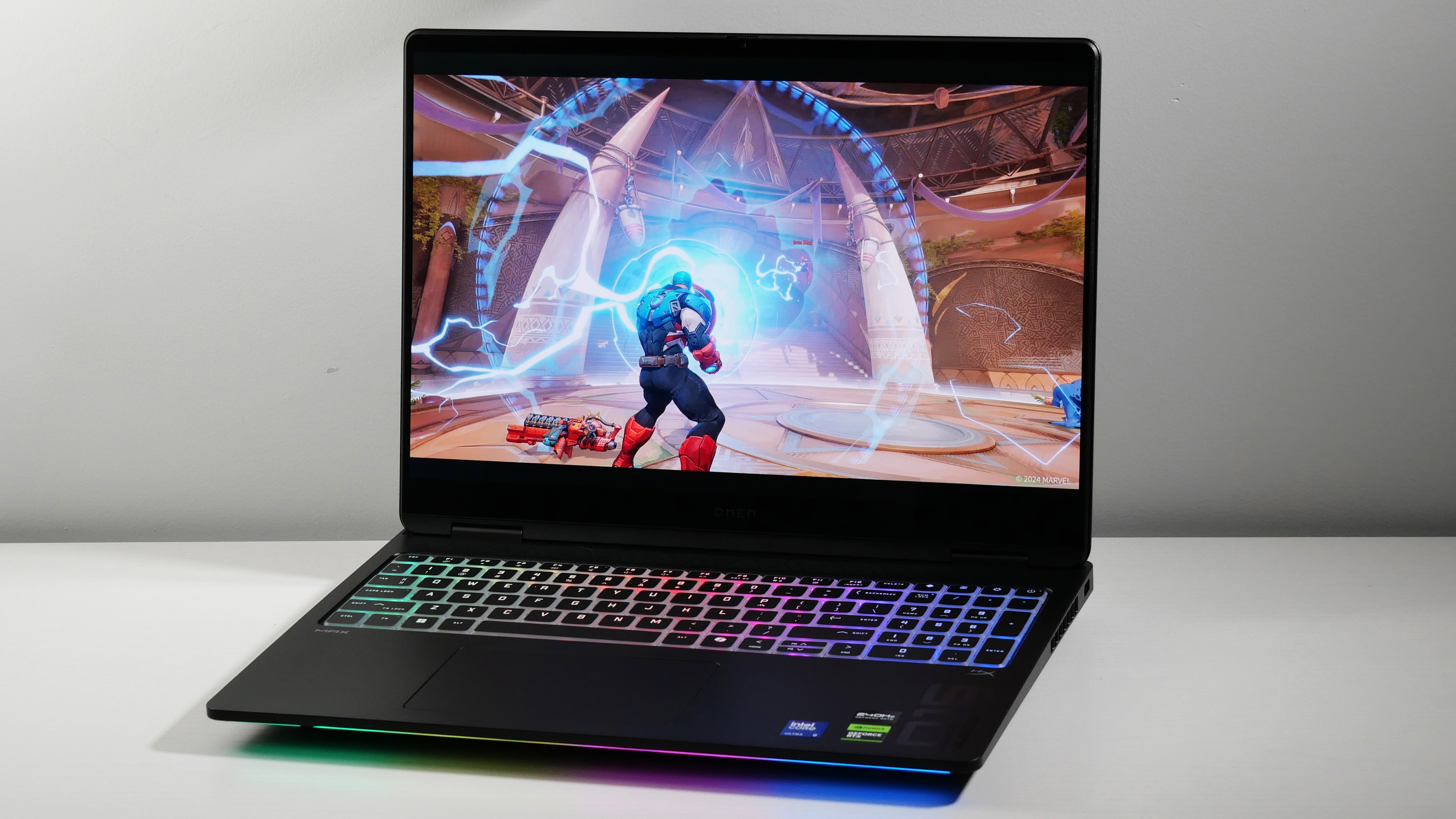
For professionals seeking a machine capable of both demanding video editing and high-fidelity gaming, the HP Omen Max 16 is the top choice. This laptop, featuring an Intel Core Ultra 9 275HX and an Nvidia GeForce RTX 5090, offers "immaculate color for both video editing and gaming" and "strong all-around performance."

Its 16-inch 240Hz OLED display is a "fever dream of colors and infinite contrast," achieving 141.4% DCI-P3 coverage, second only to the Yoga Slim 7x on this list. This makes it an exceptional choice for editors requiring vibrant and accurate visuals. The Omen Max 16 also excels in thermal management, staying 10-20 degrees cooler than competitors, even under heavy load. In the Handbrake test, it transcoded a 4K video to 1080p in a respectable 2 minutes and 54 seconds, though slightly slower than its fiercest gaming rivals. The trade-offs are typical for a gaming powerhouse: a short battery life of just over 3 hours, essentially positioning it as a desktop replacement, and a high price point for top configurations.
Leading Windows Creator Workhorse: Asus ProArt P16
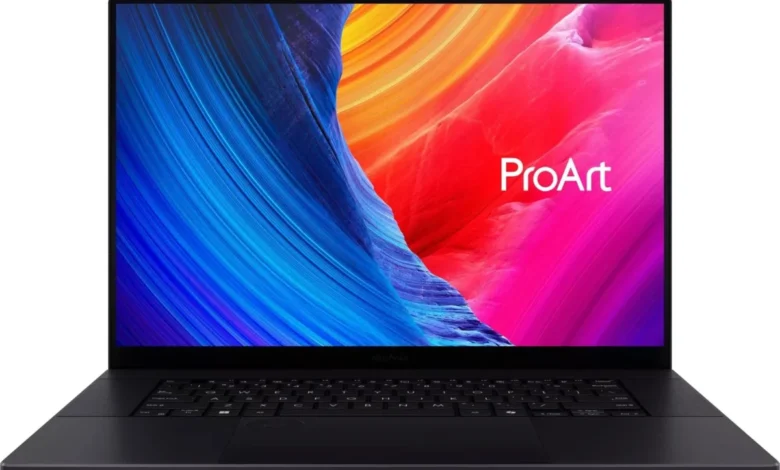
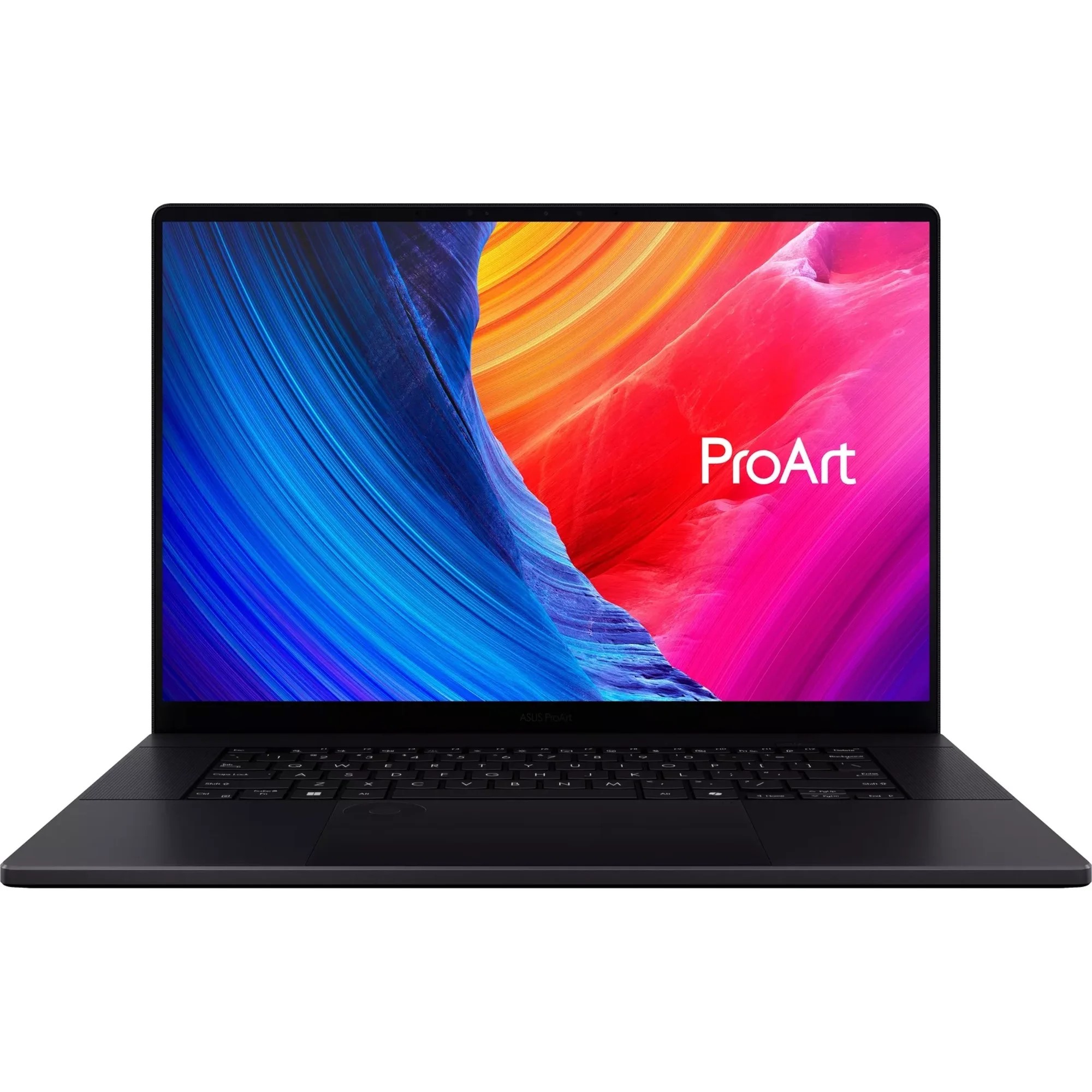
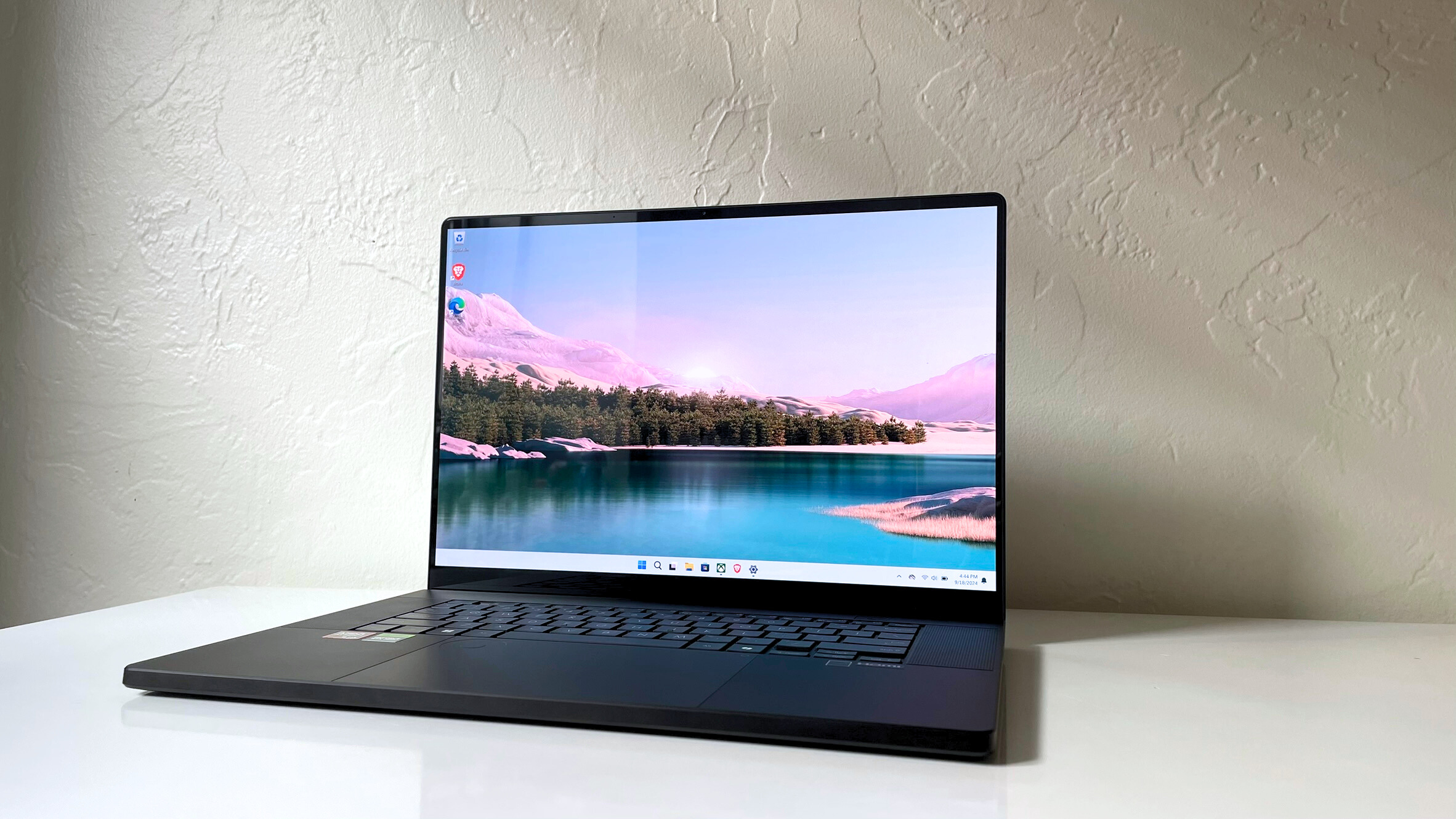
The Asus ProArt P16 is presented as the "stellar Windows laptop for video editing," offering a compelling alternative to Apple’s MacBooks at a more competitive price. Reviewer Stevie Bonifield praises it as "powerful, reliable, and stylish."
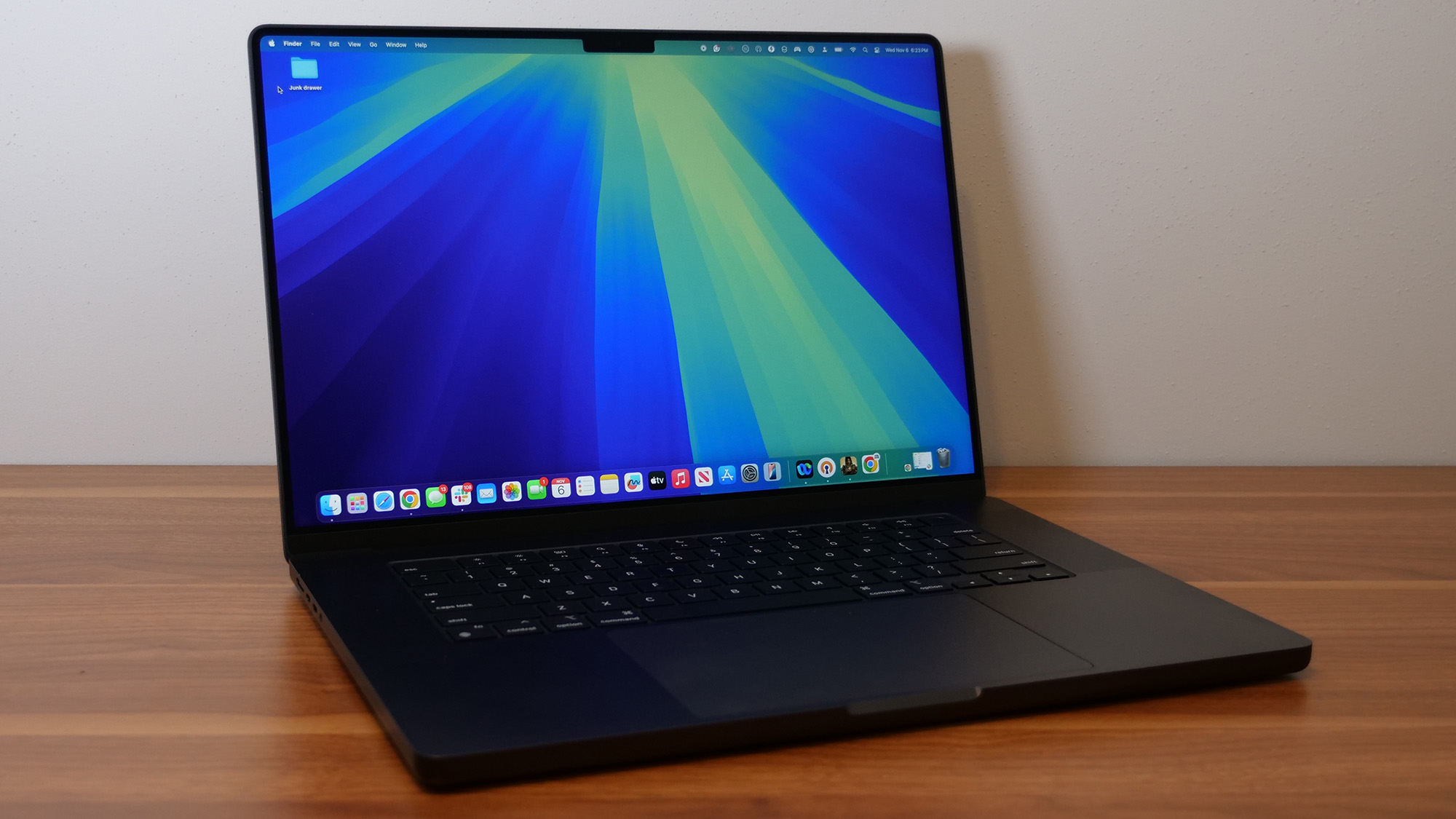
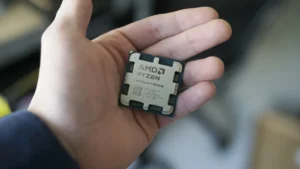
This laptop is equipped with an AMD Ryzen AI 9 HX 370 processor, an Nvidia RTX 4070 GPU, 32GB of RAM, and a 2TB SSD. It achieved a Geekbench 6 multicore score of 15,286 and transcoded a 4K video in Handbrake in just 3 minutes and 15 seconds, significantly faster than the average premium laptop (7:58). Its 16-inch 4K OLED touch display covers 85.5% of the DCI-P3 gamut, meeting Laptop Mag’s professional guidelines. While its battery life of 9 hours and 32 minutes is below average for a premium laptop, its raw performance and comprehensive feature set make it a strong contender for Windows-loyal creators.
Dedicated Professional Workstation: Lenovo ThinkPad P1 Gen 7
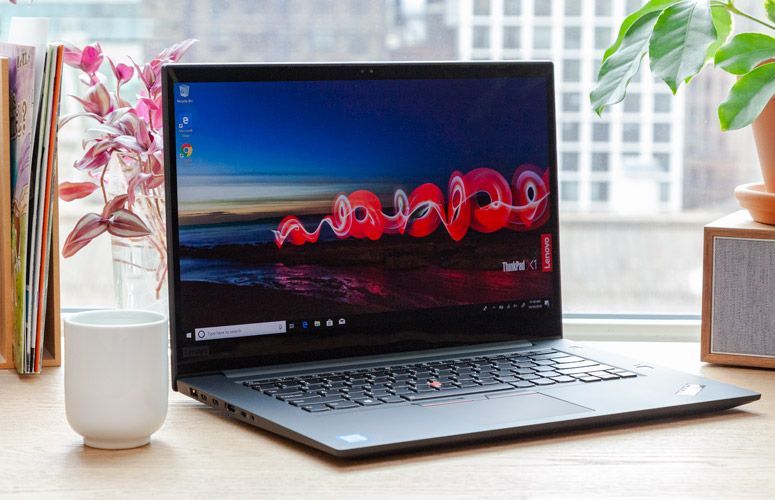
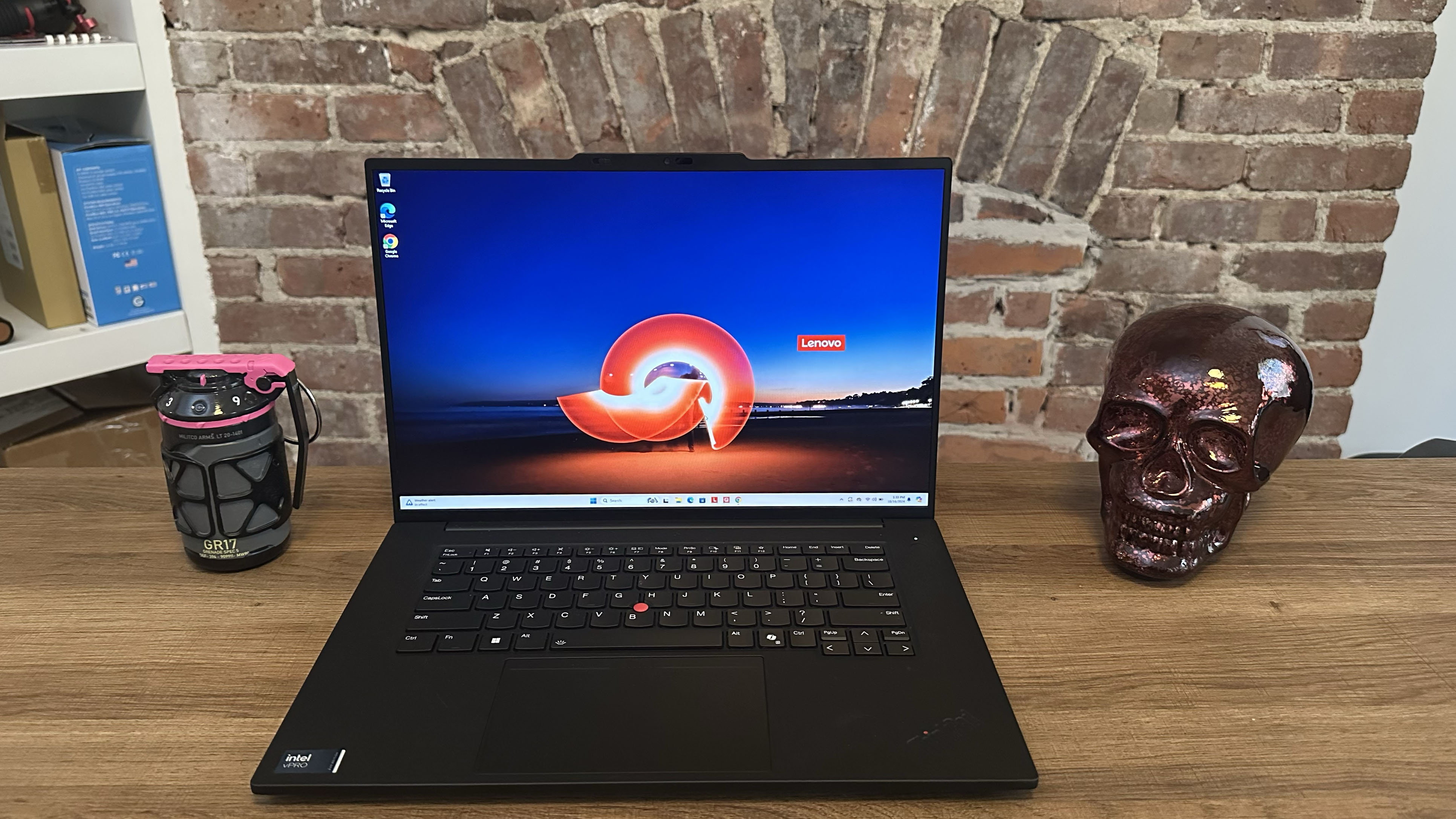
For the video editor prioritizing data integrity, stability, and reliability in a professional environment, the Lenovo ThinkPad P1 Gen 7 is the "best workstation." Staff writer Madeline Ricchiuto notes its "performance to handle photo and video editing, 3D rendering, or heavy data analysis you’d want out of a workstation machine," all within a sleek, portable design.
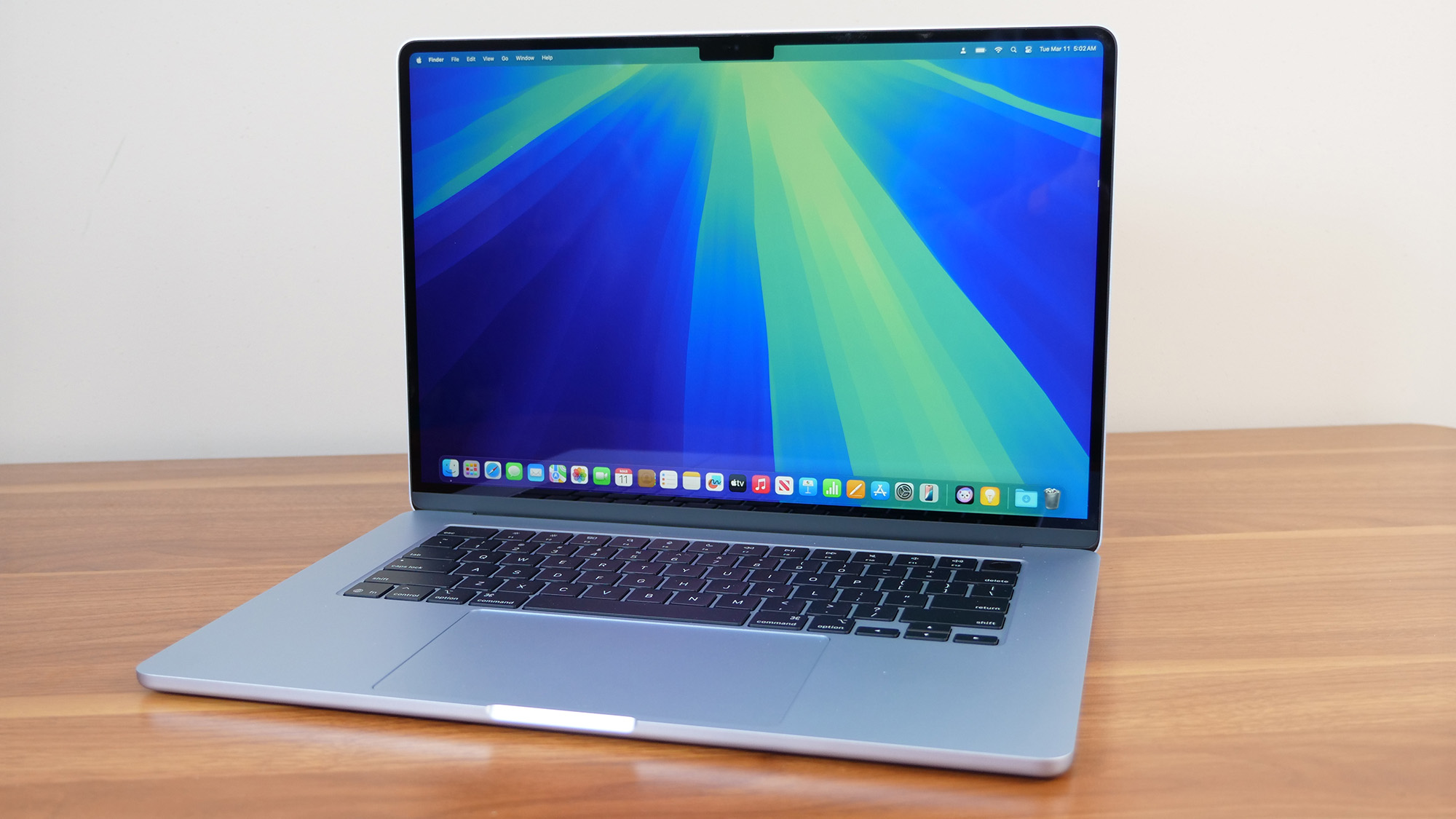
Powered by an Intel Core Ultra 7 165H and an Nvidia RTX 1000 Ada Generation discrete graphics card, this workstation is built for sustained, stable workloads. While its Geekbench 6 multicore score of 12,974 is lower than some gaming or Apple laptops, its strength lies in optimized performance for professional applications. It transcoded a 4K video in 4 minutes and 21 seconds. Its standout feature is an outstanding battery life of 17 hours and 23 minutes, far exceeding the typical 5-6 hours of most workstations. The base model’s 16-inch 1920 x 1200 IPS display, covering 78.6% DCI-P3, is adequate but less vibrant than others on the list, though a 4K OLED upgrade is available at an additional cost. Its extensive port selection (USB Type-A, USB Type-C, HDMI, SD card reader) and robust build quality cater directly to professional needs.
Rigorous Testing: The Foundation of Trust
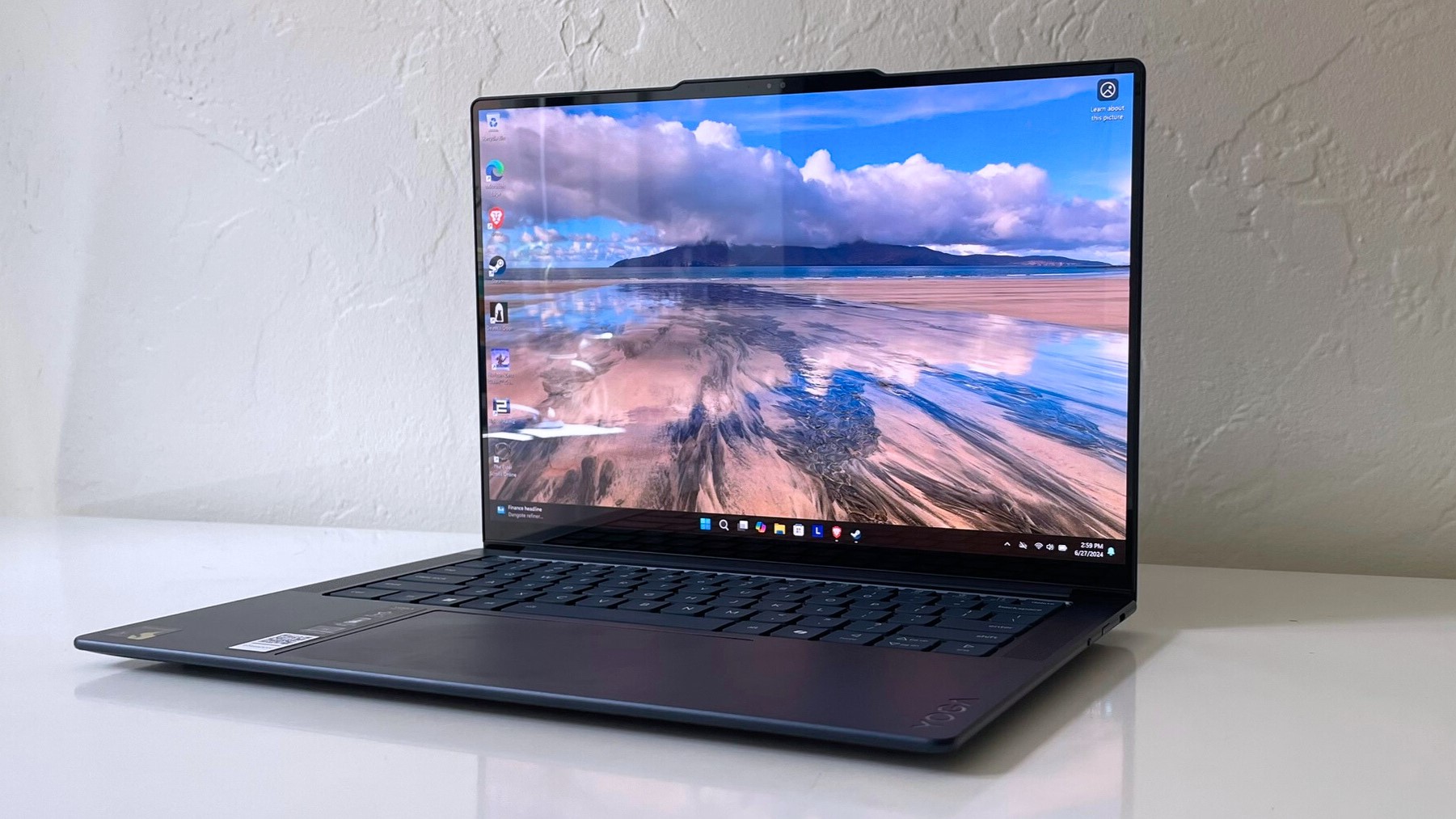
Laptop Mag’s recommendations are built upon a foundation of extensive and transparent testing protocols. Each laptop undergoes a gauntlet of synthetic and real-world benchmarks to evaluate every facet of its performance, including processing power, graphical capabilities, battery longevity, display accuracy, audio quality, and thermal management.
A Klein K10 colorimeter is used for precise measurements of display brightness (nits) and DCI-P3 color gamut coverage. Performance is assessed using industry-standard benchmarks such as Geekbench 6 for CPU performance, PugetBench for Adobe application-specific tasks, and 3DMark for professional graphics tests. Real-world performance is gauged through practical tasks like converting a 4K video to 1080p using Handbrake and duplicating a 25GB file. Gaming performance is also considered using titles like Sid Meier’s Civilization V: Gathering Storm. Heat management is monitored during a 15-minute full-screen video playback.
Battery life is tested by continuously web surfing over Wi-Fi at 150 nits of brightness. For MacBooks and premium Windows 11 laptops, a runtime exceeding 10 hours is considered excellent, while gaming laptops and workstations are praised for durations beyond 5 hours. This blend of objective laboratory data and subjective real-world usage by expert reviewers ensures a comprehensive and trustworthy evaluation, reflecting Laptop Mag’s three decades of experience in the field and its commitment to independent, factual reporting under Future Publishing.
The Evolving Landscape of Video Editing Technology
The 2025 selections underscore several key trends in the video editing laptop market. The rise of ARM-based processors, pioneered by Apple’s M-series and now expanding with Qualcomm’s Snapdragon X Elite, signifies a shift towards highly efficient, integrated systems that deliver exceptional performance per watt and extended battery life. This challenges the traditional dominance of discrete GPUs, particularly for tasks that can leverage the optimized architecture of these new chips.
Furthermore, the increasing integration of AI accelerators into CPUs (like AMD Ryzen AI 9 and Intel Core Ultra) hints at a future where AI-powered features will further streamline creative workflows, from intelligent upscaling to automated editing assistance. The blurring lines between gaming laptops and creative workstations also offer compelling options for users who require both high graphical horsepower and a vibrant display, though often at the expense of portability and battery life.
As digital content creation continues its upward trajectory, the demand for more powerful, efficient, and color-accurate mobile workstations will only intensify. Laptop Mag’s 2025 guide serves as an invaluable resource, navigating this complex technological landscape to equip creators with the tools necessary to bring their visions to life.