The Best Laptops Under $500 for 2025: A Comprehensive Guide to Affordable Computing

Finding a high-quality laptop for under $500 is a challenge that requires balancing performance, durability, and feature sets. While the sub-$500 market often forces consumers to sacrifice premium materials and high-end processing power, recent advancements in hardware efficiency have made entry-level machines more capable than ever. Whether you are a student, a remote worker seeking a secondary device, or a parent purchasing a first computer for a child, understanding how to navigate this price bracket is essential to avoiding poor investments.

The current landscape of budget computing is largely dominated by Chromebooks, which leverage the lightweight ChromeOS to extract maximum performance from modest hardware. However, Windows laptops have also seen improvements in this segment, offering more versatility for users tethered to the Microsoft ecosystem. As of May 2025, the market has stabilized, offering several standout options that deliver consistent battery life, responsive keyboards, and reliable displays for daily productivity tasks such as web browsing, word processing, and media consumption.
The Evolution of the Budget Laptop Market
Over the past five years, the "budget" laptop category has undergone a significant transformation. Historically, sub-$500 devices were characterized by plastic frames, dim displays, and sluggish processors that struggled to handle multiple browser tabs. Today, manufacturers have shifted their strategy. By utilizing efficient mobile processors—such as Intel’s N-series or refined versions of the Snapdragon and MediaTek chips—companies are providing machines that maintain battery longevity while meeting the basic demands of modern software.
The shift toward cloud-based computing has played a pivotal role in this evolution. Chromebooks, which rely heavily on web-based applications, have become the standard for schools and budget-conscious consumers. Because ChromeOS does not demand the same computational overhead as a full Windows 11 installation, these devices can offer a fluid user experience at price points that would otherwise result in an unusable Windows experience.
Top Recommendations for 2025
Our analysis of the current market identifies four primary contenders that represent the best value for money in the sub-$500 category.
1. The Lenovo IdeaPad Flex 5i Chromebook Plus
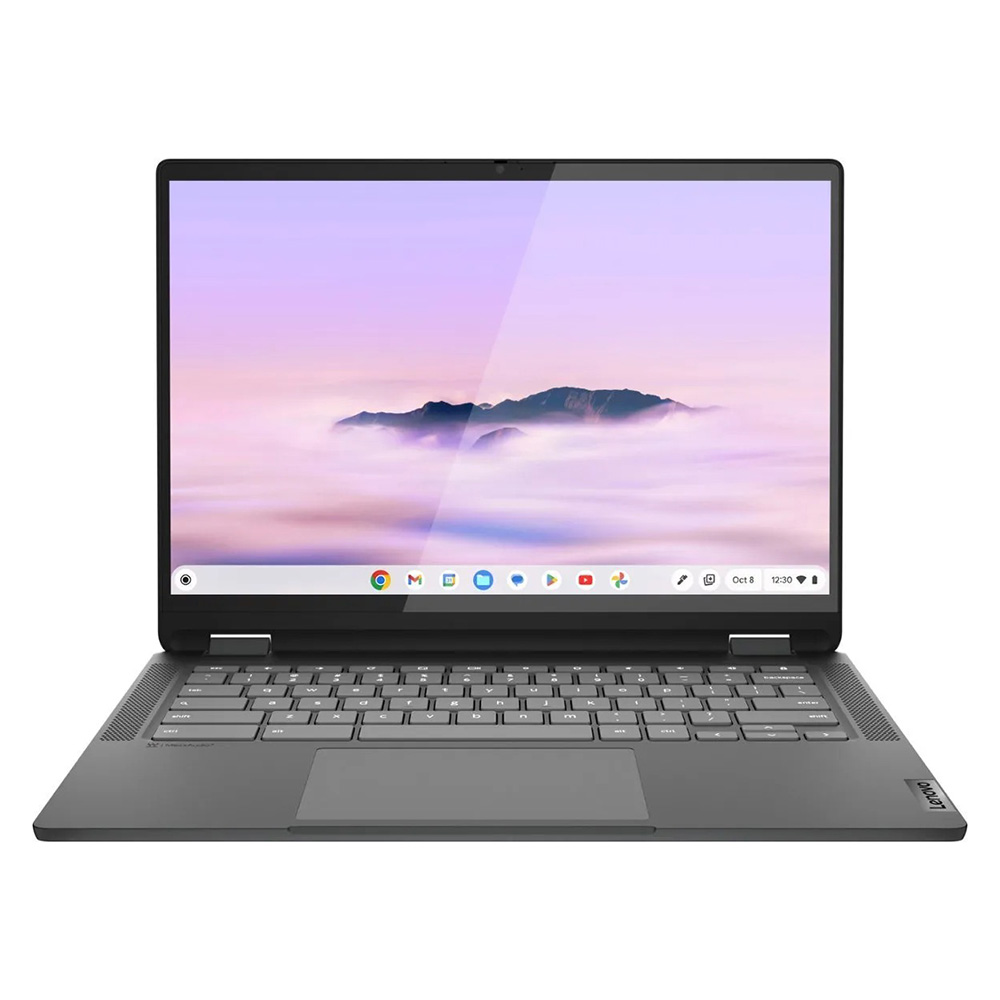
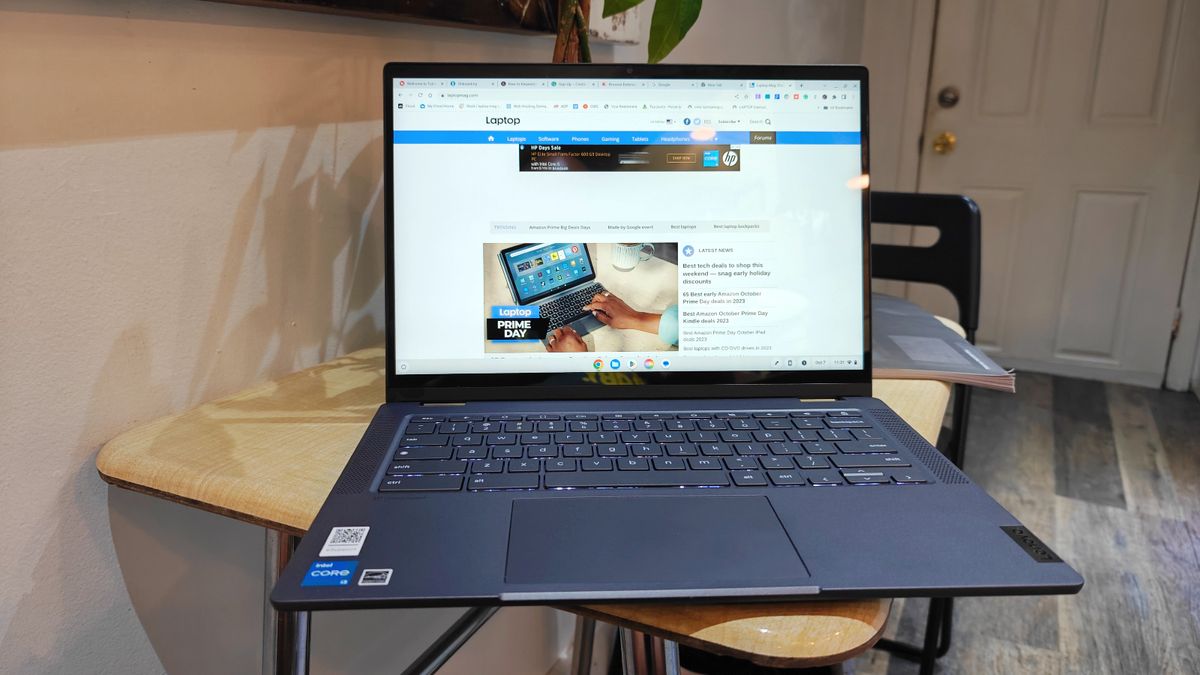
The Flex 5i Chromebook Plus stands out as the most balanced device in this bracket. Featuring an Intel Core i3-1315U processor and 8GB of RAM, it bridges the gap between budget and mid-range performance. In synthetic benchmarks, such as Geekbench 6, it has achieved multi-core scores of 5,384, significantly outperforming the segment average of 5,259. Its 14-inch IPS touchscreen and sturdy 2-in-1 hinge make it an ideal choice for users who prioritize build quality and versatility.
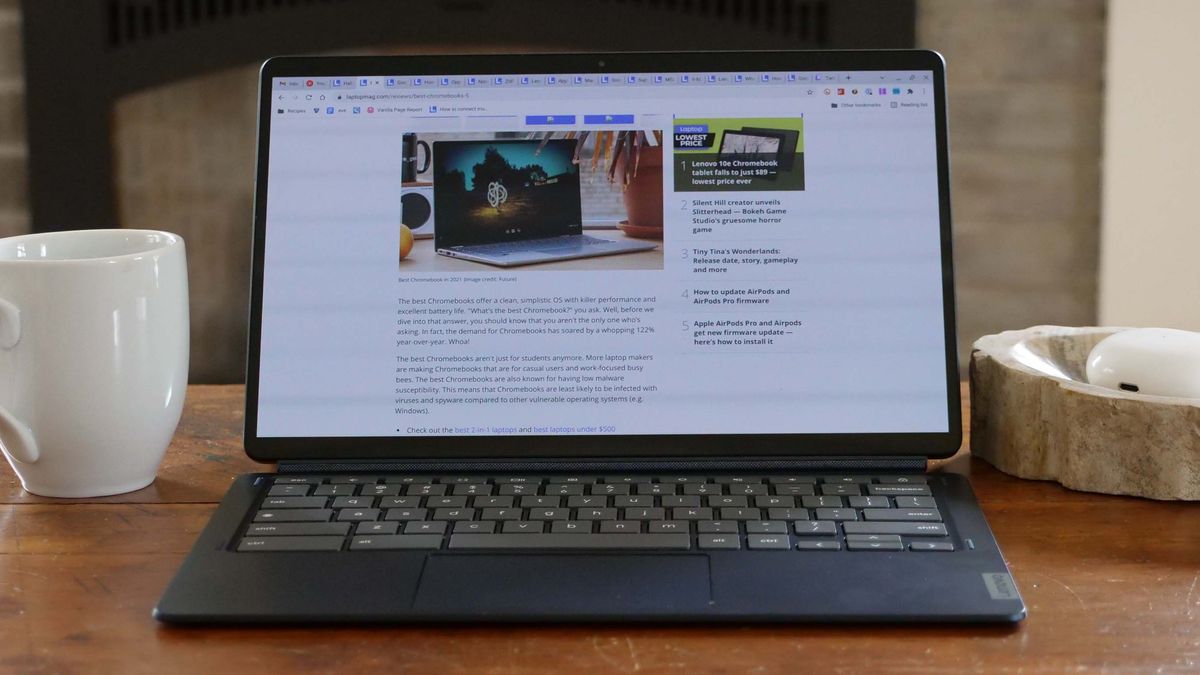
2. The Lenovo Duet 5 Chromebook
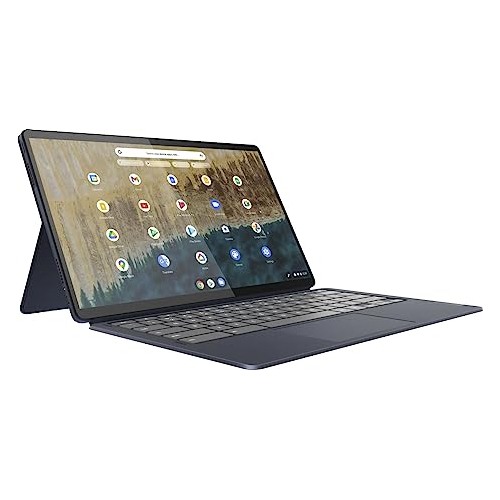
For those prioritizing portability and media consumption, the Duet 5 is a unique entry. Its primary selling point is the 13.3-inch OLED display, a rare luxury in a device priced under $300. While its performance metrics are more modest—recording a Geekbench 5 score of 1,727—it excels in longevity, providing over 13 hours of battery life on a single charge. As a detachable, it serves as a hybrid tablet-laptop, offering high utility for students and travelers.
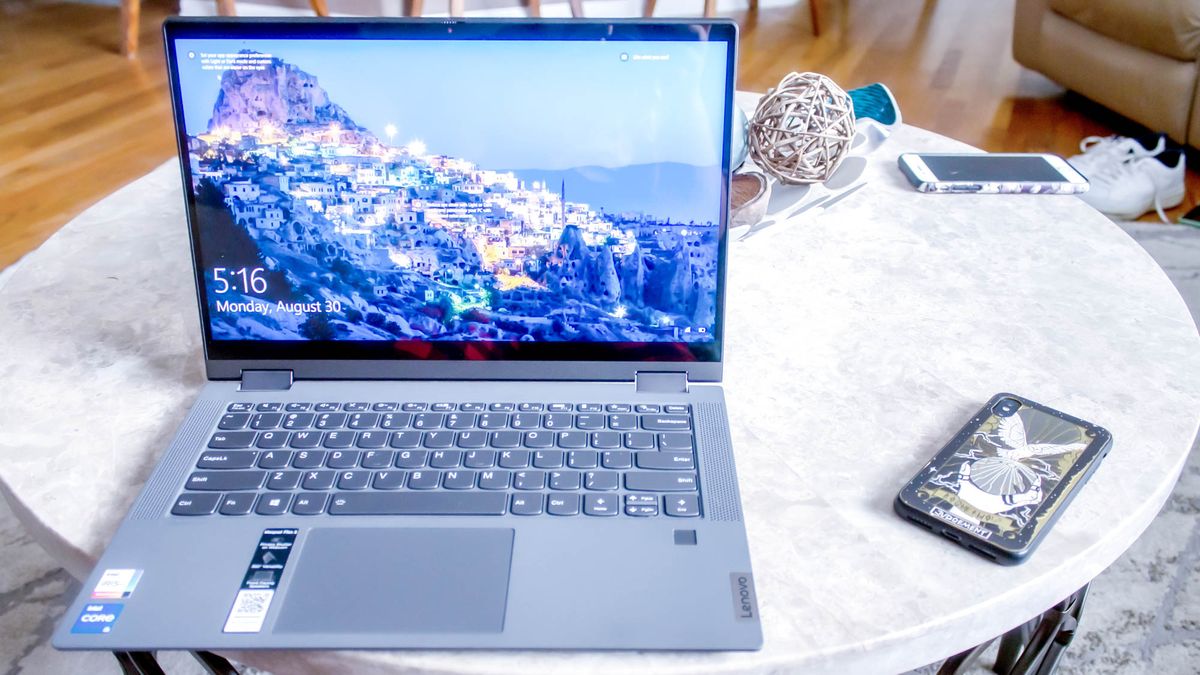
3. The Lenovo IdeaPad Flex 5 14 (Intel)
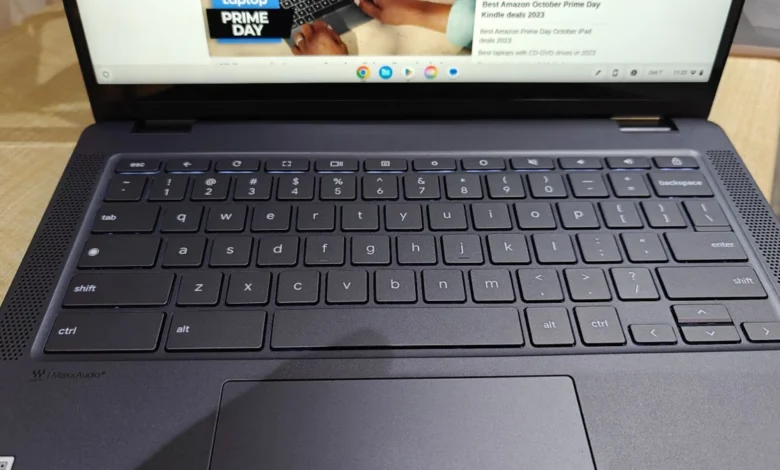
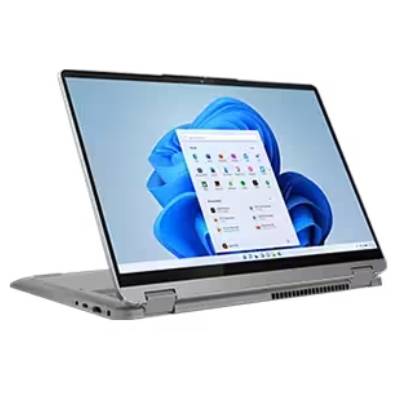
For users who require a Windows environment, the IdeaPad Flex 5 14 remains a reliable choice. It is one of the few Windows-based machines under $500 that delivers a respectable experience without significant thermal throttling. With an Intel Core i5-1135G7 processor, it manages a Geekbench 5 multi-core score of 3,841. While it lacks the extreme speed of more expensive ultrabooks, it provides a stable, tactile keyboard and excellent battery life, making it a functional "workhorse" for office and academic tasks.
4. The Acer Chromebook Spin 312
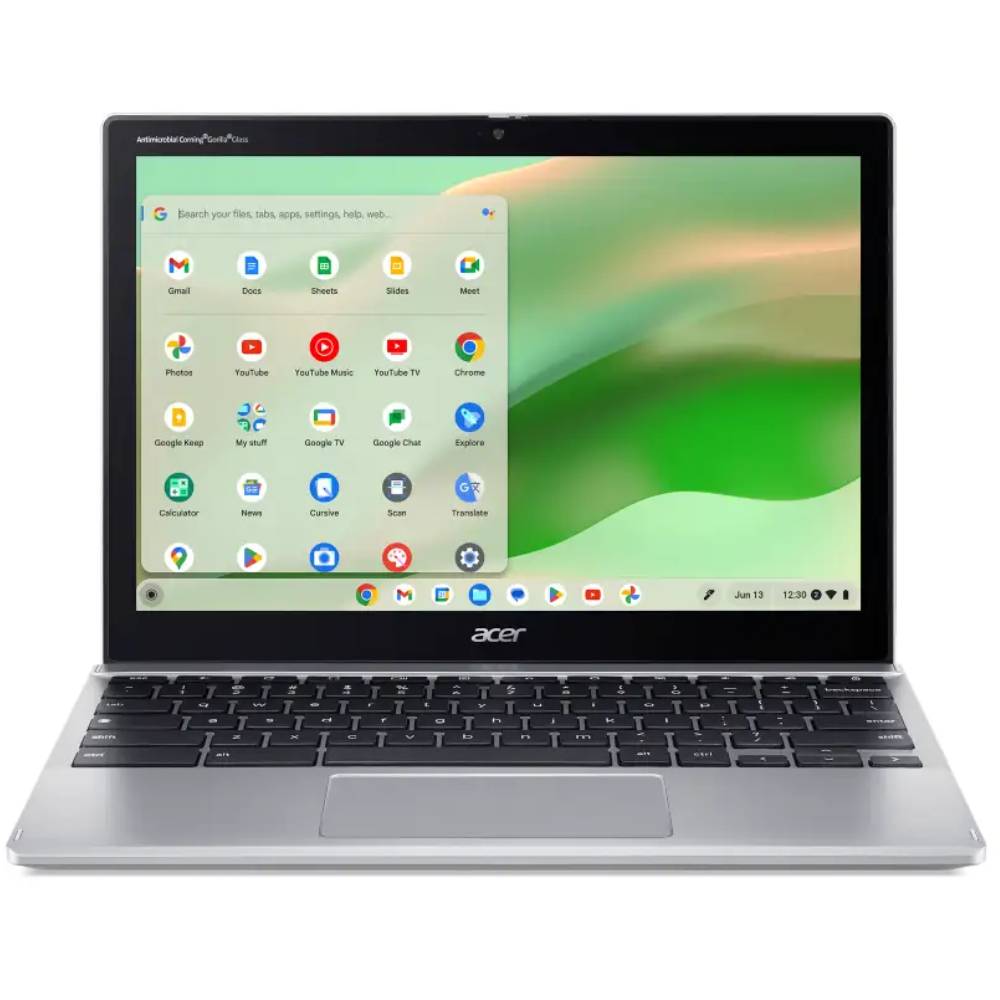
The Spin 312 is tailored for the student demographic. It features an Intel Core i3-N305 processor and a durable, lightweight chassis. Its inclusion of Acer’s "OceanGlass" touchpad provides a premium tactile feel that is often absent in this price range. With a battery life exceeding 10 hours and a 12.2-inch display that utilizes a specialized coating to enhance color perception, it represents a high-value option for those needing a device that can survive the rigors of a backpack and a long school day.
Data-Driven Performance Comparison
When selecting a budget laptop, objective benchmark data is the most reliable tool for avoiding underpowered hardware. The following table summarizes key performance metrics for our top picks:
| Model | Geekbench (6/5) | Battery Life (Web) | Display Brightness (Nits) |
|---|---|---|---|
| Lenovo Flex 5i Plus | 5,384 (G6) | 09:43 | 306 |
| Lenovo Duet 5 | 1,727 (G5) | 13:31 | 361 |
| Lenovo Flex 5 14 | 3,841 (G5) | 14:16 | 200 |
| Acer Spin 312 | 4,477 (G6) | 10:33 | 277 |
Note: Higher scores and longer battery life are preferred. Data represents internal lab testing results as of May 2025.

Strategic Considerations for Consumers
Before finalizing a purchase, consumers must weigh several technical and economic factors. The "hidden costs" of cheap laptops often manifest as hardware failures after the one-year warranty expires. Therefore, we recommend prioritizing devices with proven chassis durability.
Furthermore, the form factor is a critical decision point. While 2-in-1 convertibles offer the flexibility of a tablet, they often come with thicker frames and hinges that may be prone to wear over time. Traditional clamshell designs generally provide better value for money, as the budget is spent on internal components rather than complex mechanical hinges.
Market analysts suggest that the stability of the sub-$500 category may be threatened by shifting global trade policies. Recent discussions regarding potential tariff hikes on electronic components could increase the cost of these budget devices. Consequently, consumers who require a device within the next six months are encouraged to monitor seasonal sales cycles—specifically around Black Friday and back-to-school periods—to secure the best possible pricing.
The Importance of Rigorous Testing
At the heart of our evaluation process is a commitment to objective testing. We subject every device to a battery of tests, including colorimeter analysis for display accuracy and real-world stress tests involving high-resolution video transcoding and file duplication. These procedures are designed to simulate the heavy loads that might cause a budget laptop to stutter.
Our testing methodology is enforced by a strict editorial standard. We do not accept review units with the requirement of a positive write-up, and our reviewers maintain total independence. By combining synthetic data with real-world, "day-in-the-life" usage—such as video calls and multi-tab browsing—we ensure that our recommendations are not merely reflections of technical specifications, but realistic assessments of how a laptop performs under pressure.
Conclusion: Making an Informed Choice
A budget of $500 does not have to mean settling for an inferior computing experience. By focusing on machines with modern processors, at least 8GB of RAM, and reliable battery performance, users can acquire a device that is perfectly capable of handling everyday tasks for years to come.
When evaluating these options, we advise users to prioritize their specific needs. If your workflow is strictly cloud-based, the Lenovo IdeaPad Flex 5i Chromebook Plus or the Acer Chromebook Spin 312 will offer a smoother experience than an equivalent Windows device. Conversely, if specific legacy software or a Windows-only workflow is required, the Lenovo IdeaPad Flex 5 14 remains the most viable, cost-effective solution. As the technology continues to mature, these entry-level machines are increasingly proving that high quality does not always require a high price tag.