Seagate FireCuda Forge Review: Enterprise-Grade Tiered Storage Brought to the Desktop

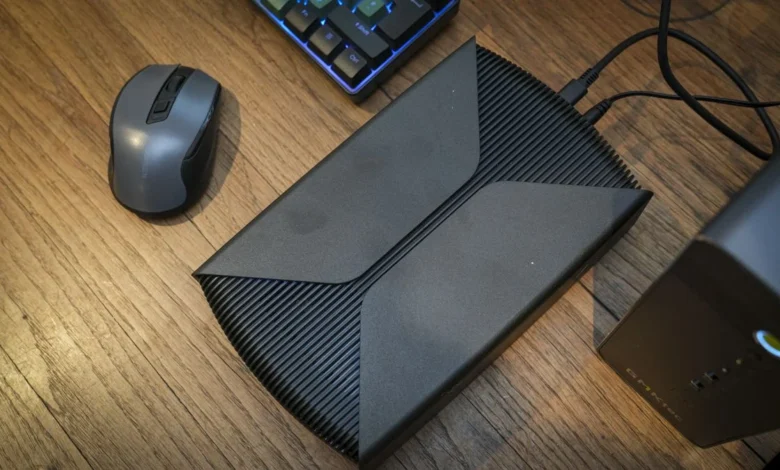
The landscape of professional data management has long required a compromise between the blazing speeds of Solid State Drives (SSDs) and the immense capacity of Hard Disk Drives (HDDs). High-end enterprise environments have utilized dynamic tiered storage systems for years to bridge this gap, but the technology has rarely trickled down to creator-focused desktop hardware. Seagate aims to change this paradigm with the introduction of the Seagate FireCuda Forge, an external desktop storage solution that combines a massive 20TB mechanical hard drive with user-installable NVMe SSD caching, orchestrated by
proprietary Alkemi dynamic tiering technology. Designed specifically for videographers, photographers, and data-heavy content creators, the FireCuda Forge attempts to deliver the best of both storage worlds through a single, unified drive letter.
Unboxing and Hardware Configuration
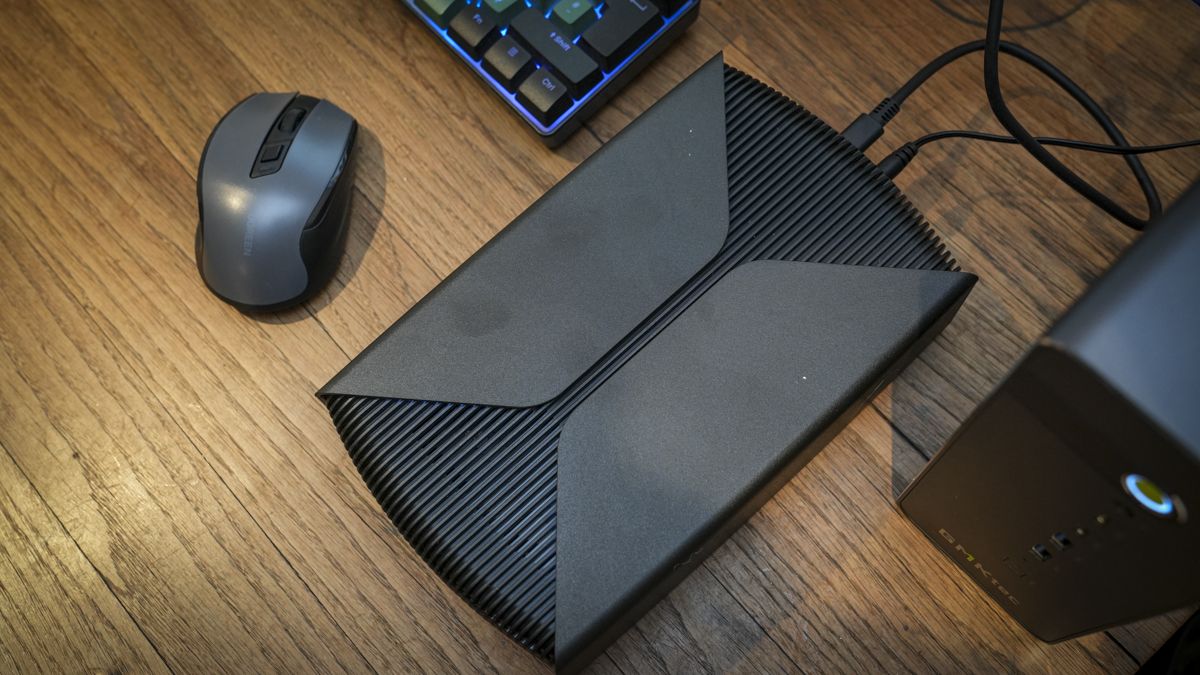
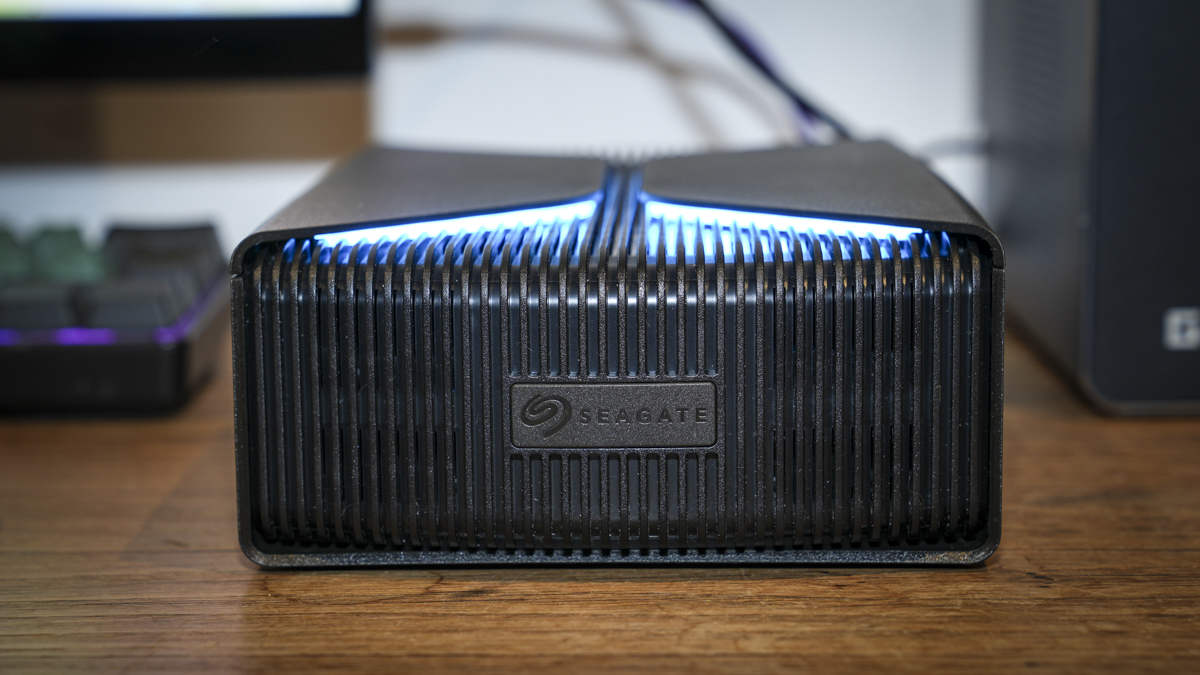
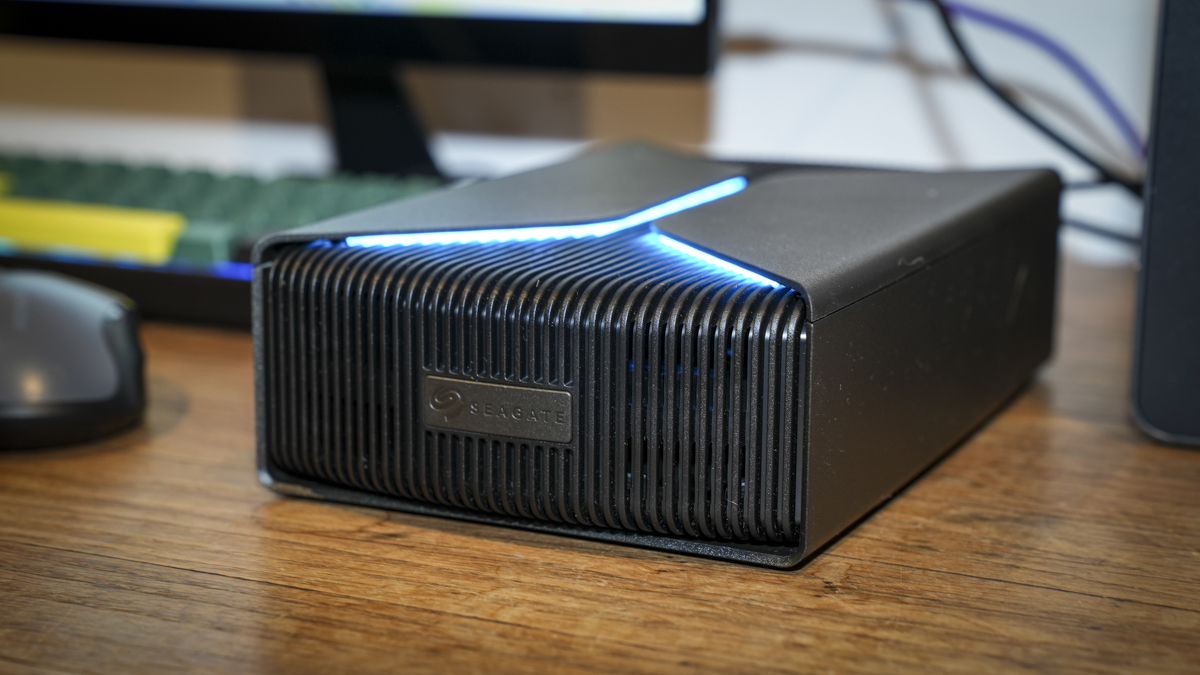
Getting started with the Seagate FireCuda Forge deviates from traditional external drive deployment. The unit ships with a pre-installed 3.5-inch mechanical hard drive—available in massive 20TB or more modest 8TB configurations—housed within a robust, premium plastic chassis measuring 240.3 × 146.8 × 65.2mm and weighing approximately 1.92kg for the larger capacity model. Unlike standard bus-powered portable drives, the Forge requires an external AC power adapter, delivered via an included power brick alongside a 50cm USB4 cable.
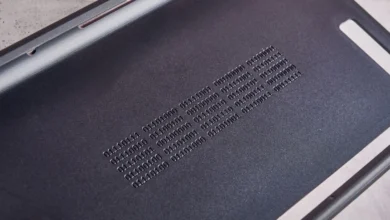
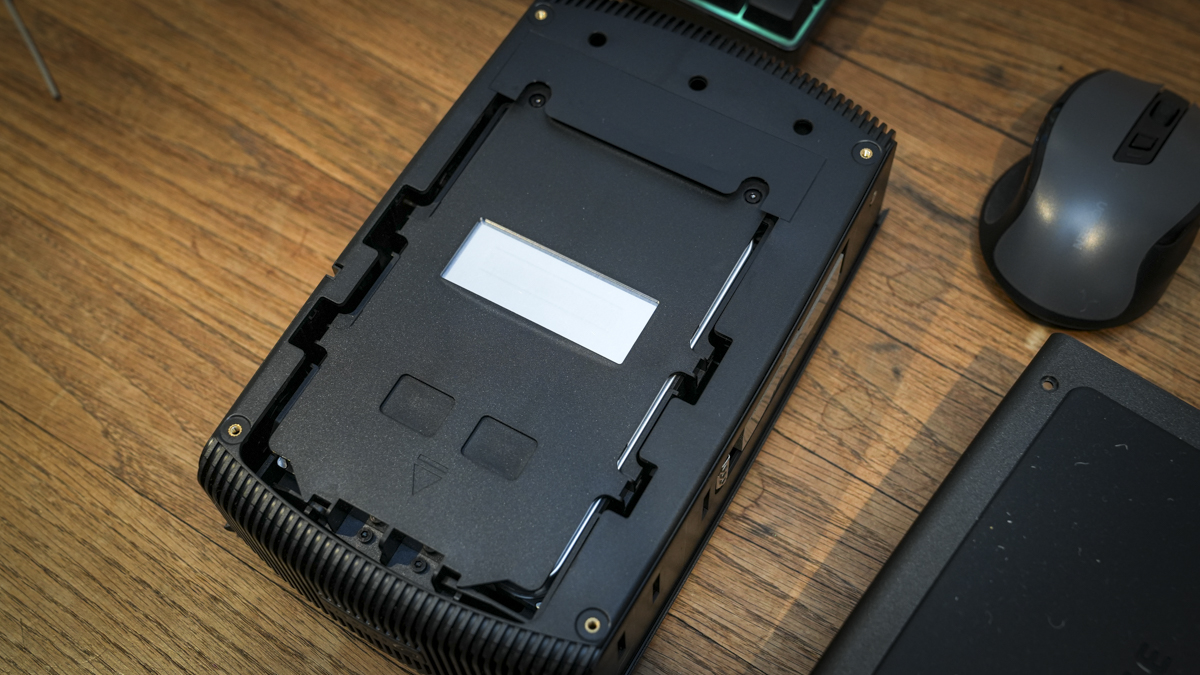
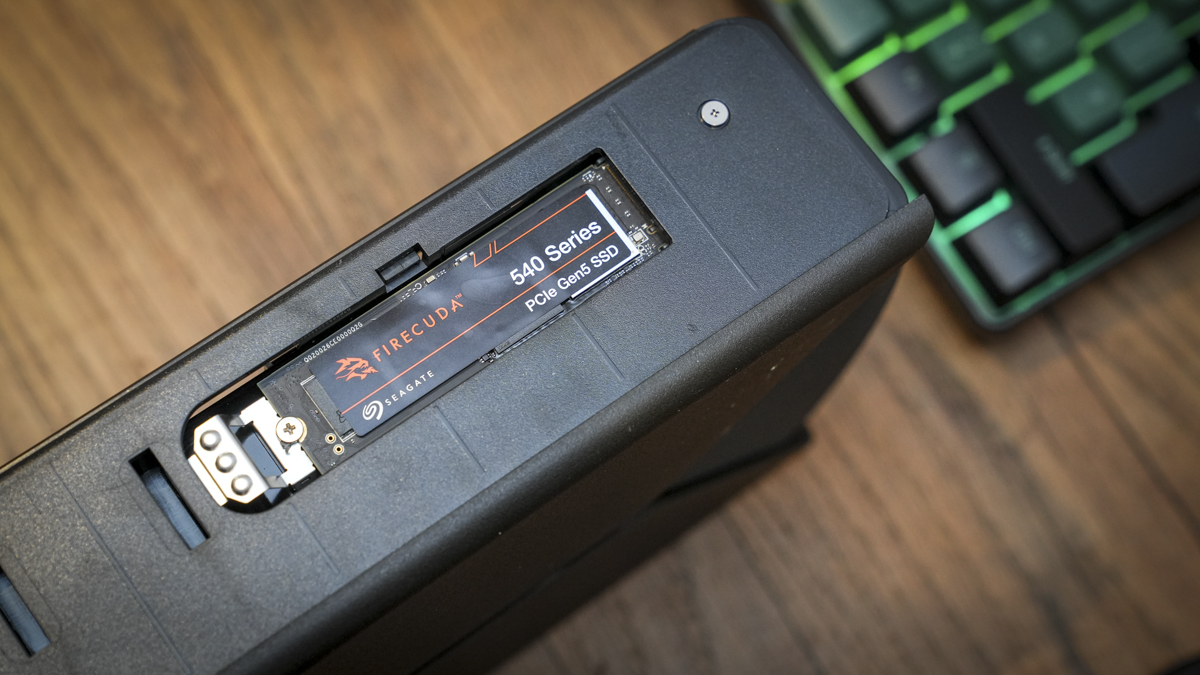
Crucially, the system cannot function until the user installs a secondary M.2 2280 NVMe SSD. While Seagate officially recommends a maximum capacity limit of 1TB for the cache drive, testing has demonstrated successful operation with larger modules, such as a 20TB setup paired with a 2TB FireCuda PCIe 5.0 SSD. The installation process requires removing four hex screws from the base to detach the cover and side panel as a single unit, after which the user inserts the SSD into the side-mounted slot. Seagate provides two thermal pads and a retaining screw, though installers must supply their own small cross-head screwdriver alongside the provided hex key. Once assembled, the internal HDD is formatted to NTFS out of the box, requiring a reformat for native read-and-write compatibility on macOS 26 or later, while officially supporting Windows 11 environments out of the box.
Dynamic Tiering Technology Explained
The core innovation of the FireCuda Forge lies in Seagate’s Alkemi dynamic tiered storage technology. When connected to a host machine via its single USB4 port—which maintains backward compatibility with Thunderbolt 3, 4, and 5 interfaces—the operating system does not register two distinct storage volumes. Instead, the pre-installed HDD and user-supplied SSD merge into a single, unified drive.
Behind the scenes, the Alkemi controller actively monitors file access patterns. Frequently accessed working files, active project directories, and recently offloaded media are automatically prioritized and cached on the faster SSD tier. Meanwhile, archival data, older projects, and infrequently requested assets migrate seamlessly to the vast expanses of the 20TB mechanical drive. This automated data organization aims to eliminate the friction typically associated with managing separate scratch disks and long-term storage pools.
Real-World Performance and Benchmarks
Benchmark testing conducted on a GMKtec EVO-X5 Pro test bench highlights the capabilities of this hybrid architecture. CrystalDiskMark 8 recorded sequential read speeds of 2,248.52 MB/s and sequential write speeds of 1,726.77 MB/s. ATTO Disk Benchmark mirrored these findings, logging reads at 2,320 MB/s and writes at 1,610 MB/s, while AS SSD and AJA System Test confirmed robust sustained throughput well beyond the capabilities of standalone external hard drives.
In practical field tests, the performance profile demonstrates clear strengths and predictable operational boundaries. Offloading massive quantities of media following a shoot—such as transferring over 1TB of footage via an OWC CFexpress Type B card reader—takes approximately 12 minutes, compared to roughly one hour and twenty minutes on a traditional external HDD.
When utilized as an active working drive for video editing suites like Adobe Premiere Pro, the Forge maintains high fluidity for projects operating within or close to the SSD cache limit. Opening large project files is remarkably swift, and timeline rendering proceeds without the stuttering or latency typical of mechanical drives. However, pushing the system by transferring massive 4TB datasets or rapidly switching between multiple extensive video projects eventually reveals the physical limitations of the underlying storage tiers. Once the active data exceeds the SSD cache threshold, the system must shuffle data dynamically, resulting in temporary speed reductions. Nonetheless, even during these intensive workloads, performance remains significantly faster than legacy HDD setups.
Alternative Use Cases: Gaming and AI Models
Beyond traditional media creation workflows, the FireCuda Forge offers intriguing utility for secondary computing tasks, though with notable caveats. Utilizing the drive to store Steam game libraries yields mixed results; while the storage capacity is more than adequate for sprawling game collections, initial load times are noticeably longer than those experienced on internal PCIe NVMe drives. Once loaded, however, gameplay performance remains stable.
Similarly, deploying the Forge to store Large Language Models (LLMs) for artificial intelligence workflows provides a practical solution for developers and enthusiasts who frequently cycle through various parameter models. While model loading times are hindered compared to direct internal storage, the sheer capacity of the drive provides a convenient repository for expansive AI model weights without consuming precious internal system storage.
Pricing, Availability, and Market Positioning
Expected to retail around the £900 mark for the 20TB capacity variant, with an additional estimated cost of £100 to £180 for a quality 1TB DRAM-cached NVMe SSD, the FireCuda Forge occupies a distinct niche in the storage ecosystem. Compared to budget external desktop drives—such as standard 20TB standalone enclosures priced near £300—Seagate’s hybrid offering commands a substantial premium.
This pricing structure positions the Forge squarely as a professional productivity tool rather than a casual consumer backup solution. For professional photographers, cinematographers, and digital content creators who require immediate, high-speed offloading capabilities in the field combined with massive long-term desktop storage, the device eliminates the need for complex Network Attached Storage (NAS) configurations or multi-drive RAID enclosures.
Implications and Industry Outlook
The release of the Seagate FireCuda Forge underscores a broader industry shift toward intelligent, automated hybrid storage solutions. As professional media files continue to grow in resolution and file size—transitioning steadily into 8K workflows and beyond—the demand for high-capacity, high-throughput storage shows no sign of abating.
By successfully miniaturizing enterprise-grade tiered storage into a consumer-accessible desktop form factor, Seagate has established a compelling template for future external storage devices. While the requirement to source a separate NVMe SSD adds complexity to the initial purchasing process, the flexibility to customize the cache tier aligns well with the modular preferences of advanced users. Ultimately, the Seagate FireCuda Forge succeeds in delivering SSD-comparable transfer speeds alongside massive HDD capacity, provided buyers evaluate their specific throughput and workflow requirements against its premium market positioning.