The Resurgence of the 14-inch Laptop: Blending Portability with Uncompromised Performance

The 14-inch laptop has firmly established itself as a pivotal form factor in the personal computing landscape, hitting a coveted sweet spot that marries the nimble portability of 13-inch models with the robust performance often associated with larger 15-inch counterparts. This particular size has witnessed a significant surge in popularity since approximately 2018, a trend driven by evolving user demands for devices that can seamlessly adapt to dynamic work environments, frequent travel, and diverse computing needs. The enduring appeal lies in its inherent balance, offering users a substantial screen without the bulk, and power without excessive weight, thereby minimizing the physical strain often associated with carrying heavier devices for extended periods.
The Evolving Laptop Landscape and the Rise of the 14-inch Form Factor
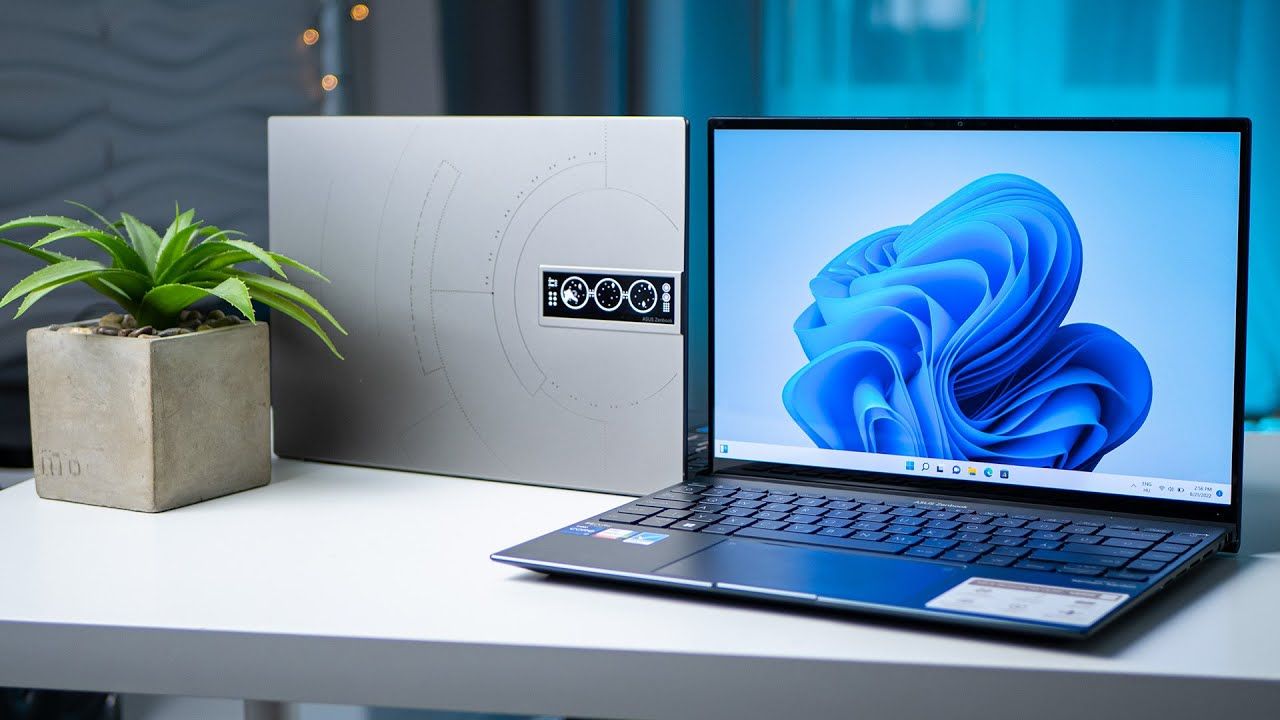
For years, the laptop market was largely bifurcated between ultra-portable 13-inch models, prized for their lightweight design and ease of transport, and larger 15-inch machines, which offered superior performance and more expansive displays, albeit at the cost of increased weight and reduced mobility. As computing power became more efficient and components miniaturized, a natural convergence point emerged. The 14-inch category capitalized on these advancements, providing a middle ground that addressed the limitations of both extremes. It offers enough screen real estate to comfortably read documents, manage complex spreadsheets, and engage in creative tasks without feeling cramped, while remaining light enough to be a constant companion for professionals and students on the go. This strategic positioning has made it a preferred choice for a broad spectrum of users who prioritize a harmonious blend of functionality and mobility.
Modern 14-inch laptops are engineered to handle demanding workloads. This includes juggling dozens of browser tabs, running resource-intensive applications for data analysis or content creation, and streaming media concurrently, all while maintaining robust battery life. An ideal 14-inch device should comfortably provide several hours of remaining power after a typical 8-hour workday, liberating users from the constant search for power outlets. This blend of sustained performance and extended endurance defines the contemporary 14-inch laptop experience.
Leading the Charge: Top 14-inch Laptops in 2025
Our rigorous evaluation process, continuously updated to reflect the latest technological advancements and market releases, highlights several standout 14-inch laptops for 2025, each excelling in specific categories.
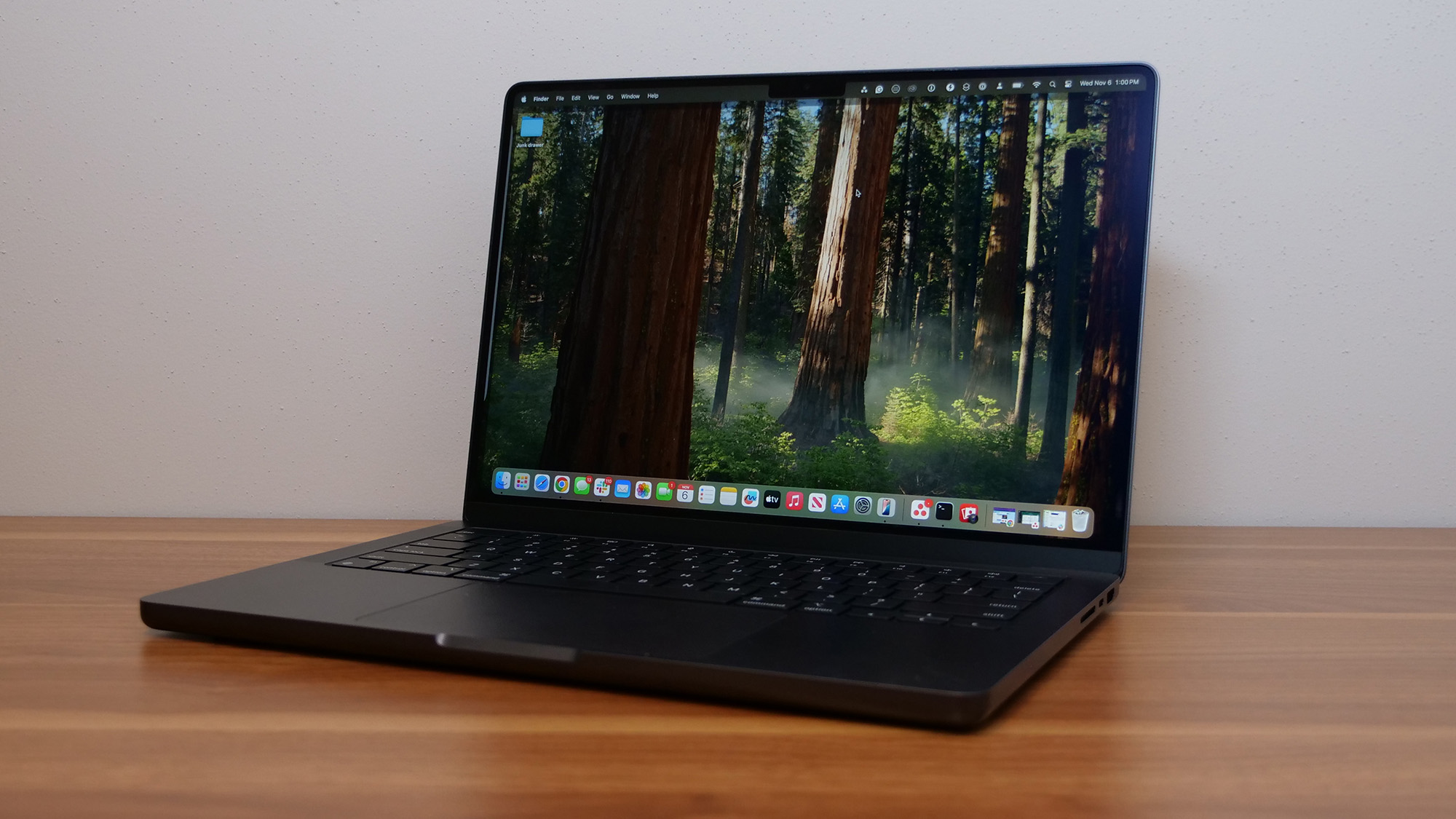
1. Best Overall: Apple MacBook Pro 14 M4
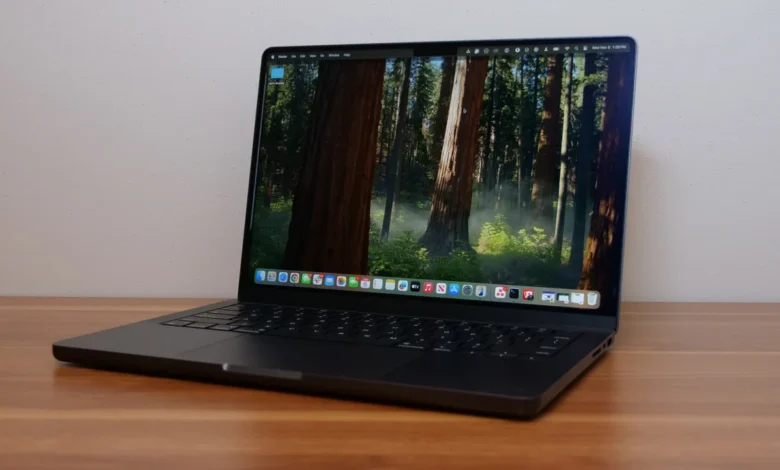
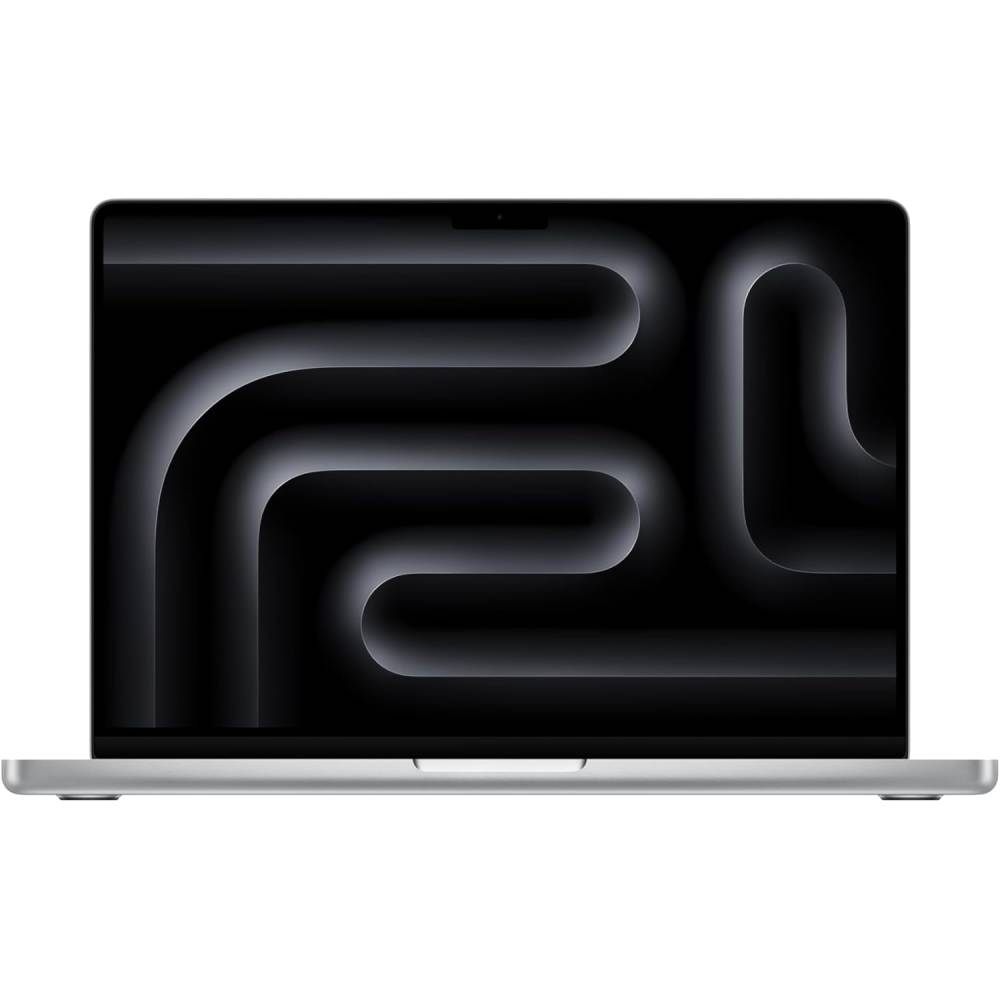
The Apple MacBook Pro 14 M4 stands as the undisputed leader in the 14-inch category, particularly for users not tethered to the Windows ecosystem. This machine is a testament to Apple’s relentless pursuit of excellence, offering a combination of exceptional performance, stellar graphics capabilities, and remarkable power efficiency. Reviewers consistently laud its ability to deliver over 18 hours of battery life, making it one of the longest-lasting laptops evaluated in recent years. Its iconic design, comfortable keyboard, and generously sized trackpad remain, complemented by powerful stereo speakers, a high-resolution webcam, and a stunning 14-inch Liquid Retina XDR display.
The proprietary M4 chip is the heart of this "5-star laptop," pushing boundaries in processing power. On the Geekbench 6 overall performance test, the MacBook Pro 14 M4 achieved a staggering score of 15,114, marking a 21% improvement over its M3 predecessor. In real-world applications, such as 4K video transcoding to 1080p, it completed the task in a mere 4 minutes, a full minute faster than the M3. This speed translates directly into a noticeably snappier user experience across all applications.
While its DCI-P3 color gamut coverage (80.2%) might not surpass some OLED panels, the mini-LED Liquid Retina XDR display compensates with remarkable brightness, averaging 556 nits in SDR and peaking at an astonishing 1,096 nits in HDR. For those sensitive to glare, an optional nano-texture display is available for an additional $150, proving effective in reducing reflections during testing. The MacBook Pro 14 M4, with a base model now offering 16GB of RAM, redefines expectations for premium portable computing, though its nearly $2,000 price point positions it at the higher end of the market.
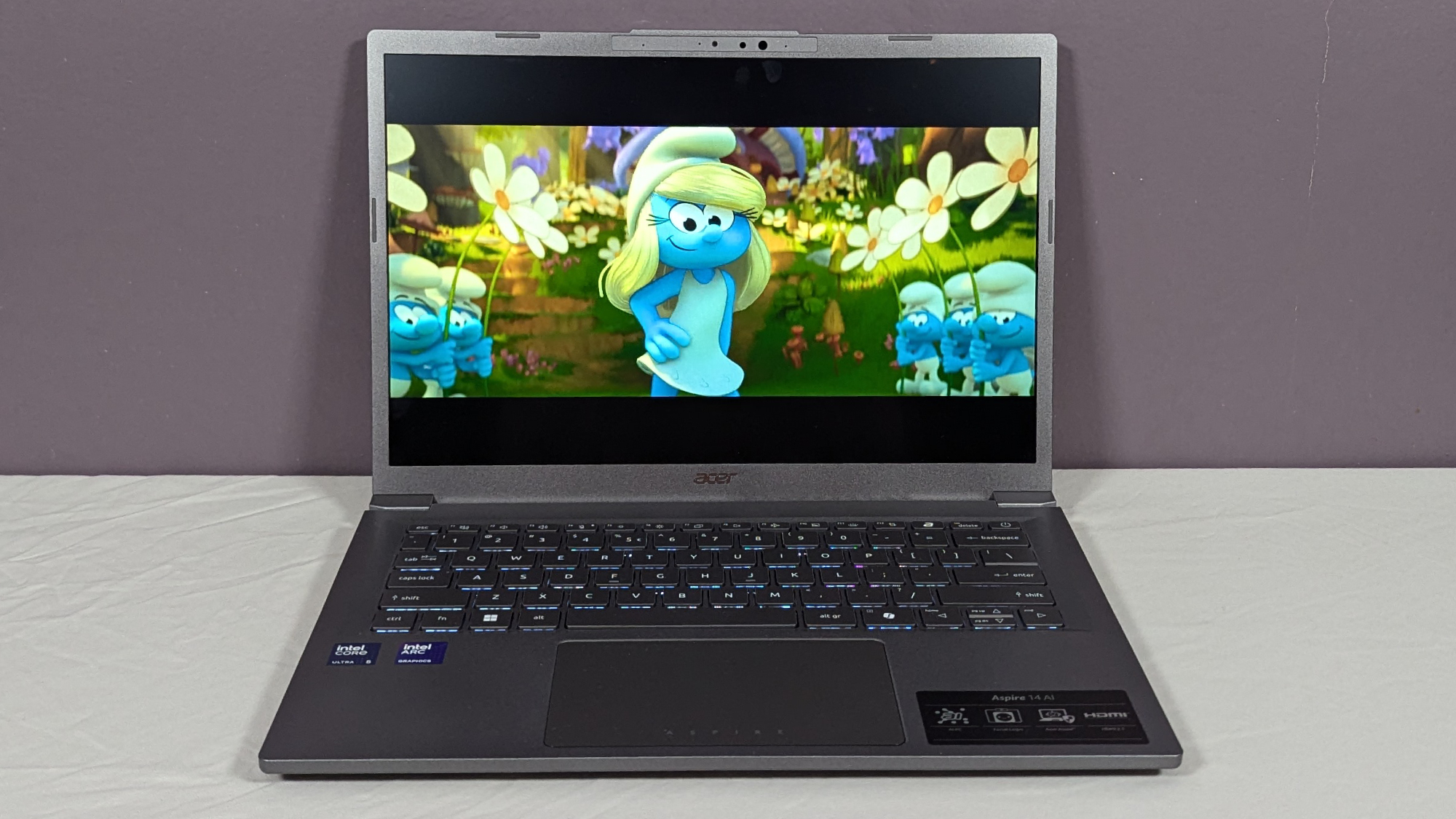
2. Best Budget: Acer Aspire 14 AI
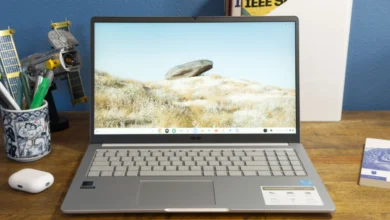
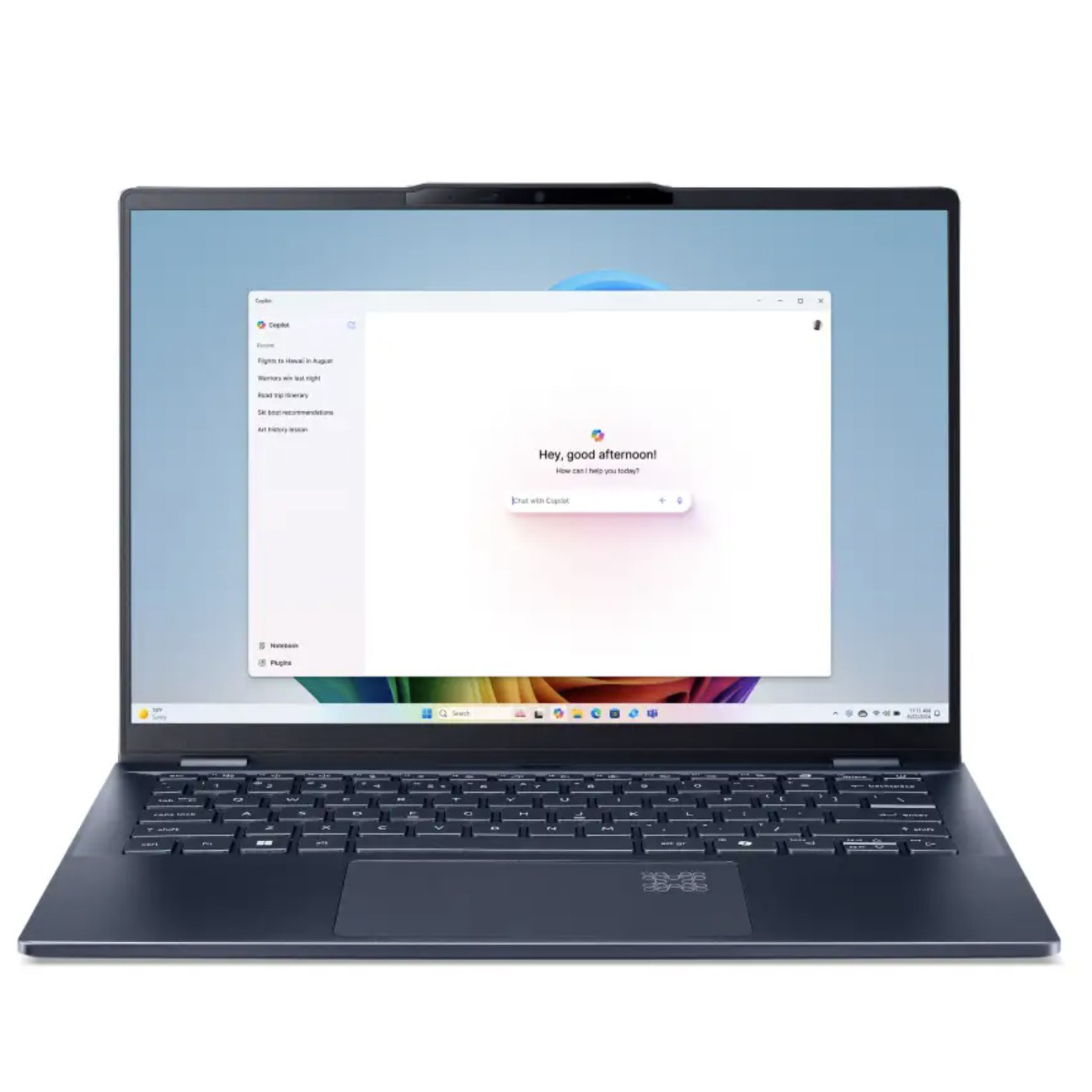
Defying its modest $700 price tag, the Acer Aspire 14 AI emerges as a compelling budget-friendly option, offering a suite of features typically found in more expensive devices. This laptop boasts swift Intel Core Ultra 5 226V processing and SSD performance, paired with an impressive battery life of over 14 hours. Its durable aluminum chassis, clicky and responsive keyboard, and a generous array of ports further enhance its value proposition. Even its speakers deliver surprisingly clear and loud audio, and the device maintains comfortable operating temperatures, making it suitable for lap use.
The Aspire 14 AI’s processing power is robust enough for everyday multitasking, rivaling some pricier competitors. Its SSD transfer speed, at 1,746 MBps, is approximately 75% faster than many typical budget laptops. However, the primary compromise for its affordability lies in its display. With a maximum brightness of only 284 nits, it falls below the recommended 300 nits for comfortable use in brighter environments. Furthermore, its color gamut coverage is notably limited, with 44% DCI-P3 and 63% sRGB, resulting in desaturated and less vibrant visuals. The webcam also leaves much to be desired in terms of image quality. Despite these display shortcomings, the Acer Aspire 14 AI represents an exceptional value for users prioritizing core performance and battery life on a strict budget, particularly given its Intel-based platform ensures broad software compatibility.
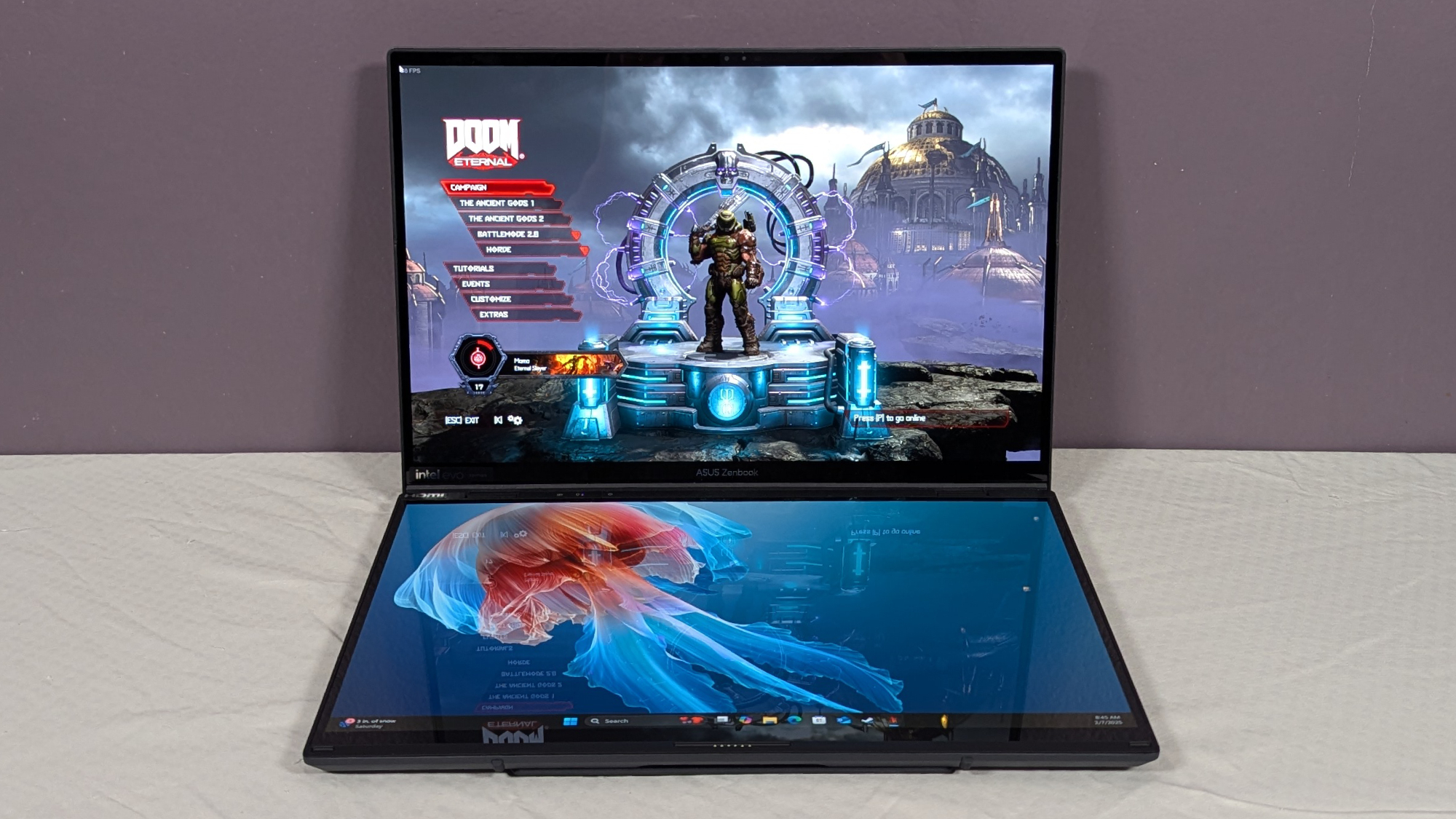
3. Best Dual Screen: Asus Zenbook Duo (2025)
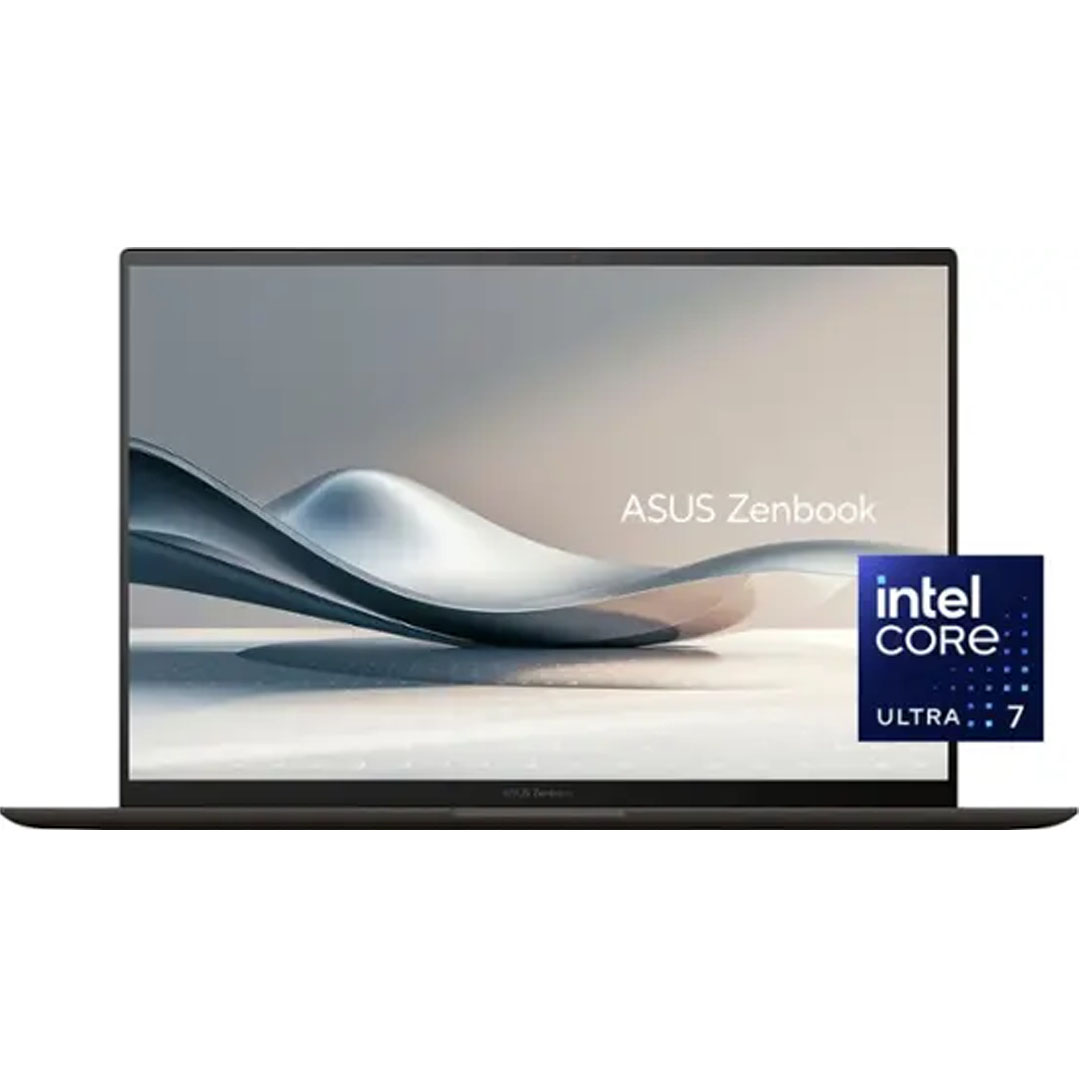
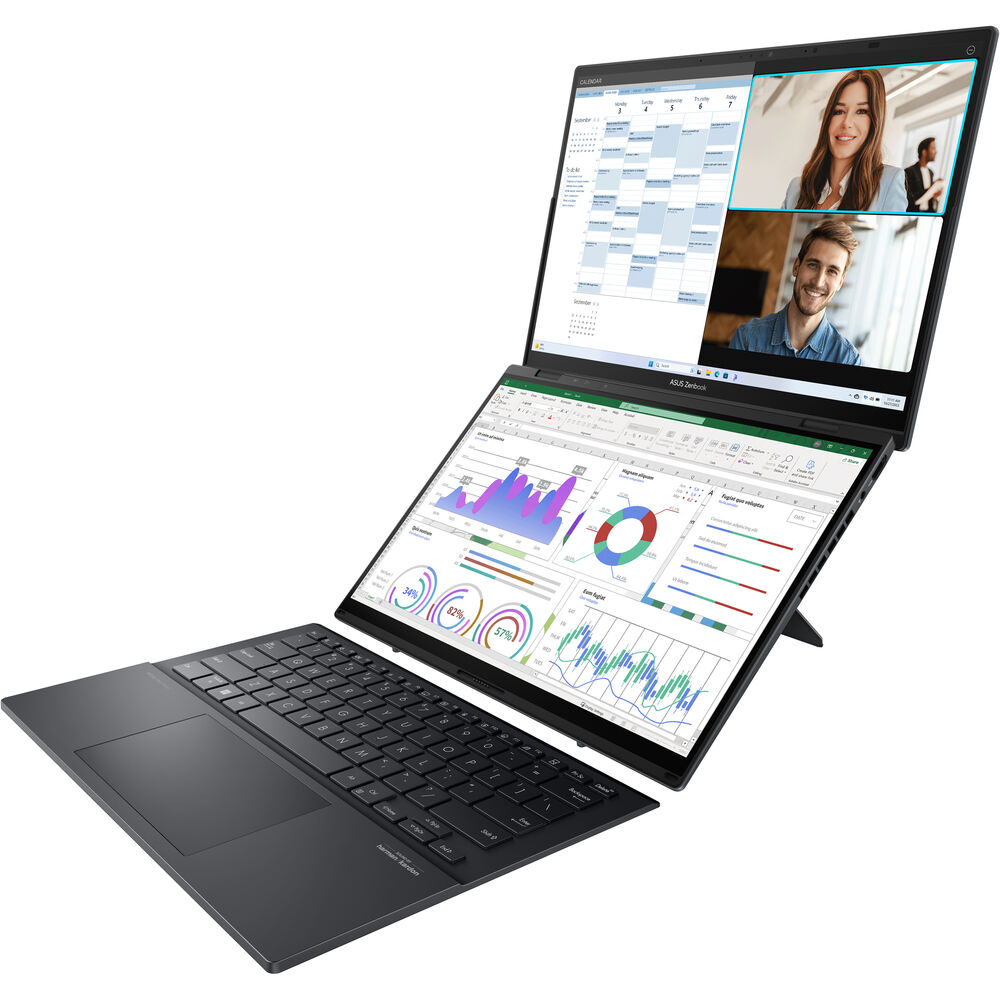
The Asus Zenbook Duo (2025) pushes the boundaries of portable productivity by offering a unique dual-screen experience without sacrificing portability. This second-generation model features two stunning 14-inch 2880 x 1800 120Hz OLED touch displays, providing an expansive digital canvas ideal for serious multitaskers. The upgrade includes a faster Intel Core Ultra 9 285H processor, doubling the RAM to 32GB, and a 1TB SSD, significantly enhancing its performance over its predecessor. The inclusion of a full-sized detachable keyboard further bolsters its versatility, allowing for both traditional clamshell use and an innovative multi-screen setup.
The new Zenbook Duo’s Intel Core Ultra 9 285H processor is approximately 25% faster than the Intel Core Ultra 7 155H in the previous model, dramatically reducing 4K video transcoding times. Its SSD transfer rate also sees a 35% improvement, reaching 1825 MBps. While the OLED panels deliver gorgeous, vivid colors, the primary trade-off for this advanced multi-display setup is battery life. With one screen active, the laptop lasts 8 hours and 39 minutes, which drops to just over 6 hours when both screens are in use, falling short of the recommended 9-hour minimum for portable devices. This makes it less ideal for extended use away from a power source, though it excels as a space-saving, multi-monitor desktop replacement with HDMI and DisplayPort support. Its form factor also makes it the heaviest and thickest among the selected 14-inch models, weighing 3.8 pounds.
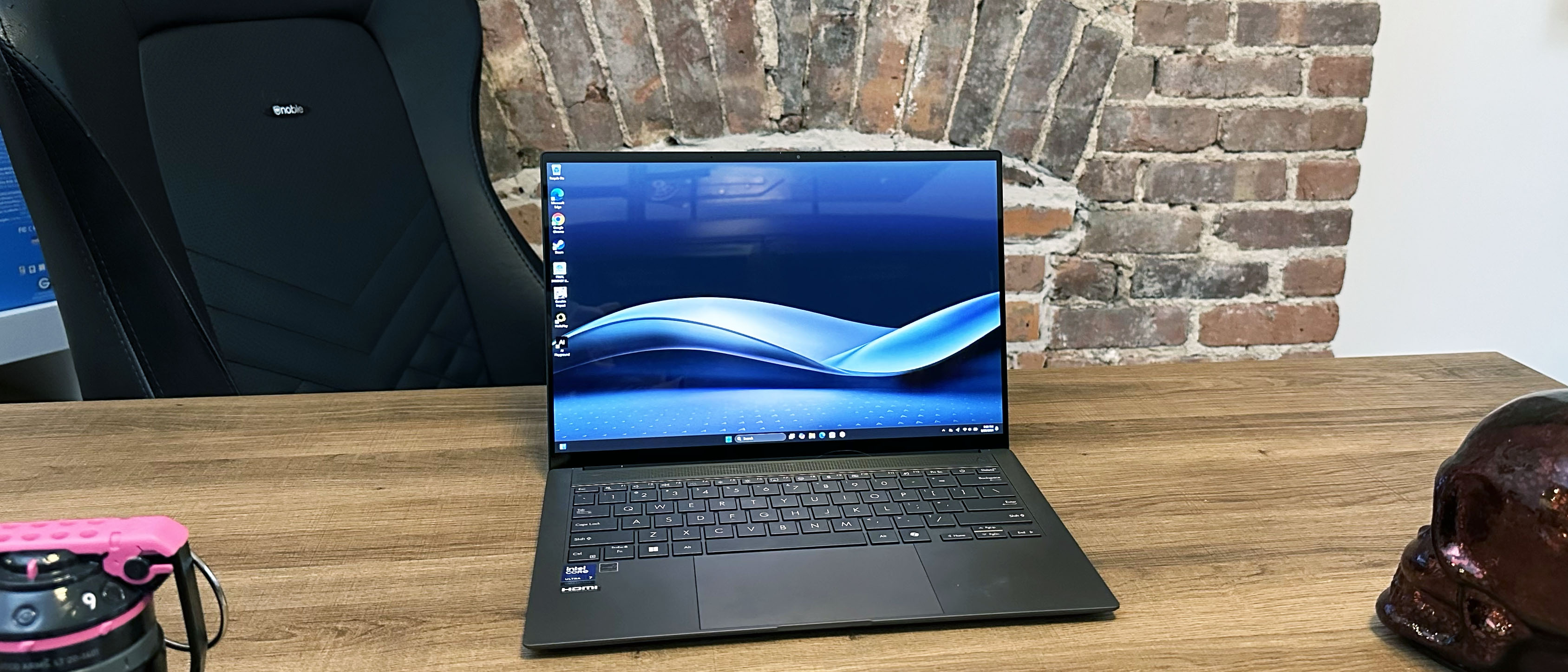
4. Best Ultrabook: Asus Zenbook S 14 UX5406
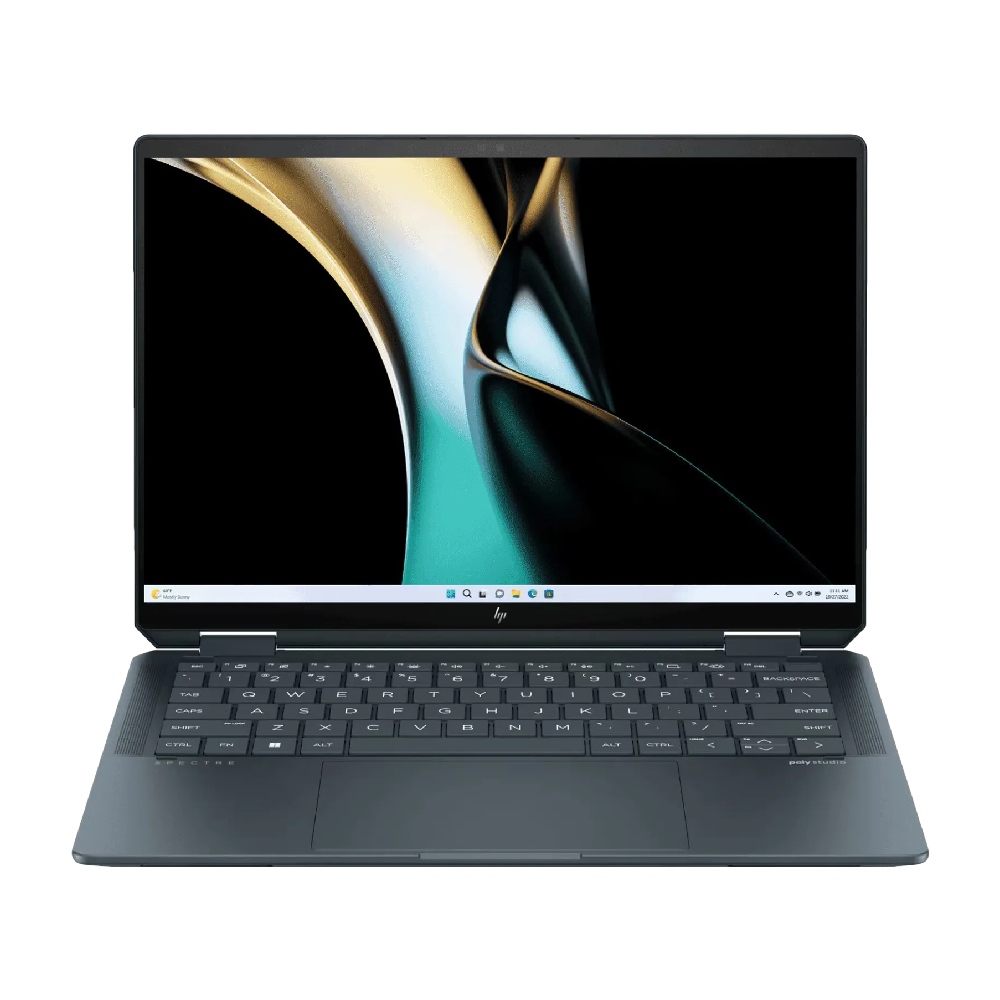
The Asus Zenbook S 14 UX5406 redefines the ultrabook category with its exceptional blend of power and extreme portability. Weighing a mere 2.6 pounds and measuring an astonishing 0.47 inches at its thinnest point, this laptop is a marvel of engineering. It features Intel’s new Lunar Lake chip, the Core Ultra 7 258V, which delivers responsive performance, coupled with 32GB of RAM and a fast 1TB SSD. Its gorgeous 14-inch 2880 x 1800 120Hz OLED display produces vivid colors and sharp images, making it an excellent choice for media consumption. Despite its slim profile, it manages to pack a large 72Wh battery, providing nearly 14 hours of endurance (13 hours and 51 minutes) in web surfing tests.
The Zenbook S 14’s Core Ultra 7 258V chip shows strong single-core performance, competitive with AMD’s Ryzen AI 9 and Dell’s Snapdragon X Elite. However, its multicore performance, scoring 11,157 on Geekbench 6, lags behind the MacBook Pro 14 M3 (11,968), Asus Zenbook S 16 (13,282), Dell XPS 13 (14,635), and even last-gen Intel Core Ultra 7 155H in the Zenbook 14 OLED (12,707). This suggests it’s optimized more for single-threaded tasks and general responsiveness rather than heavy, sustained multi-core workloads. Its SSD, however, is exceptionally fast, completing a 25GB file copy in just 17.8 seconds at 1,513 MBps.
While the OLED display offers rich, accurate colors and a peak brightness of 342 nits, the laptop’s chiclet-style keyboard with 1.1mm travel might feel shallow and mushy to users who prefer more tactile feedback. Gaming performance, while improved with Intel Arc integrated graphics, is still modest, averaging 48 fps at 1080p medium settings, and struggling with demanding titles like Shadow of the Tomb Raider at 19 fps.
5. Best 2-in-1: HP Spectre x360 14 (2024)
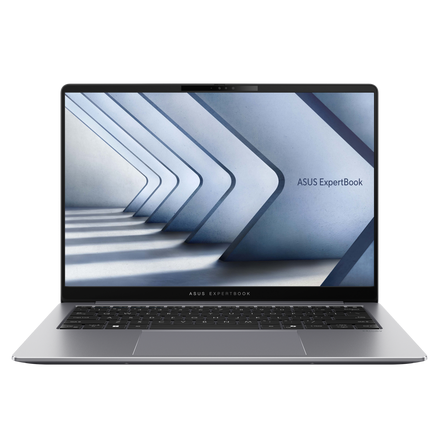
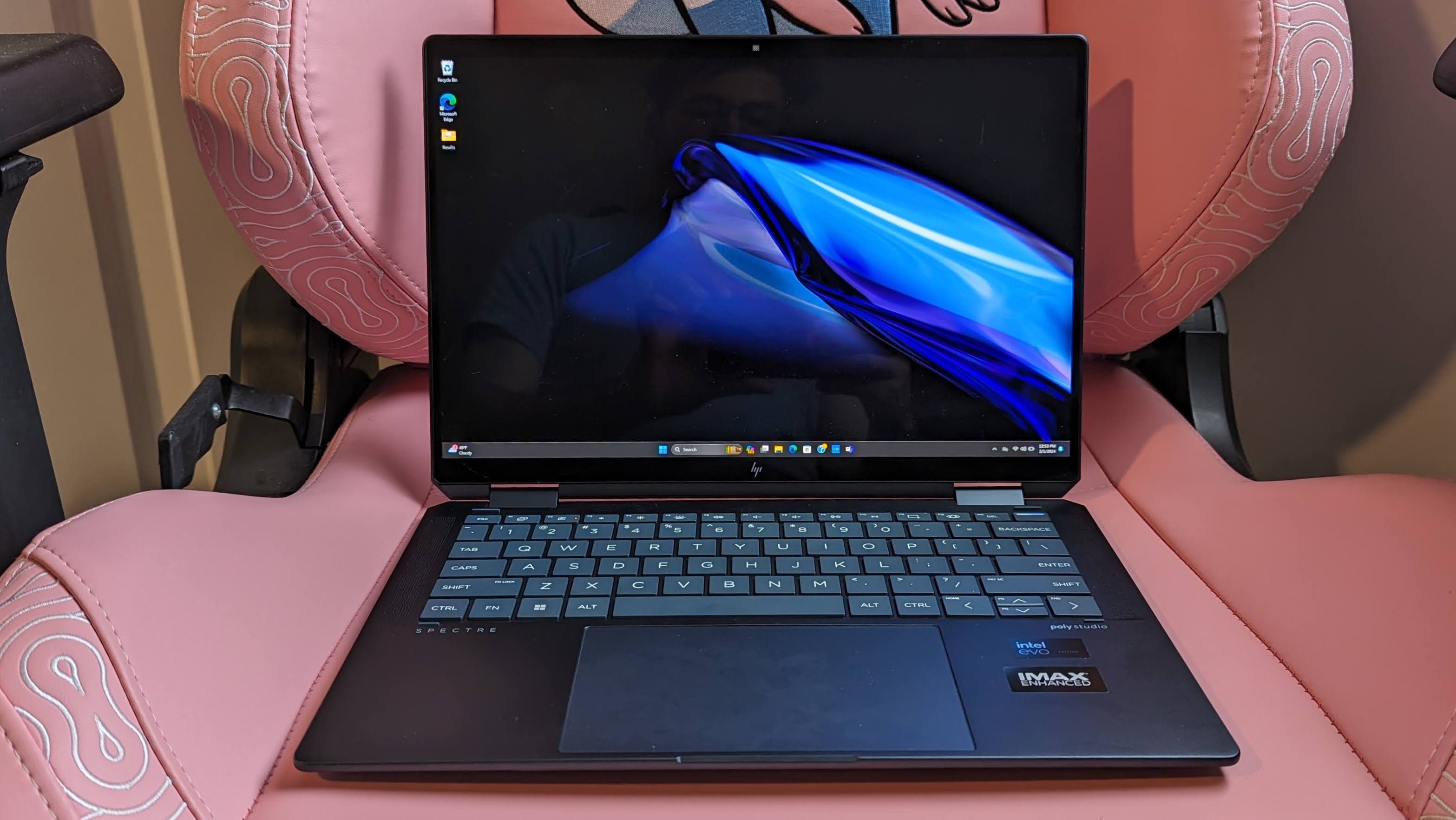
The HP Spectre x360 14 (2024) stands out as an exceptional 2-in-1 convertible, delivering a premium experience across nearly all user expectations. Its sleek design, stunning 2.8K OLED display, and pleasantly tactile keyboard contribute to a highly satisfying user interaction. Equipped with an Intel Core Ultra 7 155H processor, it offers excellent performance, evidenced by a multi-core Geekbench 6.1 score of 12,358, which surpasses the MacBook M3 (11,968). This machine also boasts strong battery life, lasting 11 hours and 1 minute in continuous web surfing tests. The inclusion of powerful speakers and a 4K webcam further solidify its position as a top-tier convertible.
The OLED display, with its 2,880 x 1,800-pixel resolution, delivers deep blacks and vibrant visuals. On the colorimeter, it covers 85.8% of the DCI-P3 color gamut, a respectable figure for an OLED panel, though some premium laptops achieve higher percentages. Its brightness of 366 nits, while not record-breaking, is sufficient for most indoor environments. The Spectre x360 14 also excels in thermal management, remaining comfortably cool even under load, with the keyboard area rarely exceeding 94 degrees Fahrenheit.
However, the laptop’s port selection is somewhat limited, featuring only one USB-A, two USB-C, and a power port. While its 2-in-1 functionality makes it suitable as a tablet, artists relying on high color accuracy for drawing might find its DCI-P3 coverage slightly less ideal than specialized creative devices. Despite these minor drawbacks, the HP Spectre x360 14 represents a culmination of premium features in a versatile and well-designed package.
6. Best Business: Asus ExpertBook P5 (P5405)
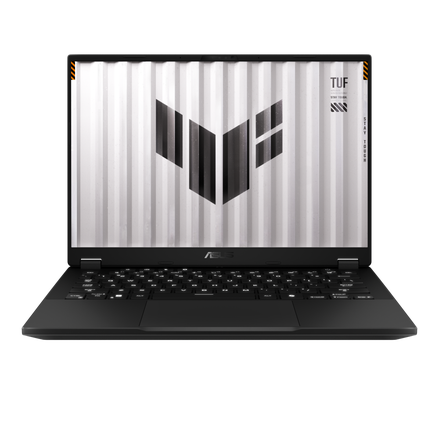
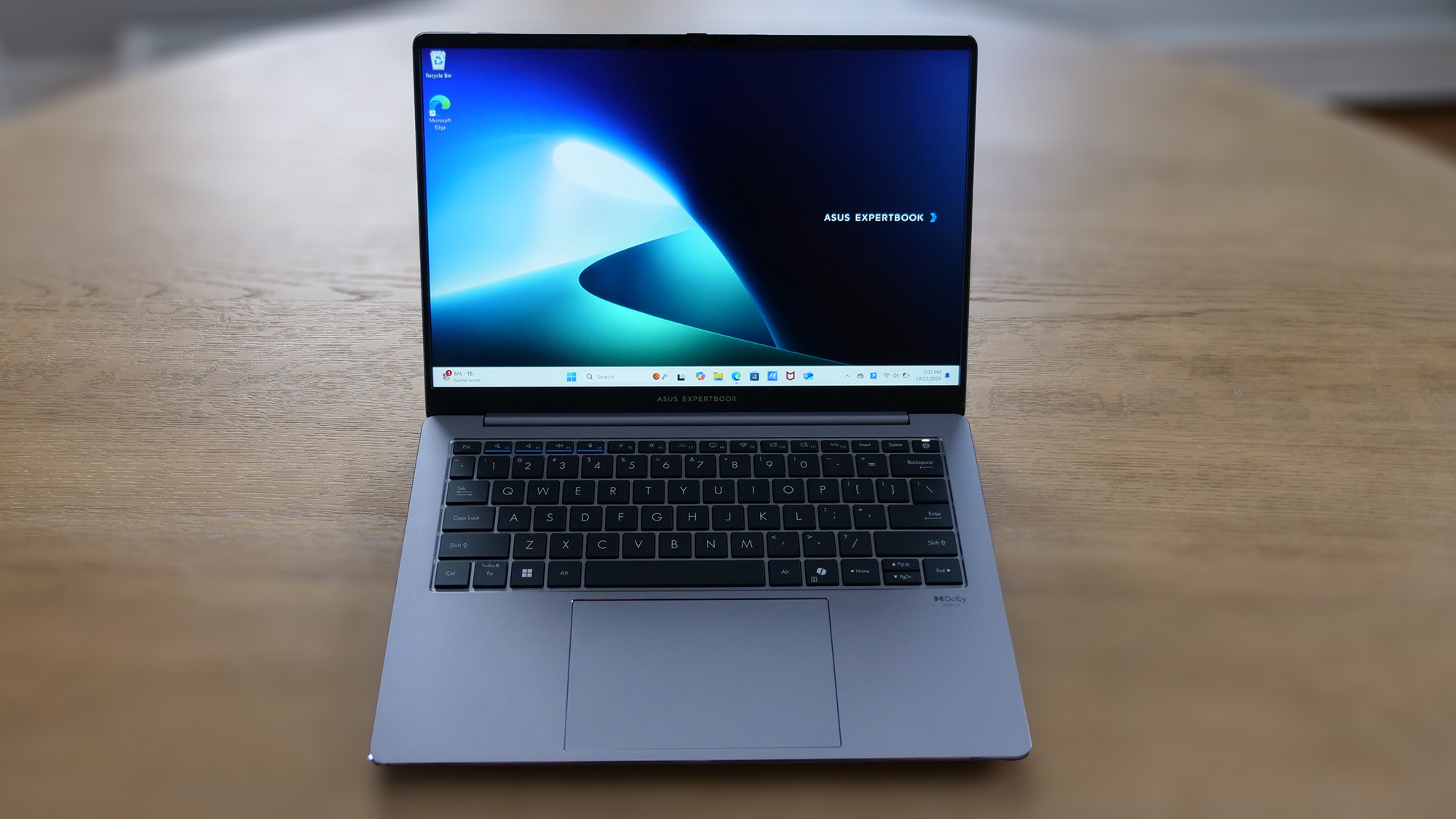
For professionals seeking a reliable, feature-rich business laptop, the Asus ExpertBook P5 (P5405) offers an impressive proposition. Powered by an Intel Core Ultra 7 258V processor with integrated Intel Arc 140V graphics (16GB), 32GB of RAM, and a 1TB SSD, it delivers solid productivity performance capable of handling complex spreadsheets and extensive multitasking. Its 14-inch 2560 x 1600 144Hz IPS anti-glare display, while not an OLED, is bright (465 nits) and provides a smooth visual experience. Critically for business users, it offers over 14 hours of battery life (14 hours and 22 minutes), ensuring all-day productivity away from power outlets.

Connectivity is a major strength, with a comprehensive array of ports including HDMI, a wired headphone jack, and both USB-A and USB-C connections, addressing virtually every peripheral need without dongles. The well-spaced and comfortable keyboard further enhances the typing experience, while the device’s thermal management is exceptionally good, with temperatures rarely exceeding 95.4 degrees Fahrenheit, even under stress, a stark contrast to many competitors that run significantly hotter. The webcam offers accurate color reproduction in well-lit environments, crucial for professional video calls.
Although its aesthetic design is rather basic, leaning into a functional all-gray chassis, and its touchpad click can feel mushy, the ExpertBook P5’s combination of performance, extensive connectivity, superior thermals, and a robust 3-year warranty at an affordable price point makes it an ideal workhorse for any business environment.
7. Best Gaming: Asus TUF Gaming A14 (2024)
The Asus TUF Gaming A14 (2024) challenges the traditional notion of bulky, short-lived gaming laptops by offering respectable performance in a thin and light 14-inch chassis. Powered by an AMD Ryzen 7 8845HS processor and an Nvidia GeForce RTX 4060 GPU, this laptop strikes an excellent balance for portable gaming. Its 14-inch 2560 x 1600 165Hz IPS display is brighter (411 nits) and more colorful than the average IPS panel, making games like Elden Ring: Shadow of the Erdtree visually impressive.
What truly sets the TUF Gaming A14 apart is its unprecedented battery life for a gaming laptop, lasting 10 hours and 4 minutes in web surfing tests. This figure is double the average for its category and marks it as the longest-lasting gaming laptop reviewed in over four years, surpassing even its closest competitors. In terms of gaming performance, the RTX 4060, even without Nvidia’s DLSS and Frame Generation enabled, delivers solid framerates. For instance, in Far Cry 6 at 1080p, it averaged 77 frames per second, outperforming the ROG Zephyrus G14 (69 fps) and keeping pace with the Acer Predator Helios Neo 16 (82 fps). Similar strong results were observed in Assassin’s Creed Mirage and Red Dead Redemption 2.
However, for users who aim to max out graphics settings at the display’s native resolution in highly demanding titles like Cyberpunk 2077, the RTX 4060’s limitations become apparent, averaging around 30 fps. Additionally, the laptop can get quite hot during intense gaming sessions, with the underside reaching 116 degrees Fahrenheit, making lap gaming impractical. Despite a sluggish trackpad, the TUF Gaming A14 offers an affordable, durable, and exceptionally portable gaming experience, making it ideal for gamers who prioritize flexibility without sacrificing substantial performance.
Benchmark Comparisons: A Data-Driven Overview
To provide a clear comparative perspective, our extensive benchmark testing offers crucial insights into the performance metrics of these top 14-inch laptops:
| Feature | Apple MacBook Pro 14 M4 | Acer Aspire 14 AI | Asus Zenbook Duo (2025) | Asus Zenbook S 14 (UX5406) | HP Spectre x360 14 (2024) | Asus ExpertBook P5 (P5405) | Asus TUF Gaming A14 (2024) |
|---|---|---|---|---|---|---|---|
| Geekbench 6 (Higher is better) | 15,114 | 10,043 | 16,048 | 11,157 | 12,358 | 11,259 | 11,330 |
| Handbrake time (MM:SS, lower is better) | 04:00 | 07:24 | 04:00 | 08:30 | 07:30 | 07:27 | 04:21 |
| Battery life – Web surfing (HH:MM) | 18:32 | 14:15 | 08:39 | 13:51 | 11:01 | 14:22 | 10:04 |
| SSD transfer speeds (MBps, higher is better) | Not tested | 1,746 | 1,825 | 1,513 | 1,362 | 1,783.9 | 1,339 |
| DCI-P3 Color Gamut (Higher is better) | 80.2% | 44% | 86% | 82% | 85.8% | 77.3% | 82% |
| Display Brightness (Nits, higher is better) | 556 | 284 | 330 | 342 | 366 | 465 | 411 |
| Hottest temperature (95°F comfort threshold) | 85°F | 89°F | 99°F | 97.7°F | 102°F | 95.4°F | 116°F |
Note: For the Asus Zenbook Duo, battery life data refers to single-screen usage. Dual-screen usage significantly reduces this figure to approximately 6 hours.
Broader Impact and Implications of 14-inch Laptop Trends
The ascendance of the 14-inch laptop segment reflects several significant industry shifts and consumer priorities. The widespread adoption of hybrid work models has amplified the demand for versatile devices that are equally effective in a home office, a corporate setting, or while traveling. The 14-inch form factor, by offering an ideal balance, directly addresses this need.
Advancements in Chip Architecture: The continued innovation in processors from Apple (M-series), Intel (Core Ultra with Lunar Lake), and AMD (Ryzen AI) is a key enabler. These new architectures integrate Neural Processing Units (NPUs) that accelerate AI workloads, paving the way for more sophisticated on-device AI features, from enhanced video conferencing tools to intelligent productivity assistants. This not only boosts performance but also contributes to greater power efficiency, extending battery life even in powerful machines.
Display Technology Evolution: The increasing prevalence of OLED and mini-LED displays in 14-inch laptops signifies a premium user experience. OLED panels offer unparalleled contrast and vibrant colors, while mini-LED excels in brightness and HDR performance. This focus on display quality underscores a consumer preference for immersive visual experiences, whether for work or entertainment.
Durability and Design: As portability becomes paramount, so does the expectation for robust build quality. Manufacturers are increasingly using premium materials like aluminum to create thin, light, yet durable chassis that can withstand the rigors of frequent travel. This commitment to engineering excellence ensures that these highly portable devices also offer longevity and reliability.
How We Rigorously Test Laptops
At Laptop Mag, every laptop undergoes a comprehensive evaluation process involving both synthetic benchmarks and real-world usage scenarios. This meticulous approach ensures that our reviews are not only data-driven but also reflect the practical user experience.
Our benchmark testing suite begins with a Klein K10 colorimeter to accurately measure the laptop display’s brightness in nits and its coverage of the DCI-P3 color gamut, a key indicator of color vibrancy and accuracy. For raw processing power, we employ Geekbench 6, a cross-platform CPU benchmark, and 3DMark for professional graphics performance.
To gauge real-world performance, laptops are tasked with converting a 4K video to 1080p resolution using Handbrake and duplicating a large 25GB multimedia file to assess SSD transfer speeds. Graphical capabilities are further tested with Sid Meier’s Civilization 6 Gathering Storm benchmark at medium settings and 1080p resolution. For gaming-specific laptops, a demanding suite of titles including Red Dead Redemption 2, Assassin’s Creed Mirage, Shadow of the Tomb Raider, Borderlands 3, and Far Cry 6 are run to evaluate frame rates across various settings.
Thermal management is assessed by playing a 15-minute full-screen video and measuring temperatures at key points across the laptop’s surface, ensuring comfort thresholds are not exceeded. Finally, battery life is determined through a continuous web surfing test over Wi-Fi at a standardized brightness of 150 nits. For MacBooks and premium Windows 11 laptops, a runtime exceeding nine hours is considered excellent, while gaming laptops and workstations are commended for surpassing five hours.
Following these rigorous lab tests, our expert reviewers engage in extensive daily use of each laptop for approximately a week. This hands-on experience, combined with our detailed lab data, allows Laptop Mag to deliver comprehensive, accurate, and trustworthy reviews that empower consumers to make informed purchasing decisions. Our independent testing and decades of experience underscore our commitment to providing reliable insights into the ever-evolving world of mobile technology.