The Best Laptops Under $500 for 2025: Balancing Performance, Value, and Longevity

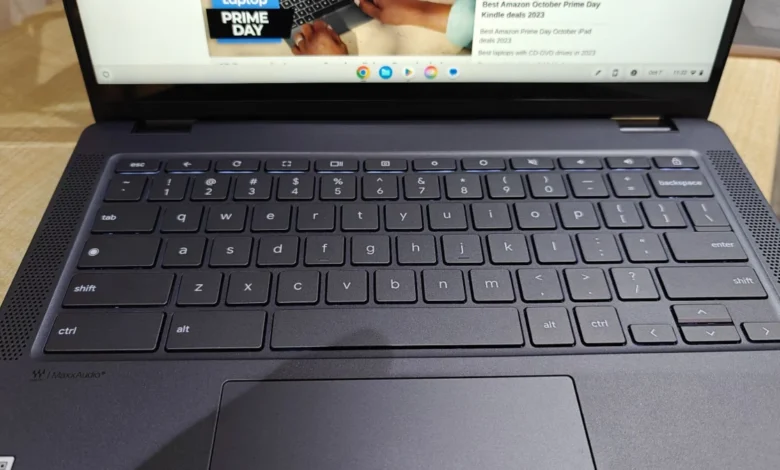
Navigating the entry-level laptop market has historically been a challenging endeavor for consumers, often defined by the "you get what you pay for" adage. However, as of mid-2025, the landscape for budget-friendly computing has shifted significantly. With the integration of AI-enhanced processors and improved manufacturing efficiencies, the $500 price ceiling no longer necessitates a compromise on basic usability. For students, remote workers, and casual users, the current market offers a selection of devices that effectively handle web browsing, academic productivity, and multimedia streaming without the steep price tag of premium ultrabooks.

The Evolution of the Budget Laptop Market
The definition of a "budget laptop" has undergone a radical transformation over the last decade. Historically, sub-$500 devices were characterized by poor build quality, abysmal battery life, and processors that struggled to run modern operating systems. Today, the sector is dominated by Chromebooks, which leverage cloud-based architecture to deliver snappy performance on modest hardware, and a select few Windows devices that have optimized their power efficiency to provide a stable user experience.
Industry analysts note that this shift is largely driven by the demand for affordable, reliable hardware in the education sector. Manufacturers like Lenovo and Acer have responded by refining their entry-level chassis designs and prioritizing battery longevity, recognizing that portability and reliability are the primary requirements for the modern student. As of May 2025, manufacturers are also contending with fluctuating supply chains and potential tariff impacts, which could influence future pricing, making current options particularly attractive for those looking to maximize value before potential market shifts.
Top Contenders in the Sub-$500 Segment
Based on rigorous laboratory testing and real-world performance benchmarks, several models have emerged as the standard-bearers for value-conscious consumers.
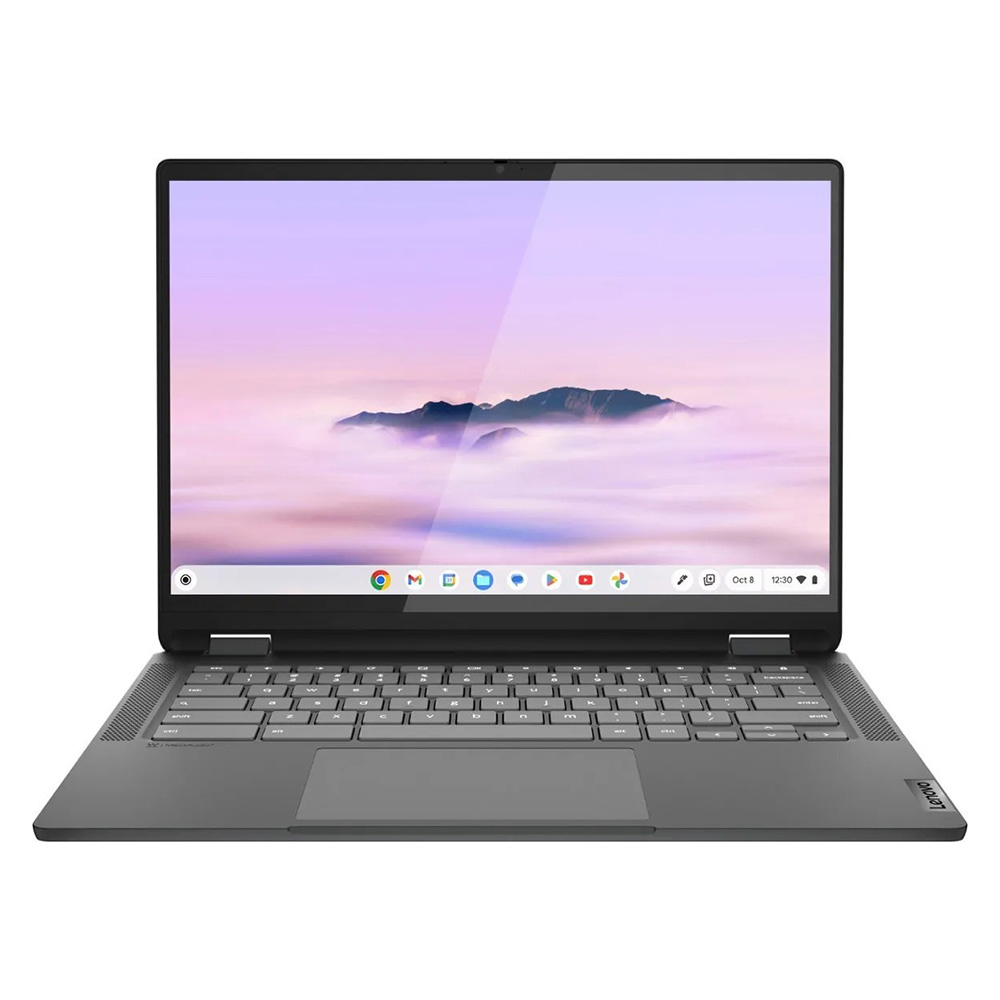
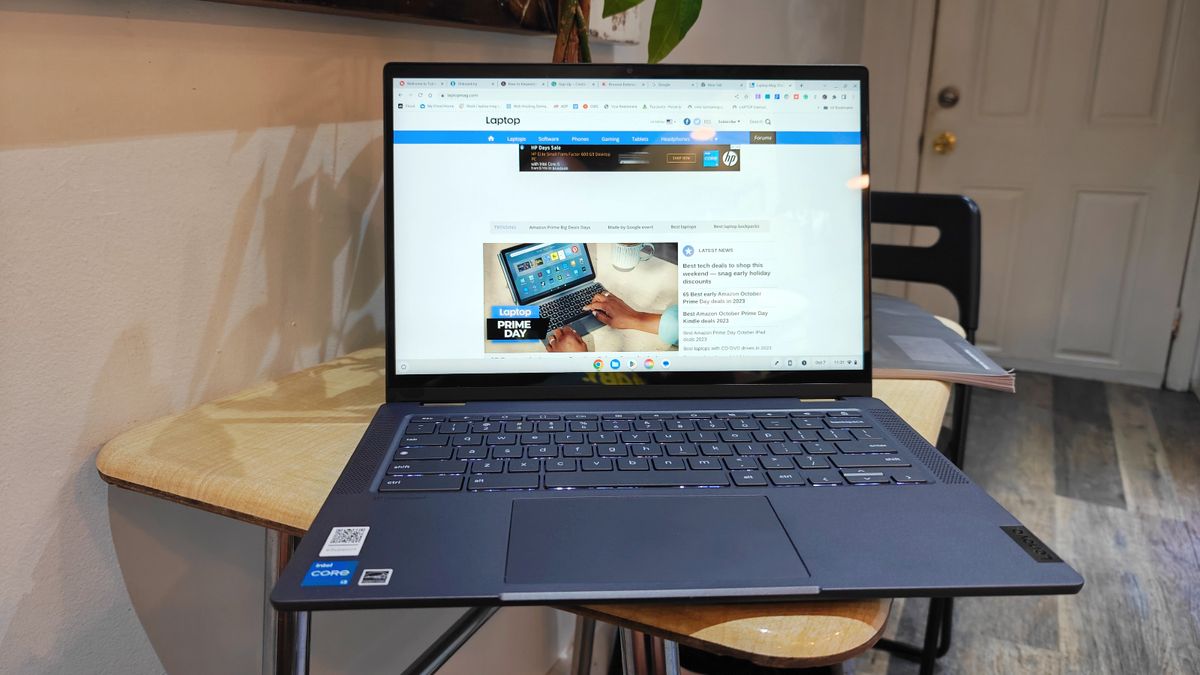
The Lenovo IdeaPad Flex 5i Chromebook Plus currently holds the top spot for overall performance. By utilizing an Intel Core i3-1315U processor and 8GB of RAM, this device achieves a Geekbench 6 multi-core score of 5,384, placing it well ahead of the Chromebook average. Its AI-infused performance ensures that multitasking between browser tabs and productivity applications remains fluid, a rarity for devices in this price bracket.
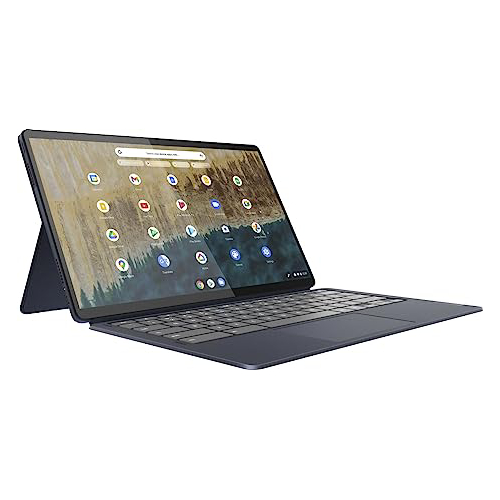
For those requiring extreme portability and a versatile form factor, the Lenovo Duet 5 Chromebook remains a top recommendation, particularly for users with a budget closer to $300. Its defining feature is the 13.3-inch OLED display, which offers color reproduction and brightness levels typically reserved for flagship devices. While its processor is more modest, the device’s 13-hour battery life and 2-in-1 detachable design make it an ideal companion for commuters and those who require a secondary device for media consumption.
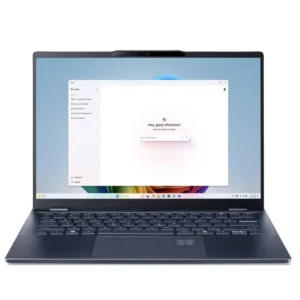
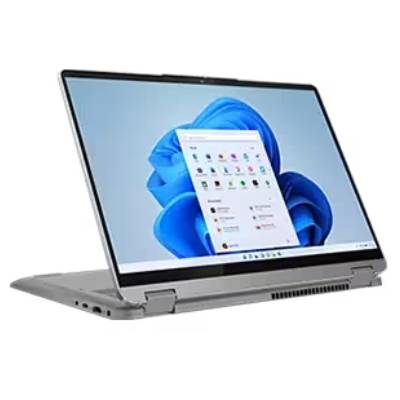
For users who specifically require the Windows operating system, the Lenovo IdeaPad Flex 5 14 remains the most viable option. It is one of the few Windows-based machines at this price point that provides a consistent, non-laggy experience. With a solid keyboard and over 14 hours of battery life in standardized testing, it serves as a reliable workhorse for those who depend on legacy Windows applications that are not natively supported on ChromeOS.
Finally, the Acer Chromebook Spin 312 has established itself as the premier choice for students. Its durable chassis, light weight (just under 3 pounds), and the inclusion of an OceanGlass touchpad provide a tactile experience that outperforms many more expensive counterparts. Its ability to serve as a 2-in-1 device allows students to transition easily between typing essays and digital note-taking.
Technical Performance and Comparative Analysis
Understanding the specifications of budget hardware is essential to avoiding buyer’s remorse. A core component of our evaluation involves benchmarking these devices against standardized metrics.

| Metric | Lenovo Flex 5i (Plus) | Lenovo Duet 5 | Lenovo IdeaPad Flex 5 (Win) | Acer Spin 312 |
|---|---|---|---|---|
| Geekbench 6 | 5,384 | N/A | N/A | 4,477 |
| Battery (Hours) | 09:43 | 13:31 | 14:16 | 10:33 |
| Display Brightness | 306 nits | 361 nits | 200 nits | 277 nits |
These data points illustrate the trade-offs inherent in budget engineering. For instance, while the Lenovo IdeaPad Flex 5 (Windows) excels in battery endurance, its display brightness is lower than that of the OLED-equipped Duet 5. Consumers must prioritize their needs: those who prioritize screen quality should lean toward the Duet 5, while those who prioritize raw multitasking power should choose the IdeaPad Flex 5i Chromebook Plus.
Strategic Considerations for Consumers
When selecting a budget laptop, the "how to choose" process should be guided by specific hardware markers.

- Storage Type: Avoid devices with extremely limited storage if possible, or ensure the device supports cloud integration. Most $500 laptops utilize eMMC storage, which is slower than traditional SSDs; users should rely on cloud storage solutions like Google Drive or OneDrive to mitigate this.
- The "10-Hour Rule": A laptop’s utility is tied directly to its power independence. Any device that fails to reach the 10-hour mark in real-world web-browsing tests should be viewed with caution, as battery degradation over time will significantly impact its usability.
- Form Factor: Evaluate whether a 2-in-1 or clamshell design is necessary. While convertibles offer versatility, the hinge mechanism is a common point of failure. If the device will primarily remain on a desk, a traditional clamshell is often a more durable and cost-effective choice.
Future Implications and Market Outlook
The current stability of the sub-$500 laptop market is a testament to the maturation of Chromebook technology and the efficiency of modern mobile processors. However, market observers are keeping a close watch on legislative developments regarding technology tariffs. As previously noted, the potential for new trade policies could lead to price hikes, potentially pushing currently affordable devices into a higher cost tier.
Furthermore, the rise of "AI-ready" hardware is beginning to filter down into the budget segment. While true local AI processing remains a high-end feature, the inclusion of NPU (Neural Processing Unit) capable chips in entry-level processors is expected to increase over the next 18 to 24 months. This will likely extend the usable life of these devices, as operating systems increasingly rely on AI to manage background tasks and optimize performance.
Final Assessment
For the vast majority of users, the "best" laptop is one that disappears into the background, providing a seamless experience for daily tasks without requiring constant troubleshooting. While the temptation to hunt for the absolute lowest price is understandable, the jump from a $200 device to a $450 device is often the difference between a frustrating experience and a productive one.
The devices listed above represent the current "sweet spot" of the market. They are not designed for intensive video editing or high-end gaming, but they excel in the arenas where most people spend their time: the browser, the document editor, and the video call. By focusing on models that have undergone rigorous, standardized testing, consumers can confidently invest in a machine that will remain functional and efficient for the duration of its lifecycle. As we progress through 2025, the trend toward higher-quality displays and longer-lasting batteries in the budget sector is a welcome development for consumers everywhere.
Related posts: