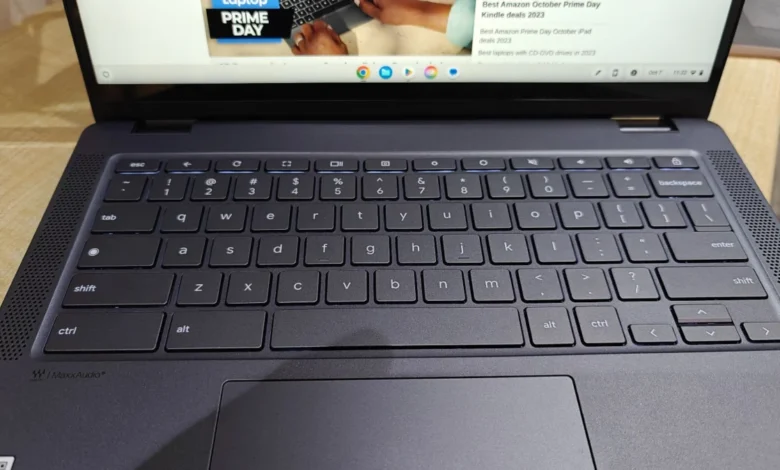
Finding a high-quality laptop for under $500 is an exercise in discerning trade-offs. In a market where premium ultrabooks often command prices exceeding $1,500, the budget category requires manufacturers to make strategic sacrifices. However, advancements in processor efficiency, display technology, and battery longevity have elevated the standard for entry-level devices. Today, a sub-$500 investment can yield a machine capable of handling professional document editing, high-definition streaming, and academic research without compromising on daily reliability.

The Landscape of Budget Computing in 2025
The definition of a "budget" laptop has shifted significantly over the past five years. Where once sub-$500 machines were plagued by sluggish performance and fragile build quality, modern iterations benefit from the "Chromebook Plus" initiative and improvements in Intel’s N-series processors. Consumers now have to decide between two distinct ecosystems: the browser-centric ChromeOS, which provides optimized performance on lower-cost hardware, and the traditional Windows environment, which offers broader software compatibility at the cost of higher system requirements.
The current market is defined by a dichotomy of use cases. Students and casual users are increasingly migrating toward Chromebooks, which now offer AI-integrated features and cloud-based performance that rivals mid-range Windows laptops from just a few years ago. Conversely, for those requiring specific legacy software or offline functionality, budget Windows laptops—while harder to find in reliable configurations—remain an essential tool.
Top Performers: A Curated Selection
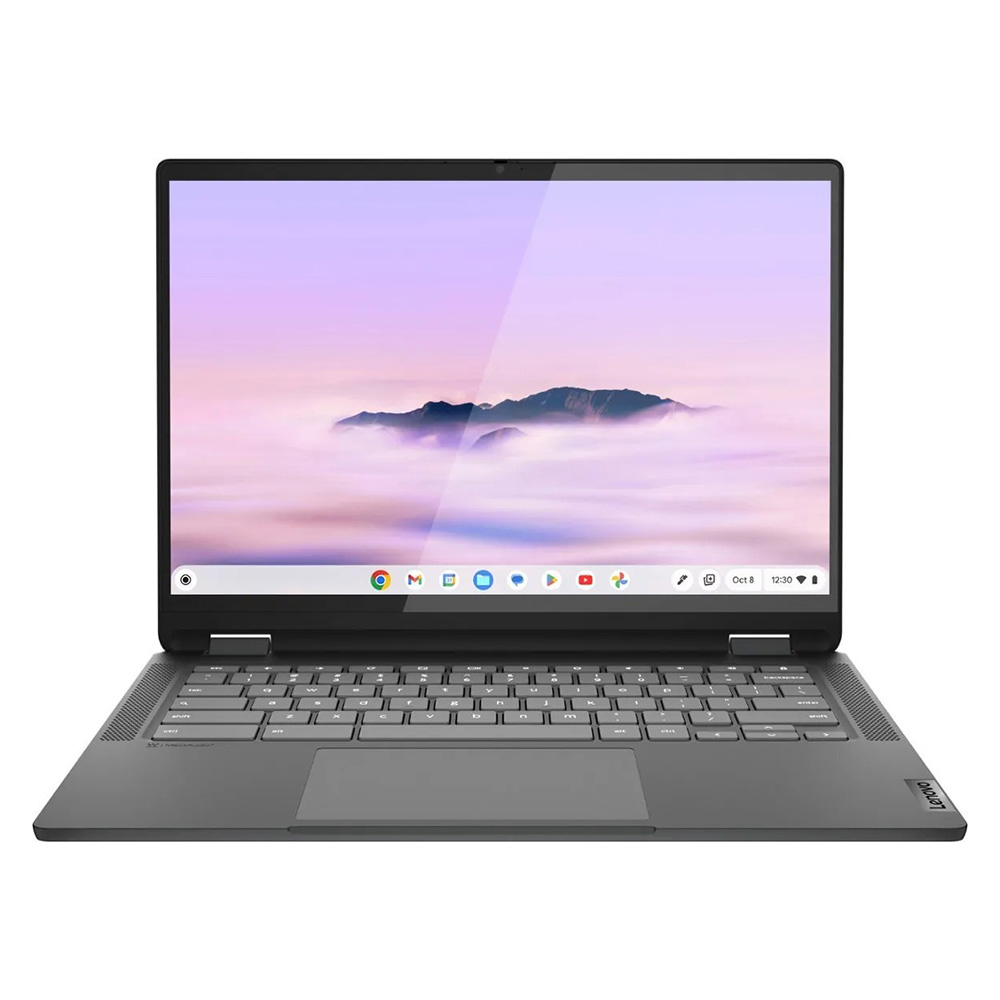
Lenovo IdeaPad Flex 5i Chromebook Plus: The Performance Leader
The Lenovo IdeaPad Flex 5i Chromebook Plus represents the current ceiling of budget hardware. By leveraging the Chromebook Plus branding, Lenovo has ensured that this device meets specific hardware requirements, including at least 8GB of RAM and 128GB of storage. In testing, this device achieved a Geekbench 6 multi-core score of 5,384, significantly outpacing the average for devices in this price bracket. Its 14-inch, 16:10 aspect ratio display provides added vertical real estate, which is particularly beneficial for document-heavy workflows. The inclusion of Intel’s Core i3-1315U processor provides enough overhead to handle intensive multitasking that would typically cause other budget laptops to stutter.
Lenovo Duet 5 Chromebook: The Versatile Detachable
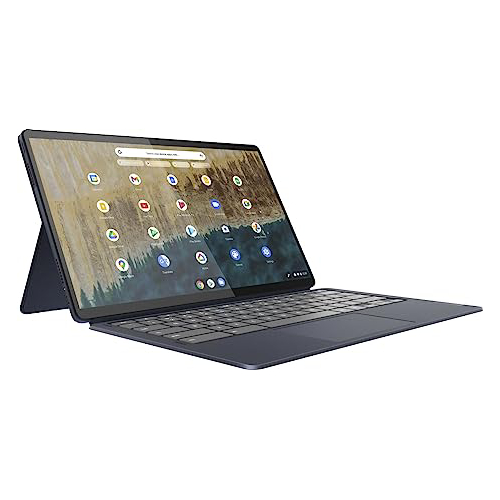
For users who prioritize portability and media consumption, the Lenovo Duet 5 Chromebook remains a benchmark for the detachable form factor. Its most striking feature is the 13.3-inch OLED display, a rarity in the sub-$300 space. OLED technology provides deep blacks and high color contrast, offering a viewing experience that exceeds many premium laptops costing twice as much. While its performance on synthetic benchmarks is more modest, its efficiency is undeniable, providing over 13 hours of battery life on a single charge. By including the keyboard cover in the base price, Lenovo addresses a major pain point in the detachable market, where accessories are often sold as expensive add-ons.
Lenovo IdeaPad Flex 5 14: The Windows Standard
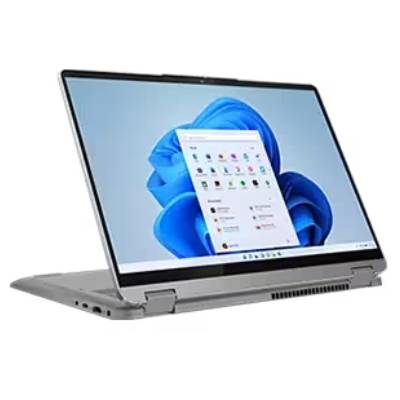
Finding a functional Windows machine under $500 that does not suffer from immediate thermal throttling or mechanical failure is challenging. The Lenovo IdeaPad Flex 5 14 (Intel version) remains a consistent recommendation for those tied to the Windows ecosystem. With a score of 3,841 on the Geekbench 5 multi-core benchmark, it offers sufficient power for productivity applications. Crucially, it manages to maintain over 14 hours of battery life, a metric that places it in the upper echelon of mobile devices regardless of price. Its tactile keyboard and robust hinge mechanism suggest a build quality typically reserved for the mid-range segment.
Acer Chromebook Spin 312: The Student Essential
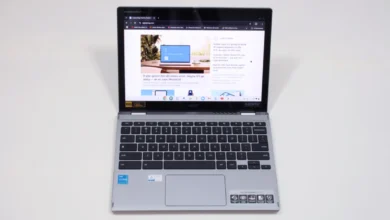
The Acer Chromebook Spin 312 is specifically designed to address the rigors of an academic environment. Its chassis features a durable, silver-coated finish and a weight of just under 3 pounds, making it highly portable for students navigating between lecture halls. Beyond its physical durability, it introduces the "OceanGlass" trackpad, which offers a level of responsiveness and friction reduction that surpasses many more expensive Windows laptops. While its color gamut coverage (55% of DCI-P3) is modest, the visual contrast provided by its display coating ensures that text remains sharp and readable for long-form reading and writing.
Comparative Benchmark Data
Understanding the technical performance gap between these devices is essential for informed purchasing. The following table summarizes key performance metrics observed in standardized laboratory testing.
| Metric | Flex 5i (Chromebook Plus) | Duet 5 Chromebook | IdeaPad Flex 5 14 | Spin 312 |
|---|---|---|---|---|
| Geekbench 6 (Multi) | 5,384 | N/A | N/A | 4,477 |
| Geekbench 5 (Multi) | N/A | 1,727 | 3,841 | N/A |
| Battery (Web Surf) | 09:43 | 13:31 | 14:16 | 10:33 |
| Brightness (Nits) | 306 | 361 | 200 | 277 |
The Broader Implications of Market Pricing
The pricing of budget laptops is currently influenced by a complex web of global supply chain factors and shifting trade policies. Industry analysts have noted that while the base price of entry-level components has stabilized, potential future tariff hikes on electronic components could disrupt the current $500 threshold. For consumers, this suggests that the window to acquire high-quality budget hardware at these price points may be limited.

Furthermore, the "hidden cost" of cheap laptops remains a vital consideration. A device that costs $300 today may become obsolete in two years if it lacks the RAM or processing power to handle modern operating system updates. Consequently, experts advise prioritizing models that feature at least 8GB of RAM, as 4GB systems are increasingly unable to manage the memory demands of modern web browsers and productivity suites.
How to Evaluate Budget Hardware
When shopping in this category, consumers should apply a strict set of criteria to ensure longevity:

- Memory (RAM): Never settle for less than 8GB. In 2025, 4GB is insufficient for a smooth experience in either ChromeOS or Windows 11.
- Display Quality: While color accuracy may be sacrificed, look for at least 300 nits of brightness. Anything lower will be difficult to use in well-lit office or classroom environments.
- Keyboard and Trackpad: These are the primary interfaces for the device. If a device has a "mushy" or unresponsive keyboard, it will negatively impact productivity regardless of how fast the processor is.
- Processor Architecture: On Windows, prioritize AMD Ryzen 3 or Intel Core i3 (12th generation or newer). On ChromeOS, MediaTek Kompanio chips are highly efficient and often provide better battery life than entry-level Intel processors.
Conclusion and Future Outlook
The market for sub-$500 laptops has reached a point of maturity. Manufacturers have moved past the era of unusable, low-cost plastic shells and are instead delivering refined, efficient machines that meet the needs of the vast majority of users. Whether it is the versatility of a detachable Chromebook or the reliable productivity of a traditional Windows clamshell, the current options demonstrate that cost-cutting does not necessarily mean sacrificing the core computing experience.
As technology continues to advance, the distinction between "budget" and "premium" will likely continue to blur, particularly as AI-accelerated tasks become standard across all price points. For the time being, however, the models listed above represent the most stable, reliable, and value-driven options available to the consumer. As with all technology purchases, shoppers are encouraged to verify current pricing, as seasonal fluctuations and retailer-specific promotions frequently change the competitive standing of these devices throughout the calendar year.