The Best Laptops Under $500 for 2025: Balancing Performance, Value, and Longevity

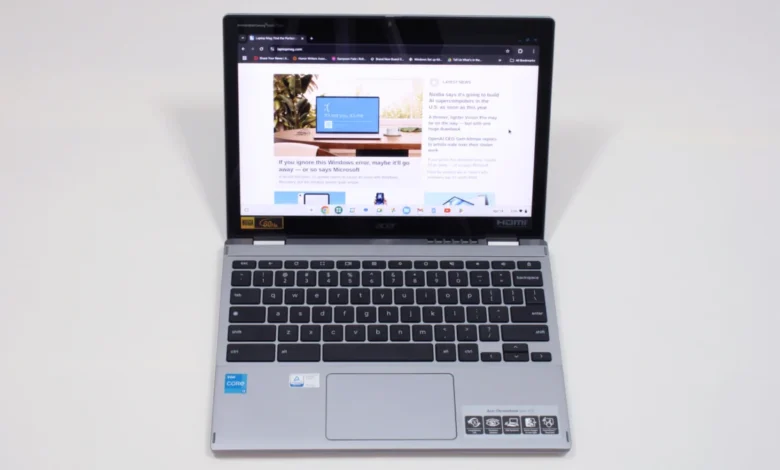
Navigating the sub-$500 laptop market has historically been synonymous with compromise, but as of mid-2025, the landscape for budget-friendly computing has shifted significantly. Consumers seeking a reliable machine for web browsing, academic research, streaming, or light productivity tasks no longer have to settle for devices that struggle to perform basic functions. With the integration of more efficient processors and the rise of highly capable Chromebooks, manufacturers have successfully lowered the barrier to entry for quality hardware. This guide examines the current market, identifying the top performers that manage to marry affordability with essential modern features, and providing a framework for choosing the right device for your specific needs.

The Evolution of the Budget Laptop Market
Over the last five years, the definition of a "budget" laptop has been redefined by the maturation of ChromeOS and the introduction of entry-level Intel and AMD chips that offer significantly higher efficiency than their predecessors. In 2020, a sub-$500 machine was often plagued by sluggish processors, dim displays, and plastic builds that prioritized cost over durability. Today, the focus has shifted toward longevity, with manufacturers such as Lenovo and Acer prioritizing battery life, keyboard ergonomics, and display quality—the three metrics that impact daily user experience the most.
Recent market data suggests that while the global PC market has faced fluctuations due to supply chain complexities and potential tariff-related price increases, the demand for affordable, high-utility laptops remains robust. For students and budget-conscious professionals, these devices represent a strategic investment. The primary driver of this trend is the "Cloud-First" computing model, which allows Chromebooks to leverage browser-based performance, thereby reducing the strain on local hardware.
Top Performers for 2025
Our testing criteria for this year’s list emphasized three core pillars: battery performance, build quality, and real-world multitasking capability.
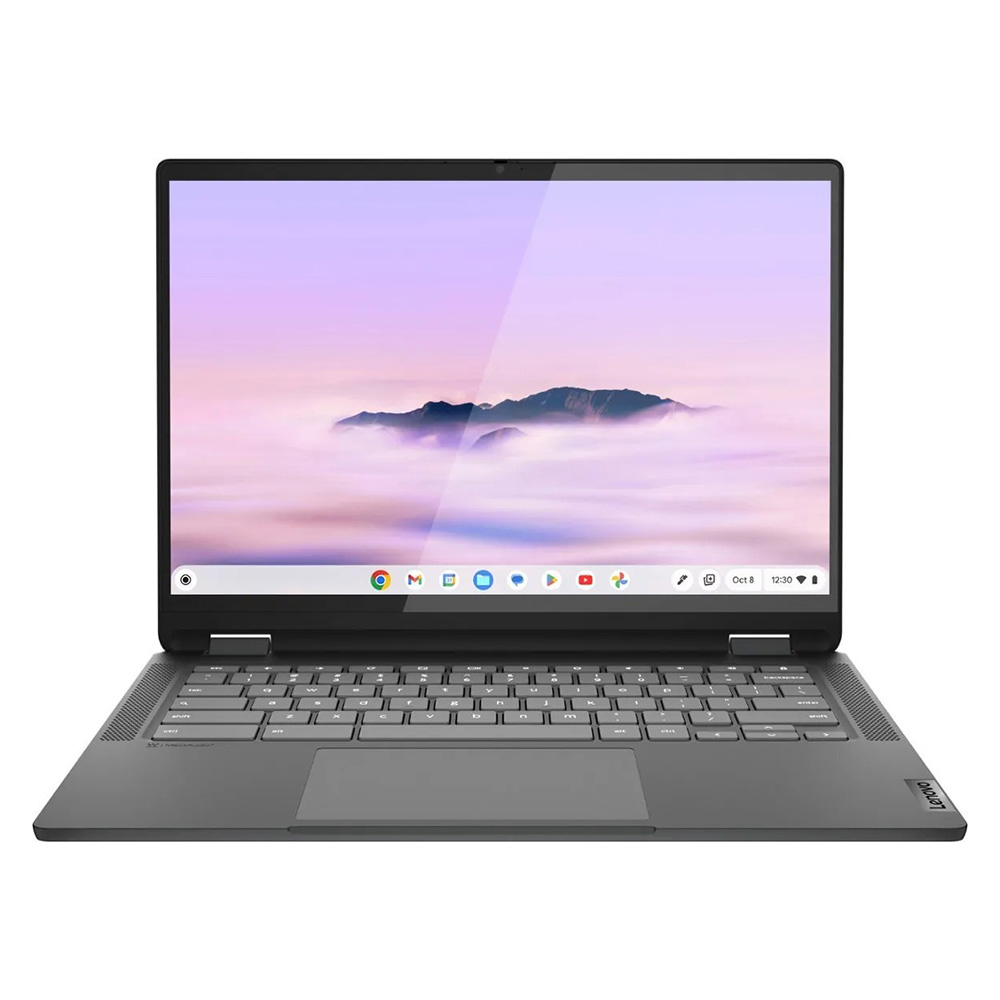
Lenovo IdeaPad Flex 5i Chromebook Plus (Best Overall)
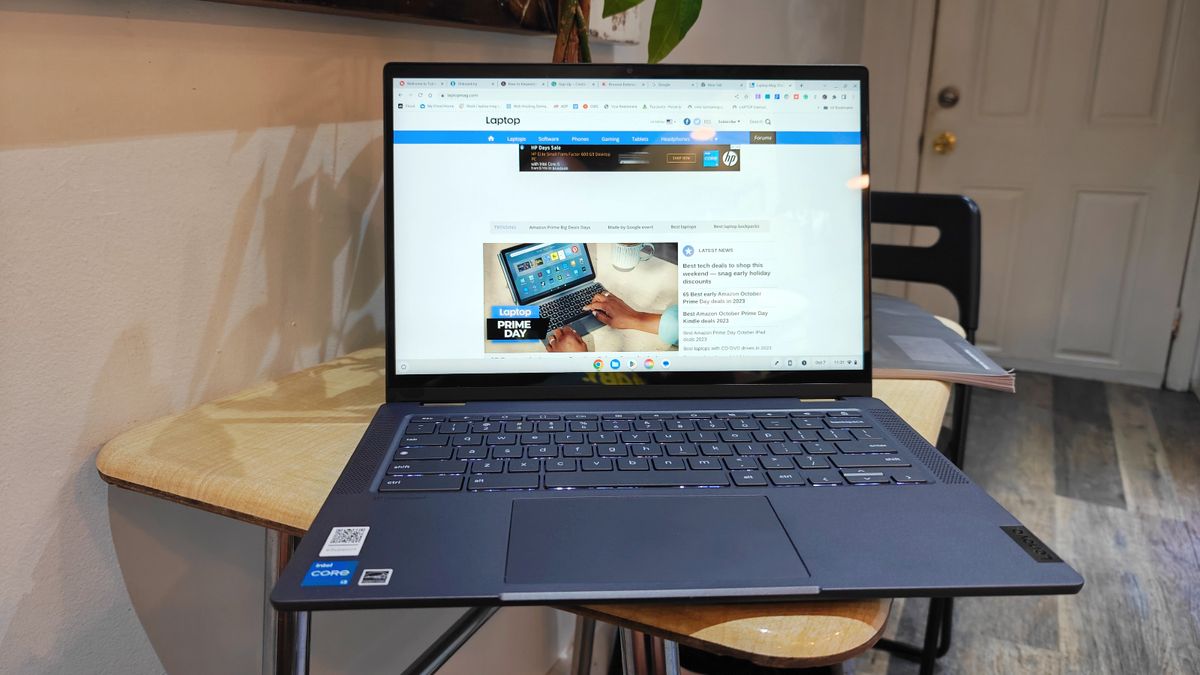
The Lenovo IdeaPad Flex 5i Chromebook Plus stands out as the current market leader. With an Intel Core i3-1315U processor and 8GB of RAM, it offers a level of responsiveness that was previously reserved for mid-range laptops. In synthetic benchmarks, such as Geekbench 6, it achieved a multi-core score of 5,384—comfortably outperforming the current Chromebook average. Its 14-inch, 1920 x 1080 IPS touch display, combined with a 16:10 aspect ratio, provides a modern, vertical-friendly workspace that is ideal for document editing and research.
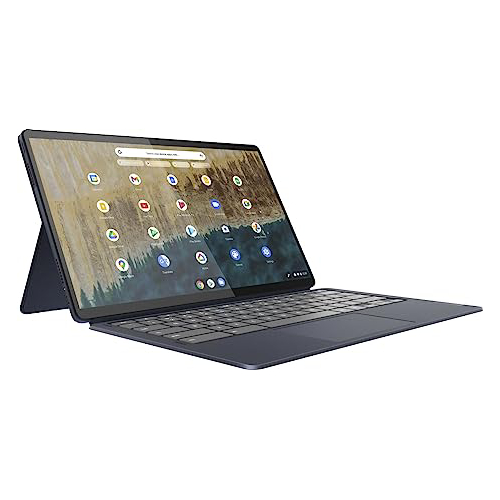
Lenovo Duet 5 Chromebook (Best Under $300)
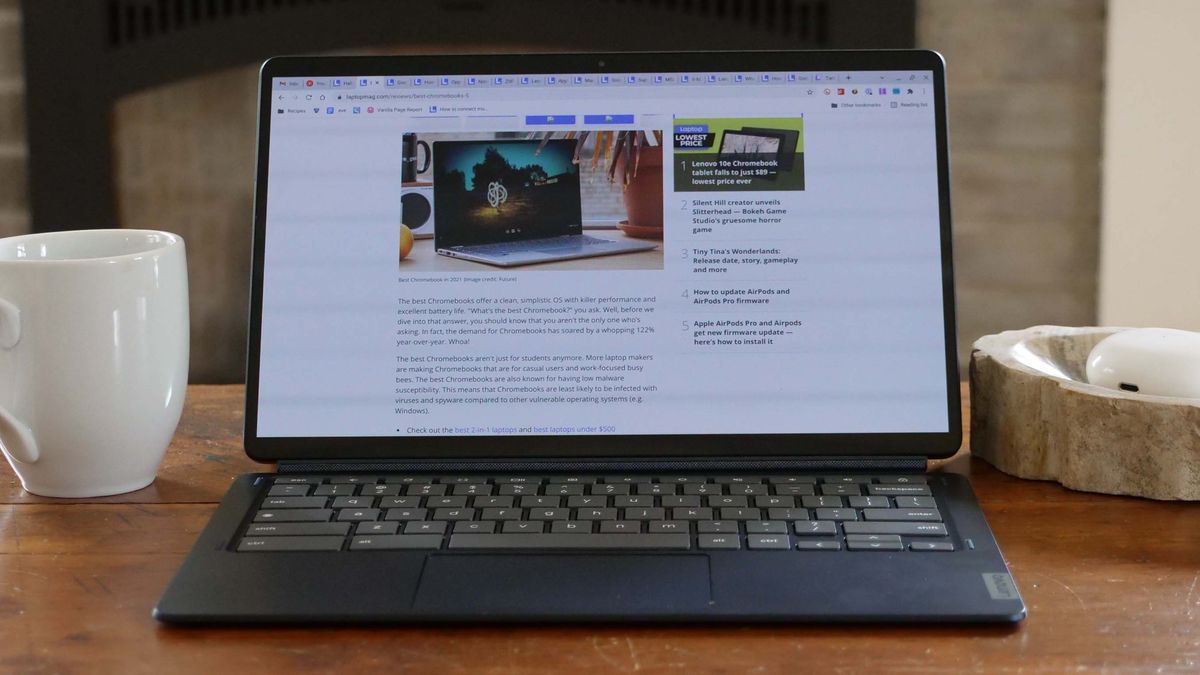
For those requiring maximum portability, the Lenovo Duet 5 remains an unparalleled value proposition. As a detachable 2-in-1, it serves as both a tablet and a laptop. Its most striking feature is the 13.3-inch OLED display, which offers color accuracy and contrast levels typically found in premium hardware. While its performance on synthetic benchmarks is more modest, its battery life—clocking in at over 13 hours—makes it a standout choice for users who prioritize mobility and media consumption over raw processing power.
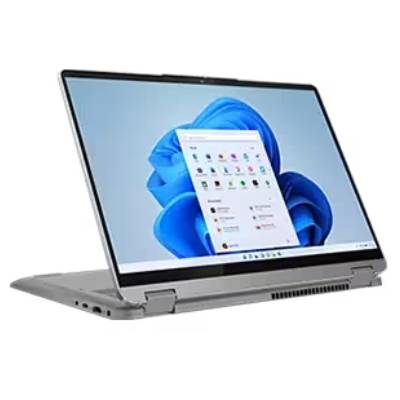
Lenovo IdeaPad Flex 5 14 (Best Windows Option)
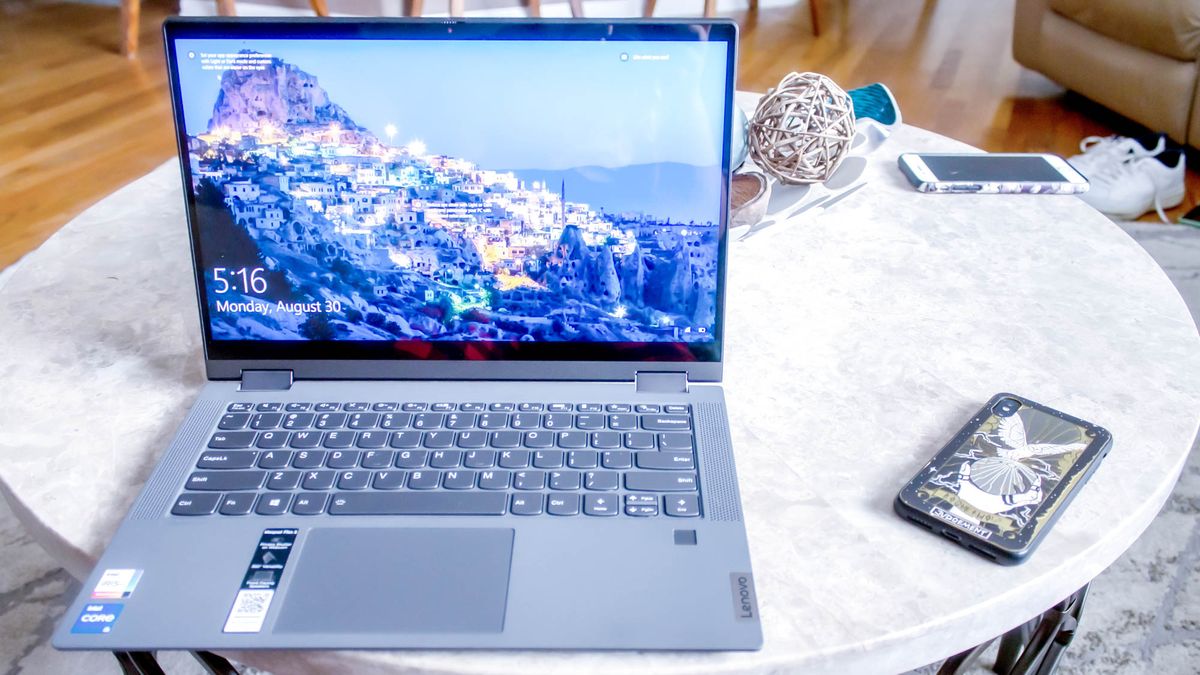
Windows users often find the sub-$500 category challenging due to the heavy resource demands of the operating system. The Lenovo IdeaPad Flex 5 14 (Intel) is a rare exception that manages to provide a stable Windows 11 experience. By utilizing an Intel Core i5 processor, it offers enough overhead to handle more demanding productivity suites while maintaining a battery life that exceeds 14 hours. It represents a successful compromise, providing a tactile, responsive typing experience that is vital for long-form writing tasks.
Acer Chromebook Spin 312 (Best for Students)
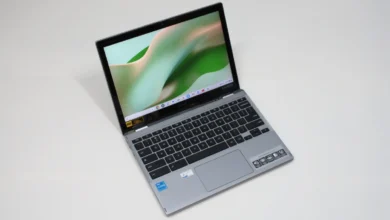
Designed specifically for the educational environment, the Acer Chromebook Spin 312 addresses the durability and usability requirements of students. Its construction features a sturdy chassis and the company’s proprietary OceanGlass trackpad, which offers a tactile, smooth experience that surpasses many more expensive alternatives. With a battery life of over 10 hours and a 2-in-1 convertible design, it is positioned to replace the aging, heavy, and underperforming fleet of laptops currently found in many institutional charging carts.
Benchmark Analysis and Technical Standards
Understanding the technical limitations of budget hardware is essential for long-term satisfaction. Our lab testing uses a standardized battery of benchmarks, including Geekbench 5 and 6, Jetstream 2 for web performance, and real-world file transfer tests.

A critical metric for budget laptops is the "Hottest Temperature" test. A machine that runs too hot can lead to thermal throttling, where the CPU slows down to protect the components, resulting in a degraded user experience. The devices listed above maintain comfortable surface temperatures, generally staying well under the 95-degree Fahrenheit threshold that signals discomfort for the user.
Furthermore, we evaluate the DCI-P3 color gamut to determine screen quality. While budget laptops rarely hit the 100% mark required by professional content creators, devices like the Duet 5 (85.2%) demonstrate that high-quality display technology is trickling down into the sub-$300 segment.

Strategic Considerations for Consumers
When selecting a budget laptop, consumers should prioritize the following factors:
- Operating System Choice: Chromebooks are generally superior to Windows laptops in the sub-$500 price range. They require fewer system resources and receive regular security updates, which extends the device’s usable lifespan.
- Form Factor: If the device will be used for creative work or digital note-taking, a 2-in-1 convertible or detachable design is advisable. However, users should be aware that 2-in-1s often have slightly thicker profiles when folded.
- Storage and RAM: While 128GB of eMMC storage is standard at this price, users should look for models that offer at least 8GB of RAM. Memory is a more critical bottleneck for performance than total storage capacity in this price segment.
- Longevity and Updates: Always check the "Auto Update Expiration" (AUE) date for Chromebooks to ensure the device will receive software support for several years.
The Economic Context: Tariffs and Market Trends
The stability of the budget laptop market is currently under scrutiny due to broader economic factors. Recent policy discussions regarding potential tariff hikes on electronic components and finished goods have created uncertainty for manufacturers. Historically, such tariffs are often passed on to the consumer, which could result in a shift where sub-$500 laptops become increasingly difficult to find or are replaced by lower-tier, less durable models.
Industry experts note that while the quality of budget hardware has improved, the "floor" for pricing is sensitive to global supply chain costs. As of early 2025, retailers have maintained competitive pricing, but consumers are encouraged to monitor market fluctuations, especially during peak retail periods like Black Friday and the back-to-school season, where manufacturers traditionally offer the most aggressive discounts.
Expert Guidance and Methodology
At the core of these recommendations is a rigorous, multi-stage testing process. Each laptop undergoes synthetic testing in a controlled laboratory environment followed by several days of "real-world" usage. Our reviewers utilize these devices in their own workflows—performing video calls, streaming high-definition content, and editing documents—to provide a comprehensive perspective on how the machine performs outside of a lab.
This approach is rooted in three decades of independent product testing. By combining quantitative data from colorimeters and benchmark software with qualitative analysis of ergonomics and build quality, we aim to provide an objective, reliable resource for consumers. We are an independent publication, and our testing is governed by strict editorial standards, ensuring that our recommendations are based solely on the performance and value of the products themselves.
Final Assessment
The "best" budget laptop is not necessarily the one with the highest specifications, but rather the one that most efficiently meets the user’s specific needs. For a student, the ruggedness and battery life of the Acer Chromebook Spin 312 may be the deciding factor. For a user who values media consumption, the OLED display of the Lenovo Duet 5 is the clear choice.
The market in 2025 offers high-quality options that defy the old stereotype of budget computing. By focusing on essential features—long battery life, reliable keyboards, and efficient operating systems—users can secure a dependable machine that will remain functional for years to come. Regardless of the choice, the key is to manage expectations: these devices are powerful tools for connectivity and productivity, but they are not designed for heavy gaming or resource-intensive tasks like 4K video rendering. When used within their intended parameters, these laptops offer perhaps the best value-to-performance ratio currently available in the tech sector.
Related posts: