Unlocking the Advanced Computational Photography Features of the Samsung Galaxy S26 Series

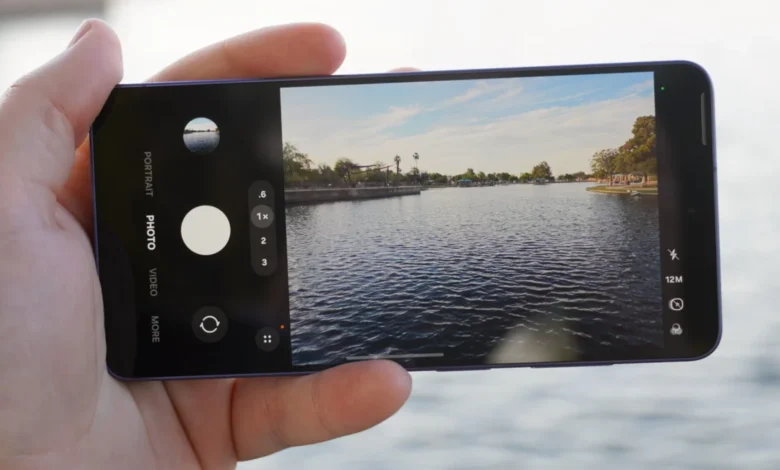
While the Samsung Galaxy S26 and S26 Plus models did not receive the significant camera hardware upgrades seen in their premium counterpart, the Galaxy S26 Ultra, the entire S26 series benefits from a suite of exclusive and powerful software enhancements designed to elevate the mobile photography and videography experience. These advanced computational photography features, often tucked away in settings or requiring additional app downloads, are pivotal in bridging the perceived gap and showcasing Samsung’s commitment to AI-driven innovation across its flagship lineup. By integrating sophisticated algorithms and generative artificial intelligence, Samsung aims to provide users with tools that not only improve image quality but also offer unprecedented creative control and stabilization capabilities, making the S26 series a formidable contender in the highly competitive smartphone market.
Samsung’s Evolving Camera Strategy: A Blend of Hardware and AI
For years, Samsung has been at the forefront of smartphone camera technology, consistently pushing boundaries in sensor size, lens configurations, and imaging processing. The evolution of the Galaxy S series cameras reflects a broader industry trend, moving beyond raw megapixel counts to a sophisticated interplay of hardware engineering and computational photography. Early Galaxy models competed primarily on sensor resolution and optical image stabilization (OIS), but the landscape has dramatically shifted with the advent of advanced artificial intelligence and machine learning.
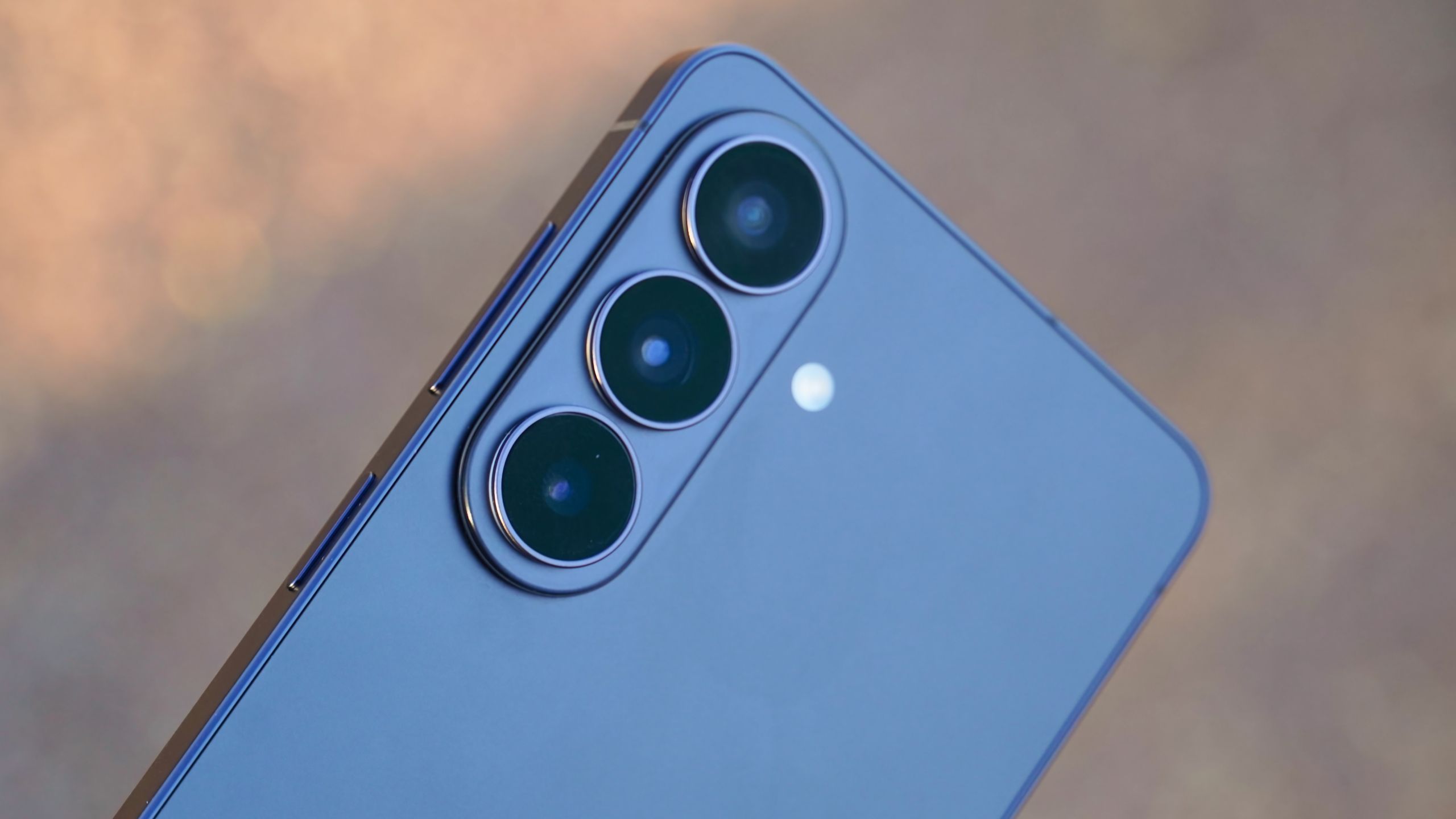
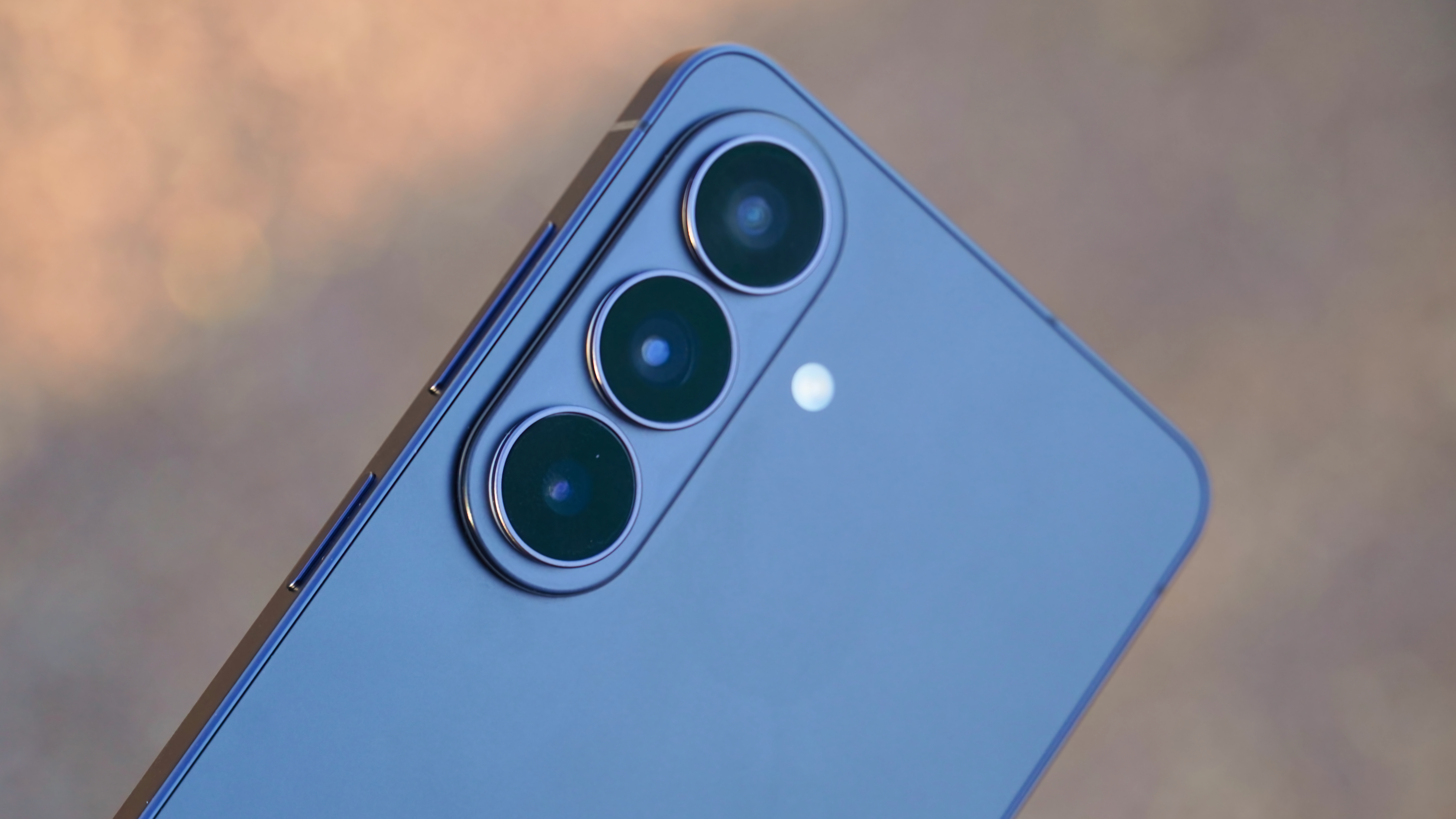
The current strategy, particularly evident in the S26 series, showcases a clear differentiation. The Galaxy S26 Ultra, positioned as the pinnacle of mobile imaging, receives substantial hardware upgrades, including a revamped main sensor and enhanced telephoto capabilities, building on its already superior foundation. This allows Samsung to cater to the most demanding users who prioritize raw photographic power. However, recognizing that not all users require or can afford the Ultra’s premium price tag, Samsung has strategically imbued the base and Plus models with software innovations that enhance their existing camera hardware. This approach democratizes several high-end features, ensuring a robust and versatile camera experience across the entire S26 family.
The development timeline of Samsung’s camera features illustrates this progression. From the introduction of "Super Steady" video stabilization in earlier models to advanced Night Mode capabilities, Samsung has consistently invested in software to compensate for physical limitations or to unlock new creative avenues. The S26 series builds upon this foundation by integrating the latest advancements in AI, particularly within its "Galaxy AI" ecosystem. This initiative, often powered by collaborations with partners like Google (e.g., Gemini integration), signals a future where software intelligence plays an increasingly dominant role in defining the user experience, especially in content creation. Industry analysts frequently highlight this strategic pivot, suggesting that AI is the new battleground for smartphone innovation, moving beyond incremental hardware gains.
The Introduction of the 24MP Camera Mode: A New Equilibrium in Image Capture
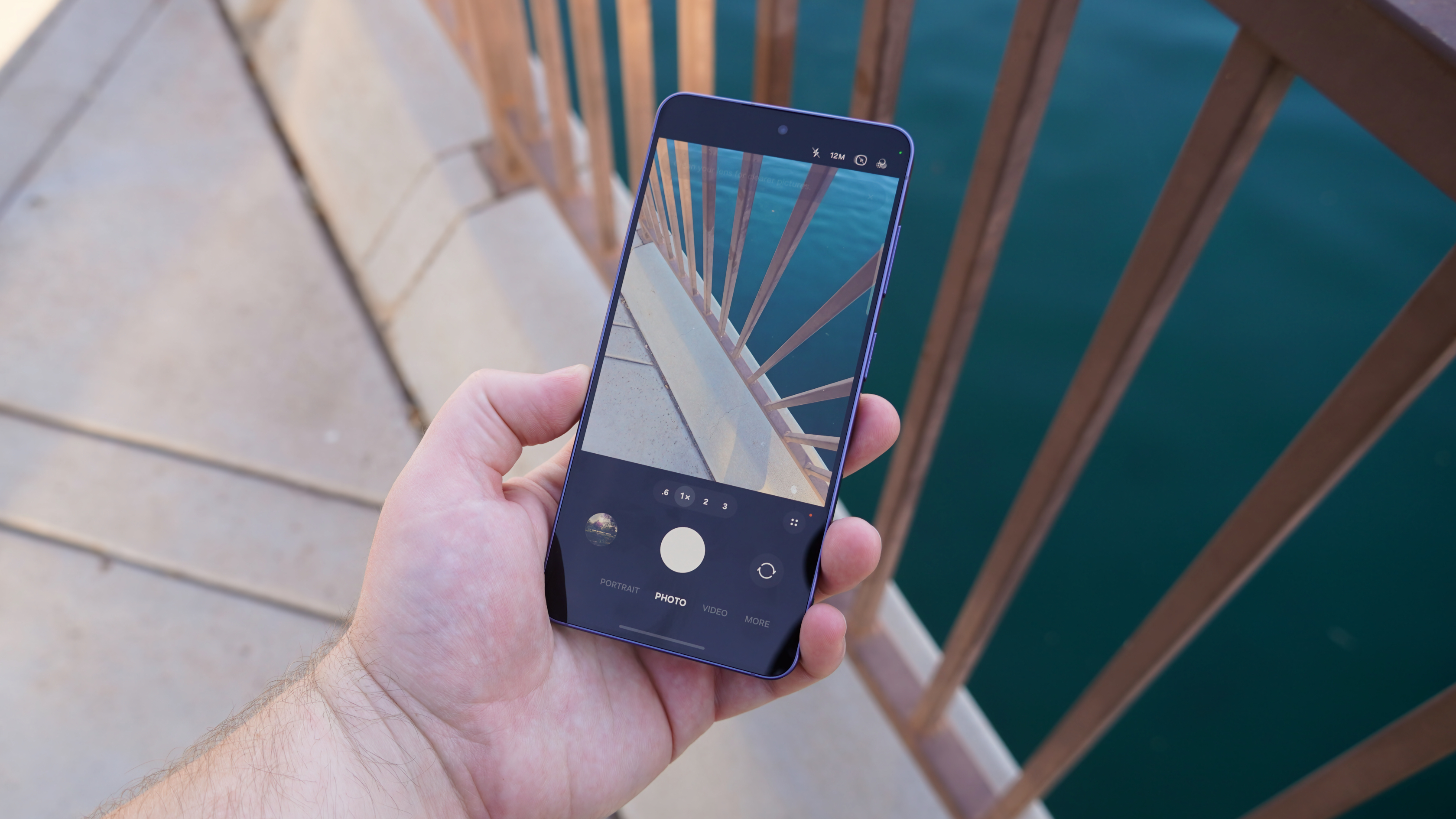
One of the most significant, albeit subtly introduced, software enhancements for the Galaxy S26 series is the new 24MP camera mode. This option addresses a long-standing trade-off in smartphone photography between image detail, low-light performance, and file size. Samsung phones, including the S26 and S26 Plus with their 50MP main cameras and the S26 Ultra with its 200MP primary shooter, employ high-resolution sensors. However, by default, these cameras do not capture photos at their maximum native resolution. Instead, they leverage a technique called pixel binning, which combines data from multiple adjacent pixels into a single, larger "super pixel." This process significantly improves light sensitivity and reduces digital noise, resulting in superior image quality, particularly in challenging lighting conditions, at a lower resolution, typically 12MP. The smaller file size is also a practical benefit for storage and sharing.
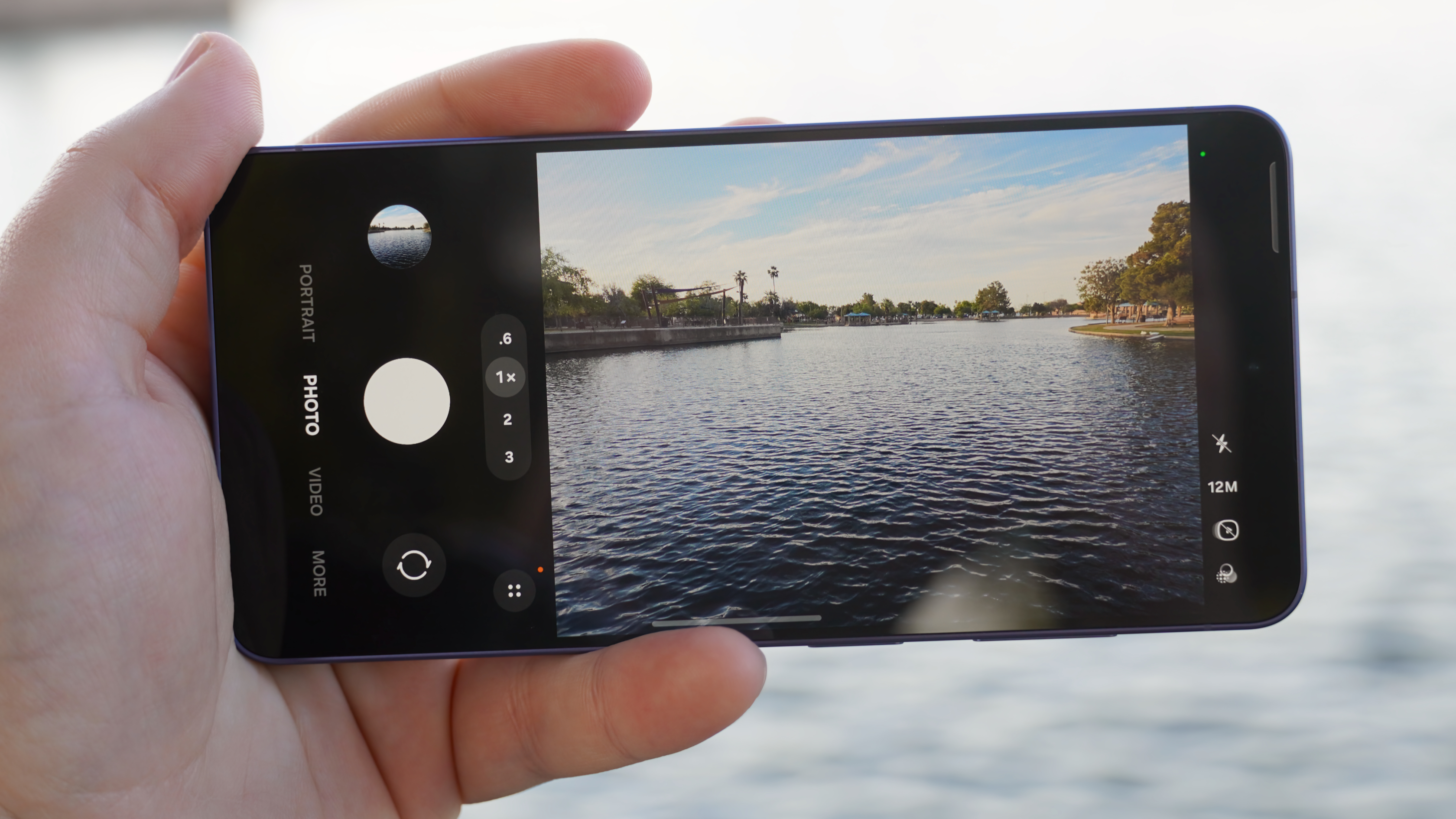
For years, users were presented with a stark choice: either the default 12MP (pixel-binned) for optimal general-purpose shooting or the full 50MP/200MP resolution for maximum detail, albeit often at the cost of larger file sizes and sometimes slower processing. The 24MP mode on the S26 series introduces a compelling middle ground. It’s designed to offer a noticeable improvement in detail compared to 12MP, making images more suitable for cropping or larger prints, while still maintaining many of the advantages of pixel binning, such as faster shutter speeds and more manageable file sizes than the full-resolution options.
Samsung elaborates on this through its "AI Fusion" process, describing it as a solution that "provides 12MP usability and 50MP quality through an AI-based convergence solution." This advanced process intelligently combines multi-frame 12MP captures (benefiting from enhanced light gathering and noise reduction) with elements from the high-resolution 50MP image data. The result is an image that intelligently balances the strengths of both approaches: the computational photography benefits of the 12MP binning (like improved dynamic range and noise) with a higher level of resolved detail approaching that of the native 50MP sensor. This demonstrates a sophisticated application of computational photography, where multiple exposures and resolutions are fused algorithmically to create a single, optimized output.
Activating this feature requires a specific, multi-step process that highlights its "hidden" nature. Users must first download the "Camera Assistant" app from the Galaxy Store. This app then integrates additional settings into the standard Camera app’s configuration menu. Within the Camera Assistant settings, users need to navigate to "Advanced resolution options" and toggle on "24MP resolution." Once enabled, the option to switch between 12MP, 24MP, and 50MP/200MP becomes available directly in the main Camera app’s viewfinder. This deliberate activation process, while ensuring expert users can customize their experience, also means many casual users might miss out on this potent new mode. A Samsung spokesperson, in a forum post, indicated that this design choice allows for greater user control over advanced imaging parameters, without cluttering the default camera interface for everyday use.
Revolutionary Video Stabilization: The Horizontal Lock Mode
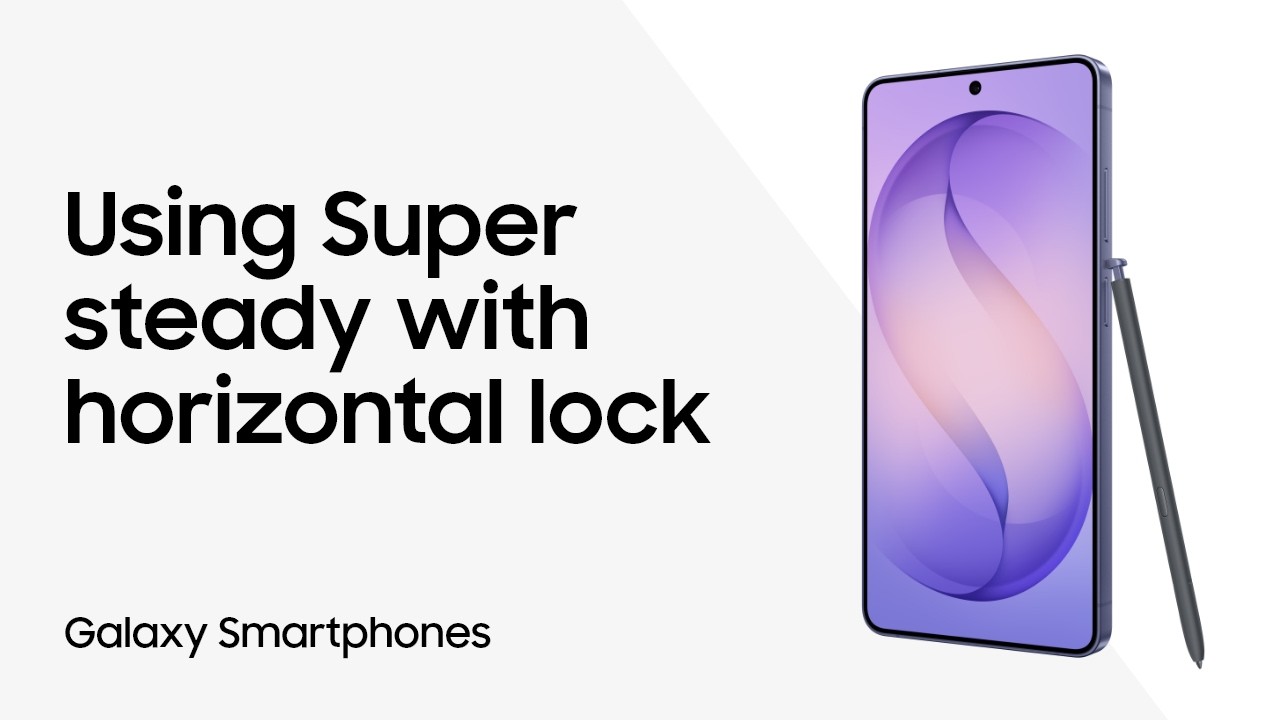
Perhaps one of the most visually impressive and practically beneficial new features across all Galaxy S26 models is the "Horizontal Lock" video mode. Building upon Samsung’s well-regarded "Super Steady" stabilization, Horizontal Lock takes video recording to an unprecedented level by ensuring the horizon remains perfectly level, even when the phone itself is rotated a full 360 degrees. This is a significant leap beyond traditional optical image stabilization (OIS) and electronic image stabilization (EIS), which primarily compensate for small shakes and jitters.
Traditional OIS uses tiny gyroscopes and accelerometers to detect camera movement and physically shift lens elements or the sensor to counteract it. EIS, on the other hand, relies on software algorithms that analyze video frames and digitally crop and shift the image to smooth out motion. While effective for minor movements, neither typically offers the ability to maintain a fixed horizon during extreme rotational movements of the device. Horizontal Lock achieves this by combining advanced gyroscope data with real-time image processing. As the phone rotates, the software intelligently crops the video feed and digitally rotates the image in the opposite direction, effectively "locking" the horizon. The result is a remarkably stable and level video, regardless of how the user’s hand or body moves the device.
This feature represents an evolution of Super Steady, which was designed to smooth out jerky movements, making it ideal for walking or running shots. Horizontal Lock extends this by adding rotational stability, making it perfect for highly dynamic scenarios such as recording action sports, cycling, running, or even navigating a turbulent environment where maintaining a steady perspective is challenging. Imagine recording a mountain bike ride where the phone is tilted and turned rapidly; Horizontal Lock would ensure the recorded footage remains upright and level, providing a much more professional and watchable result. While some dedicated action cameras or specialized gimbals offer similar capabilities, integrating this level of stabilization directly into a smartphone’s native camera app is a significant achievement. It’s worth noting that a similar "horizon leveling" feature was previously seen on some Motorola devices, showcasing a competitive push in this particular area of mobile videography.
Activating Horizontal Lock is straightforward within the Camera app. Users simply switch to "Video mode," then tap the "Super Steady" icon (depicted as a tiny running person) located in the top-right corner of the screen. A new menu will appear, offering "Super Steady with Horizontal Lock," identified by a running person within a box. Once enabled, users can begin recording and confidently move their phone through various orientations and angles, assured that the captured video will maintain a perfectly level horizon.
Empowering Post-Capture Creativity: The Photo Assist with Generative AI
Beyond capture capabilities, the Galaxy S26 series introduces "Photo Assist," a powerful, AI-driven editing tool integrated directly into the Samsung Gallery app. This feature leverages generative artificial intelligence to offer sophisticated image manipulation based on natural language prompts and multimodal input, aligning perfectly with the broader trend of AI integration in consumer software, as exemplified by Google Photos’ Magic Editor and Adobe Firefly.
Photo Assist enables users to overcome common photographic challenges that might not be solvable in real-time, such as suboptimal lighting, awkward framing, or unwanted elements in a shot. Instead of manually navigating complex editing menus, users can simply describe the desired changes using everyday language. For instance, a user might prompt, "Brighten the subject’s face," "Remove the distracting background object," or "Adjust the sky to be more dramatic." The generative AI then interprets these instructions and applies the appropriate edits, often creating new pixels and filling in gaps seamlessly.
The "multimodal guidance" aspect of Photo Assist further enhances its precision and utility. In addition to text prompts, users can provide input through sketches or by adding reference images. This allows for more granular control over specific areas of the image or for conveying abstract artistic intentions that might be difficult to articulate solely through text. For example, a user could draw a circle around an object they wish to remove or sketch a desired change in a landscape, and the AI would respond accordingly. This intuitive interaction paradigm makes advanced photo editing accessible to a much broader audience, moving beyond the traditional steep learning curve of professional editing software.
The underlying technology for Photo Assist is deeply rooted in Samsung’s Galaxy AI framework, likely utilizing sophisticated large language models for natural language understanding and advanced generative adversarial networks (GANs) or diffusion models for image generation and manipulation. These models run on the device’s neural processing unit (NPU) or leverage cloud-based AI processing, depending on the complexity of the task, to deliver rapid and high-quality results.
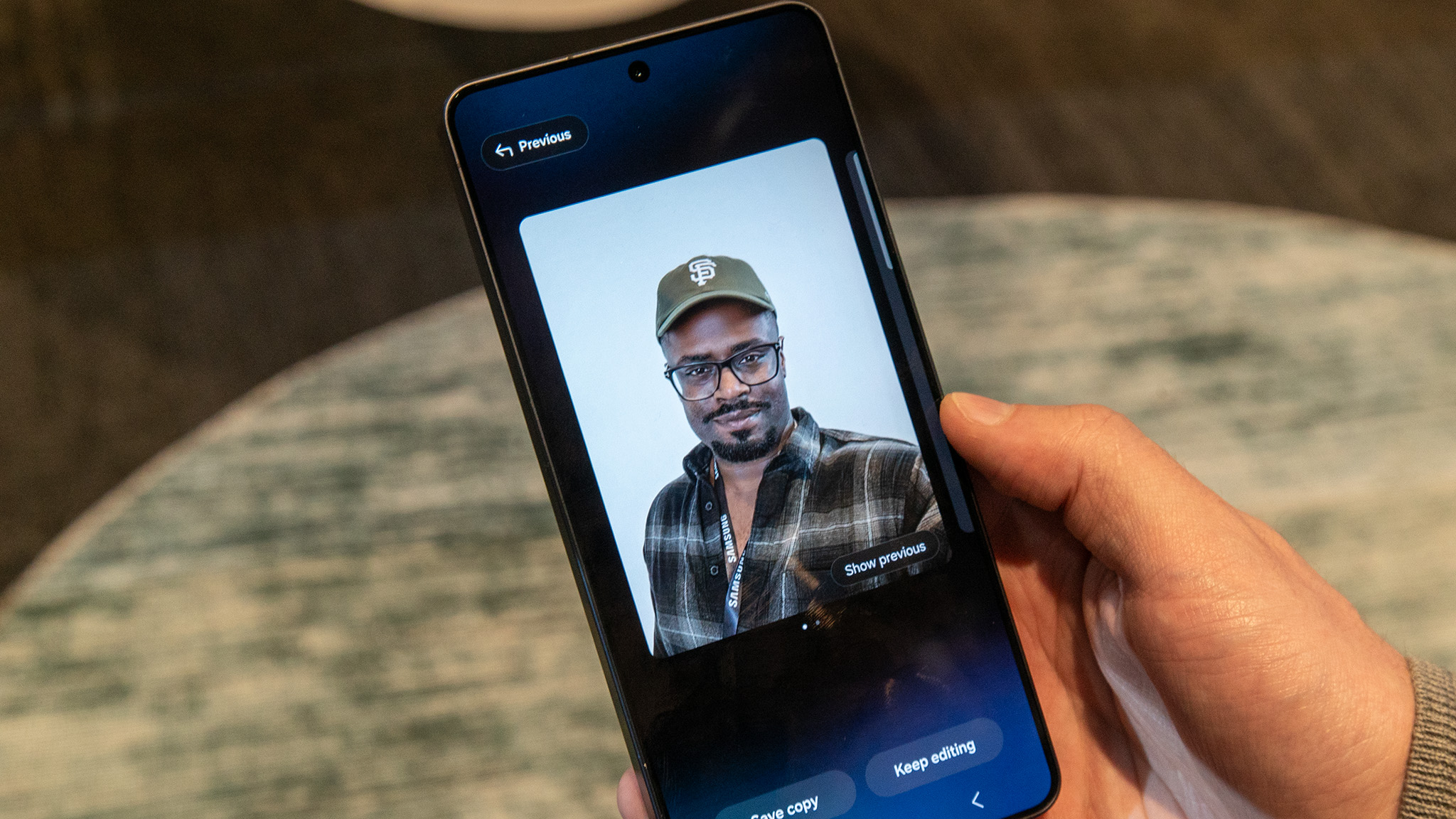
To use Photo Assist, users open a photo in the Samsung Gallery app and tap the "Photo Assist" icon, typically found in the center of the toolbar and characterized by three AI sparkles. They then tap the "Describe what to change" text box, input their prompt, and hit "Generate." The image will be processed, and a refreshed photo will be presented. Users have the option to "Save copy" or "Keep editing" to refine the results further. While this technology offers immense creative freedom, it also raises important considerations regarding image authenticity and the potential for misuse, a topic frequently discussed in broader AI ethics dialogues. However, its primary intent is to empower users with creative tools that enhance personal memories and artistic expression.
Broader Implications and Future Outlook
The introduction of these advanced software features in the Samsung Galaxy S26 series, particularly the 24MP mode, Horizontal Lock, and Photo Assist, signifies a pivotal shift in Samsung’s camera strategy and holds broader implications for the smartphone industry. While the disparity in hardware upgrades between the base/Plus models and the Ultra might initially cause some disappointment, the robust software suite effectively democratizes many high-end photographic capabilities, making sophisticated tools accessible across the flagship line.
This strategy reinforces the idea that true innovation in smartphone cameras is increasingly found in computational photography and artificial intelligence, rather than solely in sensor size or lens count. As hardware advancements become incremental, software intelligence offers a fertile ground for creating genuinely new and impactful user experiences. The 24MP mode demonstrates a nuanced understanding of user needs for image quality and efficiency, while Horizontal Lock sets a new standard for mobile video stabilization, moving closer to professional-grade results. Photo Assist, with its generative AI capabilities, not only simplifies complex editing tasks but also unlocks new creative possibilities, transforming casual photographers into digital artists with intuitive prompts.
For Samsung, these features strengthen its position as an innovation leader, particularly in the burgeoning field of on-device AI. By integrating Galaxy AI deeply into core functionalities like the camera, Samsung is enhancing the value proposition of its devices beyond mere specifications. This focus on intelligent software is likely to influence future Galaxy iterations, with further integration of AI into various aspects of photography, from automatic scene recognition and subject tracking to personalized stylistic adjustments.
Ultimately, the Galaxy S26 series showcases that even without major hardware overhauls across all models, strategic software development can significantly enhance the user experience. These "hidden" features, once discovered and utilized, provide a compelling argument for the series, offering a sophisticated and remarkably capable camera system that caters to a wide range of photographic and videographic needs, cementing Samsung’s vision for an AI-powered mobile future.