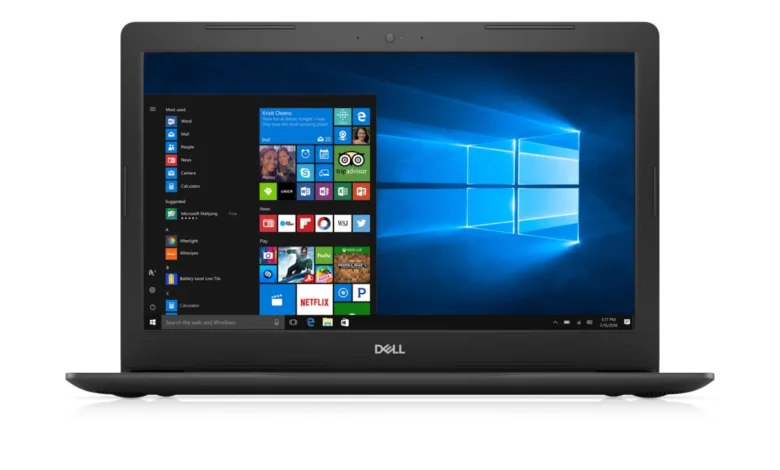
The era of the internal optical disc drive has effectively come to an end in the consumer laptop market, yet demand for hardware capable of reading physical media persists among specific user demographics. As of 2026, major manufacturers have entirely phased out built-in CD/DVD drives from their mainstream, ultrabook, and gaming lineups in favor of thinner chassis designs, increased battery capacity, and the ubiquity of cloud-based digital distribution. For users who rely on legacy medical imaging, archived physical media, or proprietary software distributed on discs, the search for a functional machine with an integrated drive has become a hunt for refurbished or enterprise-grade legacy hardware.
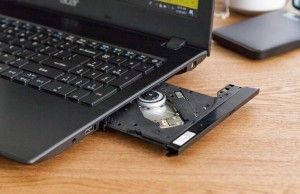
The Evolution of the Optical Drive and Current Market Realities
To understand why finding a laptop with a built-in disc drive is increasingly difficult, one must look at the trajectory of mobile computing over the last two decades. In the early 2000s, the CD/DVD drive was a standard feature, often taking up nearly a quarter of a laptop’s internal footprint. By 2010, the industry began a concerted effort to slim down devices. The introduction of the MacBook Air and the subsequent rise of the "Ultrabook" category forced manufacturers to prioritize solid-state drives (SSDs) and higher-density battery cells over bulky, power-consuming mechanical optical drives.
The transition from physical media to digital delivery—accelerated by high-speed internet adoption—rendered the disc drive redundant for the vast majority of consumers. By 2015, most mainstream manufacturers, including Dell, HP, and Lenovo, had stopped including optical drives in their consumer-grade 13-inch and 15-inch models. By 2020, even the largest 17-inch "desktop replacement" laptops had largely abandoned the feature. Today, the manufacturing supply chain for integrated laptop optical drives has effectively ceased production for new consumer devices, making it impossible to purchase a brand-new, modern-spec laptop with a factory-installed drive.
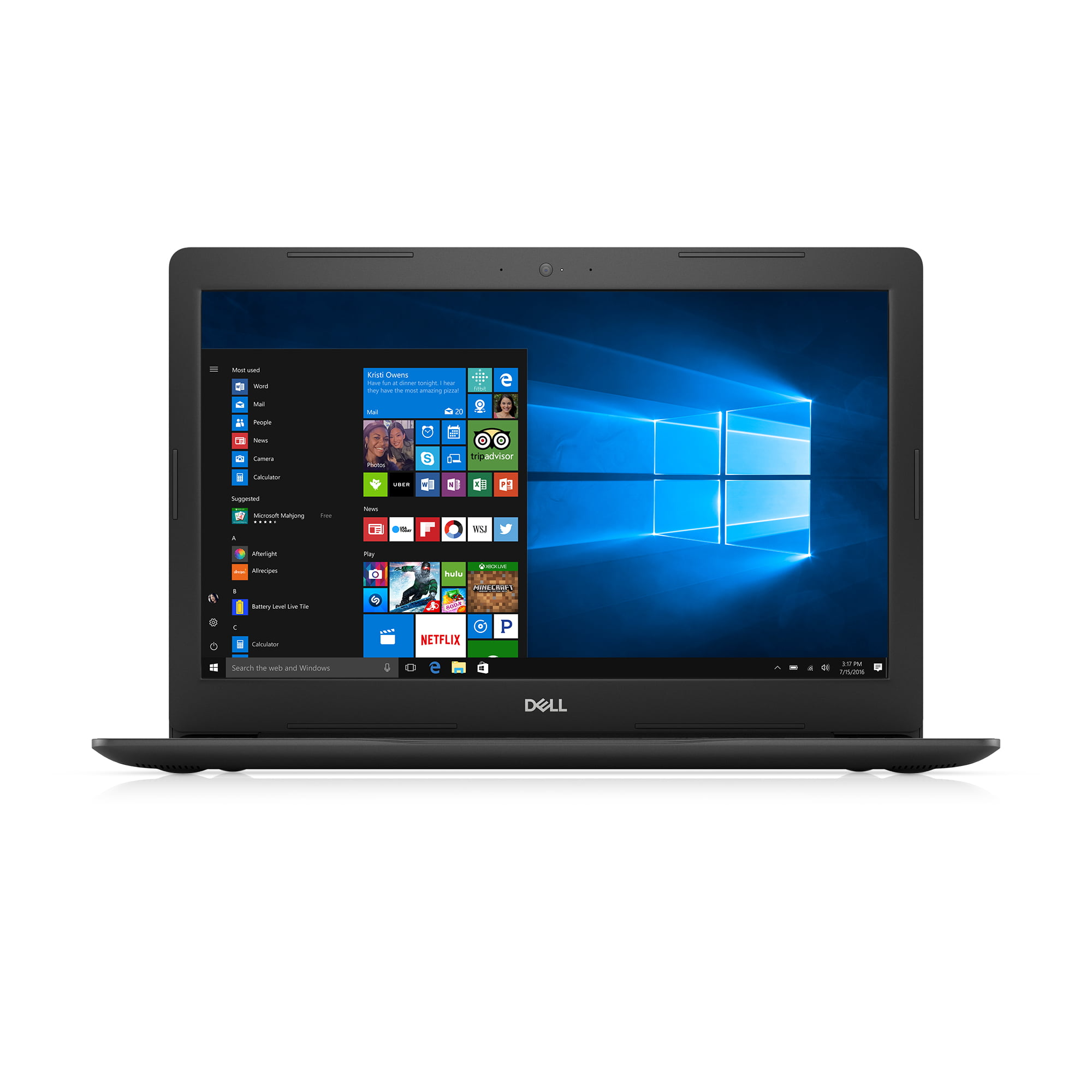
Recommended Legacy Hardware Options
For users who refuse to use external peripherals, the secondary market remains the only viable source. Professional-grade workstations and older enterprise models represent the most reliable choices for those requiring an internal drive.
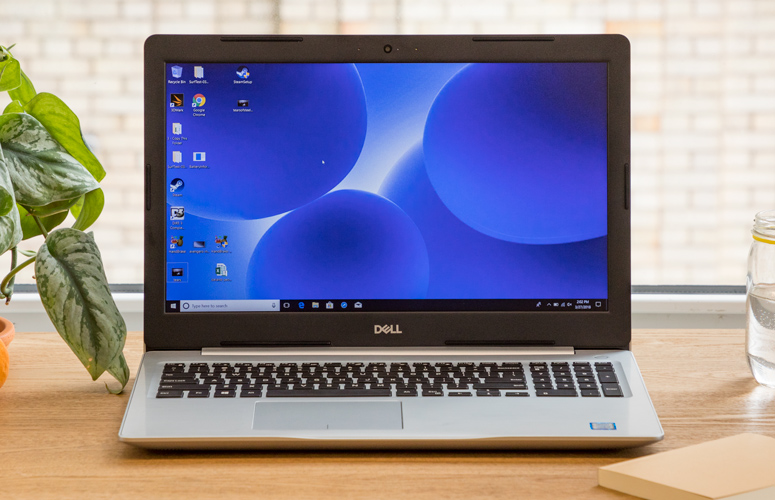
1. Dell Inspiron 15 5000 (2017)
The Dell Inspiron 15 5000 remains the most balanced option for those seeking a reliable, albeit aging, machine. Often available on the secondary market for under $500, this series was one of the last mainstream lines to offer a built-in DVD R/W drive as a standard feature.
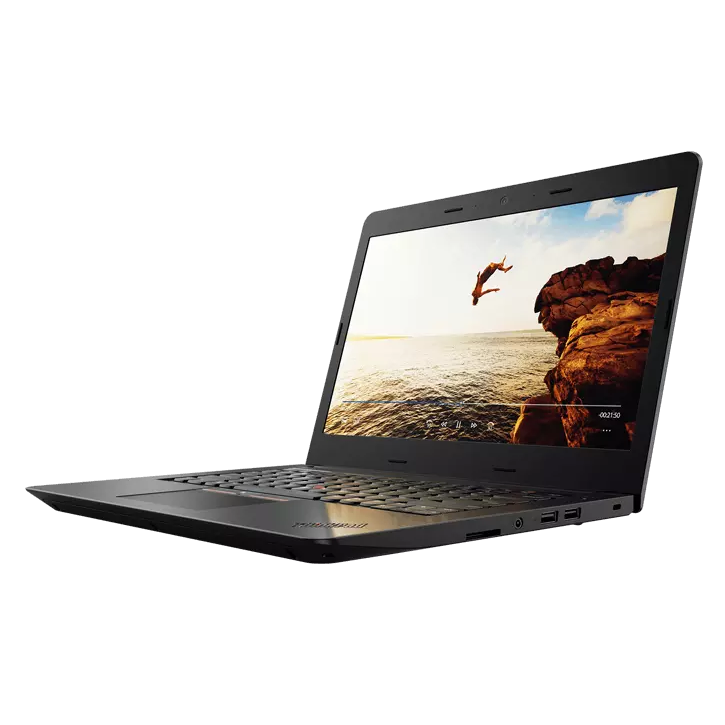
- Specifications: Intel Core i5 or i7 (7th Gen), 8GB RAM, 1TB HDD.
- Implications: While the inclusion of a 1TB HDD provides significant storage space, the performance of these drives is significantly slower than the NVMe SSDs found in modern machines. Users should be aware that these units may require thermal maintenance and battery replacements, as the original components are now several years old.
2. Lenovo ThinkPad E570
The ThinkPad E-series has historically been favored by small businesses for its balance of durability and legacy connectivity. The E570 stands out as a reliable budget option for those who prioritize port variety and an integrated DVD writer.
- Specifications: Intel Core i3-7100U, 8GB RAM, 240GB SSD.
- Implications: At approximately $200–$300 on the secondary market, it serves as a functional tool for basic administrative tasks, though it lacks the processing overhead to handle modern intensive applications or high-definition video editing.
3. HP ZBook 17 G5
For power users and professionals who require high-performance hardware alongside optical capabilities, the HP ZBook 17 G5 represents the top of the market. This workstation-class laptop was designed for CAD, 3D rendering, and data analysis.
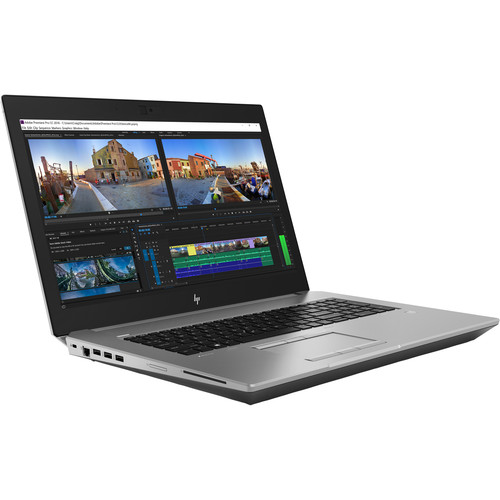
- Specifications: Intel Xeon E-2176M, 32GB RAM, 512GB SSD, Blu-Ray R/W drive.
- Implications: This is the most capable machine on the list, but it comes with the drawbacks of its class: a weight exceeding 7 pounds and a price point that can reach $1,200 depending on the condition. While powerful, the price-to-performance ratio is poor compared to a modern laptop paired with an external high-speed Blu-Ray reader.
The Case for External Optical Drives
Industry experts, including analysts at Laptop Mag, consistently advise that purchasing an older, internal-drive-equipped laptop is rarely the optimal long-term strategy. The trade-offs in battery life, thermal efficiency, and processing speed are significant. Modern laptops, even budget-friendly ones, feature faster processors, better display panels, and significantly longer battery runtimes than their counterparts from 2017.
The modern solution for users needing to access physical media is the external optical drive. These devices connect via USB-C or USB-A and offer several distinct advantages:

- Flexibility: An external drive can be shared across multiple computers, including modern tablets and desktops.
- Superior Technology: Newer external drives, such as the ASUS ZenDrive U9M, are thinner, faster, and more reliable than the integrated drives found in decade-old laptops.
- Cost-Effectiveness: Purchasing a modern, efficient laptop and a $30–$60 external drive is generally cheaper and more effective than trying to restore or maintain a laptop that is approaching the end of its manufacturer support cycle.
Technological and Security Implications
From a technical standpoint, relying on legacy hardware carries inherent risks. Older laptops lack support for the latest security protocols, including current iterations of Windows or macOS, and may have vulnerabilities that are no longer being patched by firmware updates. Furthermore, the physical components of older disc drives are prone to mechanical failure. Rubber belts inside the drive tray can dry-rot, and laser diodes can degrade over time, leading to read errors or "disc-eating" incidents.
For professionals in fields like medicine, where legacy data on discs must be accessed, the recommendation is to use an external drive to extract the data and migrate it to a secure, modern digital storage solution. This ensures that the data is not tethered to a failing piece of hardware and can be backed up in redundant cloud or local storage systems.
Conclusion
The demand for CD and DVD drives in 2026 is a niche requirement, driven primarily by the need to access legacy media. While the nostalgia for an "all-in-one" device is understandable, the reality of hardware development has moved past the physical disc. For the vast majority of users, the most pragmatic approach is to invest in a current-generation laptop that provides the performance and security expected in a modern professional environment, and to keep a high-quality external optical drive in their accessory kit. This hybrid approach preserves access to the past without sacrificing the benefits of current technology.
Related posts: