The Evolution of Remote Presence
The shift toward hybrid work environments has fundamentally altered the standards for professional digital communication. Over the past four years, the necessity for high-fidelity video has transitioned from a niche requirement for streamers to a daily necessity for office workers. Market data indicates that the global webcam market is expected to maintain a steady compound annual growth rate, driven by the persistent demand for better lighting correction, noise reduction, and high-resolution imaging in video conferencing software like Zoom, Microsoft Teams, and Google Meet.
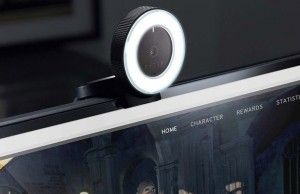
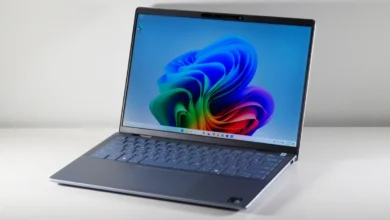
Historically, laptop manufacturers prioritized thin-bezel designs, which frequently necessitated the use of compact, low-light-sensitive sensors that produced grainy, "washed-out" imagery. This created a visual disparity where the quality of one’s presentation was limited by the hardware choice of their employer. Today, the industry has reached a tipping point where users are reclaiming control over their visual identity by treating the webcam as a critical peripheral, much like a high-quality microphone or a mechanical keyboard.
Comparative Analysis of Leading Hardware
Selecting the correct hardware requires an understanding of specific use cases, ranging from travel-ready portability to studio-grade 4K output.
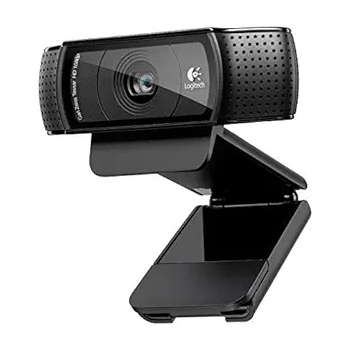
The Logitech C920: The Industry Standard
For most users, the Logitech HD Webcam C920 remains the benchmark for value and reliability. Since its introduction, it has occupied a unique space in the market: it is affordable enough for general home use while providing a significant visual leap over almost any integrated 720p laptop camera. Its 1080p output, paired with a 78-degree field of view, provides a natural perspective that is ideal for standard teleconferencing. Its longevity in the market is a testament to its consistent performance and reliable color reproduction, making it the default recommendation for corporate procurement departments.
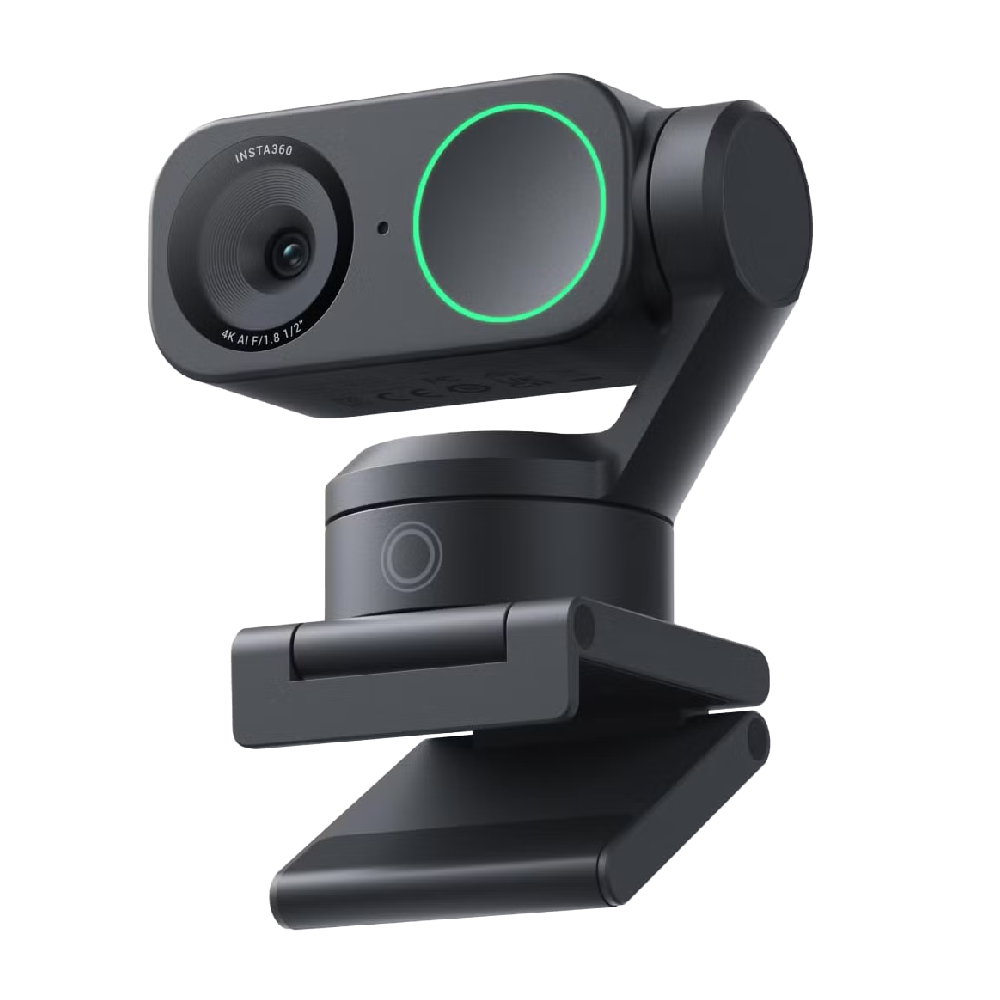
The Insta360 Link 2: AI-Driven Precision
For those requiring professional-grade features, the Insta360 Link 2 represents the current frontier of AI-assisted hardware. By utilizing a dual-axis gimbal, the camera offers motorized tracking, ensuring the subject remains centered even during active presentations. This feature is particularly impactful for educators or corporate trainers who move across a room. Furthermore, the ability to utilize "DeskView" modes—where the camera tilts downward to capture documents or hardware demonstrations—bypasses the need for complex, multi-camera setups. The integration of a 1/2-inch sensor significantly enhances low-light performance, a common failure point for cheaper sensors.
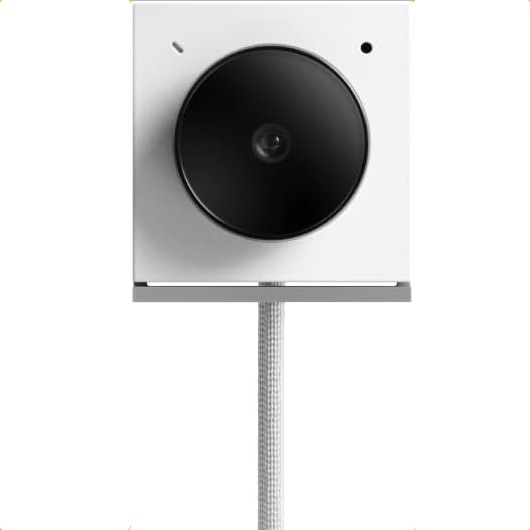
The Opal Tadpole: A Solution for the Itinerant Professional
The demand for high-quality video is not confined to the desk. The Opal Tadpole addresses the "travel gap" in the market—the inability of users to bring studio-quality equipment on the road without sacrificing luggage space. Its diminutive form factor, resembling a simplified clip-on device, provides 4K resolution in a package that fits comfortably in a laptop sleeve. For professionals who frequently present from hotels or co-working spaces, the Tadpole provides an essential, high-resolution alternative to hotel-lighting-challenged laptop cameras.
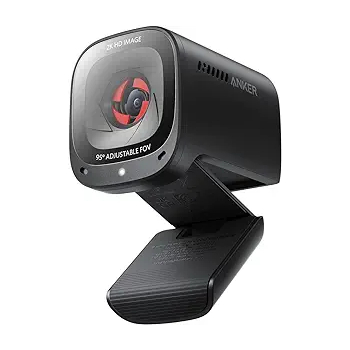
The Anker PowerConf C200: Mid-Range Efficiency
Anker has successfully entered the accessory space by offering high-resolution (2K) output at a competitive price point. The inclusion of a physical privacy shutter has become a major selling point for security-conscious users. In rigorous testing, the C200 has demonstrated an ability to handle high-contrast environments better than many of its competitors in the sub-$100 bracket, effectively balancing white levels and shadows without the need for additional ring lighting.
The Logitech MX Brio 4K: High-Fidelity Performance
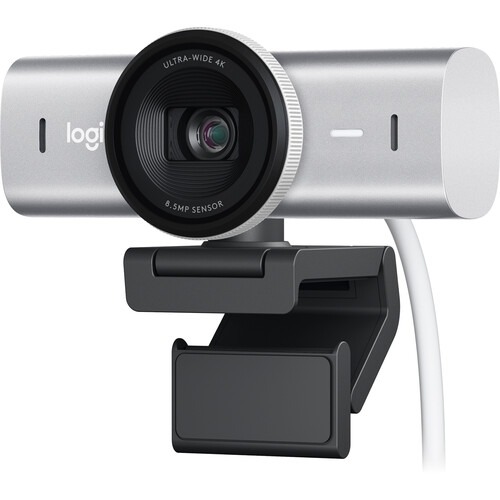
Positioned at the premium end of the spectrum, the MX Brio 4K targets content creators and executives who require the highest possible fidelity. The inclusion of an 8.5MP Sony STARVIS CMOS sensor allows for exceptional clarity and color accuracy. While it lacks the mechanical gimbal of the Insta360 Link, its optical performance is superior for static shots, making it the preferred choice for those who want a "set it and forget it" solution that outputs crisp 4K video for high-bandwidth professional streams.
Technical Considerations for Integration
When integrating these devices, users must account for more than just the camera itself. The following technical checklist is essential for achieving professional results:
- Resolution vs. Bandwidth: While 4K is the current marketing standard, many conferencing platforms (such as Zoom or Teams) automatically throttle outgoing streams to 1080p or 720p to maintain stability. Users should prioritize sensors that offer superior low-light performance (large sensor size) over raw pixel count.
- Audio Quality: Most webcams include integrated microphones, but they are rarely a substitute for a dedicated USB microphone or a quality headset. The "choppy" audio often attributed to webcams is usually a result of over-aggressive noise-cancellation algorithms.
- Mounting Flexibility: A camera’s mounting mechanism determines its versatility. The ability to mount to a tripod or a monitor arm is a significant advantage for users looking to improve their lighting angles.
- Software Compatibility: Proprietary software is no longer a luxury; it is a requirement. Features like AI framing, color profile adjustments, and exposure control are managed via companion apps. Users should ensure the camera’s software is compatible with their operating system (macOS or Windows) before purchase.
Broader Implications for Digital Communication
The rise of the external webcam signifies a broader professional shift: the "at-home" broadcast is now viewed as an extension of one’s professional reputation. In the same way that a tailored suit or a professional office setting conveys status and preparedness in the physical world, high-quality video and audio are now the standard markers of professional presence in the virtual one.
Companies are increasingly recognizing that the "Zoom fatigue" often cited in modern workplace studies is exacerbated by poor video quality and bad lighting, which require the brain to work harder to interpret facial cues. By providing better visual clarity, employers and employees alike can reduce the cognitive load of virtual meetings.
Future Outlook and Conclusion
As the market moves toward 2025, we anticipate that the distinction between "webcam" and "broadcast camera" will continue to blur. The next generation of devices will likely feature even deeper integration with generative AI for real-time background processing, advanced eye-contact correction, and perhaps even automatic studio-lighting simulation.
For the immediate future, however, the choice remains clear: if your primary work involves high-stakes communication, the integrated camera on your computer is simply insufficient. Whether it is the budget-friendly consistency of the Logitech C920, the AI-tracking versatility of the Insta360 Link 2, or the high-resolution clarity of the Logitech MX Brio, the market offers a diverse range of solutions to ensure that your digital presence is as polished and professional as your work itself. Investing in these peripherals is not merely an aesthetic choice; it is a strategic step in maintaining professional credibility in an increasingly digital landscape.