The Best Laptops for Adobe Photoshop in 2025: A Comprehensive Guide for Creative Professionals

Finding the ideal laptop for Adobe Photoshop requires a delicate balance of processing power, color accuracy, and portability. As the creative landscape evolves in 2025, the hardware requirements for professional-grade image editing have shifted, necessitating a deeper look at the interplay between CPU architecture, GPU hardware acceleration, and display technology. Whether you are a student mastering the basics of the lasso tool or a professional retoucher managing high-resolution, layer-heavy files, the current market offers a diverse array of machines capable of streamlining your workflow.
The Evolution of Creative Hardware in 2025
The hardware market for creators has reached a significant inflection point. The latest generation of processors—specifically Intel’s Core Ultra 200-series and AMD’s Max Pro series—has fundamentally changed how software handles intensive tasks. For photographers, the most critical development is the widespread integration of powerful neural engines and enhanced hardware acceleration.
Photoshop, while traditionally CPU-bound, now leverages discrete graphics cards, particularly those within Nvidia’s RTX 50-series, to offload complex filtering and AI-driven features like Generative Fill and Object Selection. This shift has turned previously arduous tasks into near-instantaneous operations. Furthermore, the industry-wide move toward OLED display technology has raised the standard for color reproduction. Modern panels now offer wider color gamuts, providing the depth and contrast necessary to distinguish subtle color variations that were previously lost on standard LCD screens.
Categorizing the Top Performers
In our assessment of the current market as of June 2025, several machines have emerged as industry leaders, catering to specific user needs ranging from budget-conscious learners to enterprise-level workstations.
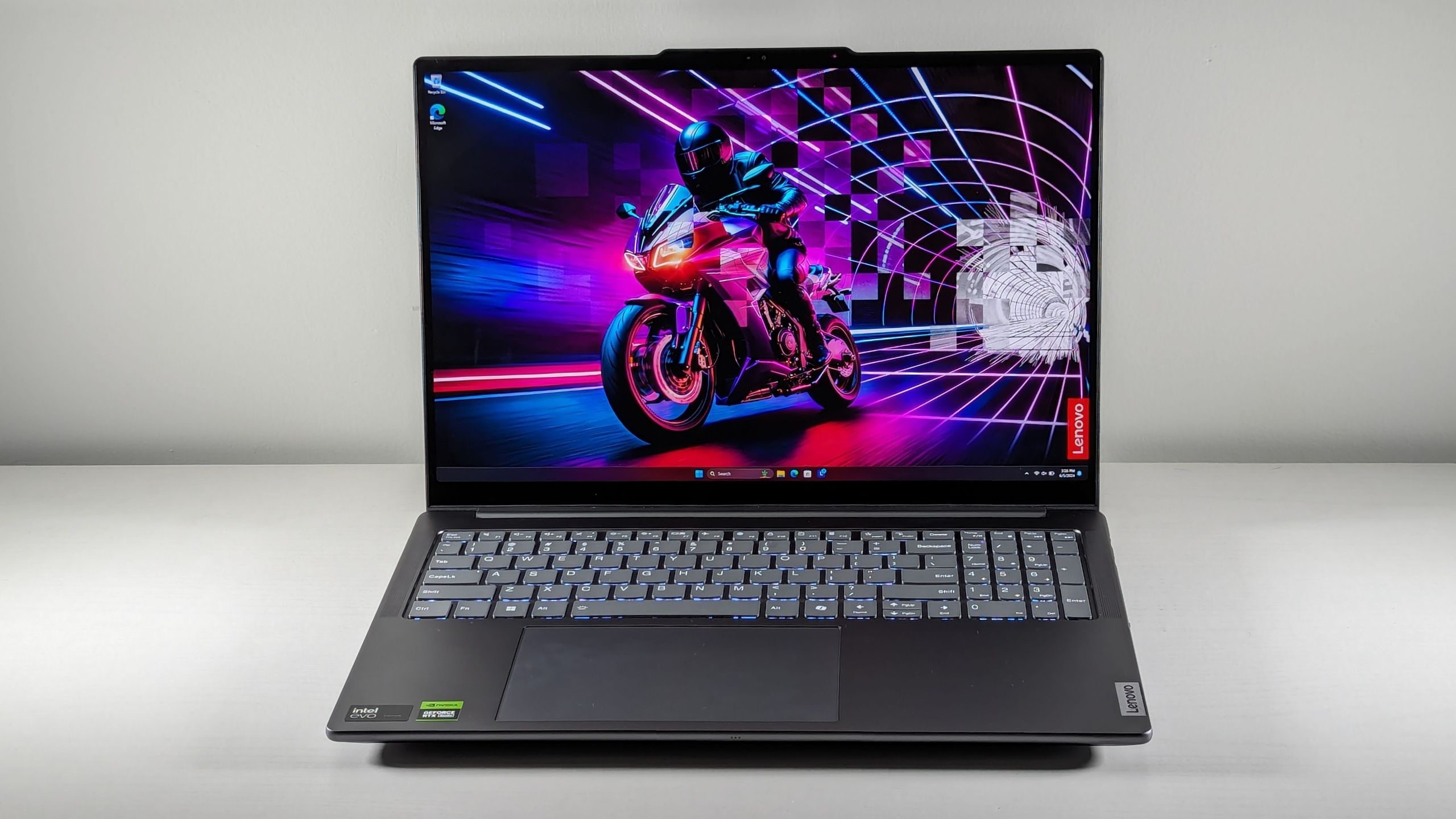
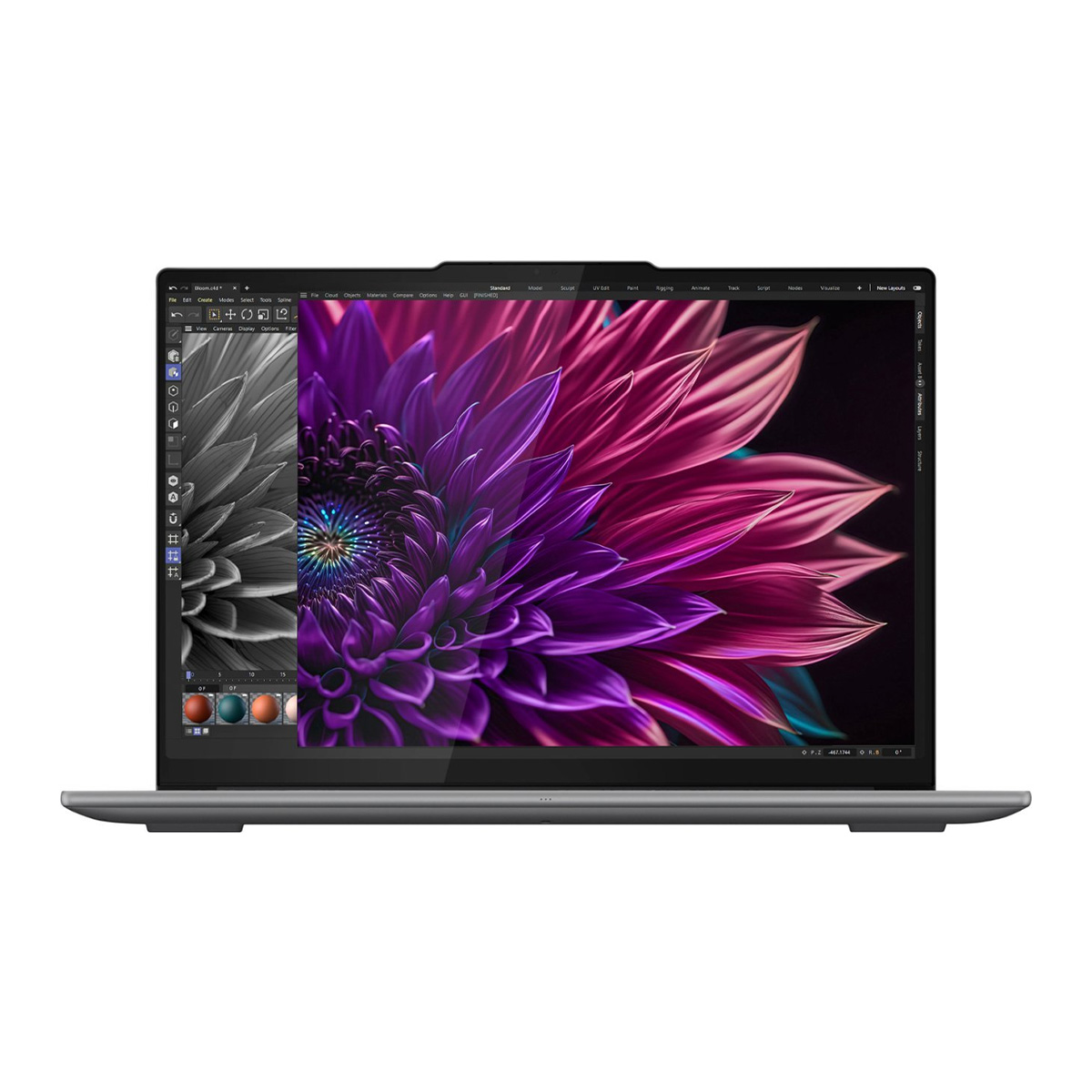
The Lenovo Yoga Pro 9i 16 Gen 9 remains our top recommendation for the general creative population. It successfully marries a high-end Intel Core Ultra 9 185H processor with an Nvidia GeForce RTX 4050, offering a balanced performance profile that handles complex 3D effects and large-scale filtering without thermal throttling. Its 16-inch display, which covers over 105% of the DCI-P3 color gamut, serves as a benchmark for color fidelity in the current laptop category.
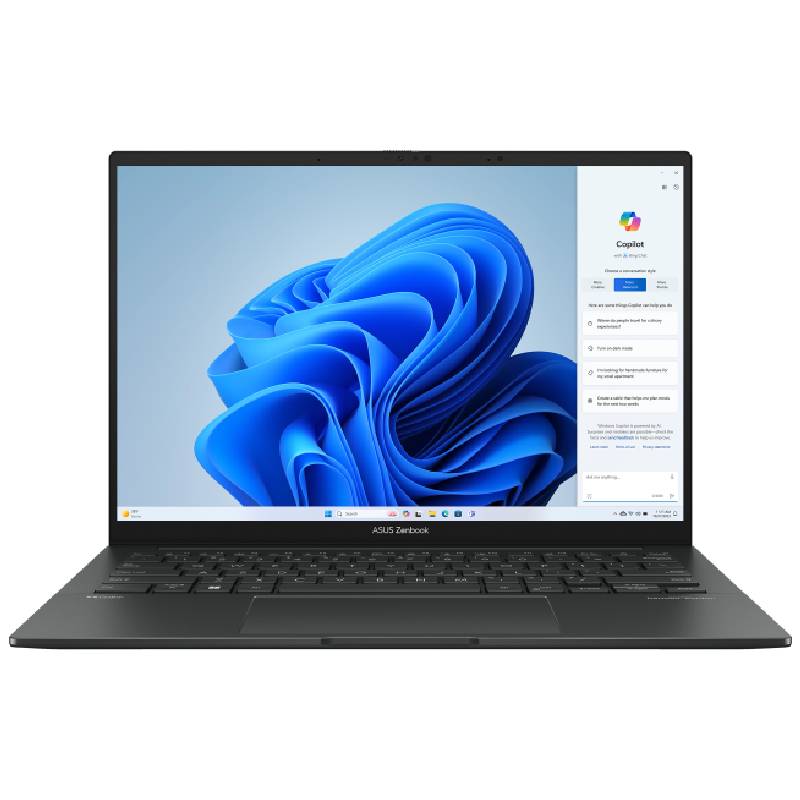
For those operating under a stricter budget, the Asus Zenbook 14 OLED (Q425) continues to provide the best value. Despite relying on integrated Intel Arc graphics, the machine’s efficiency—boasting nearly 16 hours of battery life—makes it an exceptional choice for photographers who prioritize mobility. While it lacks the raw power of a workstation for 3D rendering, it excels at standard image editing, color grading, and asset management.
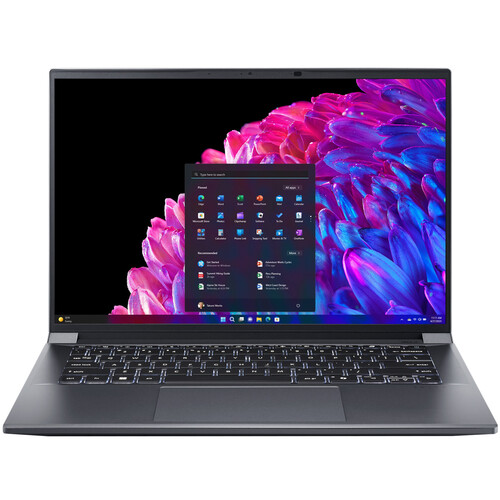
Moving into the mid-tier, the Acer Swift X 14 (2024) stands out for its portability. Weighing only 2.6 pounds, it integrates an Nvidia RTX 4070, a feat of engineering that allows for significant GPU power in a chassis that easily fits into a standard backpack. It bridges the gap between ultra-portables and heavy-duty workstations.
The Professional and Workstation Landscape
At the high end of the market, the Apple MacBook Pro 16-inch with the M4 Pro chip continues to dominate for users within the macOS ecosystem. The M4 Pro’s architecture, combined with Apple’s Liquid Retina XDR display, provides a seamless experience for professional workflows. With battery life exceeding 20 hours in real-world testing, it remains the gold standard for long-form, on-the-go production.
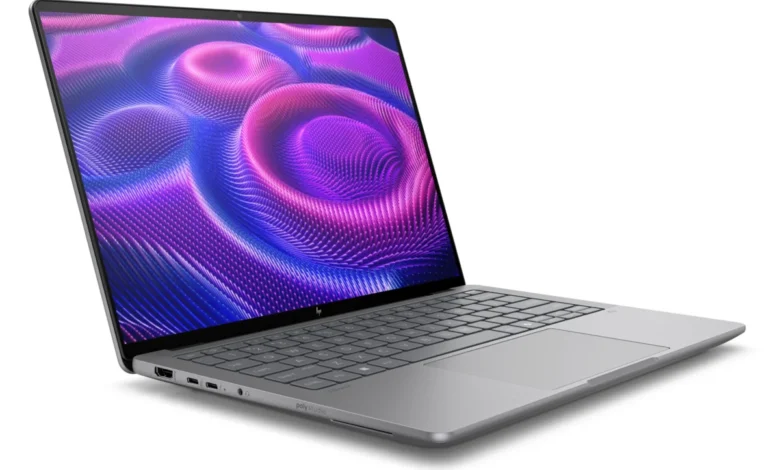
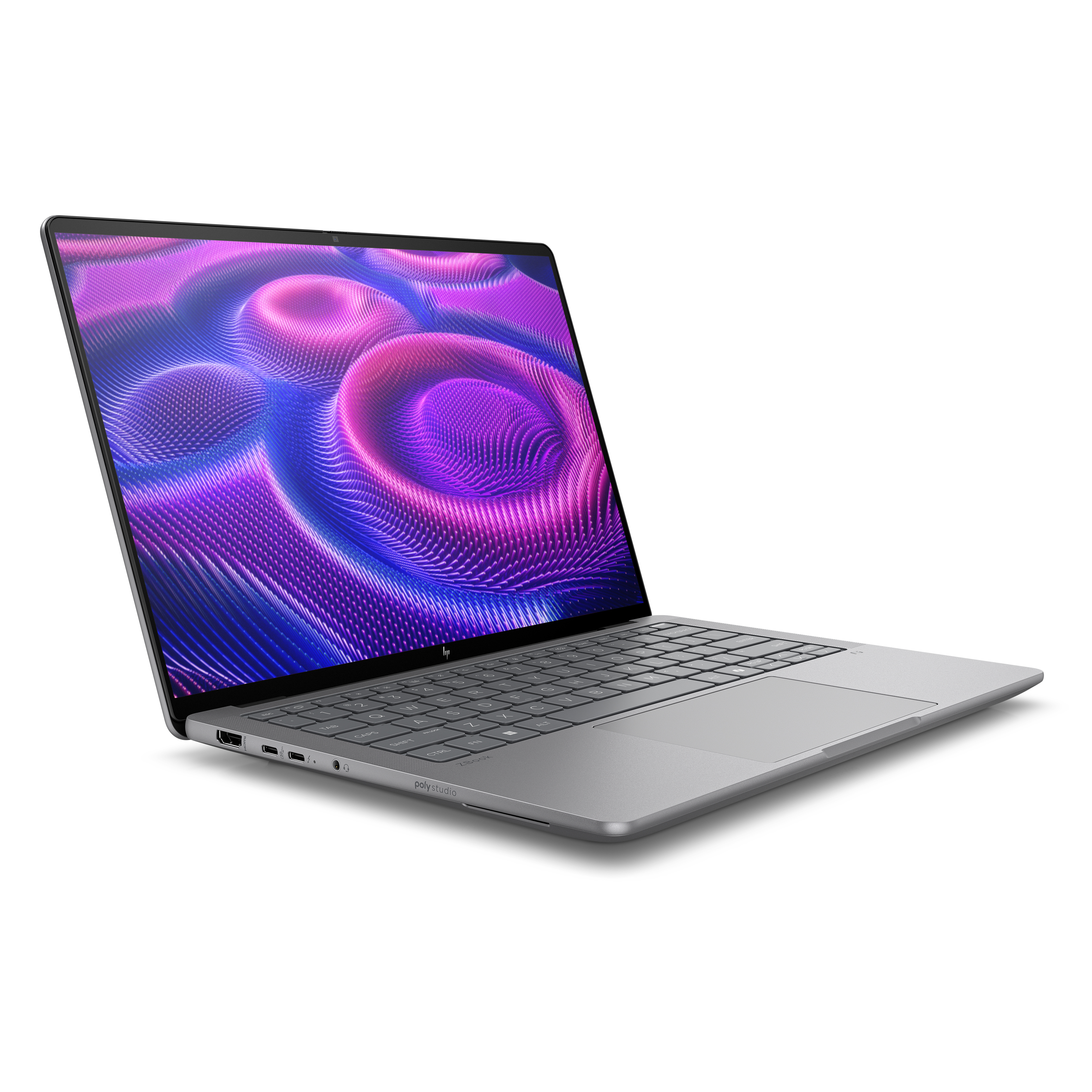
For Windows-based power users, the HP ZBook Ultra 14 G1a represents the pinnacle of mobile workstation technology. Following its recognition at CES 2025, this machine has set a new standard for portable performance. With up to 128GB of RAM and the AMD Ryzen AI Max+ Pro 395, it is explicitly designed for users who handle massive, multi-layered Photoshop files alongside other heavy creative applications like Premiere Pro or 3D animation software.
Technical Benchmarks and Performance Analysis
Understanding the data behind these recommendations is essential for making an informed purchase. Based on our laboratory testing, there is a clear divide between "workhorse" machines and "powerhouse" workstations.
In Geekbench 6 testing, the MacBook Pro 16 M4 Pro achieved a score of 22,822, dwarfing the category average. However, the HP ZBook Ultra 14 G1a followed closely at 17,721, proving that Windows-based machines have largely closed the performance gap that existed in previous years.
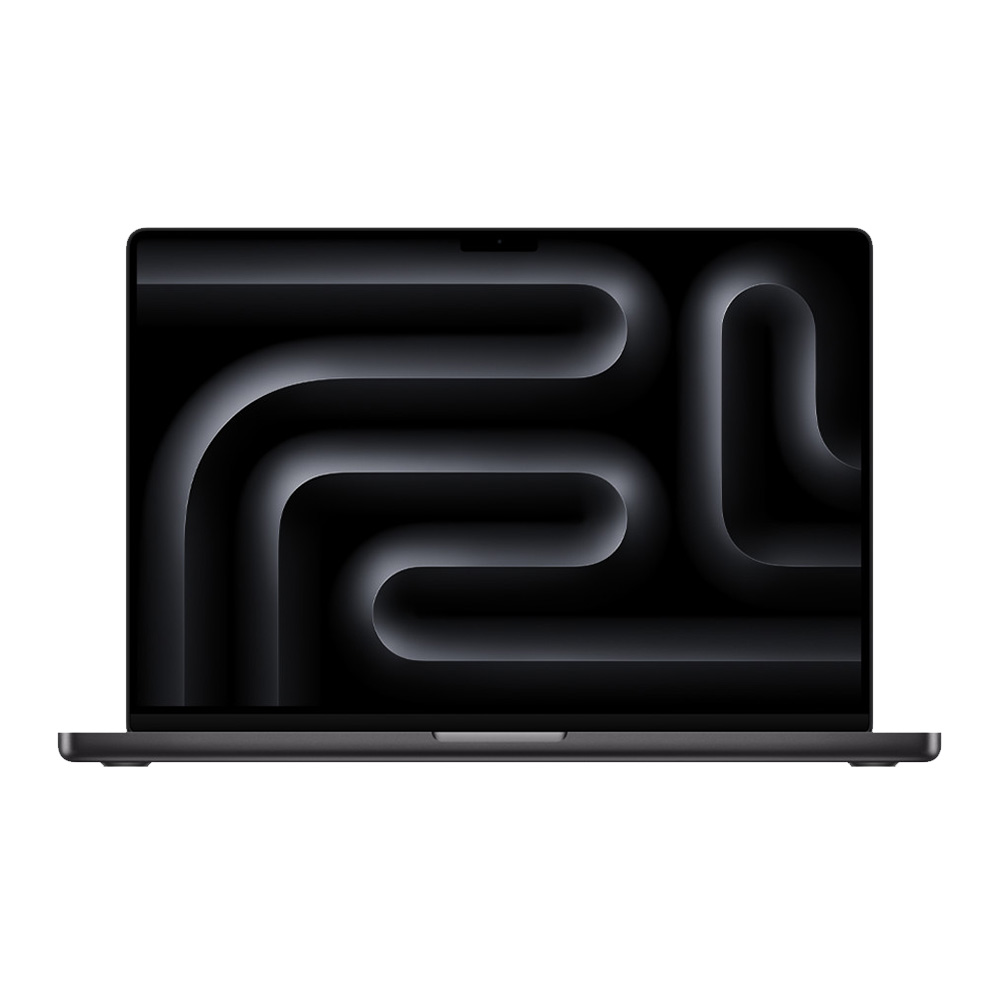
Handbrake transcoding tests reveal similar results. The ZBook completed a 4K to 1080p conversion in 2 minutes and 34 seconds, narrowly beating the MacBook Pro’s 2 minutes and 38 seconds. These figures underscore that for professional editors, the choice between these two platforms now rests more on operating system preference and software ecosystem compatibility than on raw processing speed.
Crucial Hardware Considerations for Photoshop
When selecting a machine, users must prioritize specifications that directly impact their specific workflow.
- Processor (CPU): A high-performance chip is the bedrock of your system. We recommend a minimum of an Intel Core Ultra 7 or an AMD Ryzen 7. These processors handle the complex calculations required for filters and RAW file processing.
- Memory (RAM): 16GB is the absolute minimum for modern Photoshop. However, for professionals handling large print files or massive batches, 32GB to 64GB is recommended. Unlike storage, RAM is rarely upgradeable after purchase, so it is worth the initial investment.
- Storage: A 512GB SSD is the baseline, but 1TB is preferred. Since Photoshop creates large scratch disks, having a fast internal drive is critical. External storage should be reserved for archiving finished projects rather than active working files.
- Display: The display is the most important hardware component for a photographer. Aim for a resolution of at least 2560 x 1440 (QHD). OLED panels are highly recommended for their "true blacks" and high color gamut coverage, which is essential for accurate photo grading.
The "Snapdragon" Caveat
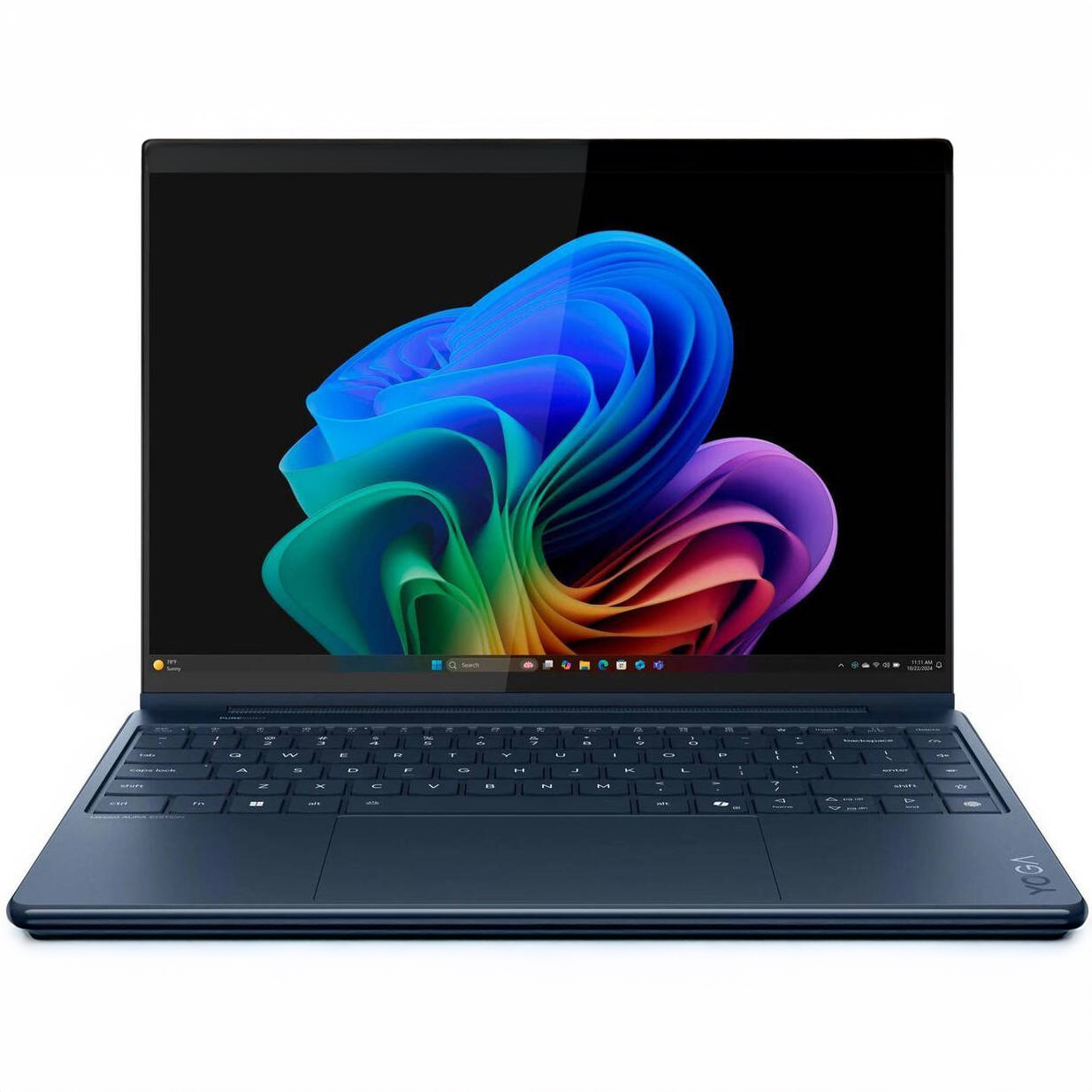
A frequent question in 2025 involves the viability of the new Qualcomm Snapdragon X Elite laptops for creative work. While these ARM-based machines offer incredible battery life and efficiency, the creative software ecosystem is still in transition. Adobe has released native versions of Photoshop and Lightroom for these chips, but other essential tools—including portions of the Creative Cloud suite—still run through emulation. For users whose workflow relies on a mix of Adobe tools, we advise sticking to Intel, AMD, or Apple Silicon for the time being to avoid potential compatibility issues or performance bottlenecks.
Final Implications for the Creative Industry
The rapid advancement of these laptops suggests a broader trend in the industry: the lines between "office" laptops and "creative" workstations are blurring. The portability offered by machines like the Acer Swift X 14 and the HP ZBook Ultra 14 means that photographers are no longer tethered to desktop units to perform high-level editing.

However, this increased performance comes at a cost. The high-end segment, specifically workstation-class laptops, now frequently exceeds the $3,000 to $4,000 price point. Professionals must evaluate whether their specific output requires this level of investment or if a mid-range machine, complemented by an external color-accurate monitor, provides a more cost-effective path to professional results.
As we look toward the remainder of 2025, the focus will likely shift further toward AI-integrated hardware. With Adobe continuing to push the boundaries of machine learning within Photoshop, the laptops that excel will be those that can best handle the thermal and memory demands of these local AI processes. For now, the models listed in this guide provide the most reliable, high-performance options for creators looking to upgrade their hardware and, by extension, their creative potential.