BYD Accelerates Global EV Adoption with Five Minute Flash Charging Technology Rolling Out to Mass Market Models

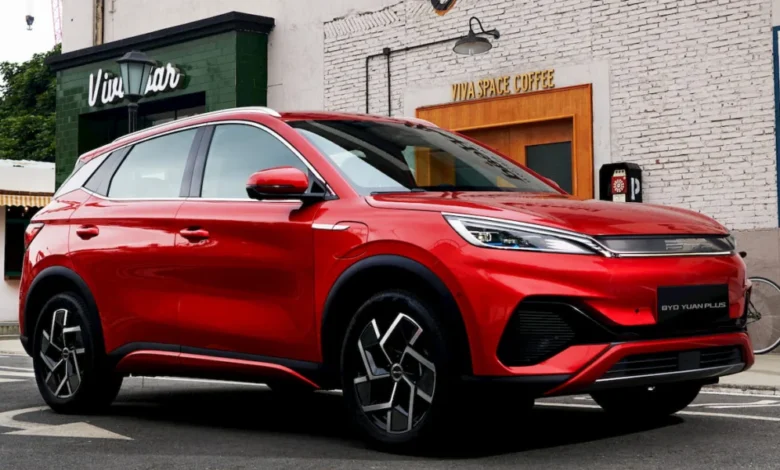
The global electric vehicle landscape is undergoing a seismic shift in charging capabilities as BYD, the world’s leading manufacturer of new energy vehicles, officially expands its revolutionary Flash Charging system from luxury segments into its high-volume, mass-market lineup. Following the successful debut of the technology in premium models such as the Yangwang U7 and the Denza Z9 GT, the Chinese automotive giant has confirmed that its best-selling Yuan Plus—known internationally as the Atto 3—will be the next to receive the ultra-fast charging upgrade. This move signals a strategic pivot by BYD to eliminate range and charging anxiety for the average consumer, potentially resetting the standard for the global EV industry.
The centerpiece of this technological leap is the combination of BYD’s second-generation Blade Battery and a high-capacity charging infrastructure capable of delivering up to 1,500 kW of power. Under the company’s new "Ready in 5, Full in 9, Cold Add 3" protocol, vehicles equipped with this system can replenish their battery from 10% to 70% in just five minutes. A near-full charge, defined as reaching 97% capacity from a 10% baseline, is achieved in approximately nine minutes. These figures represent a significant improvement over current industry leaders, where a 10% to 80% charge typically requires 18 to 30 minutes on a 350 kW DC fast charger.
Technical Foundations: Blade Battery 2.0 and the 1,500 kW Frontier
The transition to five-minute charging is rooted in the evolution of BYD’s proprietary Blade Battery technology. Originally launched in 2020, the Blade Battery utilized a Lithium Iron Phosphate (LFP) chemistry arranged in a long, thin, "blade-like" structure that optimized space and improved thermal stability. The 2.0 iteration, which powers the Flash Charging system, features enhanced ion conductivity and a redesigned thermal management system. These improvements allow the cells to handle the immense heat generated by high-voltage charging without compromising the battery’s lifespan or safety.

To support these speeds, BYD has developed 1,500 kW Flash Chargers. For perspective, this power output is nearly six times higher than Tesla’s V3 Superchargers, which peak at 250 kW, and significantly higher than the 350 kW to 400 kW chargers currently being deployed by networks like Ionity or Electrify America. The infrastructure utilizes liquid-cooled cables to manage the extreme electrical current, ensuring that the charging handle remains manageable for the consumer while maintaining peak efficiency.
One of the most critical aspects of the Flash Charging system is its performance in adverse conditions. Standard EV batteries often suffer from significantly reduced charging speeds in cold climates due to increased internal resistance. BYD’s "Cold Add 3" principle addresses this by utilizing an advanced internal heating system. Even at temperatures as low as -30°C, the system can charge from 20% to 97% in just 12 minutes—only three minutes longer than in temperate conditions. This capability is expected to be a major selling point in Northern Europe, Canada, and the northern United States, where winter performance remains a primary concern for prospective EV buyers.
From Luxury to Mass Market: The Third-Generation Yuan Plus
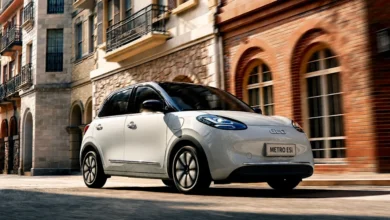
While the Yangwang U7 and Denza Z9 GT served as the technological vanguards for Flash Charging, the integration of this tech into the Yuan Plus (Atto 3) marks a turning point for BYD’s global strategy. The Yuan Plus has been a cornerstone of BYD’s international expansion, ranking as the 13th best-selling electric vehicle globally in 2025 with over 223,000 units delivered. By bringing flagship-level charging speeds to a vehicle with a starting price of approximately 115,800 yuan ($17,000) in China, BYD is effectively commoditizing ultra-fast charging.
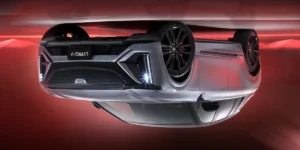
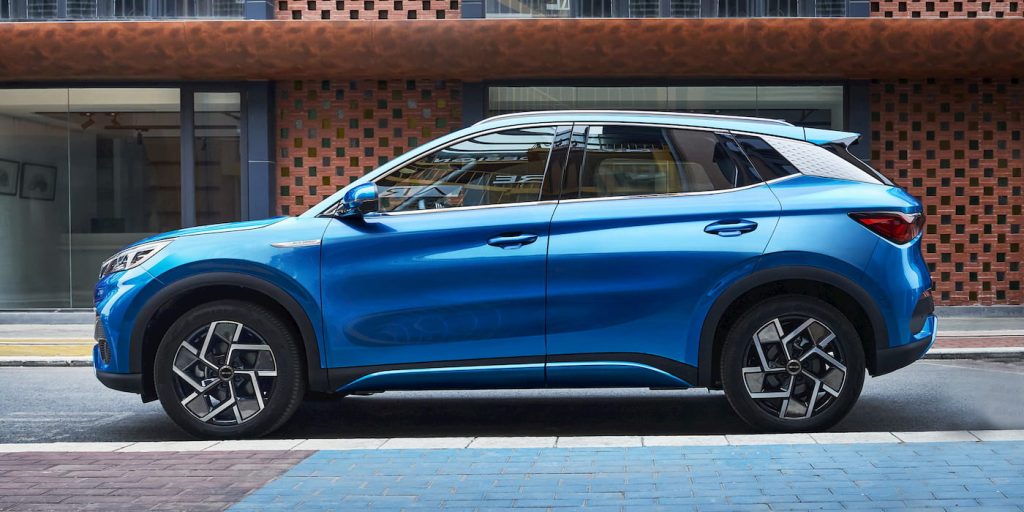
The third-generation Yuan Plus is slated for its global debut at the Beijing Auto Show on April 24. Recent filings with China’s Ministry of Industry and Information Technology (MIIT) provide a detailed look at the upgraded specifications. The new model will be larger than its predecessor, measuring 4,665 mm in length and 1,895 mm in width, positioning it more closely to the Tesla Model Y in terms of interior volume.
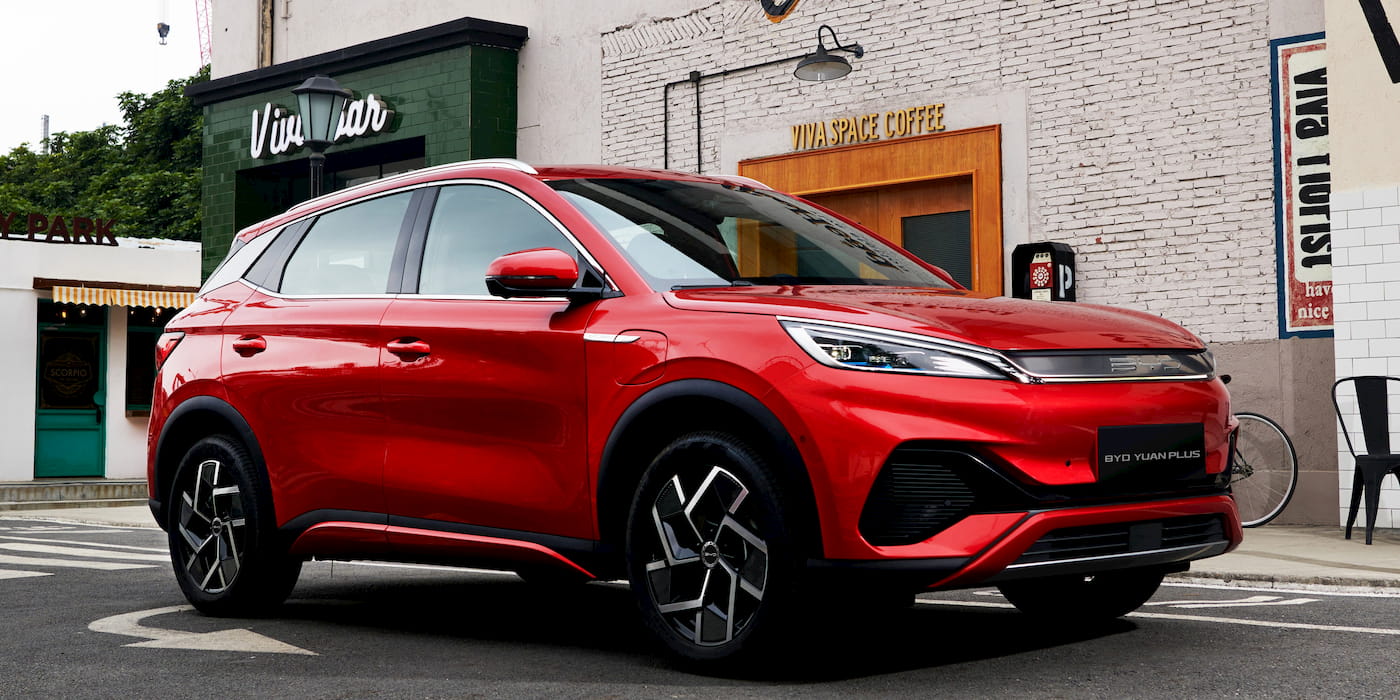
The vehicle will offer two distinct battery configurations: a 57.545 kWh pack providing a CLTC-rated range of 540 km (335 miles), and a larger 68.547 kWh pack offering up to 630 km (391 miles). Beyond the battery, the powertrain receives a significant boost. The entry-level motor will produce 268 hp (200 kW), while a high-performance variant will offer 322 hp (240 kW). These performance figures, combined with the ability to add hundreds of kilometers of range in the time it takes to buy a coffee, are designed to maintain the model’s competitiveness against a wave of new, low-cost domestic rivals in China.
Global Rollout and Market Reactions
BYD’s executive vice president, Stella Li, has emphasized that the global rollout of Flash Charging is a key pillar of the brand’s identity as it enters mature markets. The Denza Z9 GT, a luxury electric shooting brake, was recently introduced in Europe with a starting price of €115,000 ($134,500). Li described the Z9 GT as the "perfect choice" to introduce the Flash Charging revolution to European consumers, setting the stage for the technology to trickle down to the Atto 3 and Dolphin models in international markets.
Industry analysts suggest that BYD’s move is a direct response to the intensifying price and technology war in the Chinese automotive sector. With companies like Xiaomi and Huawei entering the EV space with highly integrated software and rapid development cycles, traditional hardware advantages are being challenged. BYD is betting that superior battery physics and charging infrastructure will remain the ultimate differentiator for consumers.
"The speed of charging is the final hurdle for mass EV adoption," noted a senior automotive analyst. "If a consumer can charge their car as quickly as they can fill a tank of gasoline, the primary psychological barrier to switching from internal combustion engines is removed. BYD is not just selling a car; they are selling a refueling experience that matches 100 years of consumer habits."
Infrastructure Challenges and Grid Integration
Despite the technical prowess of the 1,500 kW system, the rollout faces significant logistical hurdles, particularly regarding the electrical grid. A single 1,500 kW charger draws as much power as several hundred average homes combined. To mitigate the strain on local grids, BYD is reportedly exploring the integration of stationary energy storage systems (BESS) at its Flash Charging stations. These "buffer" batteries can slowly draw power from the grid during off-peak hours and discharge it rapidly when a vehicle plugs in, ensuring consistent charging speeds without requiring massive grid upgrades at every location.
In Europe and Southeast Asia, where BYD is aggressively expanding, the company is expected to partner with local energy providers to establish Flash Charging hubs. This vertical integration—controlling everything from the lithium mining and battery cell production to the charging station hardware—gives BYD a cost advantage that few other manufacturers can match.
Chronology of BYD’s Charging Evolution
The journey to five-minute charging has been a multi-year endeavor for BYD:
- March 2020: BYD launches the first-generation Blade Battery, emphasizing safety (the "Nail Penetration Test") over raw charging speed.
- 2021–2023: BYD expands its e-Platform 3.0, introducing 800V high-voltage architectures in the Seal and Dolphin models, reducing 10-80% charge times to under 30 minutes.
- March 2026: BYD officially announces the Blade Battery 2.0 and the 1,500 kW Flash Charging system. The Yangwang U7 is named the first recipient.
- April 2026: Denza Z9 GT orders open in Europe, marking the first international appearance of Flash Charging.
- April 15, 2026: Regulatory filings reveal the third-generation Yuan Plus (Atto 3) will feature the technology, bringing it to the mass market.
- April 24, 2026: Scheduled global debut of the new Yuan Plus at the Beijing Auto Show.
Broader Implications for the Automotive Industry
The democratization of ultra-fast charging is likely to force other automakers to accelerate their own research and development. While Tesla’s Supercharger network remains the most extensive and reliable, its peak charging speeds are now being surpassed by Chinese manufacturers. European legacy automakers, such as Volkswagen and BMW, are currently focused on 800V architectures, but BYD’s jump to 1,500 kW capacity suggests the goalposts are moving faster than the traditional industry lifecycle can accommodate.

Furthermore, the focus on cold-weather charging performance addresses a long-standing criticism of LFP batteries. By proving that LFP can charge rapidly at -30°C, BYD is defending its preferred chemistry against more expensive Nickel Cobalt Manganese (NCM) alternatives. This has profound implications for the cost structure of the global EV market, as LFP is significantly cheaper and more sustainable to produce.
As the Beijing Auto Show approaches, the industry’s eyes are on BYD to see how it will price the new Yuan Plus. If the company can maintain its aggressive pricing while offering five-minute charging, it may not only win back domestic market share but also accelerate its dominance in the global shift toward electrification. The "Ready in 5" era has officially begun, and it is starting with the vehicles most likely to be found in the driveways of everyday consumers.