The Evolution of Mobile Workstations: Powering Professional Creativity in 2025

The landscape of professional computing is undergoing a significant transformation as mobile workstations evolve into increasingly powerful and efficient tools, capable of handling the most demanding tasks from 4K video editing to complex 3D rendering and advanced simulations. These specialized laptops, featuring workstation-optimized GPUs like Nvidia’s RTX A-series or Ada Generation and cutting-edge CPUs from Intel, AMD, and Apple, are no longer just portable compromises but essential instruments for creative professionals and engineers. The latest generation of these machines demonstrates a remarkable balance of raw processing power, graphical fidelity, and often, surprising battery longevity, catering to an industry where performance and mobility are paramount.
A Decade of Transformation: From Desktop Replacements to Portable Powerhouses
The concept of a mobile workstation has undergone a dramatic evolution over the past decade. Initially, these machines were essentially bulky, often unwieldy laptops designed to replicate desktop performance, sacrificing portability for power. They featured early generations of dedicated graphics cards and multi-core processors, but their thermal management, battery life, and sheer weight limited their practical application outside a fixed desk. However, relentless innovation in semiconductor technology, thermal engineering, and display manufacturing has reshaped this category entirely.
The introduction of specialized mobile workstation GPUs, such as Nvidia’s Quadro line (now largely succeeded by the RTX A-series and Ada Generation for professional applications), marked a critical turning point. These GPUs, distinct from their gaming counterparts, offer certified drivers for professional software (like Adobe Creative Suite, Autodesk AutoCAD, Dassault Systèmes SOLIDWORKS), enhanced stability, and often Error-Correcting Code (ECC) memory, which is crucial for data integrity in scientific and engineering tasks. Concurrently, CPU advancements from Intel (Core i7/i9, then Xeon, and now Core Ultra) and AMD (Ryzen 7/9 and Ryzen AI) have brought desktop-class processing to laptops, while Apple’s revolutionary M-series chips have redefined power efficiency and integrated performance. This chronological progression has culminated in today’s sophisticated mobile workstations, which are not only more powerful than ever but also significantly thinner, lighter, and more capable of sustained operation away from a power outlet, directly responding to the increasing demands of modern professional workflows.
The Pillars of Performance: Unpacking Core Components
Modern workstation laptops are built upon a foundation of high-performance components meticulously selected and optimized for professional applications. Understanding these core specifications is crucial for professionals seeking the right tool for their trade.
Central Processing Units (CPUs): The Brains of the Operation
In 2025, the CPU market for workstations is fiercely competitive, with each major player offering distinct advantages. Intel’s offerings include the high-end Core Ultra 9 series, which incorporates a neural processing unit (NPU) for accelerated AI tasks, and the venerable Xeon processors, often found in top-tier configurations for mission-critical applications requiring maximum reliability and enterprise-grade features like ECC RAM support. AMD counters with its Ryzen AI 9 300 series, also featuring integrated AI acceleration, promising robust multi-core performance for tasks like complex simulations and large data computations. Apple, with its M4 Max chip, continues to push the boundaries of integrated performance, leveraging its unified memory architecture to deliver exceptional speeds and efficiency, particularly within its optimized macOS ecosystem. For instance, the Apple MacBook Pro 16 (M4 Pro, 2024) achieved a Geekbench 6 multicore score of 22,822, demonstrating its raw processing prowess, while the Lenovo ThinkPad P1 Gen 7, with its Intel Core Ultra 7 165H, scored a respectable 12,974. These figures underscore the diverse but equally potent processing options available to professionals.
Graphics Processing Units (GPUs): Visualizing the Future
The GPU is arguably the most critical component for many workstation tasks, particularly in fields like 3D rendering, video editing, and CAD. Nvidia’s RTX Ada Generation GPUs, such as the RTX 4000 or 5000 Ada Laptop series, are the gold standard. These professional-grade GPUs are engineered to handle sustained, heavy workloads and come with drivers specifically certified for industry-standard applications, ensuring stability and optimal performance. This contrasts sharply with consumer-grade gaming GPUs (e.g., GeForce RTX), which, while powerful, lack the same level of software optimization and certification crucial for professional environments. For creatives who don’t require the absolute top-tier workstation GPU, a powerful gaming-class GPU like the Nvidia RTX 4050, as seen in the Asus ProArt PX13, can offer a cost-effective alternative when paired with Nvidia’s Studio Drivers, which optimize performance for creative applications. The increasing integration of AI capabilities into these GPUs also means faster rendering, intelligent content creation, and accelerated machine learning workflows.
Random Access Memory (RAM): The Workspace for Data
For workstation users, 32GB of RAM is considered the absolute minimum, with 64GB or even higher configurations strongly recommended for intensive tasks. Applications like Adobe Premiere Pro, Blender, or CAD software can consume vast amounts of memory when dealing with large files, multiple layers, or complex models. Insufficient RAM can create a significant bottleneck, negating the benefits of a powerful CPU and GPU. The trend towards soldered RAM in thinner laptops emphasizes the importance of choosing a sufficient capacity upfront, as future upgrades may not be possible. For example, the HP ZBook Studio 16 G11’s 64GB of RAM allows it to tackle virtually any demanding application without compromise.
Storage: Speed and Capacity
While storage capacity depends on individual needs, the speed of storage is universally critical. NVMe PCIe 4.0 SSDs are the current standard, offering significantly faster read/write speeds compared to older SATA SSDs. These speeds are essential for quickly loading large project files, rendering scratch disks, and accelerating overall system responsiveness. Benchmarks show a wide range, from the Lenovo ThinkPad P1 Gen 7’s 2,070 MBps transfer rate to the Asus ProArt PX13’s 1,583 MBps. Professionals dealing with massive datasets or 8K video will often opt for 1TB or 2TB SSDs, or even larger configurations, prioritizing NVMe PCIe 4.0 (or newer 5.0) for optimal performance.
Displays: Precision in Every Pixel
For creatives, the display is the window to their work, and accuracy is paramount. Workstation laptops feature stunning, high-resolution (often 4K or greater), color-accurate displays. Technologies like IPS, OLED, Liquid Retina XDR (Apple), and DreamColor (HP) provide wide color gamuts (DCI-P3, Adobe RGB) and high brightness levels (nits) to ensure true-to-life color representation and excellent visibility in varying lighting conditions. The HP ZBook Studio 16 G11’s DreamColor display, covering an exceptional 113.6% of the DCI-P3 color gamut with 398 nits of brightness, exemplifies this dedication to visual fidelity. Similarly, the Apple MacBook Pro 16’s Liquid Retina XDR display boasts 565 nits average peak brightness for SDR and over 1,100 nits for HDR, making it ideal for color-critical work.
Spotlight on Leading Mobile Workstations
The market offers a diverse range of workstation laptops, each excelling in specific areas while contributing to the overall advancement of mobile professional computing.
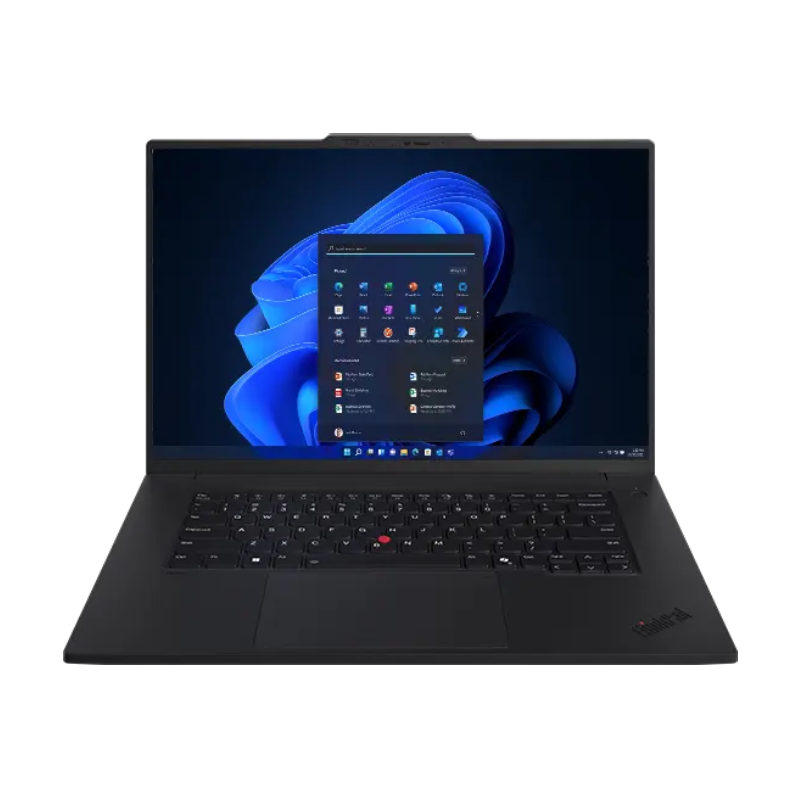
Lenovo ThinkPad P1 Gen 7: The Balanced Performer
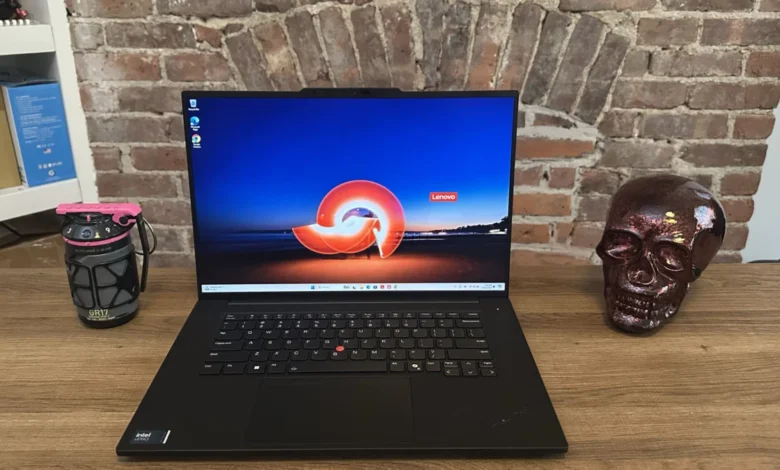
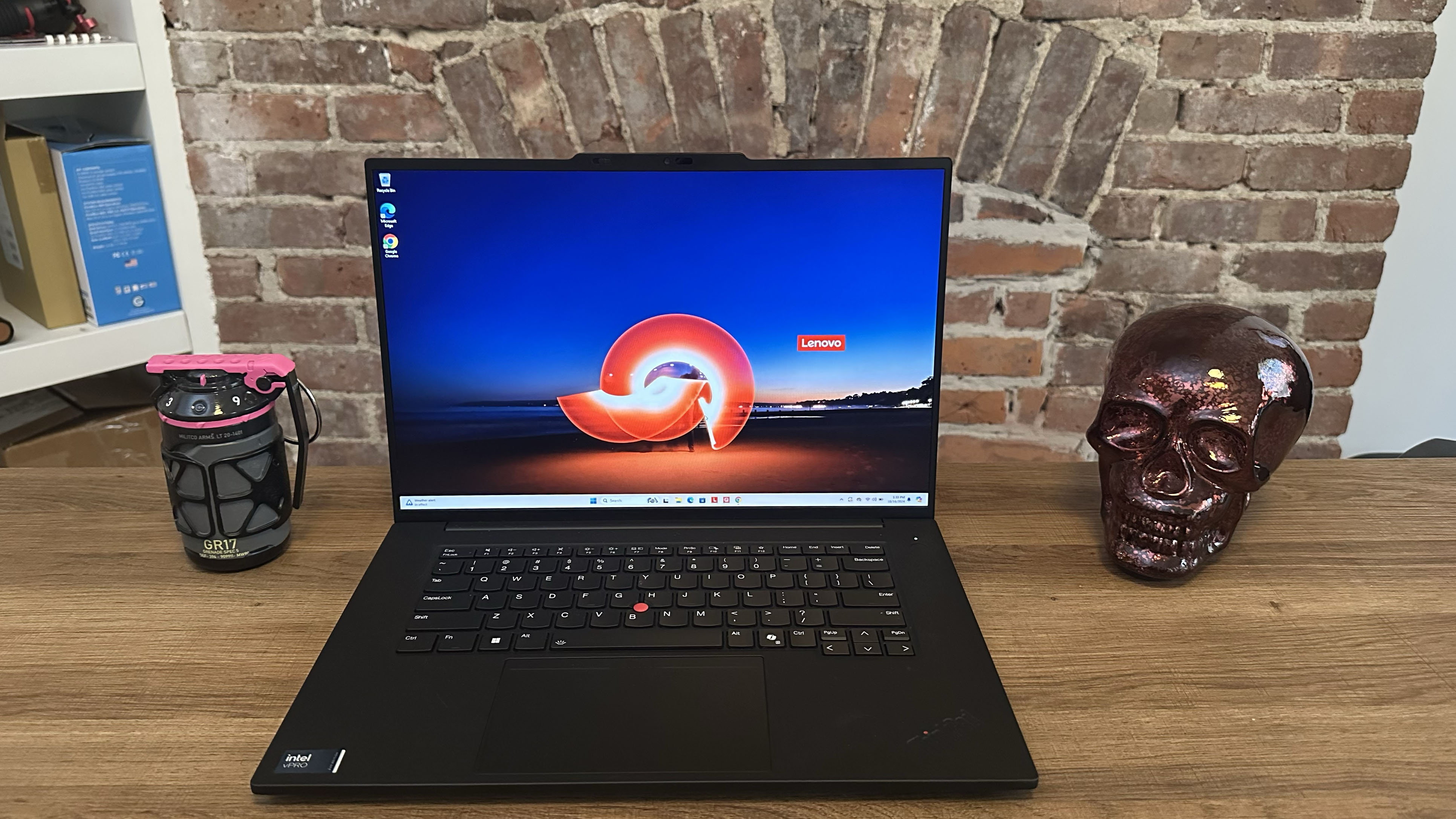
The Lenovo ThinkPad P1 Gen 7 emerges as a top contender for a broad spectrum of professionals, balancing robust performance with impressive battery life. Equipped with an Intel Core Ultra 7 165H processor and an Nvidia RTX 1000 Ada Generation GPU, it delivers excellent performance across high-intensity tasks like video editing and 3D rendering. Reviewers praise its ability to handle demanding workloads without being prohibitively expensive, making it an accessible option for many. Its exceptional battery life, clocking over 17 hours in web surfing tests, provides unparalleled mobility for professionals on the go. While its display, covering 78.6% DCI-P3 at 386 nits, is respectable, it offers 4K OLED configuration options for those needing higher fidelity. Its comprehensive port selection (USB Type-A, Type-C, HDMI, SD card reader) further enhances its utility, though its webcam quality is noted as a minor drawback.
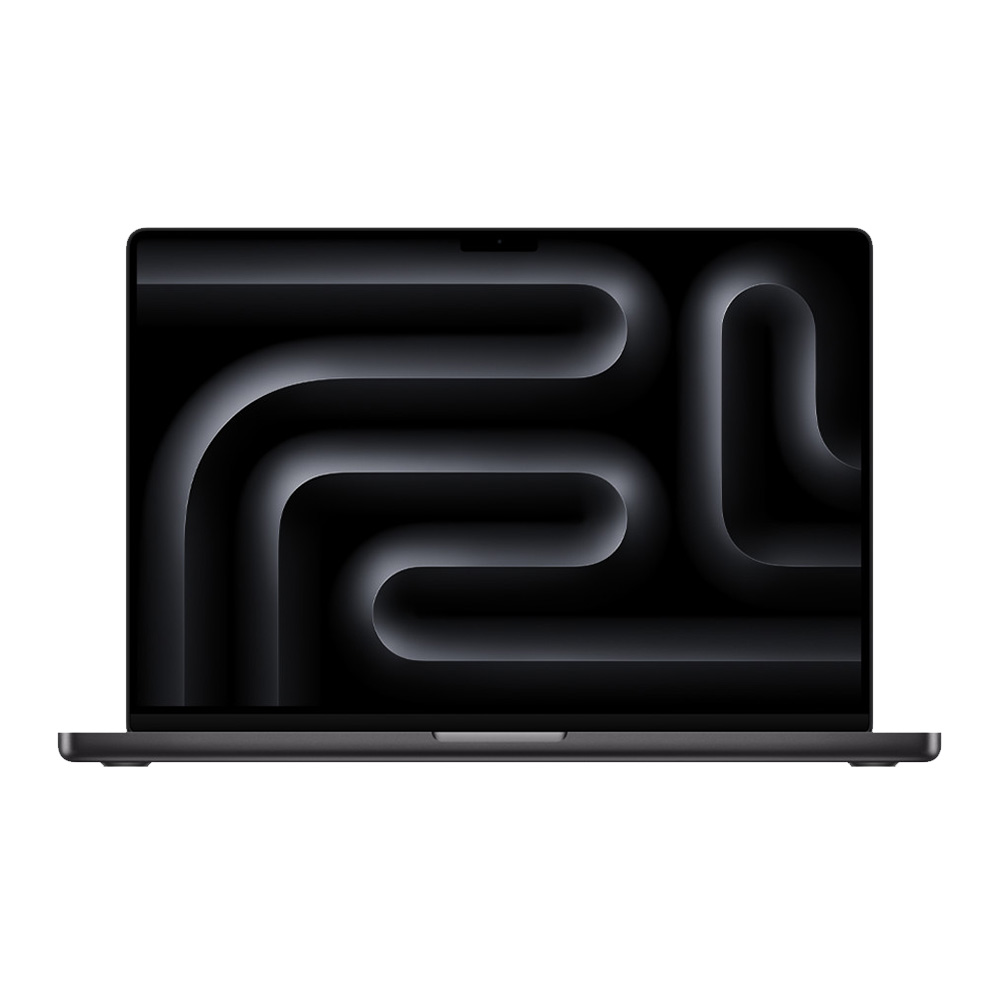
Apple MacBook Pro 16 (M4 Pro, 2024): The Endurance and Performance King
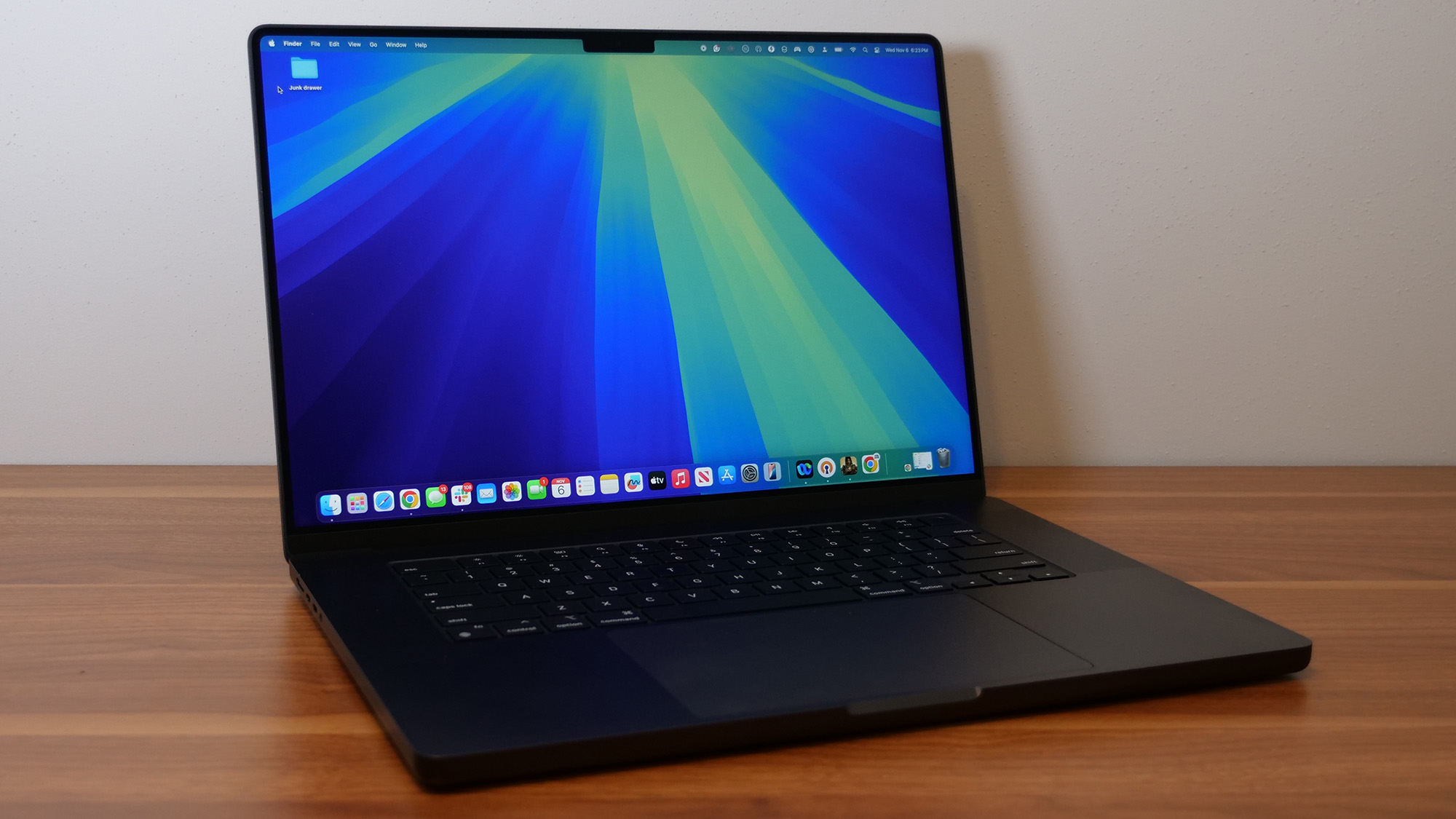
For macOS adherents, the Apple MacBook Pro 16 (M4 Pro, 2024) represents the zenith of mobile workstation capabilities. Powered by the M4 Pro 14-core CPU and M4 Pro 20-core GPU, it delivers "unmatched performance" that even surpasses previous M3 Max chips, as evidenced by its Geekbench 6 multicore score of 22,822 and a blazing-fast 4K video encoding time of just 2 minutes and 38 seconds. This powerhouse is complemented by an "astoundingly bright" 16-inch Liquid Retina XDR display (81.4% DCI-P3, 565 nits SDR peak) and an astonishing nearly 21 hours of battery life, making it one of the longest-lasting high-performance laptops ever tested. Its premium price tag, starting at $2,499, reflects its top-tier specifications and integrated ecosystem advantages.
HP ZBook Studio 16 G11: Uncompromising Windows Power
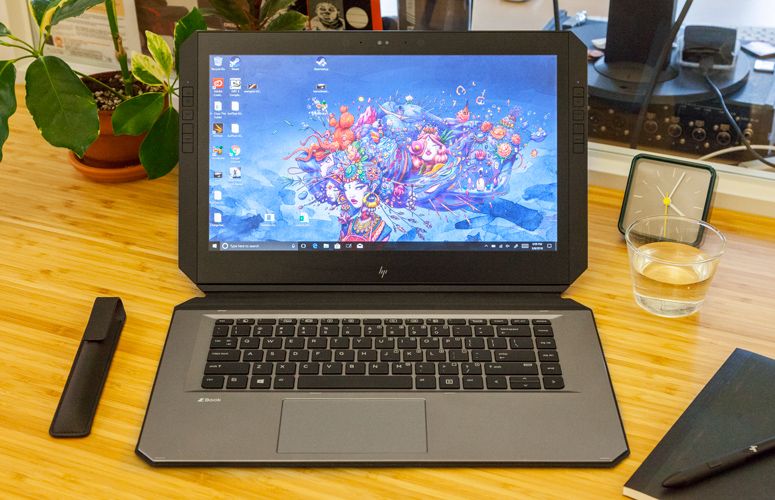
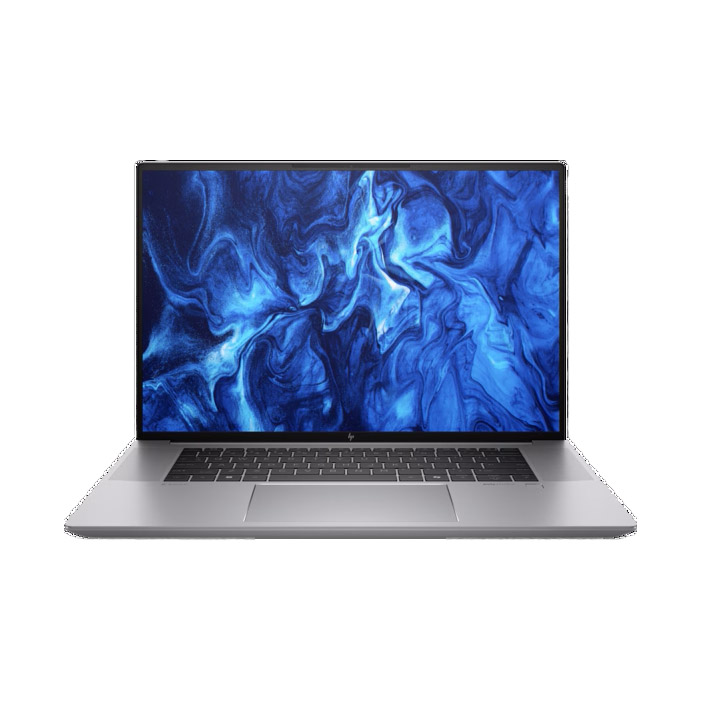
The HP ZBook Studio 16 G11 stands as a "workstation’s workstation," designed for professionals who demand the absolute maximum from their hardware and have the budget to match. Featuring an Intel Core Ultra 9 185H vPro processor, an Nvidia RTX 3000 Ada Generation GPU, and up to 64GB of RAM, this machine handles the most strenuous design, engineering, and data compilation tasks with ease. Its "gorgeous DreamColor display" covers an impressive 113.6% of the DCI-P3 color gamut and achieves 398 nits of brightness, ensuring exceptional visual accuracy. While its starting price of $3,559 (and review unit price of $7,283) is substantial, it offers unparalleled configurability and raw power within the Windows ecosystem. The trade-off for this extreme performance is a shorter battery life, averaging just under 5 hours.
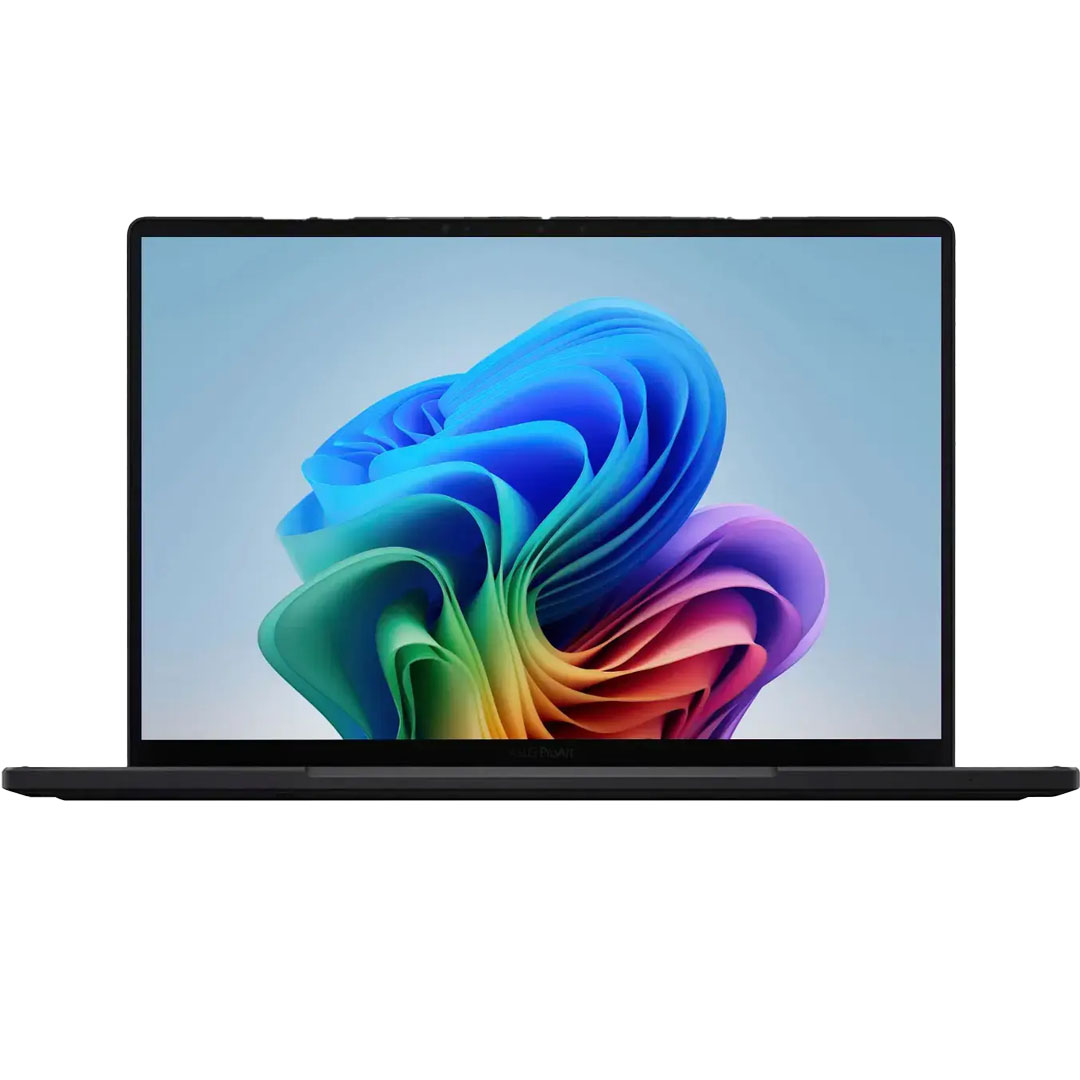
Asus ProArt PX13: Affordable AI-Powered Creativity
The Asus ProArt PX13 showcases the growing accessibility of powerful creator laptops. Priced under $2,000, it combines an AMD Ryzen AI 9 HX 370 processor with an Nvidia RTX 4050 GPU, offering impressive performance for a budget-conscious workstation. Its Geekbench 6 multicore score of 15,203 and 4K video encoding time of 3 minutes and 36 seconds demonstrate its capability. The PX13 also distinguishes itself with a sleek 2-in-1 design and a unique DialPad touchpad for enhanced creative control. Its vivid 13-inch touchscreen display covers 80% DCI-P3 at 350 nits. While its battery life of just under 10 hours is decent for a discrete GPU workstation, it doesn’t match the endurance of Apple or Lenovo’s more efficient models.
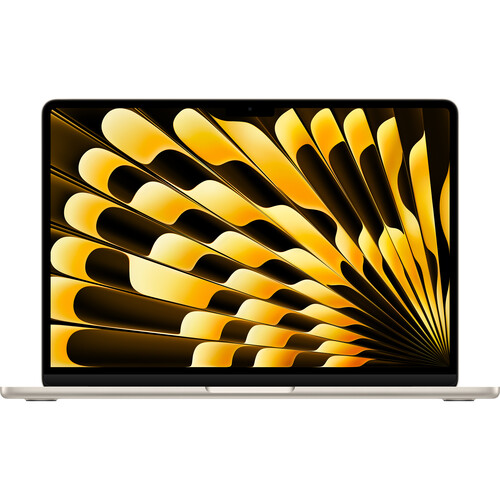
Apple MacBook Air 13 (M4, 2025): Entry-Level Professional Value
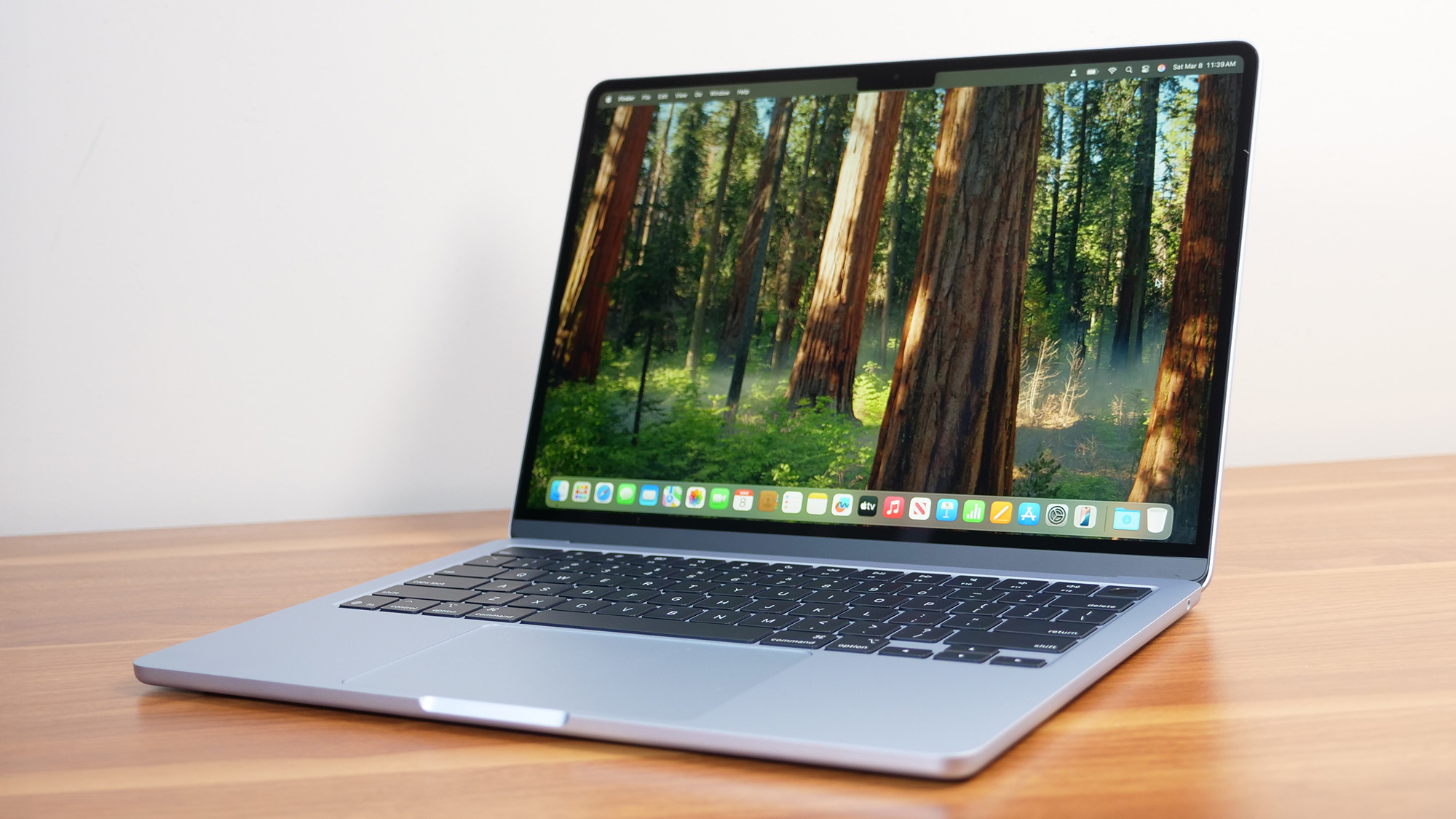
Challenging traditional notions of a workstation, the Apple MacBook Air 13 (M4, 2025) proves that even ultra-portable, sub-$1,000 laptops can handle significant creative workloads. With an Apple M4 (10-core) CPU and GPU, 16GB RAM, and a bright Liquid Retina display (79.6% DCI-P3, 463 nits), it delivers "excellent performance" (Geekbench 6 multicore: 14,849) and an outstanding 15.5 hours of battery life. While it lacks a discrete workstation GPU, its M4 chip is remarkably capable for many photo and video editing tasks. Its extreme portability (0.44 inches thick, 2.7 pounds) and competitive pricing make it an "undeniable value" for creatives seeking an efficient, highly mobile device, though its limited port selection and expensive upgrades are considerations.
Emerging Trends and Broader Implications for Professionals
The current generation of workstation laptops is not merely an incremental upgrade but a reflection of deeper technological shifts and evolving professional needs.
The Rise of AI Acceleration

A significant trend is the pervasive integration of AI acceleration, driven by dedicated NPUs in Intel Core Ultra and AMD Ryzen AI processors, and Apple’s Neural Engine. This hardware enables faster execution of AI-powered features in creative software, from intelligent image upscaling and noise reduction to generative AI tasks and real-time video effects. This marks a new era where laptops can offload complex AI computations from the CPU and GPU, leading to more efficient and responsive workflows. Industry analysts predict that AI capabilities will become a primary differentiator for professional hardware in the coming years.
The Portability vs. Power Conundrum
Manufacturers continue to grapple with the challenge of delivering maximum power in increasingly thin and light form factors. Innovations in vapor chamber cooling, advanced fan designs, and efficient chip architectures (like Apple Silicon) are pushing these boundaries. The Lenovo ThinkPad P1 Gen 7 and HP ZBook Studio 16 G11 exemplify success in this area, offering substantial power in relatively portable designs. However, as seen with the ZBook’s battery life, maintaining all-day endurance with top-tier discrete GPUs remains a significant hurdle.
Cost Considerations and Value Propositions
Workstation laptops remain a premium investment, often costing thousands of dollars due to specialized components and enterprise-grade features. However, the market is segmenting, offering choices like the Asus ProArt PX13 and even the MacBook Air M4 that provide strong creative performance at more accessible price points. This allows a wider range of professionals, from independent creators to small studios, to access powerful tools without the highest capital outlay. Bulk purchasing options for large design firms and seasonal discounts also help mitigate the sticker shock.
Operating System Ecosystems: Specialization Continues
The choice between Windows and macOS remains a fundamental decision for professionals. Windows laptops offer unparalleled hardware diversity, extensive software compatibility for niche engineering and scientific applications (including specific CAD/CAE tools), and the flexibility of discrete workstation GPUs from Nvidia. macOS, with Apple’s highly optimized M-series chips and unified memory architecture, excels in media production, graphic design, and general creative tasks, often delivering superior power efficiency and integrated performance within its curated ecosystem. The ongoing challenge for platforms like Qualcomm Snapdragon X Elite is to achieve native application support and discrete GPU options that can rival Intel, AMD, and Apple for workstation-class performance, as current emulation limitations and lack of dGPU support prevent them from being recommended for demanding professional workflows.
The Future Outlook
The trajectory of mobile workstations points towards even greater integration of AI, continued advancements in power efficiency, and increasing specialization to meet the diverse needs of professionals. The ability to perform complex calculations, render intricate designs, and edit high-resolution media on a device that fits into a backpack empowers professionals to work anywhere, anytime. This not only enhances productivity but also fosters greater creative freedom and collaboration across various industries, solidifying the mobile workstation’s role as an indispensable tool in the modern professional landscape.
Rigorous Testing for Trustworthy Recommendations
At Laptop Mag, our comprehensive review process ensures that every workstation laptop recommendation is backed by extensive, impartial testing. Each device undergoes a gauntlet of synthetic and real-world benchmarks to meticulously evaluate its performance, battery life, display quality, audio output, and thermal management. We utilize a Klein K10-A colorimeter for precise display measurements, including brightness and DCI-P3 color gamut coverage. Performance is assessed using industry-standard tools like Geekbench 6 and 3DMark, augmented by specialized SpecWorkstation and PugetBench Adobe tests for workstation-specific scenarios. Real-world tasks, such as 4K video conversion to 1080p and 25GB multimedia file duplication, further validate capabilities. Battery life is determined by continuous web surfing over Wi-Fi at a controlled brightness. This rigorous methodology, combined with extensive user experience assessments by our expert reviewers, ensures that our insights are thorough, factual, and actionable for professionals seeking the best tools for their craft.