Google Messages Rolls Out Major Interface Overhaul Featuring Floating Menus and Revised Gestures

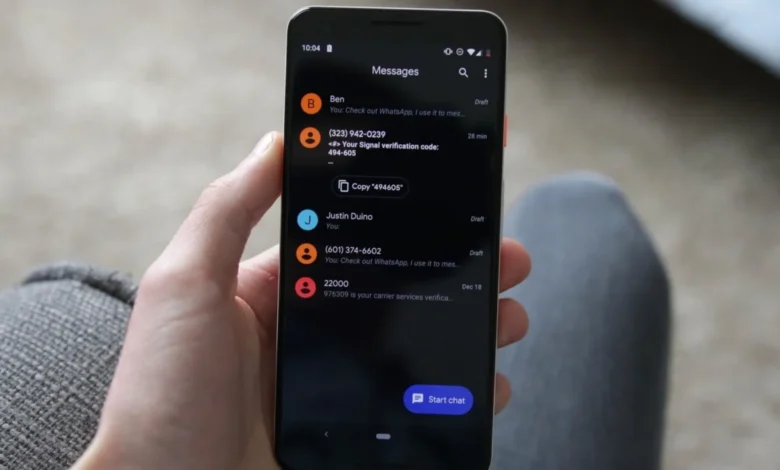
Google is introducing a comprehensive user interface redesign to its ubiquitous messaging application, Google Messages, fundamentally altering how hundreds of millions of Android users interact with their daily communications. The sweeping update, which is currently rolling out via server-side updates following application build 20260910_03_RC02, deprecates long-standing navigation mechanics in favor of more modern, context-aware interaction paradigms. By shifting from traditional top-anchored toolbars to floating contextual menus, refined swipe mechanics, and granular text-selection capabilities, Google aims to streamline mobile communication. However, these changes will require a period of adjustment as users retrain their muscle memory for everyday tasks such as copying text snippets, replying to specific threads, and inspecting message timestamps.
Evolution of the Chat Interface: A Chronology of Google Messages
The evolution of Google Messages from a basic SMS and MMS client into a feature-rich, cross-platform communication powerhouse supporting Rich Communication Services (RCS) has been marked by continuous iteration. Over the past several years, Google has sought to position its messaging application as the Android equivalent to Apple’s iMessage, integrating end-to-end encryption, high-resolution media sharing, typing indicators, and read receipts.
Historically, interacting with specific messages within a conversation relied on a rigid, top-heavy navigation structure. Long-pressing a message bubble would instantly shift the application’s primary header toolbar, replacing standard contact information and search options with a row of action icons: delete, copy, forward, and star. While functional, this paradigm often felt disconnected from the content itself, forcing users to look away from the message they were interacting with.
The transition toward contextual, localized UI elements began appearing in early developer builds through APK teardowns, where astute analysts spotted code references to floating menus and selective text copying. Throughout late 2025 and mid-2026, Google tested various iterations of these features among beta testers before greenlighting a stable public rollout. The current phase represents the culmination of these efforts, bringing dramatic changes to how everyday tasks are executed on millions of active Android devices worldwide.
Breakdown of the New Interface and Gesture Mechanics
The most immediately noticeable visual modification in the updated Google Messages application is the abandonment of the top-bar toolbar in favor of a dynamic, floating long-press menu. When a user presses and holds a message bubble, the application now generates a floating overlay directly adjacent to the selected content. Simultaneously, the background of the chat thread gracefully blurs, drawing the user’s visual focus entirely to the chosen message and its contextual options.
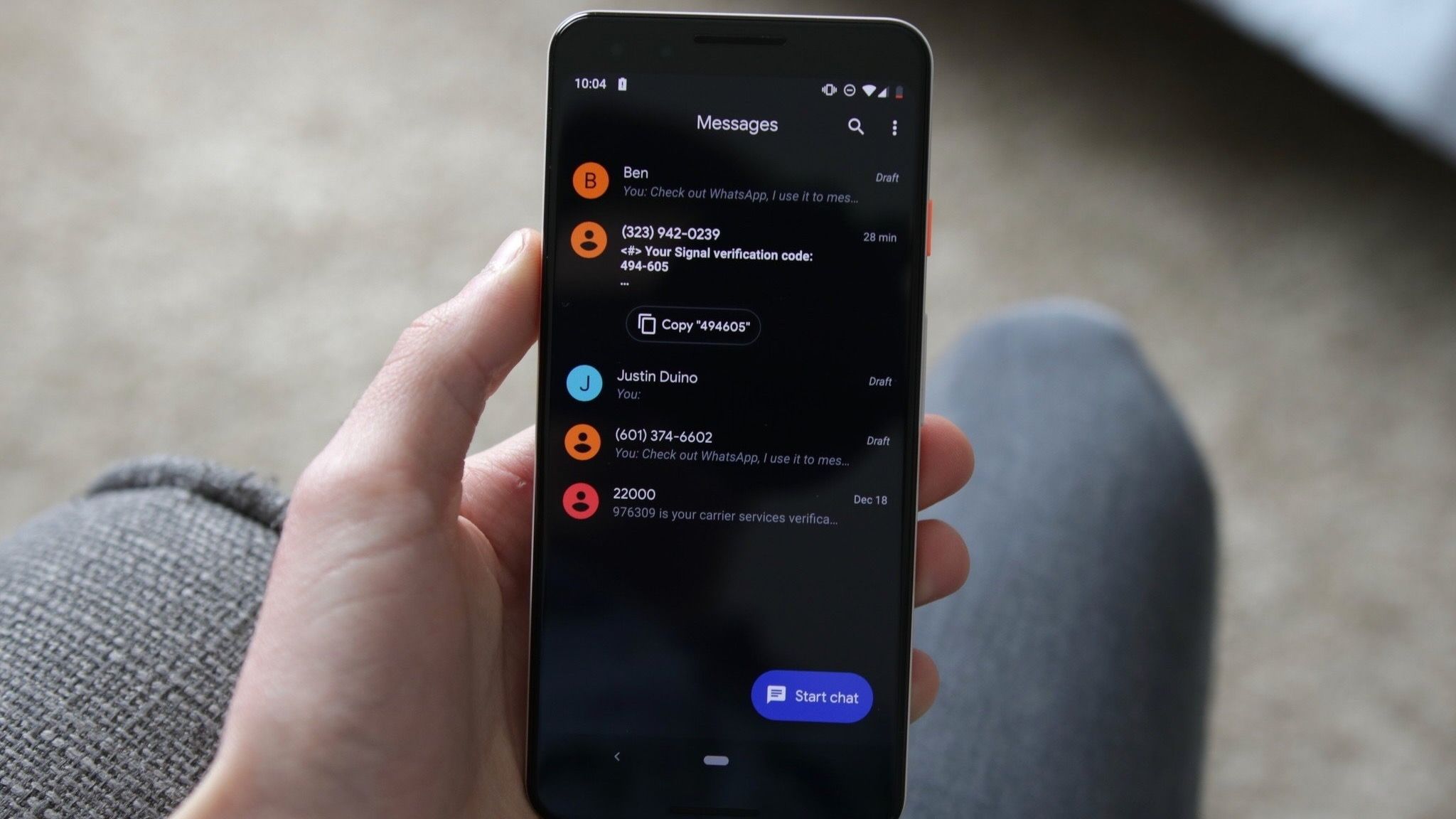
This new floating menu provides immediate access to core functions, including:
- Reply: Instantly quote and respond to a specific message.
- Forward: Share the content to another contact or chat thread.
- Copy: Transfer message text to the system clipboard.
- Star: Bookmark the message for quick retrieval later.
- Delete: Remove the message from the local thread.
- Select More: Initiate multi-selection mode for bulk actions.
- Info: View detailed delivery and read receipt status.
For media attachments such as photographs and graphics, the menu dynamically expands to incorporate specialized actions like "Save" to device storage and "Remix," leveraging Google’s integrated artificial intelligence and editing capabilities.
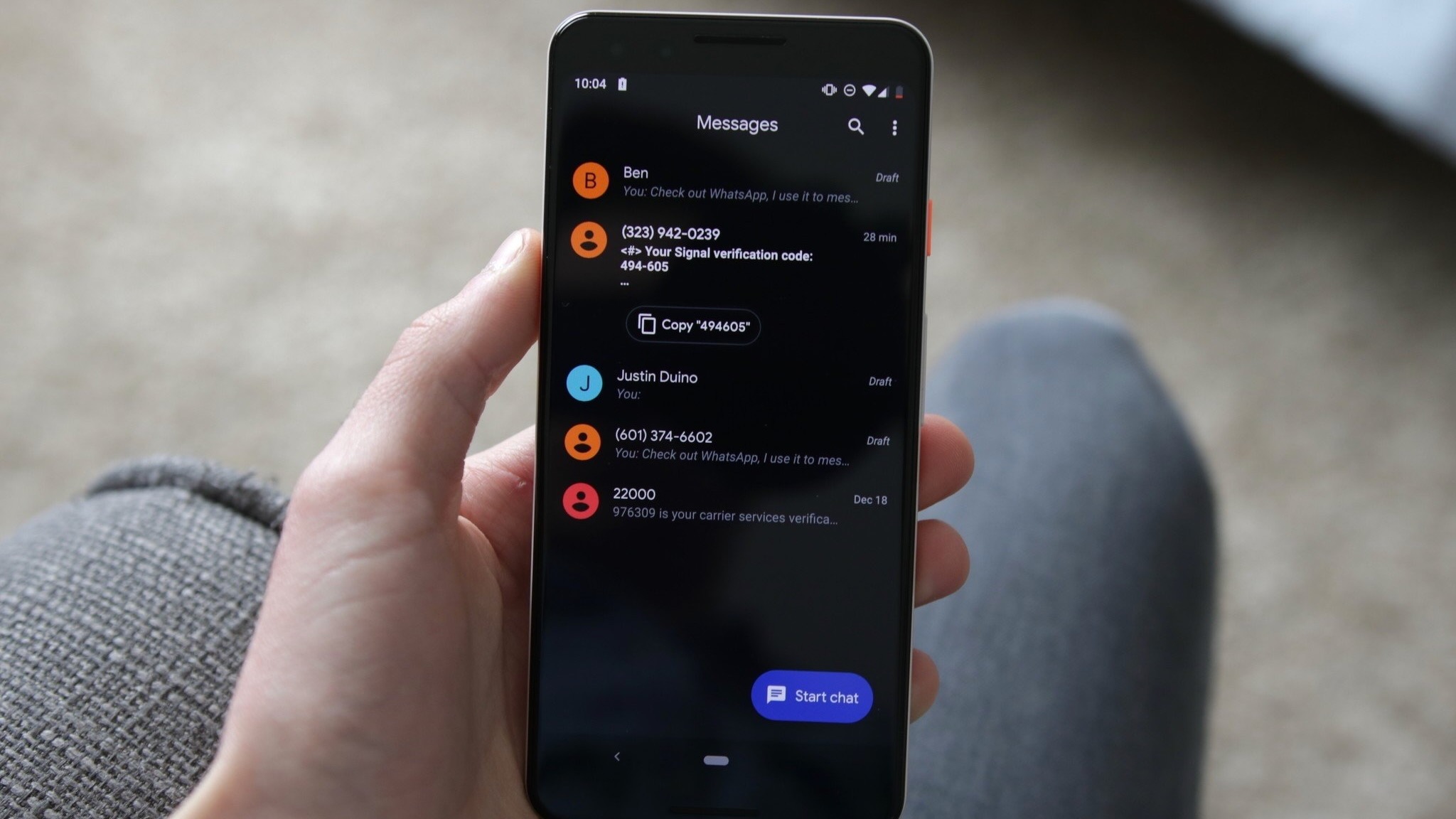
Furthermore, Google has addressed a long-standing user frustration regarding text copying. Previously, selecting a message copied its entire contents to the clipboard, proving cumbersome when a user only required a specific fragment—such as a street address, a phone number, or a verification code. The updated application allows users to tap a second time within the long-press menu to highlight and copy precise text snippets. Google has officially confirmed that these granular touch-and-hold actions extend across a diverse array of content types, including plain text, images, videos, hyperlinks, files, geographic location pins, and digital contact cards.
Alongside the long-press adjustments, Google has recalibrated essential navigation gestures, a change that is already testing the muscle memory of veteran Android users:
- Timestamps and Encryption Status: Swiping horizontally to the left anywhere within the conversation thread now instantly reveals precise message timestamps alongside the RCS encryption status badge. This enables users to scan the timing of an entire conversation fluidly, rather than opening message metadata individually—an invaluable asset in long, fast-paced dialogue threads.
- Inline Replies: Initiating a direct reply to a specific message now requires a deliberate right swipe executed directly on the targeted message bubble.
- Read Receipts: Tapping a message continues to display traditional read receipt information, while the application temporarily displays timestamps immediately following a tap to subtly guide users toward the new behavior.
Rollout Strategy and Technical Implementation
The deployment of these interface changes follows Google’s standard operational playbook for major application updates. Rather than pushing a hard update globally via the Google Play Store, the new capabilities are tied to recent application packages—most notably build 20260910_03_RC02—and are activated via server-side switches.
This staged rollout means that users running the identical application version on different hardware models may experience contrasting user interfaces. Industry analysts note that server-side deployments allow Google to monitor system stability, gather real-time telemetry regarding user interaction anomalies, and halt the rollout instantly should critical software bugs emerge. Consequently, complete saturation across the global Android ecosystem is expected to take several weeks.
Industry Implications and User Reception
From a broader product design perspective, Google’s latest modifications reflect a wider industry trend toward contextual, floating user interfaces. Mobile operating systems across the board are increasingly moving away from rigid, static UI structures in favor of fluid, glanceable elements that minimize cognitive load and keep user attention centered on content rather than navigational chrome.
However, significant interface modifications invariably spark debate within the user community. Early discussions on platforms like Reddit and specialized Android forums indicate a mixed initial response. While power users and productivity enthusiasts have enthusiastically praised the granular text-copying capability and the efficiency of the new timestamp swipe gesture, casual users accustomed to years of consistent muscle memory have expressed temporary frustration over the altered swipe directions for replies and timestamps.
Despite the initial learning curve, industry observers emphasize that these changes align Google Messages more closely with modern human-computer interaction standards. By reducing the physical distance the thumb must travel—moving actions from the top of the display down to the immediate vicinity of the message bubble—Google has engineered a more ergonomically friendly experience for modern, oversized smartphones.
As the server-side rollout continues to expand, Google Messages remains the foundational communication layer for Android, bridging the gap between traditional SMS and modern, cross-platform encrypted messaging. How quickly users adapt to these new interaction models will determine the ultimate success of Google’s endeavor to modernize the Android messaging experience.