The Evolution of Optical Media in Modern Computing
For much of the early 2000s, the CD and DVD drive was a non-negotiable feature for any mainstream laptop. These drives were essential for installing software, burning data backups, and playing multimedia content. However, the rise of high-speed broadband internet, digital storefronts such as Steam and the Mac App Store, and the ubiquity of high-capacity USB flash drives gradually rendered the internal optical drive obsolete.
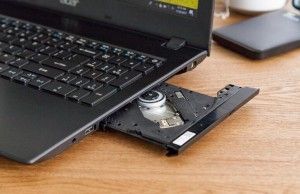
By approximately 2015, major manufacturers—led by Apple’s removal of the SuperDrive from the MacBook Pro line—began phasing out optical drives across their consumer lineups. By 2020, the feature had all but vanished from mainstream laptops, leaving a gap for professionals in specialized fields, such as medical imaging or archiving, who rely on legacy physical media. As of 2026, finding a laptop with a factory-installed disc drive requires looking at older, enterprise-grade, or specialized workstation hardware that has been preserved in the secondary market.
Analyzing the Current Market Alternatives
While the demand for physical media persists, the current industry consensus is that internal drives are no longer a viable design choice for modern, high-performance laptops. The engineering trade-offs required to accommodate a bulky optical drive—specifically regarding heat dissipation, battery capacity, and chassis structural integrity—outweigh the benefits for the average consumer.
Consequently, industry analysts and hardware experts overwhelmingly recommend the adoption of external USB-connected optical drives. This modular approach allows users to maintain the slim, powerful design of a modern ultrabook while providing the necessary interface for physical media only when required. Modern external drives are significantly faster than the internal drives of a decade ago, often utilizing USB 3.0 or USB-C interfaces to provide reliable data transfer rates and better compatibility with contemporary operating systems.
Top Recommendations for Legacy-Seeking Users
For users who remain committed to the concept of an internal drive, several legacy models retain a high level of utility and build quality. These units are typically sourced from the secondary or refurbished market.
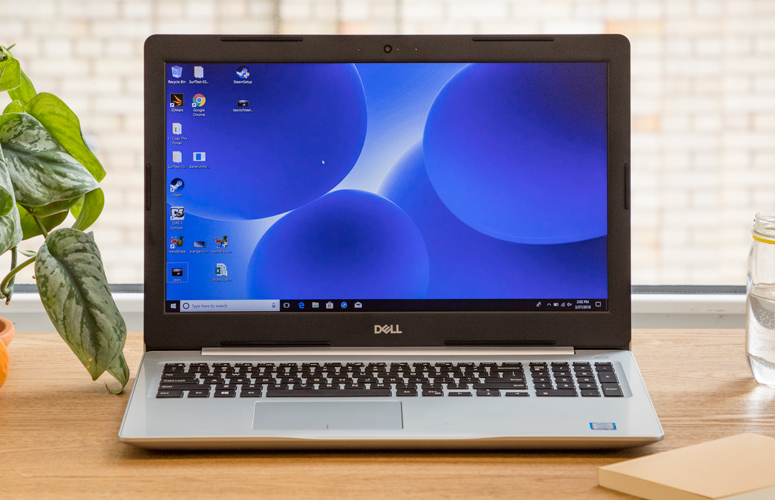
1. The Dell Inspiron 15 5000 (2017 Model)
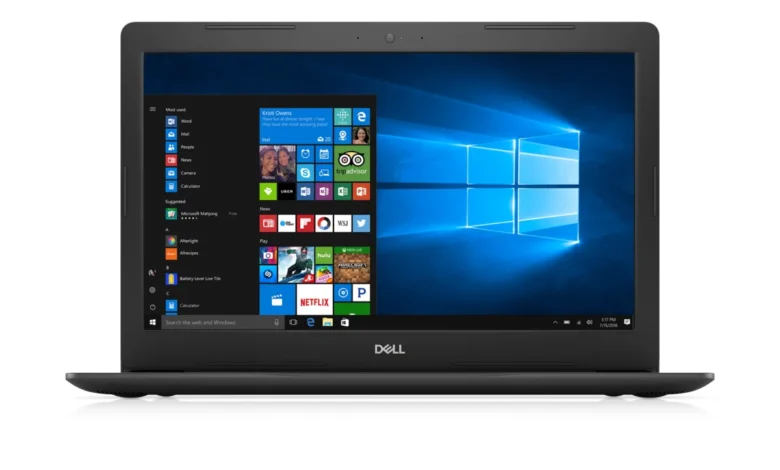
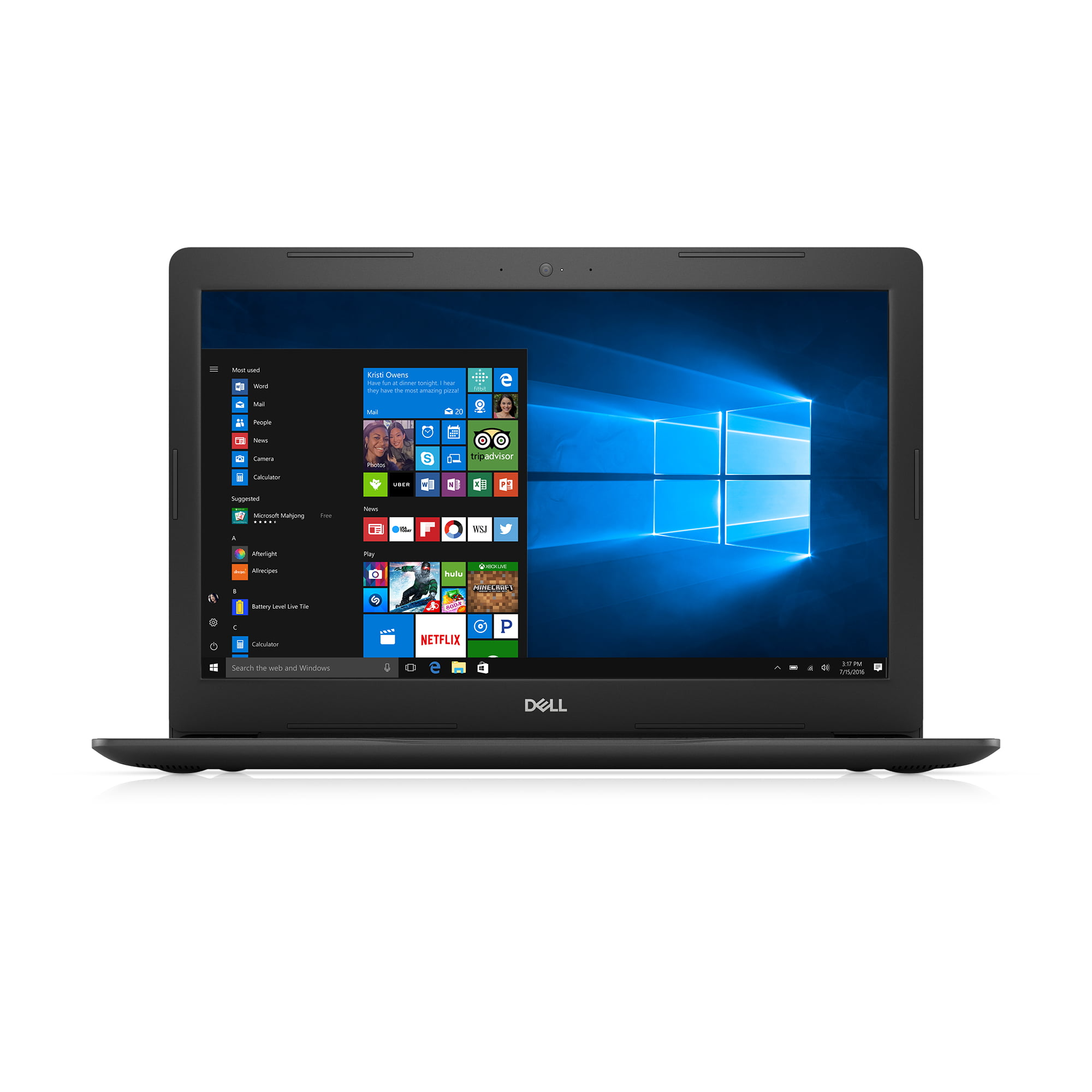
Regarded as the gold standard for budget-conscious users seeking an internal drive, the Dell Inspiron 15 5000 provides a comprehensive set of ports and an integrated DVD read/write drive. While its technical specifications, including the 7th Gen Intel Core processors and traditional HDD storage, are considered outdated by 2026 standards, the chassis remains robust. It is often cited as the most accessible entry point for those needing a dedicated, self-contained machine for optical media tasks.
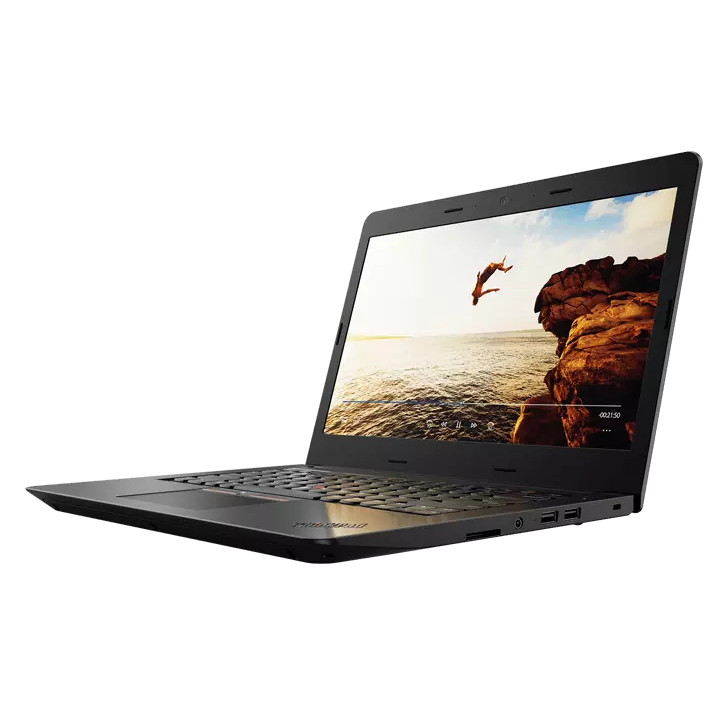
2. The Lenovo ThinkPad E570
The ThinkPad E570 is widely recognized for its enterprise-grade keyboard and extensive port selection, which includes an internal DVD writer. Designed for professional reliability, this model offers a more durable build than the standard consumer Inspiron. However, users should note that the processor speeds and integrated graphics are insufficient for modern gaming or high-end video editing. It serves best as a specialized workstation for legacy data retrieval.
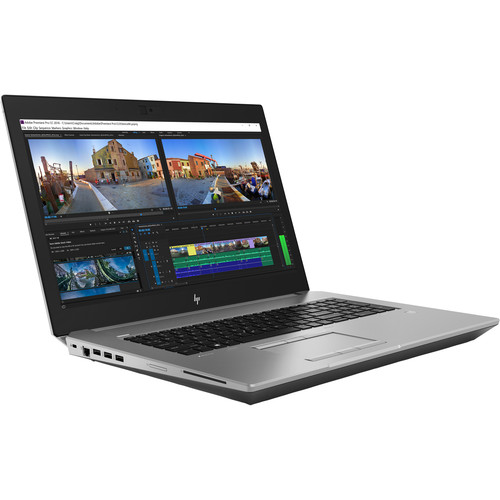
3. The HP ZBook 17 G5
For professionals requiring high-performance capabilities, the HP ZBook 17 G5 remains an outlier. As a mobile workstation, it features a Blu-ray read/write drive—a rarity in the history of laptops. Equipped with Intel Xeon processors and military-grade durability, it offers significantly more power than the consumer-grade options. However, its substantial weight and footprint make it less portable, and its price point on the secondary market often exceeds that of more modern, faster machines that simply lack the optical drive.
The Case for External Optical Drives
The technical implications of relying on aging hardware are significant. Older laptops with built-in drives often suffer from decreased battery health, lack of compatibility with modern security updates, and slower read speeds. Furthermore, the proprietary nature of some internal drive connectors makes them difficult to repair should the laser mechanism fail.

In contrast, external drives offer several distinct advantages:
- Longevity: If an external drive fails, it can be replaced inexpensively without the need to replace the entire laptop.
- Portability: Modern external drives, such as the ASUS ZenDrive U9M, are ultra-slim and can be carried in a laptop sleeve, ensuring that the laptop itself remains thin and light.
- Performance: Modern external drives utilize advanced buffering and improved error correction, which can result in better disc-reading quality compared to the aging optical drives found in older laptops.
- Compatibility: Most external drives are "plug-and-play," meaning they work seamlessly with modern Windows and macOS operating systems, whereas older laptops may struggle with driver support for newer software environments.
Industry Implications and Future Outlook
The trajectory of the laptop market is firmly set toward thinner, lighter, and more cloud-integrated devices. The absence of CD/DVD drives is part of a broader trend of "port consolidation." As manufacturers like Dell, HP, and Lenovo continue to prioritize USB-C and Thunderbolt interfaces, the necessity for built-in legacy components will continue to dwindle.
For organizations that still utilize physical discs—such as hospitals relying on older MRI records or music producers with extensive archival collections—the move toward external hardware is not merely a convenience but a necessity. The shift to external solutions provides a bridge between the physical archives of the past and the digital efficiency required for the future.
Conclusion
While the allure of an "all-in-one" machine with an integrated optical drive is understandable, the reality of the 2026 computing landscape is that such hardware is effectively obsolete. Users who require access to physical media should focus their efforts on purchasing a modern, high-performance laptop and pairing it with a high-quality external drive. This combination provides the best of both worlds: the cutting-edge processing power, display technology, and battery life of a 2026-era device, alongside the continued functionality of the physical media formats that many users still rely upon today. By opting for a modern machine, users ensure that their investment remains relevant and functional for years to come, avoiding the pitfalls of aging technology and limited system support.