Elon Musk hints at potential Tesla and SpaceX merger as corporate integration accelerates

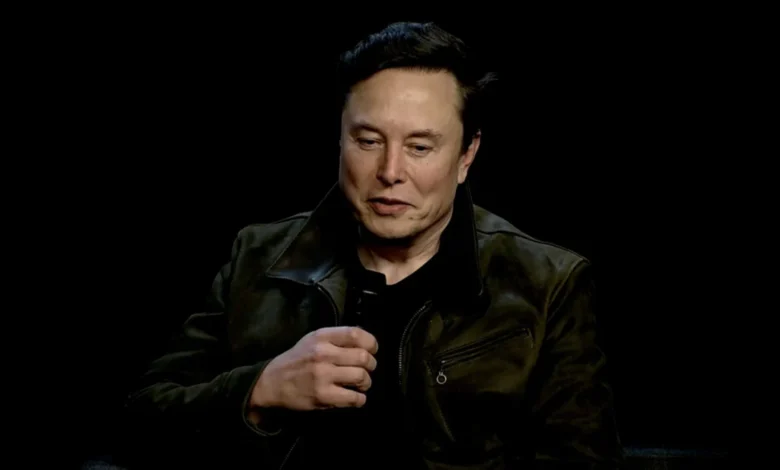
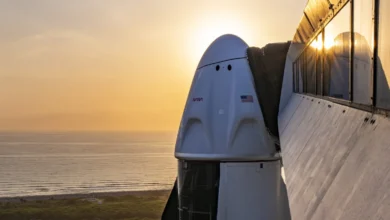
The prospect of a formal merger between electric vehicle giant Tesla and aerospace leader SpaceX has shifted from speculative industry gossip to a tangible subject of discussion following comments made by Elon Musk at the 2026 All-In Summit in Los Angeles. During the event, Musk addressed the deepening operational ties between his primary companies, acknowledging that the level of collaboration between Tesla and SpaceX has reached a point where a unified corporate structure is no longer outside the realm of possibility.
This disclosure arrives at a time when Wall Street analysts and institutional investors have begun to build models around the potential synergies of such a massive consolidation. The integration is not merely theoretical; it is currently being executed at the ground level, with personnel, engineering resources, and technological infrastructure flowing between Tesla, SpaceX, and the recently incorporated xAI.
The Mechanics of an Evolving Integration
The operational overlap between these entities has grown significantly over the past 24 months. SpaceX President Gwynne Shotwell, appearing alongside Musk at the summit, confirmed that SpaceX personnel have been actively transitioning into roles within xAI to address critical engineering gaps. This cross-pollination of talent suggests a broader strategy aimed at unifying the AI capabilities of the Musk-led ecosystem.
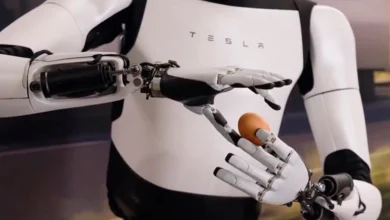
Currently, the two companies are collaborating on the construction of "Terafab," a massive chip fabrication facility in Austin, Texas. This facility is designed to serve as the backbone for both Tesla’s autonomous driving and robotics compute needs and SpaceX’s Starlink satellite operations. By pooling resources for hardware development, Musk is effectively creating a vertically integrated technology conglomerate that minimizes reliance on third-party suppliers.
From a financial perspective, the relationship is already complex. Tesla maintains a stake in SpaceX—a remnant of the company’s earlier investment in xAI, which was converted into SpaceX equity following a corporate restructuring. While this stake is currently reported as less than one percent, the strategic alignment of their supply chains suggests that the "coherence on paper," as described by JPMorgan analysts, is becoming a physical reality.
Wall Street Analysis and Market Sentiment
Financial institutions have been quick to react to the potential for a merger. Jefferies, in a recent assessment of the corporate structure, noted that a merger could be executed without a traditional premium, potentially leaving Musk with approximately 55.3 percent voting control. This structure would theoretically allow Tesla shareholders to benefit from the growth trajectories of both the space and energy sectors while maintaining the stability of a singular, massive entity.
The market has priced in the possibility of such a move with increasing intensity. On the prediction market Kalshi, the probability of a formal merger announcement occurring before 2028 is currently pegged at 66 percent. This high confidence interval reflects the belief among traders that the administrative and operational costs of keeping these companies separate are increasingly becoming a hurdle to the rapid innovation Musk demands.
However, the path to a merger is fraught with regulatory and governance challenges. Tesla is a public company with a diverse shareholder base, while SpaceX remains private. A merger would necessitate complex valuations and potentially years of scrutiny from the Securities and Exchange Commission (SEC) and antitrust regulators. Despite these hurdles, analysts like Wedbush’s Dan Ives have maintained a 2027 timeline for a potential deal, arguing that the synergies in AI and robotics are simply too lucrative for the board to ignore.

The Road to the Roadster and Strategic Timing
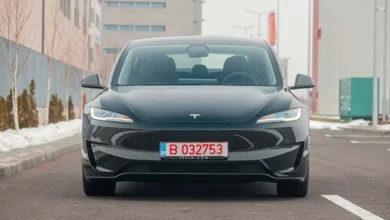
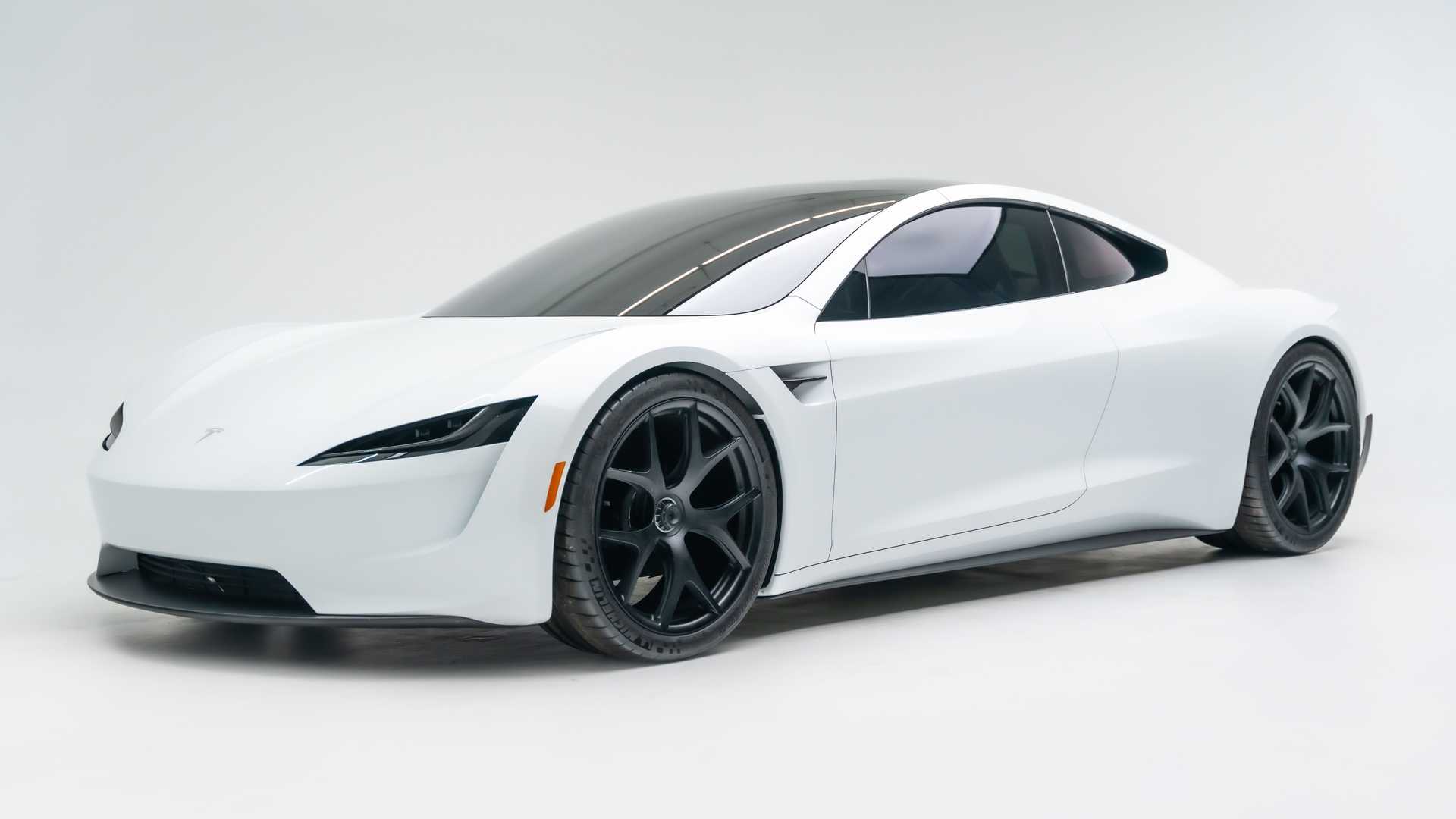
The timing of Musk’s comments is particularly notable given the upcoming October 1, 2026, unveiling of the next-generation Tesla Roadster. The event, scheduled to take place near SpaceX’s testing facilities in McGregor, Texas, has been teased with the phrase "Go for launch." This language is characteristic of Musk’s tendency to blur the lines between his automotive and aerospace brands.
The Roadster itself serves as a symbol of this convergence. Originally announced in 2017, the project has seen significant delays, which Musk has frequently justified by citing the need to incorporate "crazy technology." Reports indicate that the new Roadster may feature components derived from SpaceX’s cold-gas thruster technology, further cementing the symbiotic relationship between the two companies.
For reservation holders who have waited nearly a decade, the October event is expected to be a milestone in automotive engineering. Whether the vehicle serves as a standalone product or a proof-of-concept for a unified Musk-led technology brand remains to be seen, but the branding choices certainly point toward a closer synergy between road-based electric vehicles and space-faring technology.

Expanding the Loop: The Boring Company’s Role
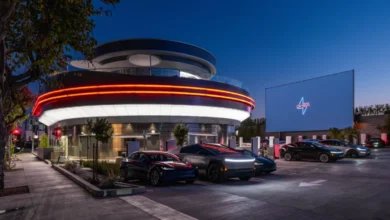
While the potential merger captures the spotlight, the broader ecosystem of Musk’s ventures continues to expand. The Boring Company, another pillar of the Musk portfolio, recently announced that it intends to double its number of active stations in the Las Vegas Loop by the end of 2026.
This expansion is not just about real estate; it is a critical component of the infrastructure required for the "city-scale" mobility solutions Musk has often discussed. By hiring aggressively for operations managers and drivers, the company is signaling that the Loop is transitioning from a specialized convention transport system to a permanent, high-capacity transit network. The integration of these tunnels with potential future Tesla autonomous taxi fleets represents the final piece of the transportation puzzle.
Legal Maneuvers and the xAI/SpaceXAI Pivot
Amidst these corporate shifts, Musk’s legal team has made a tactical retreat in the courtroom. X Corp and the newly branded SpaceXAI—a consolidation of his AI and space assets—have moved to dismiss Apple from their ongoing antitrust lawsuit.

The original suit, filed in 2025, alleged that Apple’s integration of OpenAI’s ChatGPT into iOS created an anti-competitive environment that disadvantaged Grok, the AI developed by xAI. The sudden withdrawal of the Apple portion of the suit, while keeping the case against OpenAI active, suggests a change in strategy. Whether this indicates a potential future partnership between Grok and Apple’s Siri—a possibility Musk has openly hinted at—remains a subject of intense speculation in the tech sector.
Implications for the Future
The consolidation of Musk’s companies represents a fundamental shift in how large-scale technological innovation is managed. By folding AI research, aerospace engineering, automotive manufacturing, and tunneling infrastructure under one conceptual umbrella, Musk is attempting to solve the problem of "siloed" innovation.
If a merger between Tesla and SpaceX proceeds, it would create one of the most valuable and diverse companies in human history. The combined entity would control the most advanced AI computing clusters, the most reliable rocket launch systems, and the largest fleet of autonomous vehicles.
However, the risks are as massive as the potential rewards. The management of such a diverse organization would test the limits of even the most capable leadership. Furthermore, the concentration of so much critical infrastructure—from satellite internet to transportation and AI—under one board of directors would likely face unprecedented global antitrust scrutiny.
For now, the signals from the All-In Summit and the ongoing integration of personnel suggest that the "Musk-ification" of the tech industry is accelerating. As the October Roadster event approaches, the industry remains on high alert for any further details regarding what may well be the most significant corporate reorganization of the 21st century. The question is no longer whether these companies can work together, but whether they can remain separate in a world where Musk’s vision increasingly relies on the total synthesis of his various technological pursuits.