Best workstation laptops 2025: Top professional machines for demanding workflows

Selecting a workstation laptop requires a departure from standard consumer hardware expectations. While the broader laptop market has shifted toward thin-and-light designs prioritizing battery efficiency for web browsing, the professional workstation segment remains focused on sustained high-performance computing, color-accurate displays, and the ability to render complex data sets without thermal throttling. In 2025, the landscape for these machines has been defined by the convergence of mobile silicon power, the integration of dedicated neural processing units (NPUs) for AI-driven creative workflows, and the continued refinement of display technologies like Liquid Retina XDR and DreamColor.
For creative professionals—including video editors, 3D modelers, and data scientists—the barrier to entry for a true workstation is high. Modern workflows involving 4K/8K video editing, complex 3D simulations, and heavy CAD rendering require hardware that goes beyond what typical gaming laptops provide. While gaming laptops offer high clock speeds and powerful GPUs, workstation-grade machines are optimized for stability, utilizing specific drivers such as Nvidia’s Studio series or professional-grade RTX Ada generation silicon to ensure compatibility with professional software like DaVinci Resolve, Blender, and Adobe Premiere Pro.
The Evolution of Mobile Professional Hardware
The current generation of workstations represents a significant leap in architectural efficiency. The industry shift toward ARM-based silicon, led by Apple’s M4 Pro and M4 Max series, has redefined the performance-per-watt metric. Simultaneously, Windows-based manufacturers have pivoted toward the Intel Core Ultra 9 and AMD Ryzen AI 9 series processors. These chips are not merely faster; they include dedicated hardware for AI tasks, which is becoming increasingly critical as creative software suites integrate machine-learning features for noise reduction, object removal, and motion tracking.
Historically, professional workstations were bulky, chassis-heavy units designed primarily to be "desktop replacements." The current market, however, has seen a democratization of power. Machines like the Lenovo ThinkPad P1 Gen 7 and the HP ZBook Studio 16 G11 demonstrate that it is now possible to house high-end discrete graphics and massive memory pools—often up to 64GB or more—within a chassis that weighs less than five pounds.
Leading Models and Technical Benchmarks
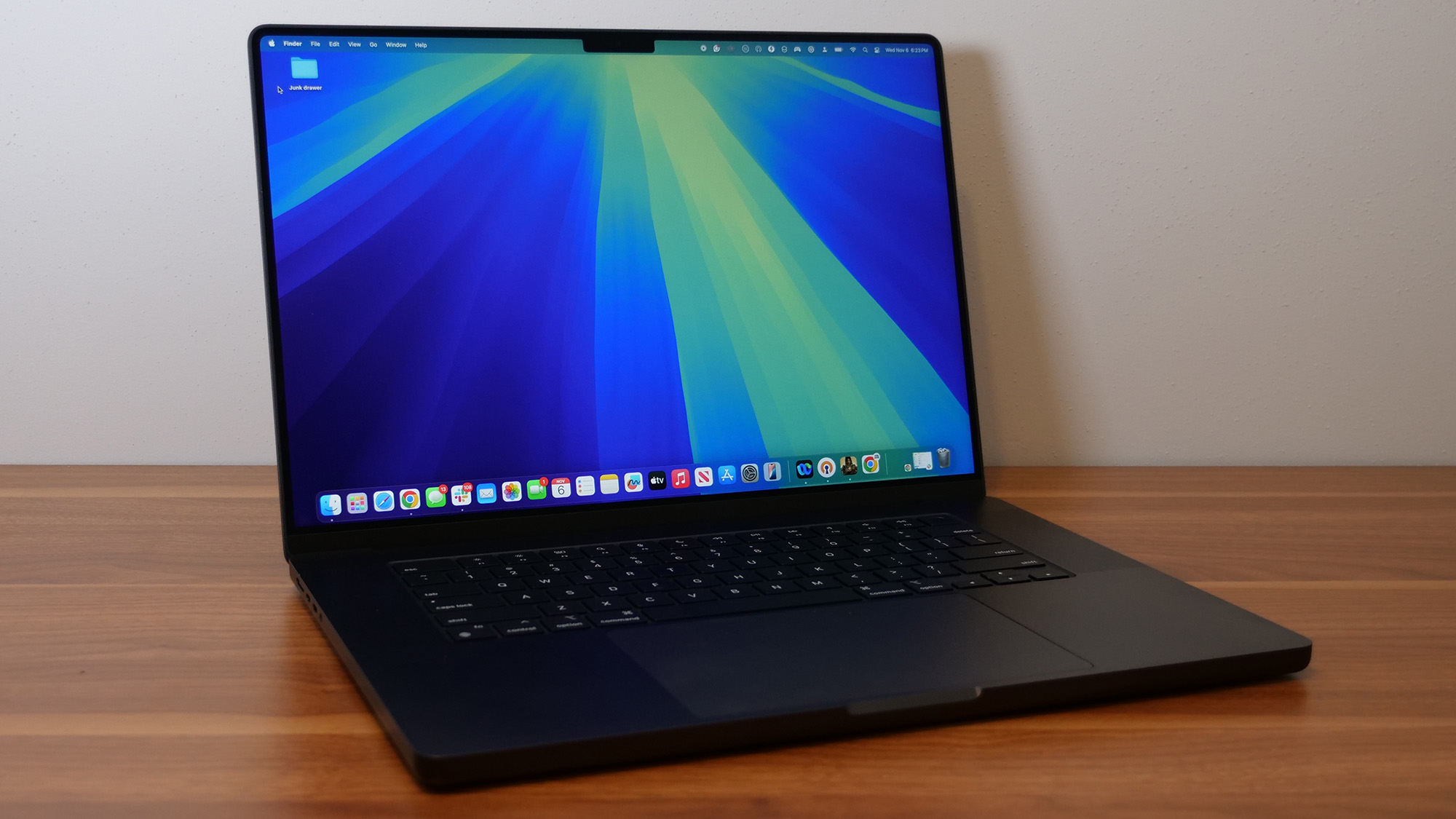
Performance analysis conducted by laboratory testing confirms that the current market leaders offer distinct advantages based on specific user needs. The Apple MacBook Pro 16-inch, equipped with the M4 Pro chip, has set a new benchmark for efficiency. With a multi-core Geekbench 6 score reaching 22,822, it significantly outpaces many of its Windows counterparts in raw processing power while maintaining a battery life of nearly 21 hours. For professionals whose work involves long periods of travel or off-grid operation, this represents a fundamental shift in the feasibility of mobile creative work.
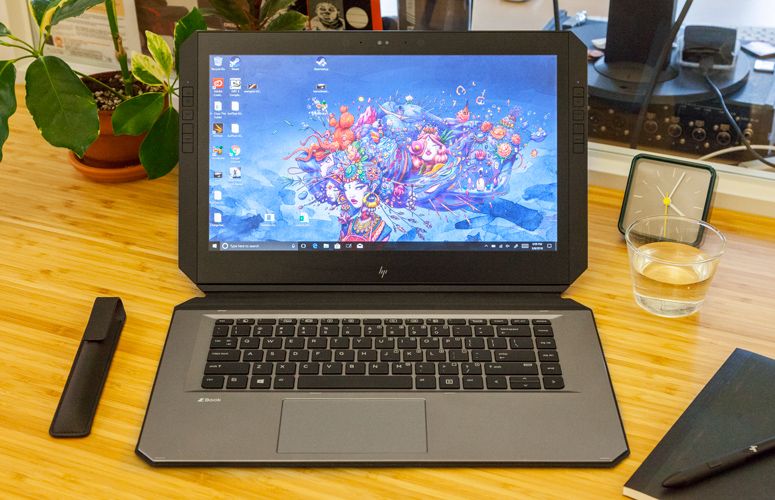
Conversely, the HP ZBook Studio 16 G11 stands as the quintessential high-performance Windows workstation. While it does not compete with the MacBook Pro in terms of battery endurance—lasting roughly 4 hours and 43 minutes under heavy load—it offers a level of configuration flexibility that remains unmatched. The inclusion of an Nvidia RTX 3000 Ada Generation GPU and an expansive 113.6% DCI-P3 color gamut on its DreamColor display makes it a preferred choice for color-critical tasks such as professional photography editing and architectural visualization.
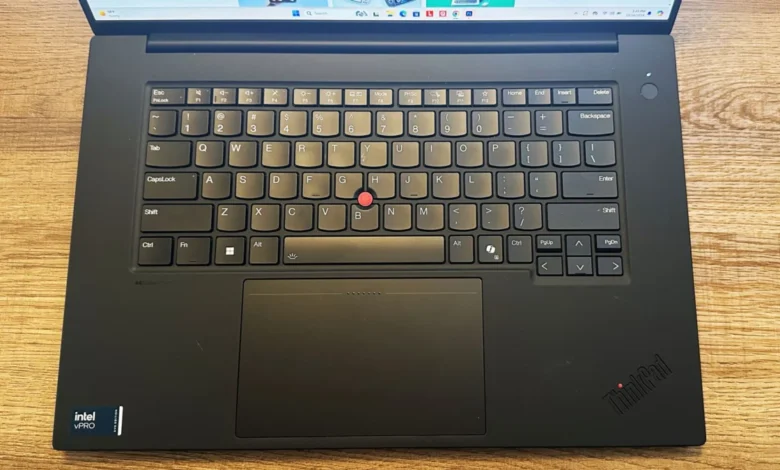
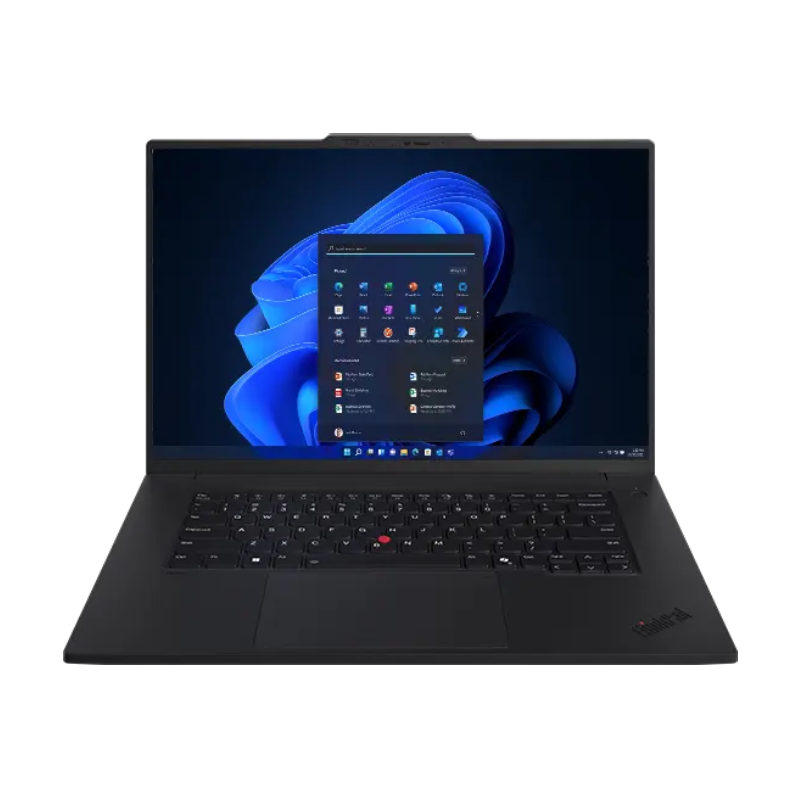
The Lenovo ThinkPad P1 Gen 7 serves as the bridge between these two extremes. By balancing the Intel Core Ultra 7 165H with an Nvidia RTX 1000 Ada GPU, it provides a stable, highly compatible environment for corporate and engineering workflows. Its 17-hour battery life on standard tasks ensures it remains a top recommendation for users who require a balance of power, portability, and "all-day" reliability.
The Impact of AI and Processor Architecture
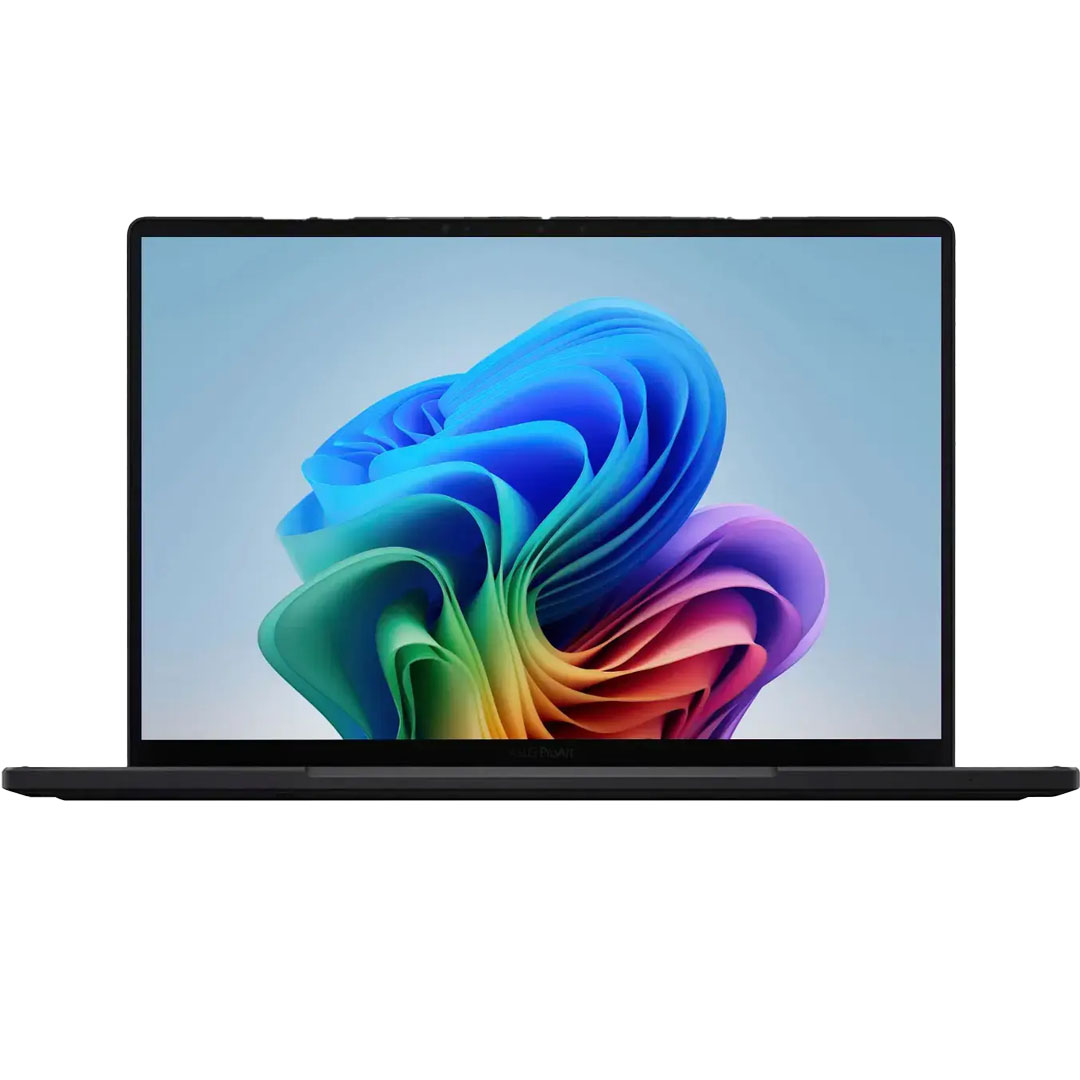
The integration of AI into professional workflows has introduced a new variable in hardware selection. The decision to exclude Qualcomm’s Snapdragon X Elite platform from the current "workstation-class" recommendation stems from fundamental compatibility issues. While Windows on Arm is gaining traction, professional-grade software—specifically those relying on intensive GPU acceleration—often requires native support that is currently lacking in the Snapdragon ecosystem. Many legacy CAD and 3D modeling tools still run via emulation on Arm, which introduces significant latency and potential for instability. Consequently, for the 2025 calendar year, Intel, AMD, and Apple remain the only viable architectures for professional-grade, mission-critical workstations.
Economic and Strategic Considerations
The high cost of these machines—often starting well above $3,000—is driven by both the high-end components and the enterprise-grade support models that accompany them. Organizations often purchase these units in bulk, leading to a disconnect between "list price" and the actual acquisition cost for professional firms. Furthermore, the volatility of component prices, particularly high-speed NVMe PCIe 4.0 SSDs and large-capacity RAM modules, means that the total cost of ownership for a fully maxed-out workstation can easily exceed $7,000, as seen with the top-tier configurations of the HP ZBook Studio.
Standardized Testing Protocols and Reliability
To provide an objective overview of the market, testing standards have evolved. It is no longer sufficient to test clock speeds alone. Today’s testing methodology includes:
- Color Gamut and Brightness: Utilizing colorimeters to ensure display panels meet industry standards for DCI-P3 coverage, essential for color grading.
- Thermal Management: Measuring surface temperatures under sustained loads to ensure that the "workstation" label is earned through consistent performance rather than burst speed that leads to immediate throttling.
- Real-world Encoding: Compressing 4K/8K media to test how the CPU and GPU handle long-running, intensive tasks.
- File Throughput: Measuring read/write speeds of internal SSDs to ensure that large multimedia projects can be opened and saved without bottlenecking.
Implications for the Future of Creative Work
The trajectory of the workstation market indicates a continued narrowing of the gap between mobile and desktop computing. As mobile processors reach levels of performance that rival desktop workstations from just a few years ago, the necessity for a fixed desk setup is diminishing. However, the trade-off remains constant: battery life versus raw performance.
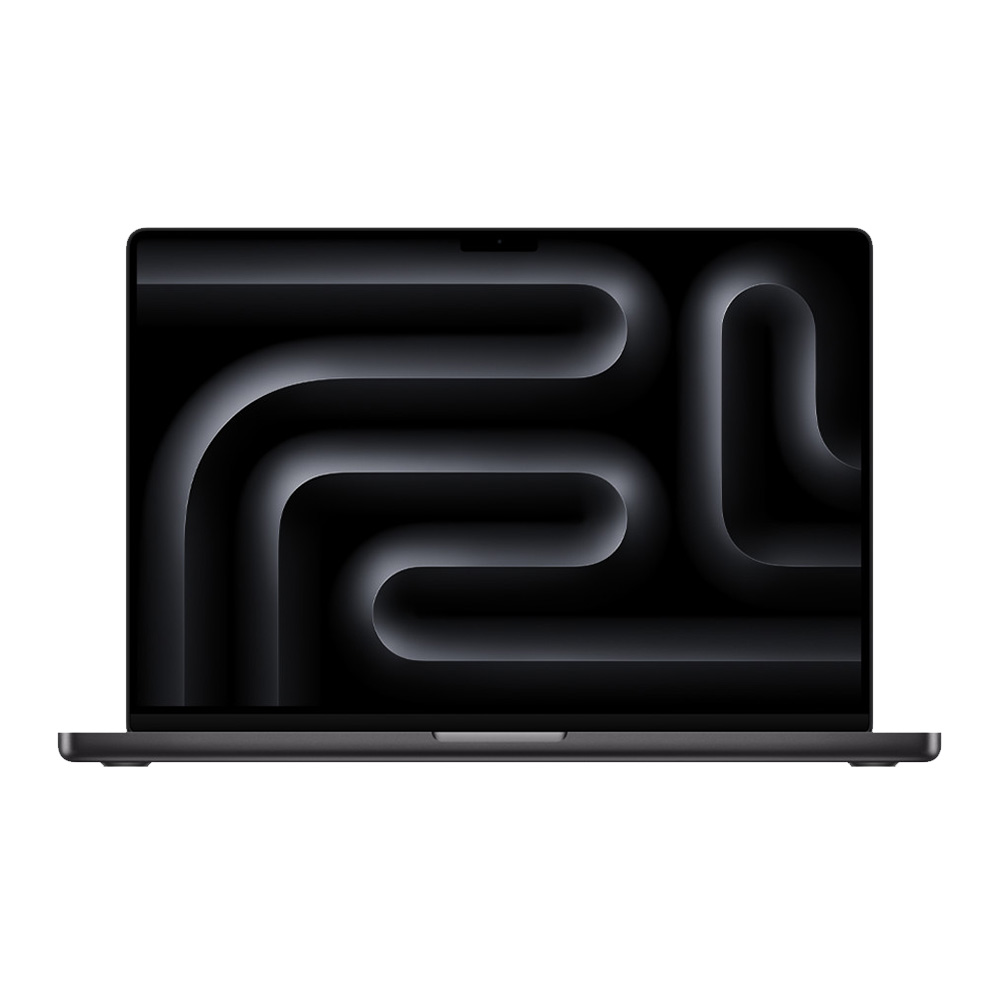
Professionals are advised to assess their specific workflow bottlenecks. If the requirement is heavy video encoding, the MacBook Pro’s efficiency with the M4 Pro chip is currently unparalleled. If the requirement is specific Windows-only CAD software or high-end 3D ray-tracing, the HP ZBook Studio or Lenovo ThinkPad P1 offer the necessary discrete GPU architecture that Apple silicon currently cannot replicate in the same manner.
As the industry moves into the latter half of 2025, the focus for manufacturers is likely to shift toward further enhancing NPU efficiency and cooling systems. The ability to handle increasingly complex machine-learning models locally on the laptop will determine the longevity of these machines. For now, the current lineup offers a robust selection for professionals, provided they prioritize their specific software compatibility and power requirements over mere aesthetic or portable trends. The choice between these high-performance machines is no longer about which one is "best," but rather which one is best aligned with the specific technical demands of the user’s professional ecosystem.