The Quest for Laptops with Built-in CD-DVD Drives in 2025: A Comprehensive Guide

In an increasingly digital landscape, the humble CD-DVD drive has become a relic in the world of modern laptop design. While once a ubiquitous feature, the demand for brand-new mainstream laptops equipped with these optical drives has all but vanished from manufacturers’ production lines. Yet, a persistent and surprisingly robust segment of consumers continues to actively search for these devices in 2025. This article delves into the reasons behind this enduring demand, explores the few remaining options available on the market, and offers a compelling, future-proof alternative that aligns with contemporary technological advancements.
The Era of Digital Dominance and the Decline of Optical Drives
The journey away from integrated optical drives in laptops began over a decade ago, accelerating significantly in the mid-2010s. Historically, CD-ROM drives became standard in the mid-1990s, followed by DVD-ROM drives in the late 1990s and early 2000s, and then Blu-ray drives for high-definition media playback and storage. For many years, these drives were indispensable for installing software, watching movies, listening to music, and backing up data.
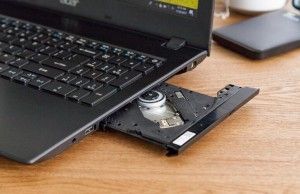
However, several converging technological and market forces contributed to their gradual obsolescence. The rise of broadband internet and digital distribution platforms fundamentally reshaped how consumers accessed media and software. Streaming services like Netflix, Spotify, and Steam replaced physical media for movies, music, and games. Cloud storage solutions (e.g., Google Drive, Dropbox, OneDrive) and affordable, high-capacity USB flash drives offered more convenient and faster ways to store and transfer data.
From a manufacturing perspective, eliminating the bulky optical drive bay offered significant advantages. It allowed laptop designers to create thinner, lighter, and more portable devices, which became a primary selling point in a competitive market. The space freed up by removing the drive could be utilized for larger batteries, leading to improved battery life, or for more efficient cooling systems and additional internal components. Furthermore, the mechanical nature of optical drives made them more susceptible to wear and tear and added to the overall cost and power consumption of the device. Industry analysts, while not always singling out optical drives, have consistently reported a shift in laptop design priorities towards ultra-portability, extended battery life, and solid-state storage, all of which benefit from the removal of internal optical components.
Why the Demand for Built-in Drives Persists
Despite the clear industry trend, a significant, albeit niche, demand for laptops with built-in CD-DVD drives persists. This isn’t merely about nostalgia; it’s often driven by practical and professional necessities:
- Legacy Software and Data: Many individuals and small businesses still rely on older software distributed on CDs or DVDs, or possess vast archives of personal and professional data stored on physical discs. Migrating all this data to digital formats can be time-consuming, costly, or simply not feasible.
- Medical and Scientific Imaging: In healthcare, medical scans such as X-rays, CT scans, and MRIs are frequently provided on CDs or DVDs. Doctors, specialists, and patients often need to access these directly from a laptop. Similarly, certain scientific instruments might output data to optical media.
- Physical Media Collections: Enthusiasts of physical media, whether it’s an extensive collection of classic films on DVD/Blu-ray or a cherished music library on CD, prefer the convenience of playing these directly without needing external peripherals.
- Niche Professional Tools: Some specialized industries or field operations might still utilize proprietary software or data recording systems that interface with optical drives.
- Offline Access and Data Security: For users in areas with unreliable internet access, or those concerned about cloud security, physical media offers a dependable, offline method for data storage and retrieval.
The convenience of an integrated drive cannot be overstated for these users. The ability to simply insert a disc and go, without carrying extra peripherals or dealing with compatibility issues, remains a powerful draw.
The Recommended Alternative: Embrace Modernity with External Drives
For the vast majority of users searching for a laptop with a CD-DVD drive, the most pragmatic and forward-thinking solution is to purchase a modern laptop and pair it with a high-quality external DVD drive. This approach offers numerous advantages that far outweigh the perceived convenience of an integrated, outdated drive:
- Superior Performance and Features: Modern laptops boast significantly faster processors, more efficient RAM, and critically, solid-state drives (SSDs). SSDs offer dramatically faster boot times, application loading, and file transfers compared to the traditional hard disk drives (HDDs) often found in older laptops with optical drives. By choosing a new laptop, users gain access to cutting-edge performance, vastly improved battery life, thinner and lighter designs, and features like higher-resolution displays, advanced security, and modern connectivity options (e.g., USB-C, Wi-Fi 6).
- Cost-Effectiveness in the Long Run: While an external drive adds a small upfront cost, investing in a new laptop ensures longevity and relevance. Older laptops, even if functional, will quickly become sluggish with modern software and operating system updates, leading to a shorter usable lifespan and potentially higher maintenance costs.
- Flexibility and Portability: External drives are typically compact and lightweight, making them easy to carry when needed and store away when not. They can be used with multiple devices, including desktops or other laptops, offering greater versatility.
- Enhanced Media Playback: Counter-intuitively, some external drives can offer better performance and image quality for DVDs and Blu-ray discs than the older, often basic, drives found in integrated solutions. Many external drives also support Blu-ray playback and burning, a feature rare even in the last generation of integrated optical drives.
The recommendation from Laptop Mag is clear: prioritize a current-generation laptop for its overall performance, efficiency, and future-proofing, and supplement it with an external optical drive for specific legacy needs.
Navigating the Past: The Few Remaining Laptops with Built-in CD-DVD Drives
For those who absolutely must have an integrated optical drive and are willing to accept the compromises, the market primarily consists of older, refurbished, or niche models. Finding these devices brand-new and readily available in 2025 is exceedingly difficult. Here are some of the best options identified, keeping in mind their age and the performance trade-offs:
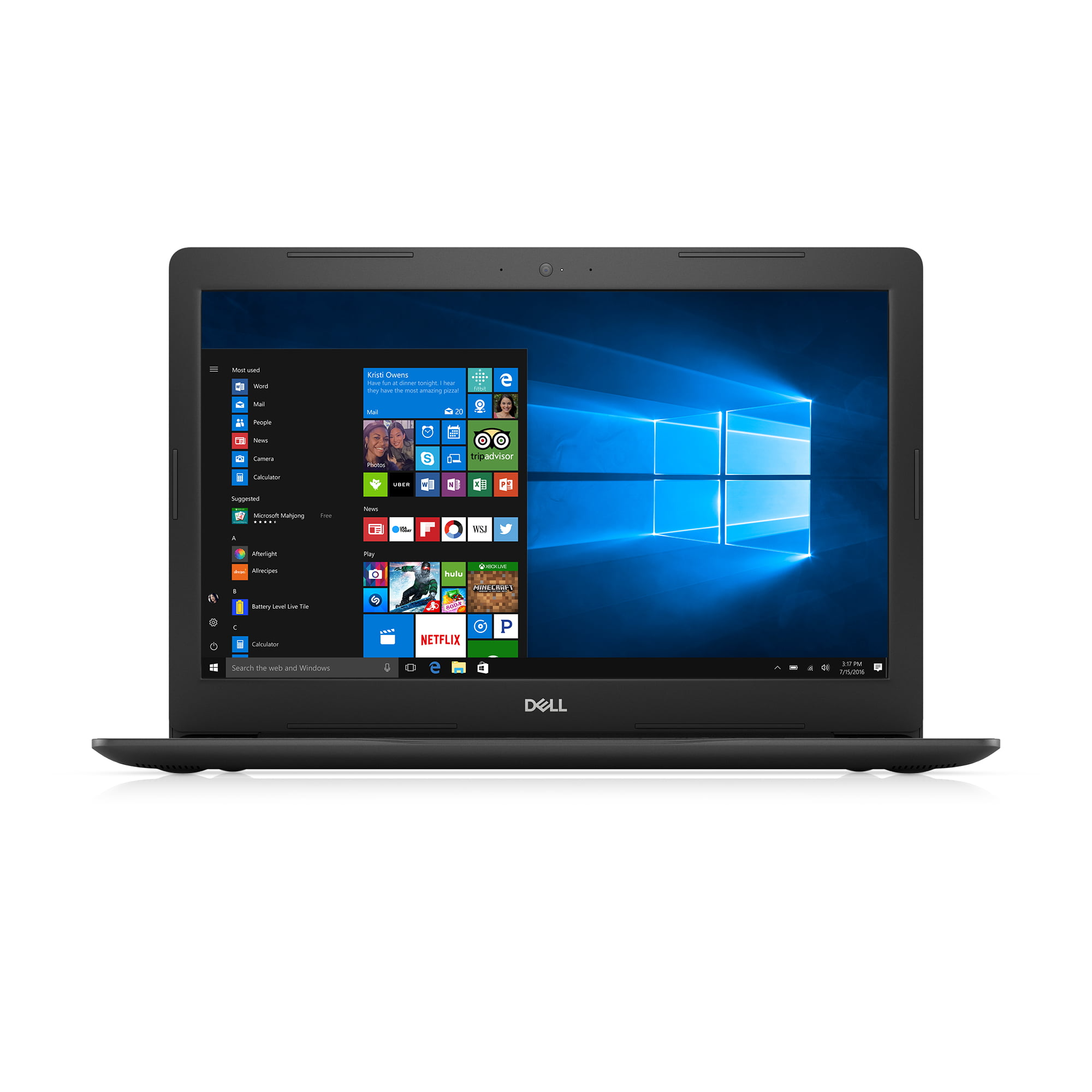
1. Dell Inspiron 15 5000 (2017 Model)
The Best Overall Balance of Specs for a Legacy Device
Specifications:
- Optical Drive: DVD Drive (R/W to DVD/CD)
- Display: 15.6-inch 1366×768
- CPU Options: Intel Core i5-7200U or Intel Core i7 (7th Gen)
- RAM: 8GB
- Storage: 1TB HDD (primary), some configurations with 256GB SSD
- Weight: 4.9 pounds
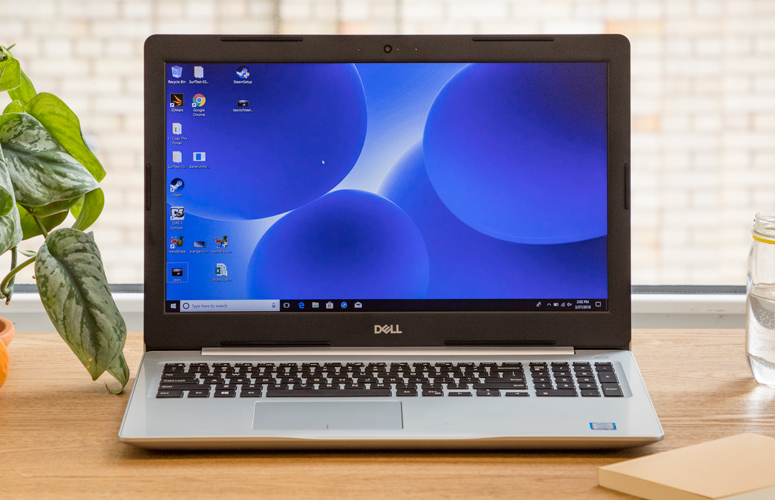
The Dell Inspiron 15 5000, specifically the 2017 model, stands out as the most balanced option for users insistent on an integrated CD/DVD drive. It represents a sweet spot between affordability and usable performance for its era. When available, you might find versions with an Intel Core i5 processor, 8GB of RAM, and a generous 1TB HDD for around $300. More capable configurations with an Intel Core i7 processor might fetch closer to $500.
However, the compromises are significant. The 7th generation Intel Core processors, while capable in 2017, are considerably slower and less power-efficient than even entry-level CPUs in modern laptops. The standard 1TB HDD, while offering ample storage, is a bottleneck for overall system speed, leading to slower boot times and application loading compared to contemporary SSDs. While an SSD option exists, it often comes with a much smaller 256GB capacity, which can be restrictive. The 1366×768 display resolution is also a noticeable step down from the Full HD (1920×1080) screens common in today’s budget laptops. Despite these drawbacks, for its price point and the inclusion of a disc drive, a wide array of ports, and sufficient RAM for basic multitasking, the Dell Inspiron 15 5000 offers the best value among its peers in this niche category. Its widespread availability in the refurbished market also makes it relatively easier to acquire.
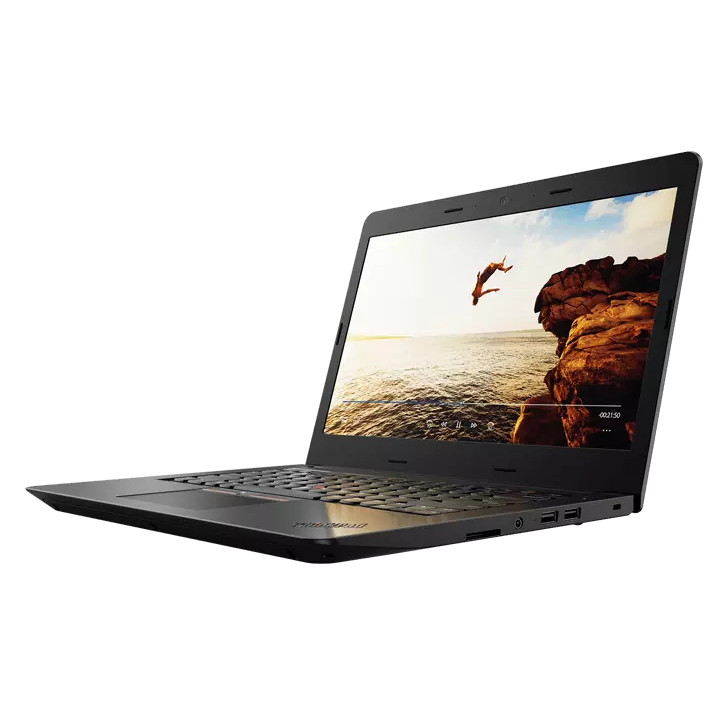
2. Lenovo ThinkPad E570 (7th Gen)
The Best Budget-Friendly Option with a CD Drive
Specifications:

- Optical Drive: DVD writer
- Display: 15.6 inches 1366×768
- CPU: Intel Core i3-7100U
- RAM: 8GB
- Storage: 240GB SSD (common configuration)
- Weight: 5 pounds
For users seeking the absolute lowest entry point into the world of laptops with integrated optical drives, the Lenovo ThinkPad E570 (7th Gen) presents a compelling budget choice. Often found for around $200 on the secondary market, this 15-inch ThinkPad maintains Lenovo’s reputation for robust build quality and excellent keyboards. Its standout feature, beyond the DVD writer, is its array of legacy ports, catering to various peripheral needs without requiring adapters.
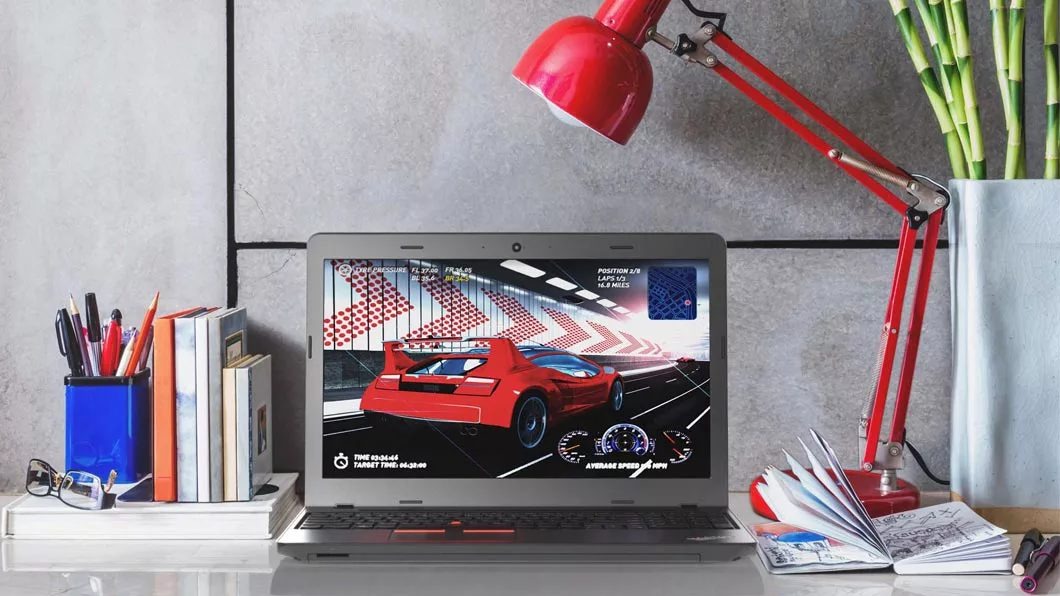
The E570 typically comes with an Intel Core i3-7100U CPU, 8GB of RAM, and a 240GB SSD. While the SSD is a welcome upgrade over the HDD in the base Inspiron 15 5000 for speed, the 240GB capacity is quite limited by modern standards. The Core i3 processor is best suited for basic computing tasks like web browsing, word processing, and email. Attempting to run more demanding applications or engage in intensive multitasking will likely result in noticeable slowdowns. The 1366×768 display is also a compromise, offering less screen real estate and sharpness than current laptops.
The ThinkPad E570 is ideal for users who need a dedicated machine primarily for accessing optical media and running very lightweight applications, and for whom cost is a primary concern. Its comfortable keyboard remains a highlight, even on an older model, making it suitable for prolonged typing.
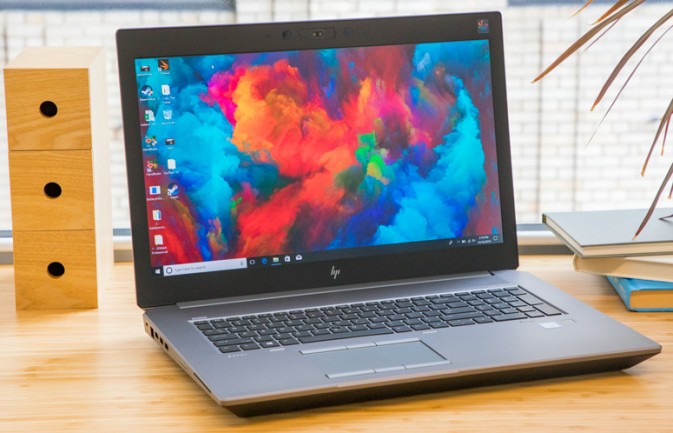
3. HP ZBook 17 G5
The Best Performance for Users Needing an Integrated Drive
Specifications:
- Optical Drive: Blu-Ray R/W
- Display: 17.3-inch 4K (optional, typically Full HD)
- CPU: Intel Xeon E-2176M (or various 8th Gen Intel Core i7/i9)
- RAM: 32GB (configurable)
- Storage: 512GB SSD (configurable)
- Weight: 7.7 pounds
The HP ZBook 17 G5 represents a professional-grade mobile workstation that, unusually for its generation, still offered an integrated optical drive – specifically, a Blu-ray R/W drive, a feature even rarer than standard DVD drives. Designed for demanding professionals in fields like engineering, media creation, and scientific research, the ZBook 17 G5 prioritizes raw power and durability.
Equipped with powerful processors like the Intel Xeon E-2176M (or high-end 8th Gen Core i7/i9 options), 32GB of RAM, and a 512GB SSD, this machine provides a level of performance far exceeding the other two options. The military-grade durability ensures it can withstand rigorous professional environments. Its 17.3-inch display, often configurable up to 4K resolution, provides ample screen space and visual fidelity for professional tasks.
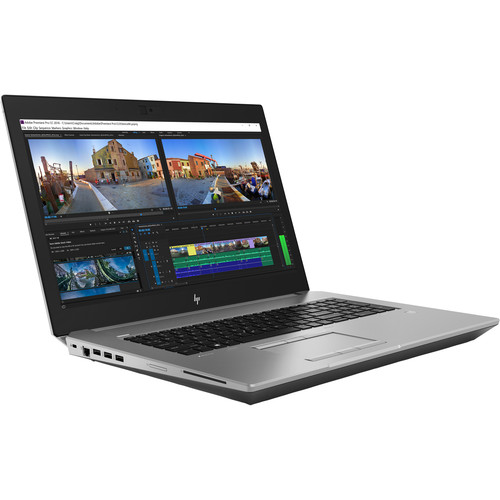
However, this performance and robust build come with significant caveats. The ZBook 17 G5 is a behemoth, weighing a hefty 7.7 pounds, making it impractical for daily portability. Its price point, even for a used or refurbished unit, can range from $1000 to $1200. For this price in 2025, one could acquire a brand-new, significantly more powerful laptop with a current-generation processor and a much lighter form factor. The ZBook 17 G5 is therefore recommended only for a very specific subset of power users who require an integrated Blu-ray drive, military-grade durability, and robust performance for legacy applications, and for whom portability and modern laptop aesthetics are secondary concerns.
Frequently Asked Questions (FAQs)
Q: Do they still make laptops with built-in CD/DVD drives?
A: No, as of 2025, there are no traditional consumer laptops still in mainstream production with built-in CD/DVD drives. The models available on the market are typically older, refurbished units, or highly specialized professional workstations.
Q: Should I buy a laptop with a built-in CD/DVD drive or an external drive?
A: At Laptop Mag, we strongly advise purchasing a modern laptop from our guide to the best laptops of the year, and pairing it with a quality external CD/DVD drive. While built-in drives offer perceived convenience, the laptops that house them are often outdated, leading to significant compromises in performance, battery life, and overall user experience. An external drive provides flexibility, compatibility with multiple devices, and often superior performance for media playback, all while allowing you to benefit from the speed and efficiency of a new laptop.
Q: What are some good external DVD drives to consider?
A: For external solutions, several excellent options cater to different needs:
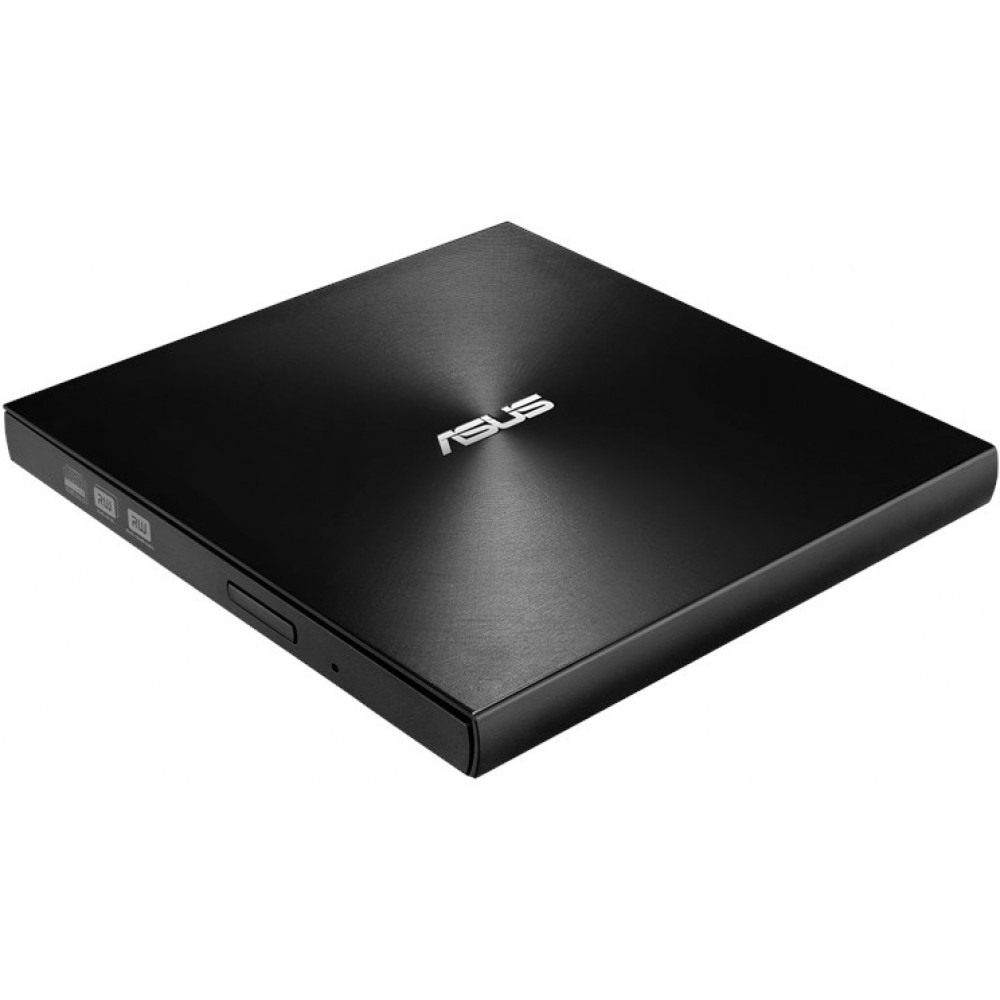
- ASUS ZenDrive U9M: A fantastic all-rounder, compatible with various desktop platforms, offering reliable performance in a sleek package.
- OWC Mercury Pro 5.25" Optical Drive External Enclosure: For those seeking robust performance and Blu-ray support, this enclosure allows for the installation of a full-sized optical drive, providing excellent speed for reading and burning data.
- Apple USB SuperDrive: An ideal choice for Apple users, offering seamless integration with macOS and a premium, minimalist design.
Why Trust Laptop Mag? Our Rigorous Review Process
Laptop Mag is committed to providing authoritative, unbiased, and comprehensive reviews to help consumers make informed purchasing decisions. Our expert reviewers dedicate countless hours to meticulously testing and comparing a vast array of products, from cutting-edge ultralights to powerful gaming rigs, and everything in between, including peripherals and software.
Our methodology is built on decades of experience. Each laptop undergoes a stringent regimen of both synthetic benchmarks and real-world application tests. This dual approach allows us to objectively measure raw performance (CPU, GPU, RAM, storage) and assess how a system handles typical daily tasks, demanding professional workflows, and graphic-intensive gaming. We evaluate critical aspects such as display quality, keyboard comfort, touchpad responsiveness, battery life under various loads, thermal management, port selection, and overall build quality.
As a 100 percent independent publication under Future Publishing, one of the world’s largest technology publishers, Laptop Mag benefits from unrivaled industry expertise. Our editorial integrity is paramount, ensuring that our recommendations are solely based on our rigorous testing and analysis, providing trustworthy insights you can rely on to buy with confidence.
The Future Outlook
The era of integrated optical drives in mainstream laptops is definitively over. While a sentimental attachment and genuine practical needs ensure a lingering demand, the technological trajectory of personal computing favors thinner, lighter, and more digitally-oriented devices. For the vast majority, an external optical drive offers the best compromise, providing access to legacy media without sacrificing the performance, portability, and modern features of a new laptop. The select few who insist on an integrated drive will continue to scour the secondary market for older models, making significant compromises along the way.