How to download iPadOS 27 and maximize the power of Apple Intelligence on your tablet

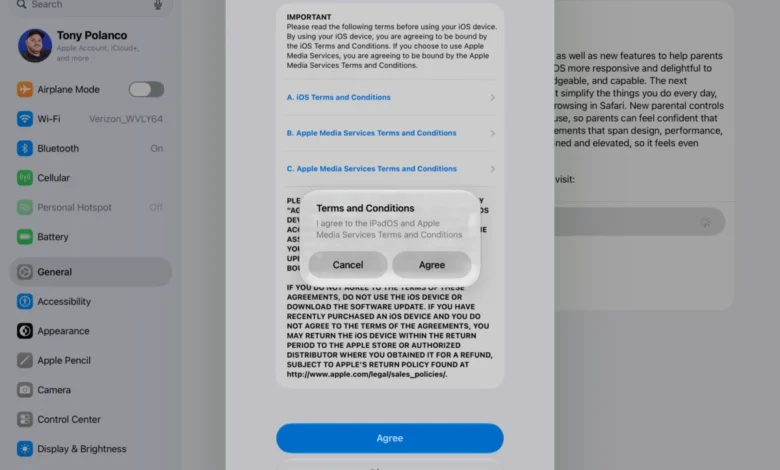
Apple has officially commenced its seasonal rollout of major operating system updates, with iPadOS 27 standing as the centerpiece for the company’s tablet lineup. Following the debut of iOS 27 and the launch of macOS Golden Gate, the Cupertino-based tech giant is shifting its focus toward integrating artificial intelligence directly into the user experience. While this year’s release may not represent a complete visual overhaul of the interface, it introduces significant functional changes, particularly regarding how users interact with their hardware through the newly reimagined Siri AI.
The Evolution of the Apple Ecosystem
The release of iPadOS 27 follows a carefully orchestrated timeline that began at the Worldwide Developers Conference (WWDC). Apple historically uses the summer months to socialize new features with developers through beta testing, allowing for a polished public launch in the autumn. This year, the deployment is notable for its emphasis on "Apple Intelligence," a suite of generative models designed to operate both on-device and via secure private cloud servers.
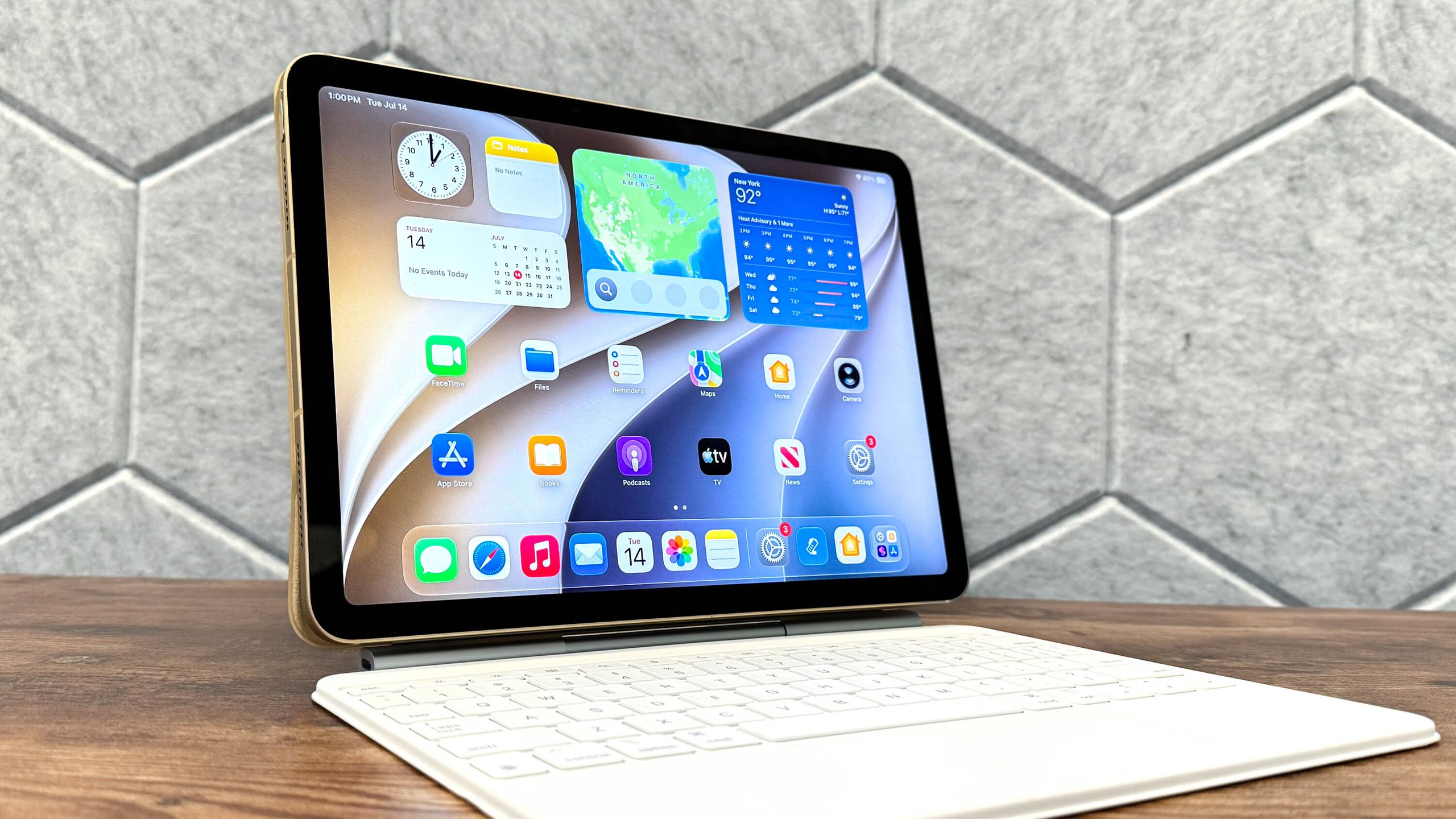
For iPad users, this update is a pivotal moment. The iPad has long occupied a unique space between a mobile device and a professional workstation. By integrating a context-aware Siri, Apple is attempting to bridge the gap between the iPad’s touch-centric interface and the complexity of desktop-class workflows. The shift toward Siri AI signifies a transition from a simple voice-command assistant to a system-wide agent capable of screen-awareness, cross-app navigation, and advanced data processing.
Key Features and Functional Upgrades
The core of the iPadOS 27 update is the deep integration of artificial intelligence across the operating system. Unlike previous iterations of Siri, which were limited to specific, pre-defined commands, the new Siri AI is designed to process natural language within the context of the user’s current environment.
- Contextual Awareness: Siri can now read the contents of an active application, allowing users to ask questions like "Summarize this document" or "Send this photo to my contact" without manually switching between tools.
- System-Wide App Control: With the new framework, the voice assistant can execute complex tasks across different apps, such as pulling data from an email to populate a calendar entry or a reminder.
- Advanced Photo Editing: The update introduces AI-powered image manipulation tools, including object removal and enhanced subject isolation, which were previously exclusive to high-end professional software.
- Liquid Glass Readability: Enhancements to the display rendering engine improve text clarity and color accuracy, specifically designed for users who spend extended periods reading or editing documents on their tablets.
- Safety and Privacy: Apple has emphasized that much of the AI processing happens locally on the iPad’s Neural Engine. For more intensive tasks, the company has implemented "Private Cloud Compute," which ensures that data is not stored or accessible by third parties, maintaining Apple’s long-standing privacy-first stance.
The Deployment Timeline
The rollout of iPadOS 27 is being executed in stages to ensure server stability and to manage the heavy download traffic typical of a major Apple release. The process began with the developer preview, followed by a public beta phase that allowed early adopters to test features and report bugs. Now, the final version is available to the general public.
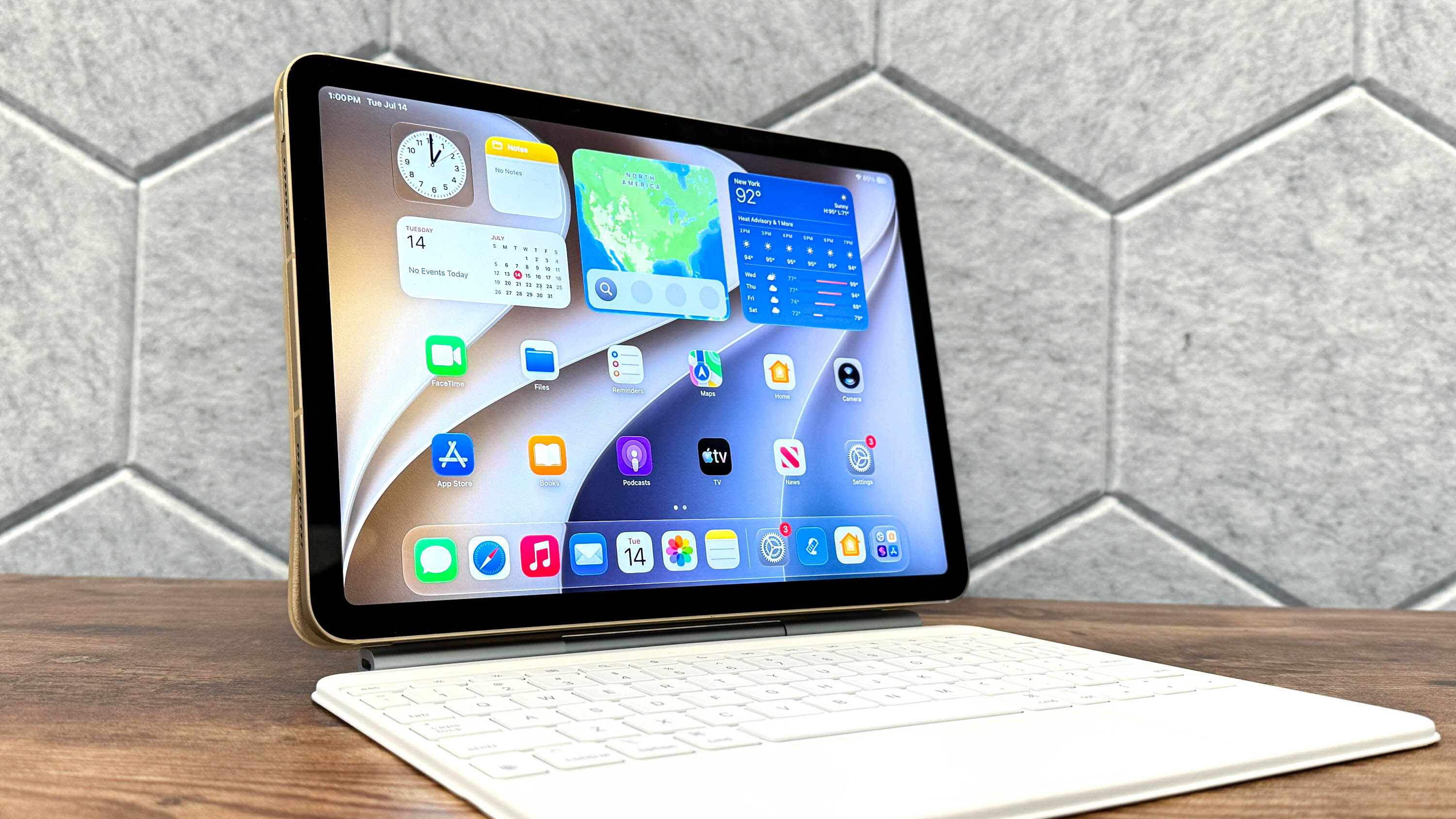
This measured approach to deployment is critical for Apple, as the complexity of the new AI features requires high levels of system stability. By providing a beta period, the company has addressed significant performance issues, ensuring that the final build is compatible with the varying processor architectures found across different iPad generations.
Preparation and Compatibility
Before initiating the update, it is imperative that users perform a comprehensive backup of their data. While the upgrade process is designed to be seamless, unforeseen technical errors can result in data loss. Users are encouraged to utilize iCloud Backup or connect their device to a Mac or PC to create a local copy using Finder or iTunes.
Compatibility for iPadOS 27 is limited to hardware capable of handling the increased computational requirements of Apple Intelligence. Generally, this includes the iPad Pro (M1 and later), iPad Air (M1 and later), and newer iterations of the base-model iPad that feature the A-series chips optimized for neural processing. Users can verify their compatibility by navigating to the Settings app and checking the "About" section for their model name and processor specifications.
Step-by-Step Installation Guide
For those ready to transition to iPadOS 27, the process is straightforward but requires attention to detail.
1. Verifying System Requirements
Ensure your iPad has at least 50% battery life or is connected to a power source. Because this is a major update, the download size can range between 3GB and 6GB depending on your device model. A stable Wi-Fi connection is highly recommended to avoid interruption.
2. Checking for Updates
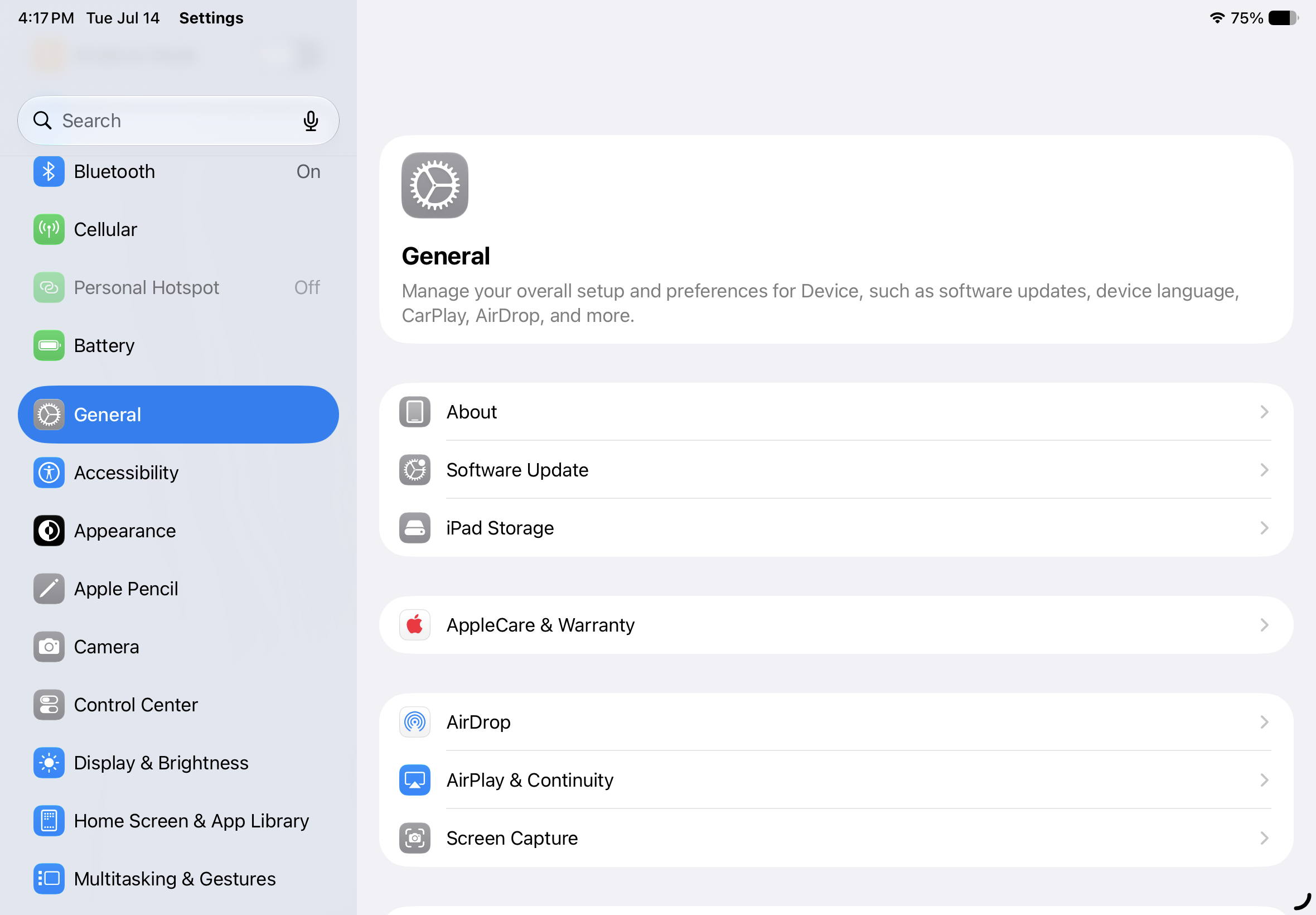
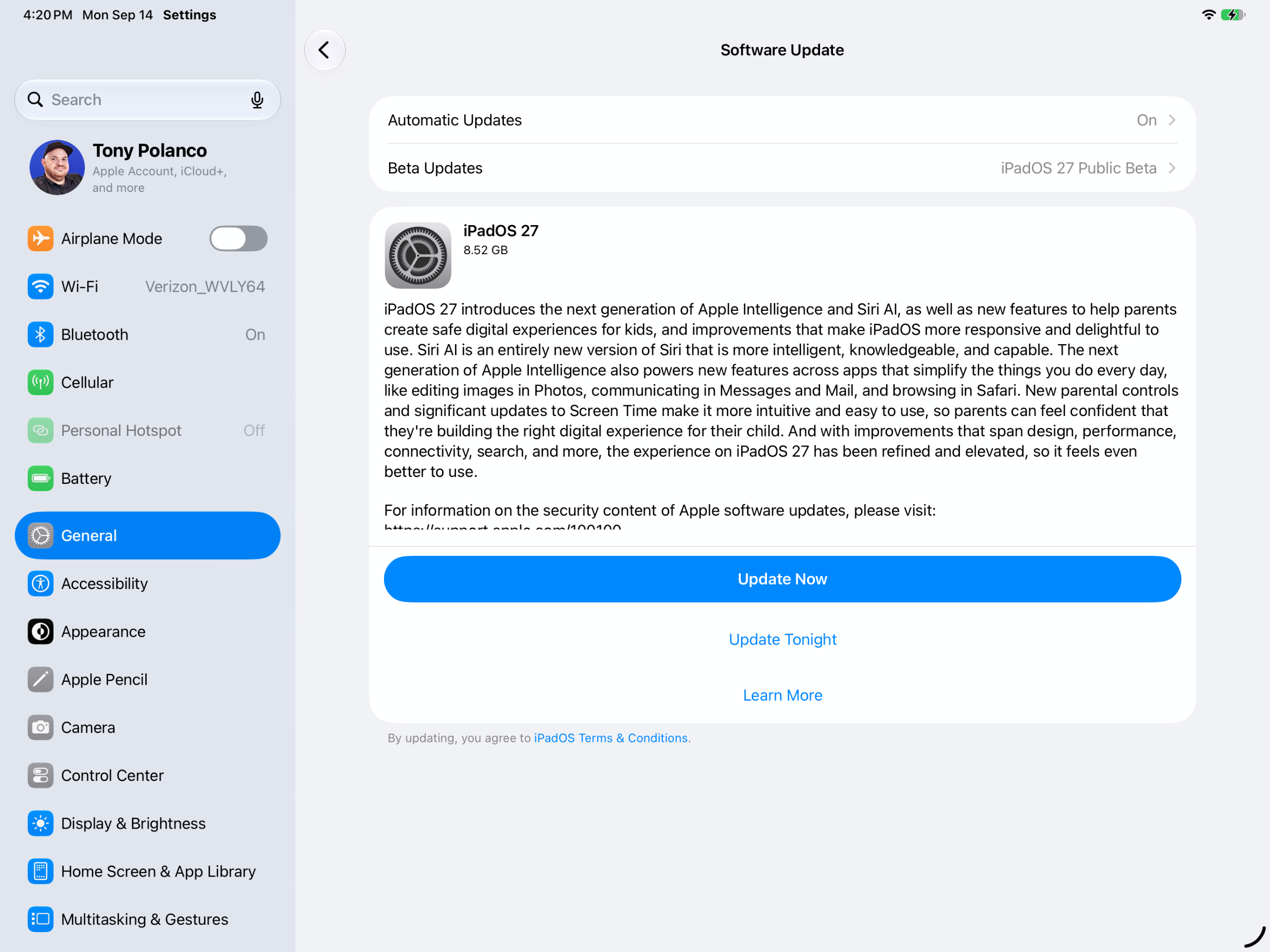
Open the "Settings" application and tap on "General." From there, select "Software Update." The system will automatically poll Apple’s servers. If the update is available, you will see a banner prompting you to "Download and Install."
3. Choosing Installation Preferences
Apple offers two primary options: "Update Now" or "Update Tonight." If you choose the latter, your device will automatically install the update while it is charging overnight, provided it is connected to a Wi-Fi network. This is the preferred method for most users to avoid downtime during the day.
4. Finalizing the Configuration
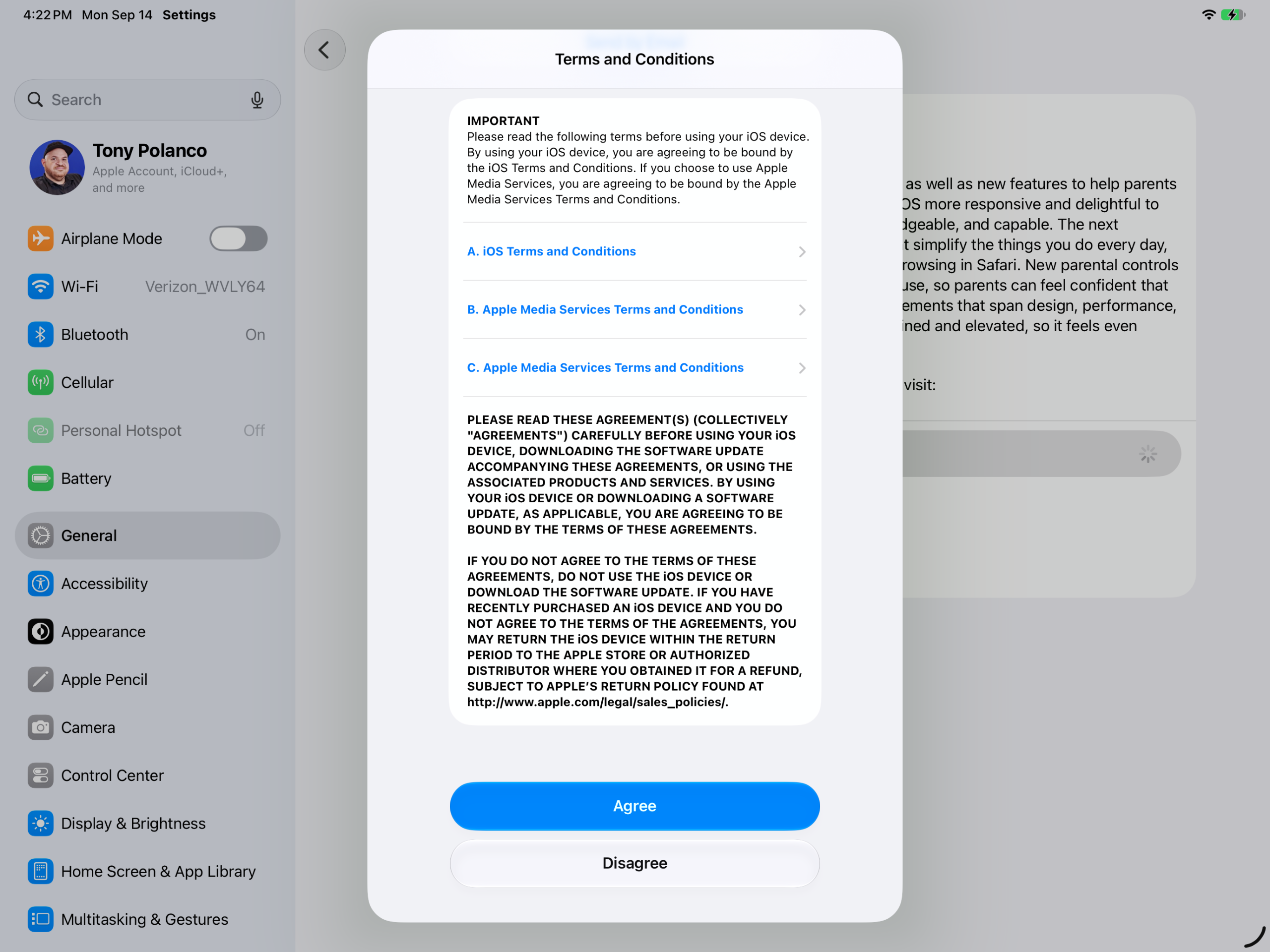
Once the download is complete, the device will prompt you to enter your passcode to initiate the installation. The iPad will restart multiple times during this phase—a normal part of the process as it migrates system files and optimizes the new AI models. After the progress bar concludes, the iPad will present a "Hello" screen, indicating the update is complete.
Broader Implications and Industry Impact
The launch of iPadOS 27 is not merely a software refresh; it is a declaration of intent regarding Apple’s future in the AI sector. By embedding AI into the OS level rather than relying on third-party integrations, Apple is positioning the iPad as a central hub for personal productivity.
Market analysts note that this strategy could significantly increase the value proposition of the iPad for professional users. If Siri AI can reliably handle tasks that previously required manual interaction—such as drafting emails, organizing files, or editing media—the iPad moves closer to becoming a true replacement for a traditional laptop for a larger segment of the workforce.
However, the industry is also watching closely to see how these features hold up under real-world usage. The reliance on the Neural Engine means that older tablets may see a performance dip if they struggle to keep pace with the power demands of the new features. Furthermore, the effectiveness of the "Private Cloud Compute" will likely be subject to intense scrutiny by cybersecurity experts, as Apple attempts to balance the high-performance needs of generative AI with its strict privacy protocols.
Conclusion
As users continue to adopt iPadOS 27, the focus will shift from the installation process to the daily utility of the new tools. Apple’s transition toward an "intelligent" operating system marks the most significant change in the tablet experience in a decade. Whether these features will fundamentally change the way we use our devices remains to be seen, but the initial reception suggests that the company is successfully leveraging its hardware-software synergy to lead the next generation of mobile computing. By following the recommended steps to update and keeping a close eye on the new features, users can ensure their hardware is prepared for the next era of digital assistance.