The Best 4K Laptops of 2025: A Professional Guide to High-Resolution Computing

For graphic designers, professional video editors, animators, and data analysts, the display is the single most critical component of a workstation. A 4K resolution laptop provides four times the pixel density of standard Full HD (1080p) panels, offering a level of clarity and visual fidelity that is essential for color-critical workflows. As display technology evolves, the industry has shifted toward high-dynamic-range (HDR) capabilities and wide color gamuts, such as DCI-P3, which serves as the standard for professional digital cinema. In 2025, the market for 4K-capable machines has matured, offering a diverse array of options ranging from ultra-portable creative tablets to high-performance gaming behemoths.
The Evolution of Display Technology in 2025
The landscape of mobile computing displays has been fundamentally altered by the widespread adoption of OLED and Mini-LED technologies. Unlike traditional LCD panels that rely on a static backlight, OLED technology allows for individual pixel illumination. This results in infinite contrast ratios and "true" blacks, as pixels can be turned off entirely when displaying dark content. Conversely, Mini-LED technology utilizes thousands of microscopic LED bulbs to create localized dimming zones, allowing for significantly higher peak brightness levels compared to standard panels.
For professionals, the choice between these technologies often comes down to the specific environment. OLED is frequently favored for its color accuracy and deep contrast in studio settings, while Mini-LED is the preferred choice for those working in brightly lit environments where high nits of brightness are required to overcome glare.
Industry Benchmarks and Testing Standards
The evaluation of a high-resolution laptop goes far beyond simple pixel counts. At the heart of professional display testing is the measurement of the DCI-P3 color gamut. This color space covers approximately 25% more of the visible spectrum than the traditional sRGB space. As a general industry benchmark, a display covering at least 85% of the DCI-P3 gamut is considered suitable for professional-grade design and color grading.
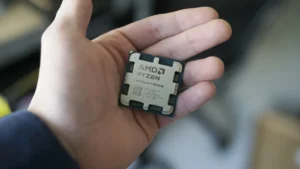
Beyond color reproduction, performance metrics such as multicore processing speed, video transcoding efficiency, and thermal management are paramount. As of June 2025, the industry has seen a notable transition toward AI-integrated processors, such as the Intel Core Ultra series and the AMD Ryzen AI 9 HX platform. These chips are designed to handle the heavy computational load required to render high-resolution 4K assets in real-time.
Top Performers in the 4K Laptop Segment
1. MSI Prestige 16 AI Evo: The Versatile Powerhouse
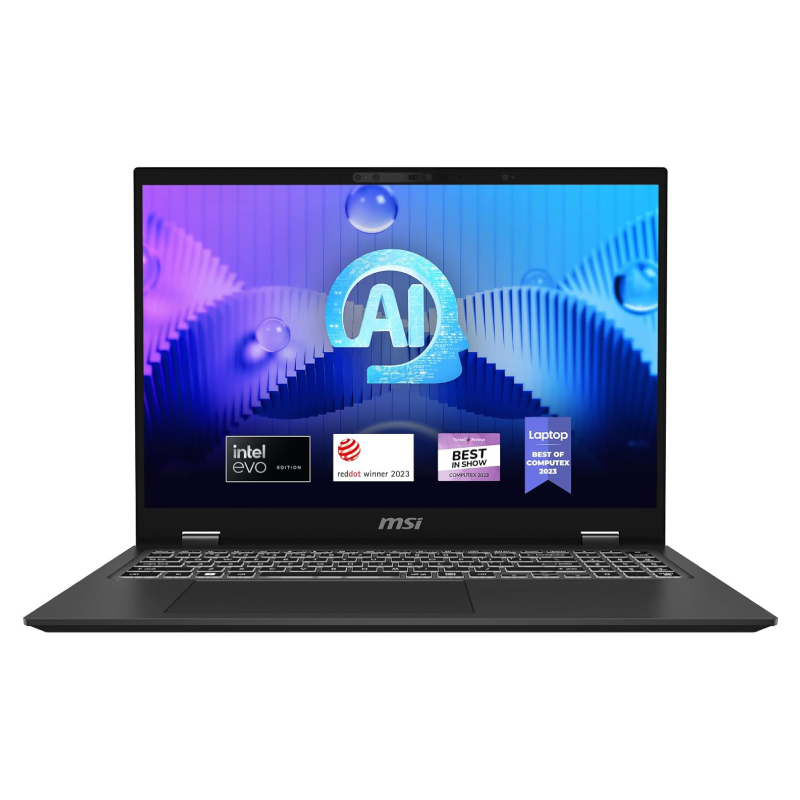
The MSI Prestige 16 AI Evo currently holds the title for the best overall 4K laptop. Equipped with an Intel Core Ultra 7 155H processor and 32GB of RAM, it maintains a balance between performance and portability. Its 16-inch 4K OLED display is a standout, covering 138% of the DCI-P3 color gamut, which far exceeds the industry average. This machine has proven to be an efficient choice for creators who require an all-day battery life—clocking in at over 13 hours—without sacrificing the sharpness of a high-resolution screen.
2. MSI Raider 18 HX AI: The Desktop Replacement
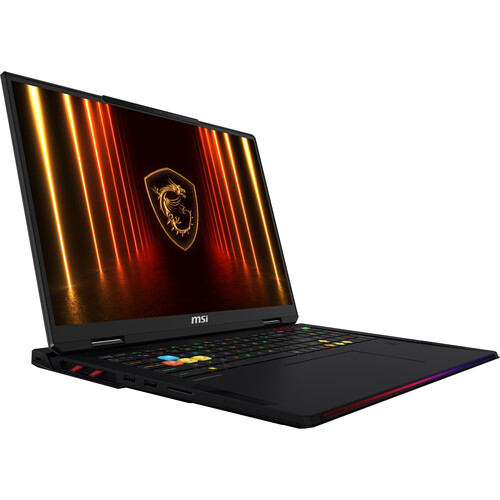
For those whose workflows involve intensive 3D rendering or AAA gaming, the MSI Raider 18 HX AI serves as a definitive desktop replacement. Featuring the latest Nvidia RTX 5080 GPU and 64GB of RAM, this 18-inch machine utilizes a Mini-LED panel that achieves a peak brightness of 668 nits. While its weight of 7.8 pounds makes it less than ideal for daily travel, its thermal performance and processing throughput are unmatched for professional-grade heavy lifting.
3. Asus ProArt P16: The Creator’s Choice
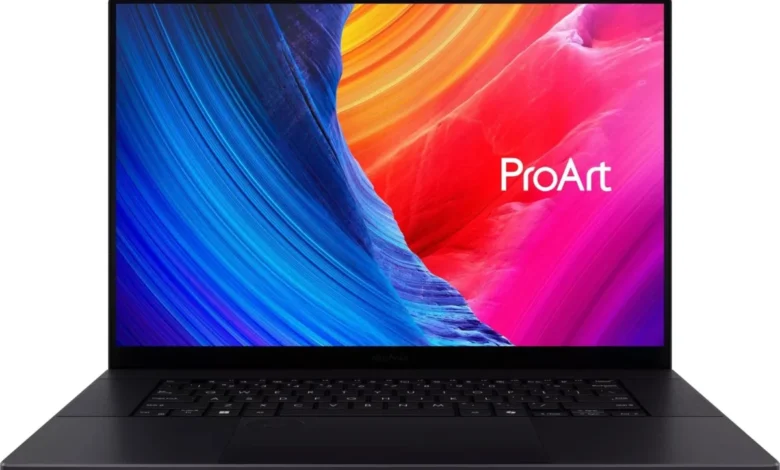
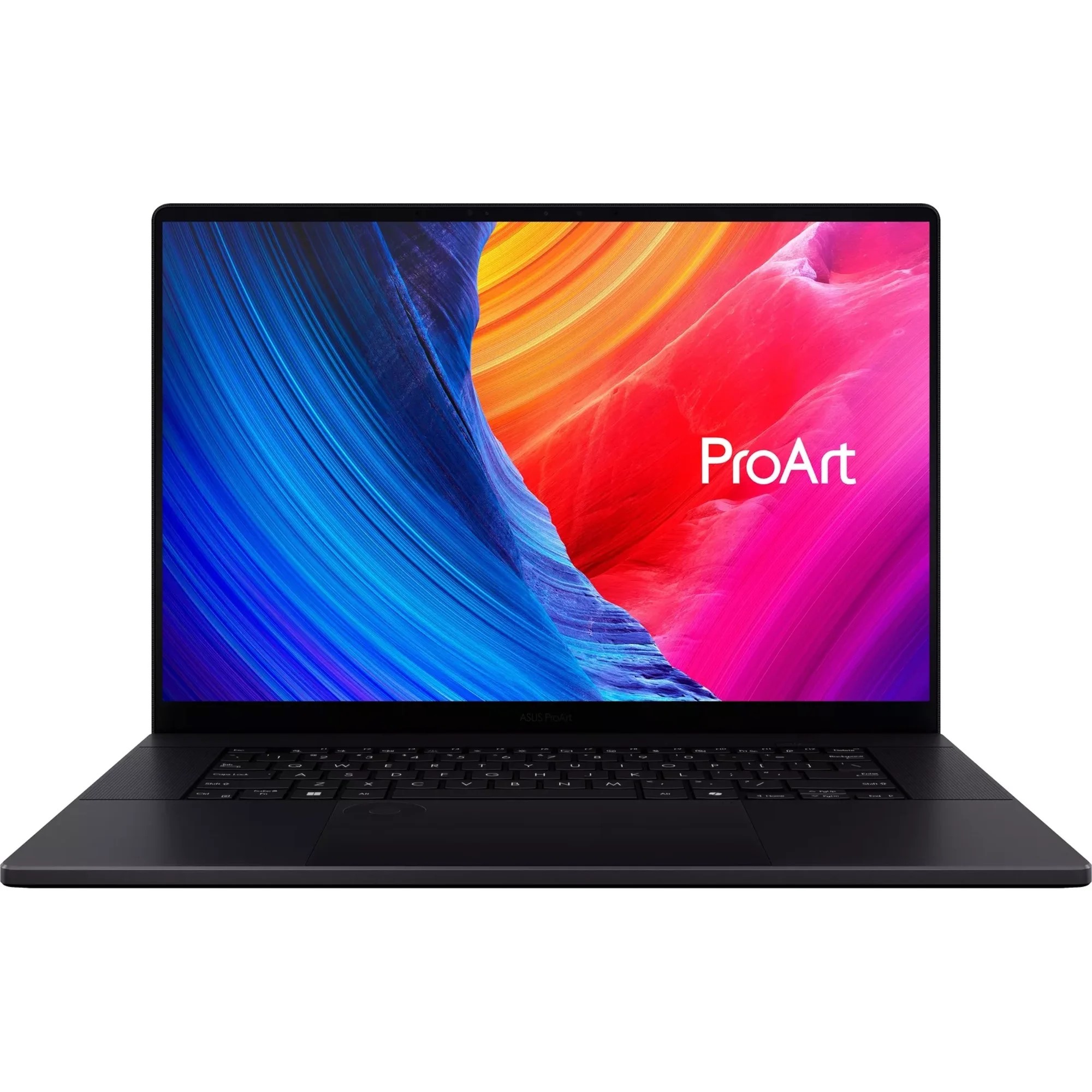
The Asus ProArt P16 has emerged as a direct competitor to the MacBook Pro, offering a high-performance Windows alternative at a competitive price point. Powered by the AMD Ryzen AI 9 HX 370, it is specifically optimized for multitasking and video transcoding. With 85.5% DCI-P3 coverage, it meets the requirements for most professional editors while remaining significantly lighter than traditional workstations.
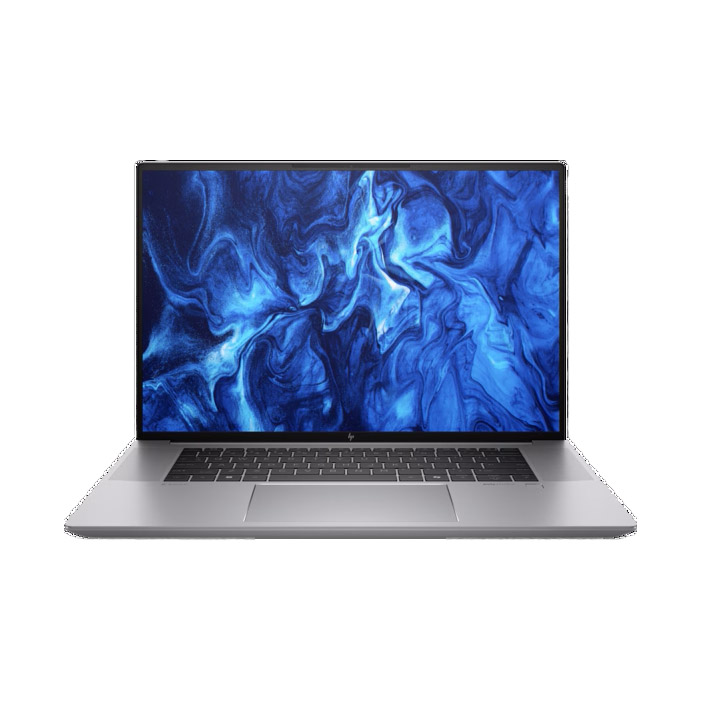
4. HP ZBook Studio 16 G11: The Professional Workstation
The ZBook Studio 16 G11 is engineered for engineers and data scientists. Its integration of the Nvidia RTX 3000 Ada Generation graphics card is a strategic choice, prioritizing long-term stability and reliability under high-pressure workloads rather than raw peak speed. The display, with a Delta-E color accuracy score of 0.26, ensures that blueprints and 3D models are rendered with near-perfect color fidelity.
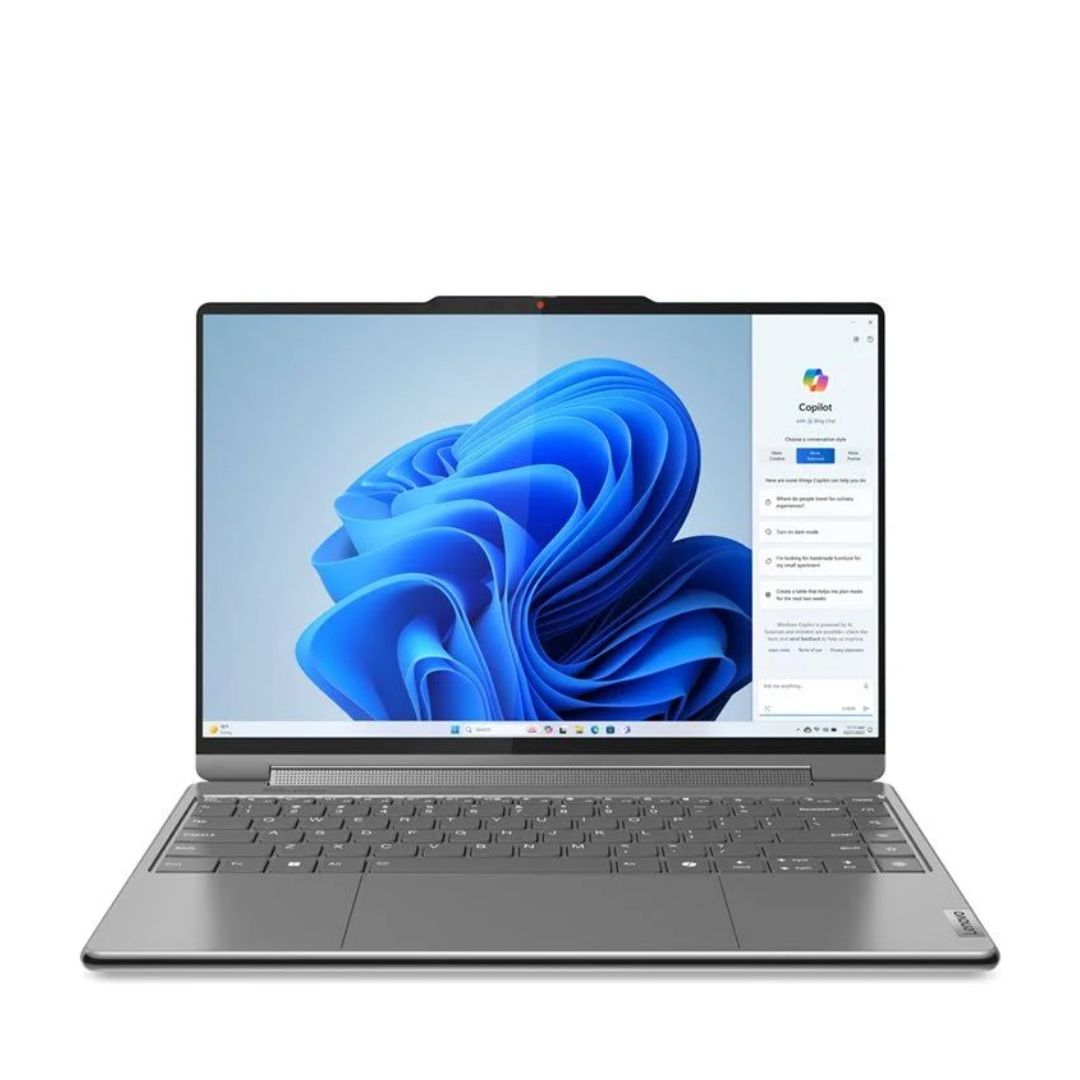
5. Lenovo Yoga 9i Gen 9: The Portable 14-inch Option
Portability often forces a compromise in resolution, but the Lenovo Yoga 9i Gen 9 successfully packages a 4K OLED touch display into a 14-inch, 2.9-pound chassis. Its 2-in-1 form factor makes it an ideal companion for digital artists who need to sketch and edit on the go. While its battery life is lower than its 16-inch counterparts, the sheer quality of the screen makes it the premier choice for the mobile professional.
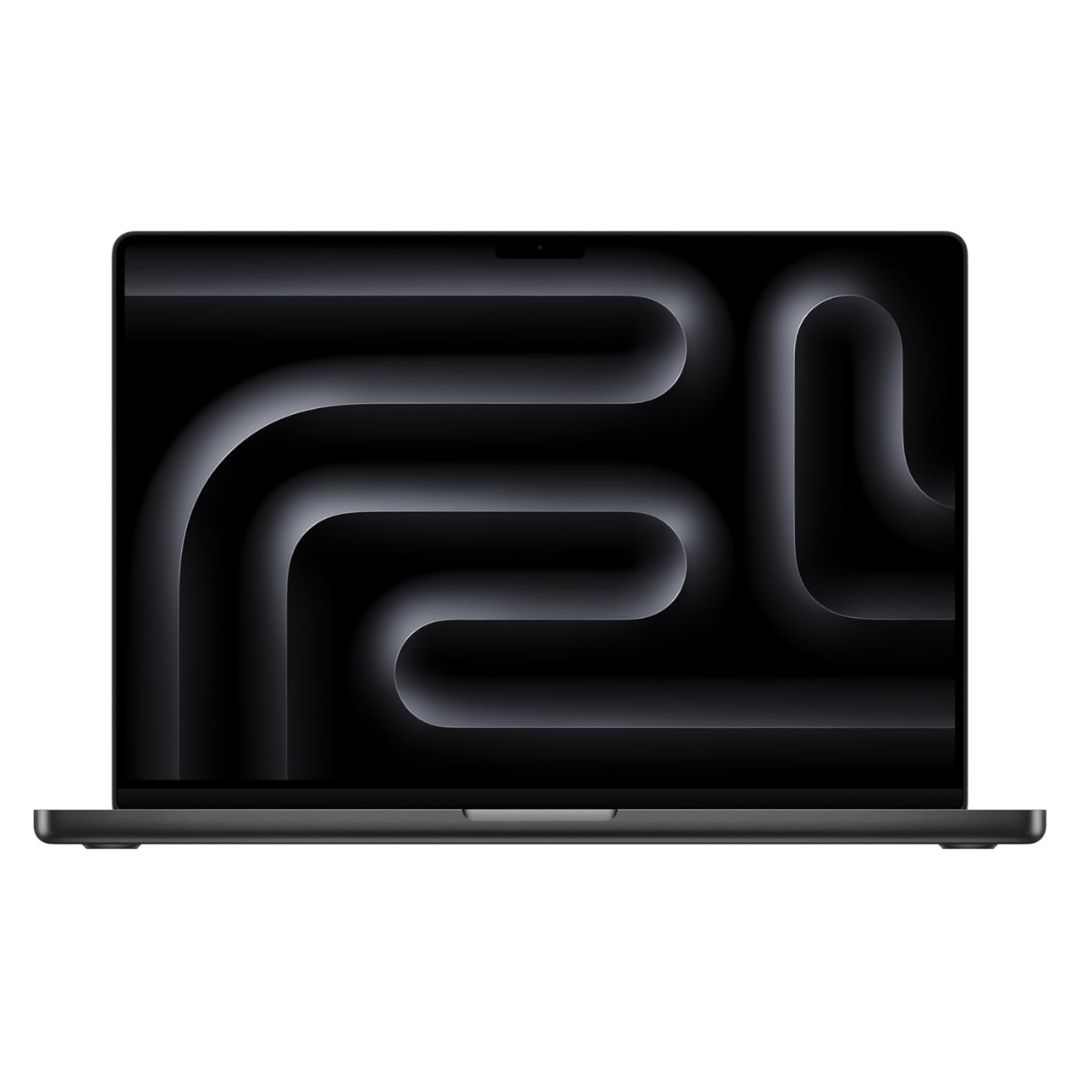
6. Apple MacBook Pro 16 M4 Pro: The High-Efficiency Benchmark
While Apple’s Liquid Retina XDR display technically uses a resolution of 3456 x 2234—placing it just shy of the standard 3840-pixel 4K width—it remains an essential entry for any professional discussion on high-resolution computing. The M4 Pro chip offers a remarkable performance-to-power efficiency ratio, providing over 20 hours of battery life. Its peak HDR brightness of 1,116 nits makes it the brightest display on this list, suitable for HDR video production.
Chronology of Market Developments
The early months of 2025 have been defined by a rapid transition toward "AI-ready" hardware. In June 2025, a significant market shift occurred when manufacturers began phasing out legacy high-end processors in favor of the new generation of AI-accelerated chips. This change was reflected in the benchmark updates provided by major testing labs, which noted an approximate 18% improvement in multicore performance across mainstream premium laptops compared to 2024 models.
Technical Implications and Buying Considerations
When selecting a 4K laptop, buyers must reconcile display quality with thermal output. A common implication of high-resolution, high-brightness displays is increased power draw, which can reduce battery longevity.
- Aspect Ratio: The 16:10 aspect ratio has largely replaced the 16:9 ratio in productivity-focused machines, providing extra vertical workspace that is particularly beneficial for software timelines and document editing.
- Thermal Management: High-performance machines with 4K panels often reach higher external temperatures under load. Users should consider a workstation with dedicated cooling solutions if they intend to run sustained renders.
- Color Gamut Requirements: Professionals should prioritize DCI-P3 coverage. A screen with 100% coverage is standard for professional film and photography, whereas 85% is the baseline for high-end graphic design.
Future Outlook and Conclusion
The trajectory for laptop displays in late 2025 and beyond points toward even higher refresh rates combined with 4K resolution. As content creators continue to push the boundaries of 4K and 8K video production, the demand for hardware that can maintain color accuracy under high-stress processing loads will only grow.
For the average consumer, the choice of a 4K laptop is increasingly a matter of future-proofing. While the initial investment for these machines is higher, the longevity of the hardware, combined with the visual benefits of an OLED or Mini-LED panel, provides a tangible advantage in both productivity and creative output. Whether opting for the extreme portability of the Lenovo Yoga or the uncompromising power of the MSI Raider, the current generation of 4K laptops offers a level of professional utility that was largely inaccessible to the mobile workforce just a few years ago. As the industry continues to integrate AI-driven performance, the barrier between a desktop workstation and a portable laptop continues to narrow, providing users with unprecedented flexibility.